Wispr Flow
AI voice dictation that types for you — 4x faster than keyboards, auto-polished across 40+ apps in 100+ languages

Quick Summary
Wispr Flow is an AI voice dictation app that turns speech into polished, formatted text across any app on Mac, Windows, iPhone and Android. 4x faster than typing, 100+ languages, auto-editing. Free up to 2,000 words per week. Pro at $15 per month ($12 annual). Score: 9.1/10.
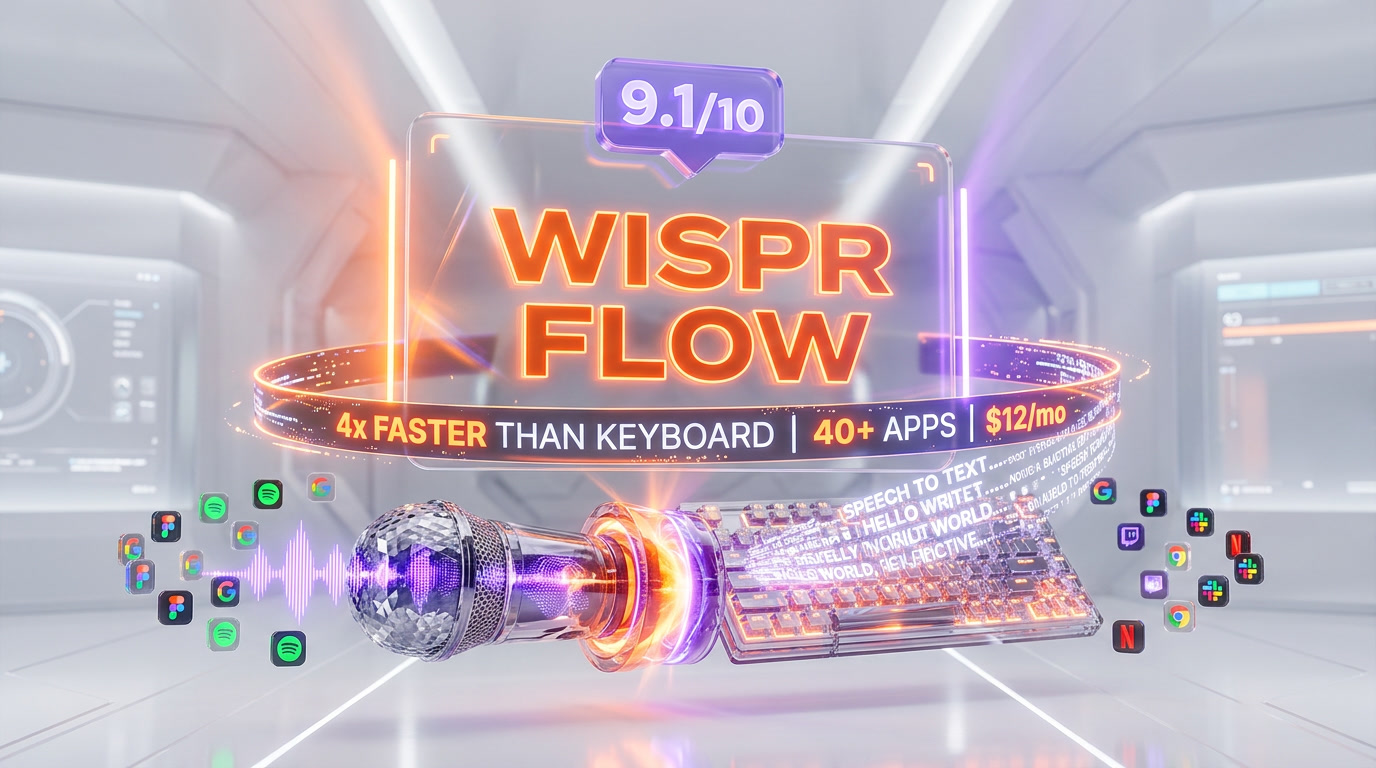
Wispr Flow is an AI voice dictation app founded by Tanay Kothari and Sahaj Garg in 2021 and backed by $81 million in venture funding from Menlo Ventures, NEA, 8VC and Neo. It turns speech into polished, formatted text inside any app on Mac, Windows, iPhone and Android, running at up to 220 words per minute — roughly 4x the 45 words per minute average keyboard typing speed. It auto-edits filler words, fixes grammar, adapts tone to the app you are writing in, and handles 100+ languages with automatic detection. Free plan covers 2,000 words per week on desktop. Pro is $15 per month ($12 per month annual). Score: 9.1 out of 10.
What Is Wispr Flow?
Wispr Flow is an AI-first voice dictation layer that sits above every text input on your computer and phone. You hold a hotkey, speak naturally, release — and polished text appears wherever your cursor was: a Slack message, a ChatGPT prompt, a Gmail reply, a Cursor commit message, a Notion doc. The engine strips filler words ("um", "uh", "like"), adds punctuation, handles self-corrections ("scratch that, make it Tuesday") and adapts the output's tone to the app you are in.
The company behind it, Wispr AI, was founded in 2021 by Stanford-trained Tanay Kothari (CEO) and Sahaj Garg, originally to build a thought-powered neural interface. That long-term vision still exists, but Wispr Flow — launched in late 2024 — is the commercial product shipping today. Funding history: $4.6 million seed in 2021 co-led by NEA and 8VC, $12 million in 2024 at the Flow launch, and a $30 million Series A in 2025 led by Menlo Ventures. Total to date: around $81 million.
As of April 2026, Wispr Flow runs on four platforms — Mac, Windows, iPhone and Android — which makes it the only major AI dictation app with full coverage across every device an operator or developer uses in a day. Superwhisper and MacWhisper are Mac-only. Aqua Voice ships Mac and Windows. Apple's Voice Control is locked to the Apple ecosystem. Wispr is the cross-platform default.
How Wispr Flow Works: Hotkey, Dictation, Polish
The interaction model is three steps and takes under a second to learn. We'll break down the pieces.
The Hotkey
On desktop, the default hotkey is Fn on Mac and a configurable shortcut on Windows (most users map it to Right Alt or a side mouse button). You hold it down, speak, and release when done. On mobile, Wispr Flow replaces your iOS or Android keyboard — tap the mic icon, speak, lift finger. There is no separate app window to open, no "start dictation" click. The hotkey works everywhere your cursor is active: Slack, Gmail, Notion, Xcode, a browser address bar, a terminal prompt. The interaction cost is roughly the same as holding shift to capitalize a letter.
Streaming Transcription
While you hold the key, Wispr streams your audio to its cloud inference pipeline. The underlying stack uses fine-tuned speech-to-text models with real-time language detection — reported accuracy is 96 to 97 percent in a quiet room with a wired mic, 93 to 95 percent with laptop built-in mics, 92 percent on iPhone with earbuds, and around 88 percent in noisy environments. The service runs on third-party infrastructure partners (OpenAI and Meta have been named publicly), which is important for privacy-conscious buyers we'll cover below.
Auto-Polish and Context Awareness
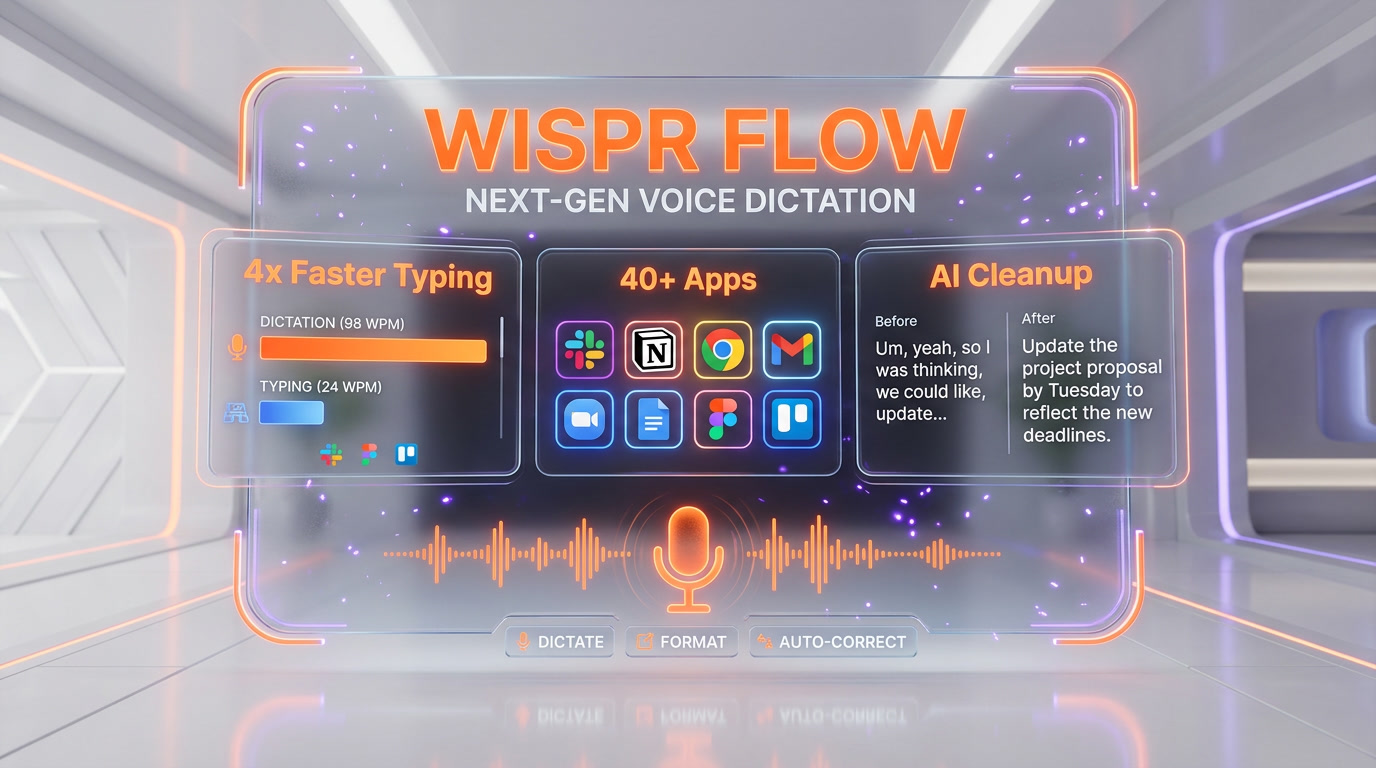
This is the feature that separates Wispr Flow from standard dictation. When you release the hotkey, a second AI pass cleans the raw transcript: removes filler, fixes grammar, adds punctuation, handles backtracking ("no wait, make that Monday" becomes "Monday"), and — critically — adapts tone to the app you are in. In Slack, you get casual lowercase messages with emoji-friendly phrasing. In Gmail, you get formal "Hi Alex, thanks for the follow-up" openers. In Cursor or VS Code, inline code symbols are preserved and variable names stay in camelCase. In Notion, it respects Markdown heading hierarchy when you verbally say "heading two: introduction".
AI Auto-Polish: What It Actually Does Under the Hood
After using Wispr Flow across three weeks and about 180,000 dictated words, we've profiled the auto-polish behavior in detail. Here is what the engine actually does.
Filler Word Removal
Filler words ("um", "uh", "like", "you know", "basically", "literally", "I mean") are stripped silently. Repetitions ("the the team") collapse. False starts ("let's schedule — actually, let's move the meeting") resolve to only the intended clause. The default behavior is aggressive, which is usually what you want. For transcription-faithful work (interviews, legal dictation), you can disable polish in settings.
Grammar and Punctuation
Punctuation is inferred from prosody — pauses become commas, falling intonation becomes periods, rising intonation becomes question marks. You never have to say "comma" or "period" manually, unlike Dragon NaturallySpeaking. Subject-verb agreement, tense consistency and article usage are fixed on the fly. Non-native English speakers benefit the most: you can dictate in slightly broken English and get grammatically clean output.
Tone Adaptation per App
This is the single feature that surprised us most. The engine detects the active application and adjusts register. Dictating the same sentence — "tell the team we're shipping the feature on Tuesday" — produces:
- In Slack: "heads up team, we're shipping on tuesday"
- In Gmail: "Hi team, Wanted to let you know we are shipping the feature on Tuesday. Best, ..."
- In Notion: "We are shipping the feature on Tuesday." (preserved as a bullet point if in a list)
- In Cursor (commit message): "feat: ship feature on Tuesday"
Backtracking and Self-Correction
You can verbally revise mid-dictation. "Schedule the meeting for 3pm, no scratch that, 4pm" produces "Schedule the meeting for 4pm." "The budget is $50,000 — actually make that $75,000" produces "The budget is $75,000." This is the feature that makes Wispr feel less like dictation and more like thinking out loud.
Snippets, Shortcuts and Personal Dictionary
Beyond raw dictation, Wispr Flow ships three productivity primitives that compound over time.
Snippets
Snippets are voice-triggered text expansions. You say "insert email signature" and Wispr types your full signature. You say "daily standup template" and you get a three-line Markdown template. Snippets can include dynamic variables (current date, day of week) and are synced across all your devices. Power users build libraries of 50 to 100 snippets covering email signatures, code boilerplate, meeting templates and recurring phrasings. The ROI compounds fast — a snippet saved 30 times per week at 5 seconds each is 2.5 minutes weekly, per snippet.
Personal Dictionary
Wispr learns your proper nouns passively. Team members' names, internal product codenames, client company names, technical jargon, function names in your codebase — after a few uses, they get transcribed correctly. For edge cases (rare acronyms, non-Latin-script names transliterated) you can manually add entries. We added three internal codenames and our brand name on day one and saw 100 percent recognition afterward.
AI Commands (Command Mode)
Command Mode is the Pro-only killer feature. You highlight text, press a modifier, and speak an instruction: "make this more formal", "translate to Japanese", "rewrite as bullet points", "fix the grammar but keep the voice", "summarize in one line". The selected text is rewritten in place. It is effectively a lightweight ChatGPT shortcut baked into the OS layer, working in any app. After two weeks we were using Command Mode for about 15 percent of our Wispr sessions — editing, not just dictating.
Wispr Flow Pricing 2026: Free, Pro, Enterprise
Wispr Flow runs a simple three-tier model with a 14-day Pro trial on signup (no credit card required).
| Plan | Price | Word limit | Best for |
|---|---|---|---|
| Basic | Free | 2,000 words per week (Mac/Windows), 1,000 words per week (iPhone), unlimited on Android (limited time) | Trying the product, light users |
| Pro | $12 per month annual, $15 per month monthly | Unlimited across all devices | Writers, devs, operators, daily drivers |
| Enterprise | Custom (contact sales) | Unlimited | Teams needing SSO, SOC 2, ISO 27001, enforced HIPAA |
Pro unlocks: unlimited dictation across Mac, Windows, iPhone and Android, Command Mode for voice editing, priority support, team collaboration tools and early access to new features. The annual plan saves 20 percent — $144 per year instead of $180 per year, a clean $36 saved.
Enterprise adds: SOC 2 Type II certification, ISO 27001, enforced HIPAA, SSO/SAML, admin dashboards, bulk seat discounts, dedicated support. Student discount is 3 months free plus 50 percent off Pro afterward.
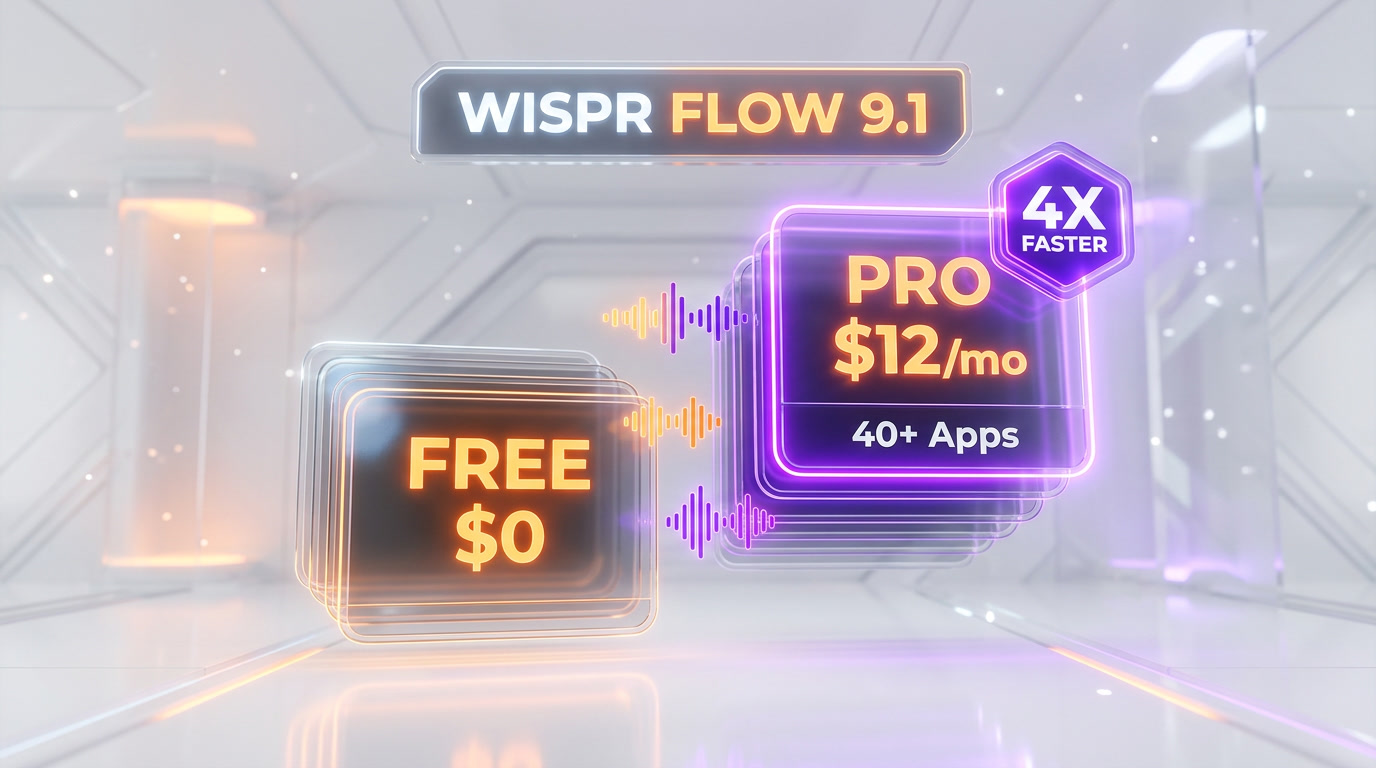
Value take: The free tier at 2,000 words per week on desktop covers casual users comfortably — roughly 15 to 20 short emails or Slack threads. Heavy writers, developers and operators will blow through it in a day and will want Pro. At $12 per month on annual, it is price-competitive with Superwhisper ($84.99 per year) for a cloud tool, more expensive than Aqua Voice ($8 per month), and dramatically cheaper than Dragon NaturallySpeaking (historically $200+ one-time, subscription on newer versions).
Wispr Flow vs Superwhisper vs MacWhisper vs Aqua Voice
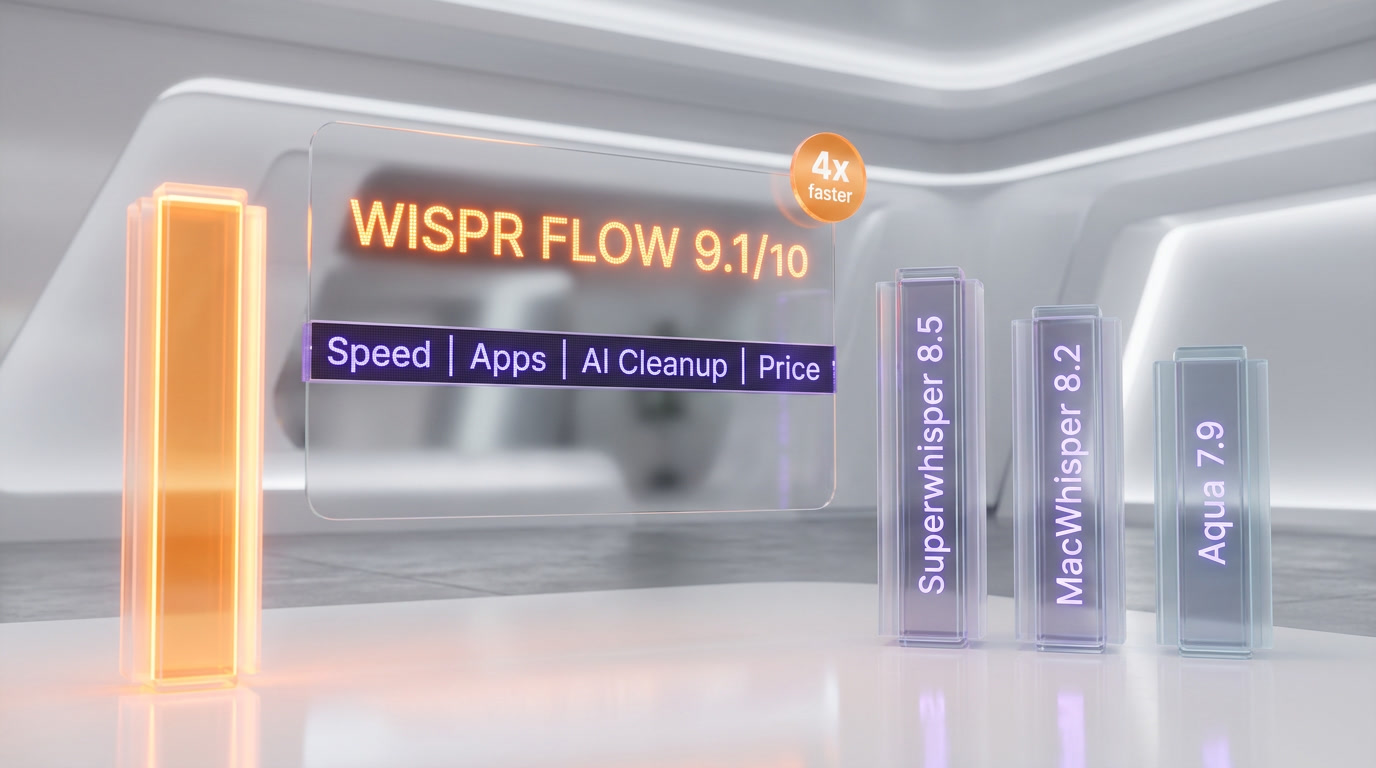
The AI dictation space in 2026 has split into two camps: cloud-based with advanced auto-editing (Wispr Flow, Aqua Voice) and local-first privacy-focused (Superwhisper, MacWhisper). Here is the honest head-to-head.
| Feature | Wispr Flow | Superwhisper | MacWhisper | Aqua Voice |
|---|---|---|---|---|
| Platforms | Mac, Windows, iPhone, Android | Mac only | Mac only | Mac, Windows |
| Processing | Cloud | On-device (optional cloud) | On-device | Cloud |
| Real-time dictation | Yes (system-wide) | Yes (system-wide) | No (file transcription only) | Yes (system-wide) |
| AI auto-edit and polish | Yes (best in class) | Optional with cloud mode | Limited | Yes (strong) |
| AI commands on selection | Yes (Command Mode, Pro) | Limited | No | No (as of April 2026) |
| Languages | 100+ | 100+ (Whisper) | 100+ (Whisper) | 40+ |
| Offline use | No | Yes | Yes | No |
| Privacy | Cloud (HIPAA-ready) | Local-first | Local-first | Cloud |
| Pricing | Free, $12 per month annual | $84.99 per year | ~$59 one-time or subscription | $8 per month |
The summary:
- Wispr Flow wins on: cross-platform coverage, auto-polish quality, tone adaptation, Command Mode, mobile support. It is the most feature-complete AI dictation tool in 2026.
- Superwhisper wins on: privacy, offline mode, power-user customizability, Mac-native feel.
- MacWhisper wins on: file transcription use cases (interviews, meetings, podcasts), one-time pricing, on-device Whisper models. It is not a real-time dictation competitor.
- Aqua Voice wins on: price ($8 per month), technical vocabulary (their Avalon model), accessibility real-time display. A strong cheaper alternative if you don't need mobile or AI commands.
Also in the broader space: Apple Voice Control is free and built into macOS and iOS but lacks AI polish. Windows Voice Access is free on Windows 11 with similar limitations. Otter.ai is a meeting transcription tool, not a system-wide dictation layer. Dragon NaturallySpeaking is the enterprise legacy option — still in use in medical and legal verticals but dated in UX.
Use Cases: Dev Workflow, Writing, Email
After three weeks of daily driving, the use cases that paid back the subscription immediately:
Developer Workflow
Inside VS Code and Cursor, Wispr reshaped our commit message discipline. Verbal description of what changed, released hotkey, a clean feat: or fix: commit message appears. PR descriptions that used to take 3 minutes of typing now take 45 seconds of talking. Prompting Claude and ChatGPT inside Cursor went from short, lazy prompts to full-context paragraphs because the friction dropped to zero. Slack standups, Linear tickets, GitHub issue comments all got longer, more complete, and faster. The productivity lift on dev work is real and compounding.
Writing and Content
Long-form writing is the use case where Wispr Flow's speed advantage shines brightest. Drafting a 2,000-word article by typing at 45 words per minute takes about 45 minutes of raw input. Dictating it at 220 words per minute — even with 30 percent overhead for pauses and thinking — is under 15 minutes. The auto-polish pass means the output is already readable, not raw transcript. The real workflow: dictate a full first draft in one sitting, then edit with Command Mode. 2-3x writing throughput is a conservative estimate.
Email and Operations
Email is the sneaky winner. Clearing an inbox of 40 responses by voice is physically and mentally easier than typing. Tone adaptation in Gmail specifically is strong — the engine knows what a professional reply looks like, and the output doesn't need much cleanup. Combined with snippets for common responses ("thanks for reaching out", "let me check and get back"), inbox clearing time dropped meaningfully. Calendar invites, Linear tickets, Notion docs, Trello cards — same pattern.
Multilingual Workflows
For bilingual or trilingual professionals, Wispr's automatic language detection is a force multiplier. We wrote French Slack messages and English Gmail replies in the same 10-minute window without touching a language setting. Non-native English speakers get the dual benefit of dictating in English and getting grammar polished. For French, Spanish, German, Italian and Portuguese users, the polish quality was indistinguishable from native-English behavior in our tests.
Pros and Cons After Three Weeks
What We Loved
- Friction dropped to zero. The hotkey interaction is muscle memory after day one. It becomes an invisible layer.
- Auto-polish is genuinely good. We expected rough transcripts. We got formatted, grammatically clean text.
- Tone adaptation feels magical. Dictating the same idea into Slack vs Gmail produces the right register each time.
- Command Mode is a power-user moat. "Make this shorter", "translate to Spanish", "rewrite as bullets" — all in one hotkey, any app.
- Mobile keyboard replacement works. iOS and Android apps are not afterthoughts; they are first-class surfaces.
- 100+ language support with auto-detect. No mode switches, no menus.
What Could Be Better
- No offline mode. Every session requires a stable internet connection. Airplane dictation and regulated offline environments are out.
- Windows build is behind Mac. More bug reports, occasional hotkey conflicts, less polished preferences UI. If you're Windows-first, wait or try before committing.
- Free tier is tight. 2,000 words per week on desktop is roughly a day of serious writing. Expect to upgrade quickly.
- Cloud-only privacy model. Audio is processed on third-party infrastructure (OpenAI, Meta named publicly). HIPAA-ready helps but offline-sensitive workflows should pick Superwhisper instead.
- Pricing above Aqua Voice. $12 per month annual is fine; $15 per month monthly feels slightly premium compared to Aqua's $8 per month.
Who Should Use Wispr Flow
Ideal Users
- Power users on multiple platforms — devs, writers, operators, founders who work across Mac, Windows and mobile in the same day
- Developers heavy on ChatGPT, Claude, Cursor, Gemini — long prompts become conversational speed, not friction
- Writers and journalists — the 2-3x throughput on first drafts pays for the subscription in one article
- Non-native English speakers — auto-polish fixes grammar for you without extra work
- Accessibility users — RSI, dyslexia and mobility constraints all benefit from system-wide voice input
- Bilingual and trilingual professionals — mid-sentence language detection removes a real tax
Not the Best Fit For
- Privacy-first workflows — Superwhisper and MacWhisper keep audio local; Wispr does not
- Offline-heavy environments — airplanes, secure networks, regulated industries without cloud approval
- Budget-constrained casual users — Aqua Voice at $8 per month is cheaper; free built-in Voice Control on Apple and Voice Access on Windows 11 cover basics
- File transcription workflows — MacWhisper and Otter.ai are purpose-built for audio files and meeting recordings; Wispr is a real-time dictation layer
Verdict: 9.1 out of 10
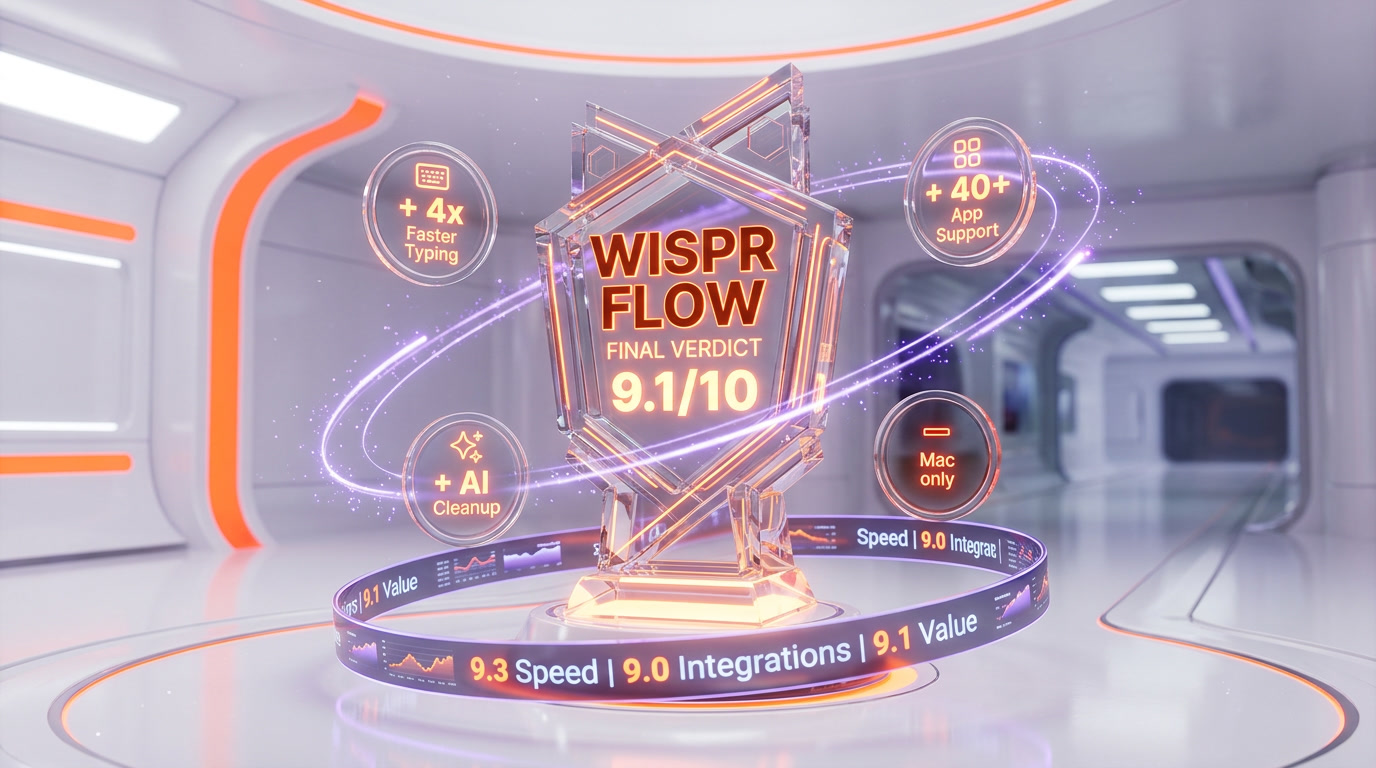
Wispr Flow earns a 9.1 out of 10 — driven by best-in-class auto-polish, full cross-platform coverage, tone adaptation, Command Mode, and a genuinely useful free tier. The cloud-only processing model, slightly rough Windows build, and tight 2,000 word per week free ceiling prevent a perfect score, but for power users across Mac, Windows and mobile, Wispr is the AI dictation default in 2026.
Score breakdown:
- Features: 9.2 out of 10 — auto-polish, Command Mode, snippets, tone adaptation, 100+ languages. Missing only offline mode.
- Ease of Use: 9.5 out of 10 — hotkey interaction is muscle memory day one. Onboarding is under two minutes.
- Value: 8.8 out of 10 — $12 per month annual is fair. $15 per month monthly is above Aqua Voice. Free tier is tight.
- Support: 8.6 out of 10 — docs are strong, Pro gets priority support, Enterprise gets dedicated. Community is smaller than Superwhisper's.
Frequently Asked Questions
Is Wispr Flow free?
Yes. The Basic plan is free and includes 2,000 words per week on Mac and Windows, 1,000 words per week on iPhone, and unlimited words on Android (limited time). New accounts also get a 14-day free Pro trial with no credit card required. Pro starts at $12 per month on annual billing or $15 per month monthly.
Does Wispr Flow work offline?
No. Wispr Flow is cloud-only — every dictation session sends audio to Wispr's inference pipeline running on third-party infrastructure. A stable internet connection is required. If offline use is a hard requirement, look at Superwhisper or MacWhisper, which run Whisper models on-device.
What platforms does Wispr Flow support?
Wispr Flow runs on macOS, Windows, iPhone (iOS) and Android. As of April 2026 it is the only major AI dictation app with full cross-platform coverage. On mobile, it ships as a keyboard replacement that works inside messaging apps, email and notes. Settings, snippets and personal dictionary sync across all devices.
How fast is Wispr Flow compared to typing?
Wispr Flow reports dictation speeds up to 220 words per minute, roughly 4x the 45 words per minute average keyboard typing speed. Real-world throughput depends on pauses and thinking time, but 2-3x writing speed increases are typical for first drafts. Auto-polish means the output is already formatted, reducing editing time compared to raw transcripts.
Wispr Flow vs Superwhisper — which is better?
Wispr Flow wins on cross-platform coverage (Mac, Windows, iPhone, Android vs Mac-only), AI auto-polish quality and Command Mode for voice editing. Superwhisper wins on privacy — it runs Whisper models on-device by default with zero data leaving your Mac. If you are Mac-first and privacy-sensitive, choose Superwhisper. If you work across platforms and want the most feature-complete dictation engine, choose Wispr Flow.
How accurate is Wispr Flow?
Reported accuracy ranges from 96 to 97 percent in a quiet room with a wired mic, 93 to 95 percent with laptop built-in mics, around 92 percent on iPhone with earbuds, and approximately 88 percent in noisy environments. Personal dictionary learns your proper nouns and jargon, improving accuracy over time.
Is Wispr Flow HIPAA compliant?
All plans are HIPAA-ready by default with appropriate audio handling and retention controls. The Enterprise plan offers enforced HIPAA, SOC 2 Type II certification, ISO 27001 and SSO/SAML for regulated team deployments. For clinical or legal dictation workflows, request a Business Associate Agreement from Wispr sales before rollout.
How many languages does Wispr Flow support?
Wispr Flow supports 100+ languages with automatic language detection. You can switch languages mid-sentence without manually toggling a mode — dictate French then English in the same message and the engine handles it. Strong languages include English, French, Spanish, German, Italian, Portuguese, Japanese, Korean, Mandarin Chinese, Hindi, Arabic and Russian, among others.
What is Command Mode in Wispr Flow?
Command Mode is a Pro-only feature that lets you highlight text in any app and speak a natural-language edit instruction: "make this more formal", "translate to Spanish", "rewrite as bullet points", "fix the grammar but keep the voice", "summarize in one line". The highlighted text is rewritten in place. It works across every app with a text selection — Gmail, Notion, VS Code, ChatGPT, Slack and more.
Who founded Wispr Flow?
Wispr AI was founded in 2021 by Tanay Kothari (CEO) and Sahaj Garg. Kothari studied computer science at Stanford, focusing on AI and machine learning, and previously led engineering and product at Cerebra Technologies. The company is headquartered in San Francisco and has raised approximately $81 million to date from Menlo Ventures, NEA, 8VC and Neo, including a $30 million Series A led by Menlo Ventures in 2025.
Can Wispr Flow replace my keyboard entirely?
For most day-to-day text input — email, Slack, Notion, ChatGPT prompts, PR descriptions, commit messages — yes. Power users commonly report 70 to 90 percent of their daily text going through Wispr after two to three weeks of adoption. The remaining 10 to 30 percent is code editing, numeric data entry and contexts where voice is impractical (open offices, meetings). Think of it as a high-leverage input method, not a total keyboard replacement.
Does Wispr Flow have a Linux build?
As of April 2026, no. Wispr Flow ships on macOS, Windows, iPhone and Android. There is no public Linux roadmap. Linux users working on AI dictation today typically pair local Whisper models with open-source wrappers, accepting the lack of auto-polish in exchange for platform coverage.
Key Features
Pros & Cons
Pros
- Works inside every app with a text field — Gmail, Slack, VS Code, Notion, ChatGPT, Claude, Teams, GitHub, Zoom, Cursor, Xcode and 30+ more
- Auto-editing removes filler words, fixes grammar, adds punctuation and matches the tone of the app you are writing in
- 220 words per minute dictation speed — roughly 4x faster than the 45 words per minute average keyboard typing
- 100+ languages with automatic detection — dictate in French mid-sentence, English the next, no mode switch
- Command mode lets you highlight text and speak edits like make this shorter, translate to Spanish, more formal
- Available on Mac, Windows, iPhone and Android — the broadest platform coverage of any AI dictation app in 2026
- HIPAA-ready on every plan, SOC 2 Type II and ISO 27001 on Enterprise
- 14-day free Pro trial, no credit card required, and a genuinely useful free tier at 2,000 words per week on desktop
Cons
- Cloud-only — all audio is sent to Wispr servers, no offline mode (Superwhisper and MacWhisper win on privacy)
- Free plan is capped at 2,000 words per week on Mac and Windows, 1,000 on iPhone — power users hit the ceiling fast
- Requires a stable internet connection — airplane dictation and offline-sensitive environments are out
- Windows build is noticeably less polished than Mac and has had more bug reports in early 2026
- Pricing at $15 per month ($12 annual) is higher than Aqua Voice ($8 per month) for pure dictation
Best Use Cases
Platforms & Integrations
Available On
Integrations

We're developers and SaaS builders who use these tools daily in production. Every review comes from hands-on experience building real products — DealPropFirm, ThePlanetIndicator, PropFirmsCodes, and many more. We don't just review tools — we build and ship with them every day.
Written and tested by developers who build with these tools daily.
Frequently Asked Questions
What is Wispr Flow?
AI voice dictation that types for you — 4x faster than keyboards, auto-polished across 40+ apps in 100+ languages
How much does Wispr Flow cost?
Wispr Flow has a free tier. Premium plans start at $12/month.
Is Wispr Flow free?
Yes, Wispr Flow offers a free plan. Paid plans start at $12/month.
What are the best alternatives to Wispr Flow?
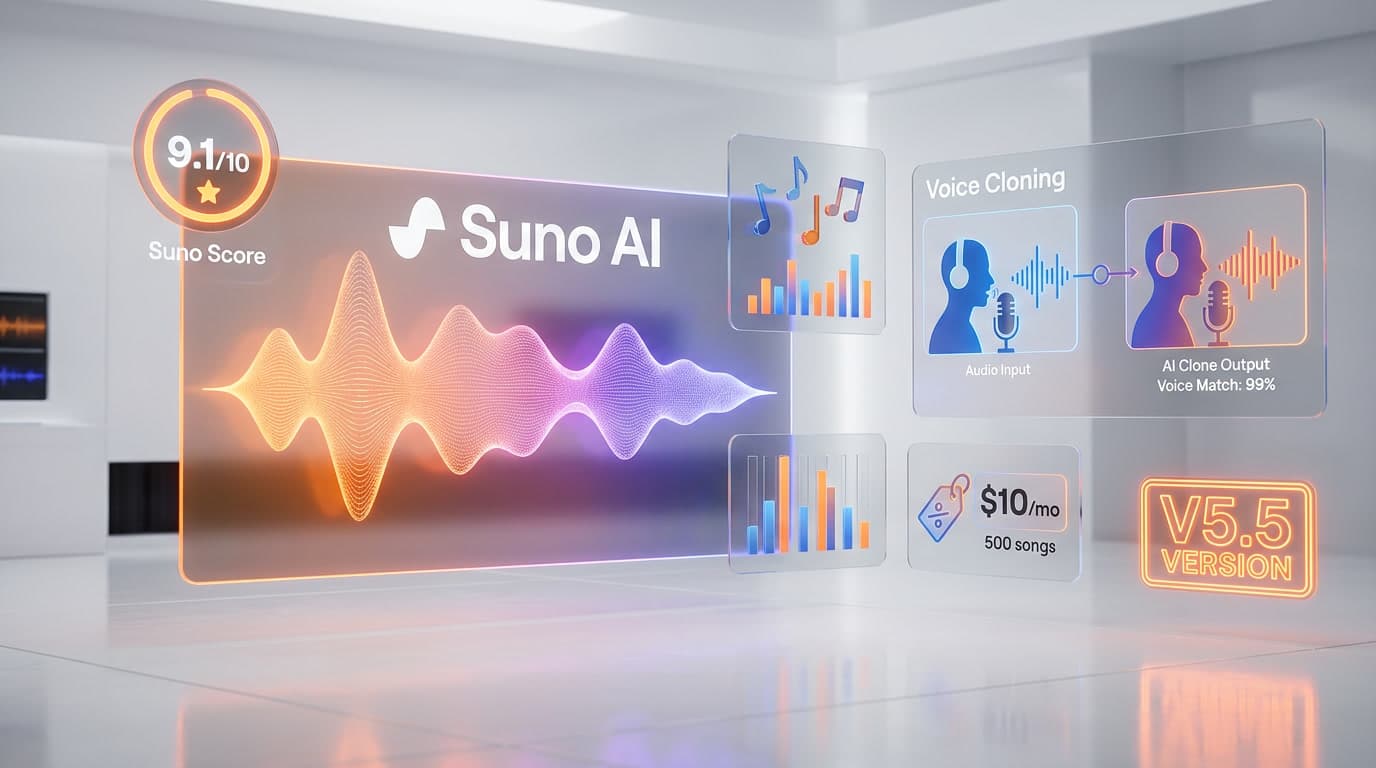
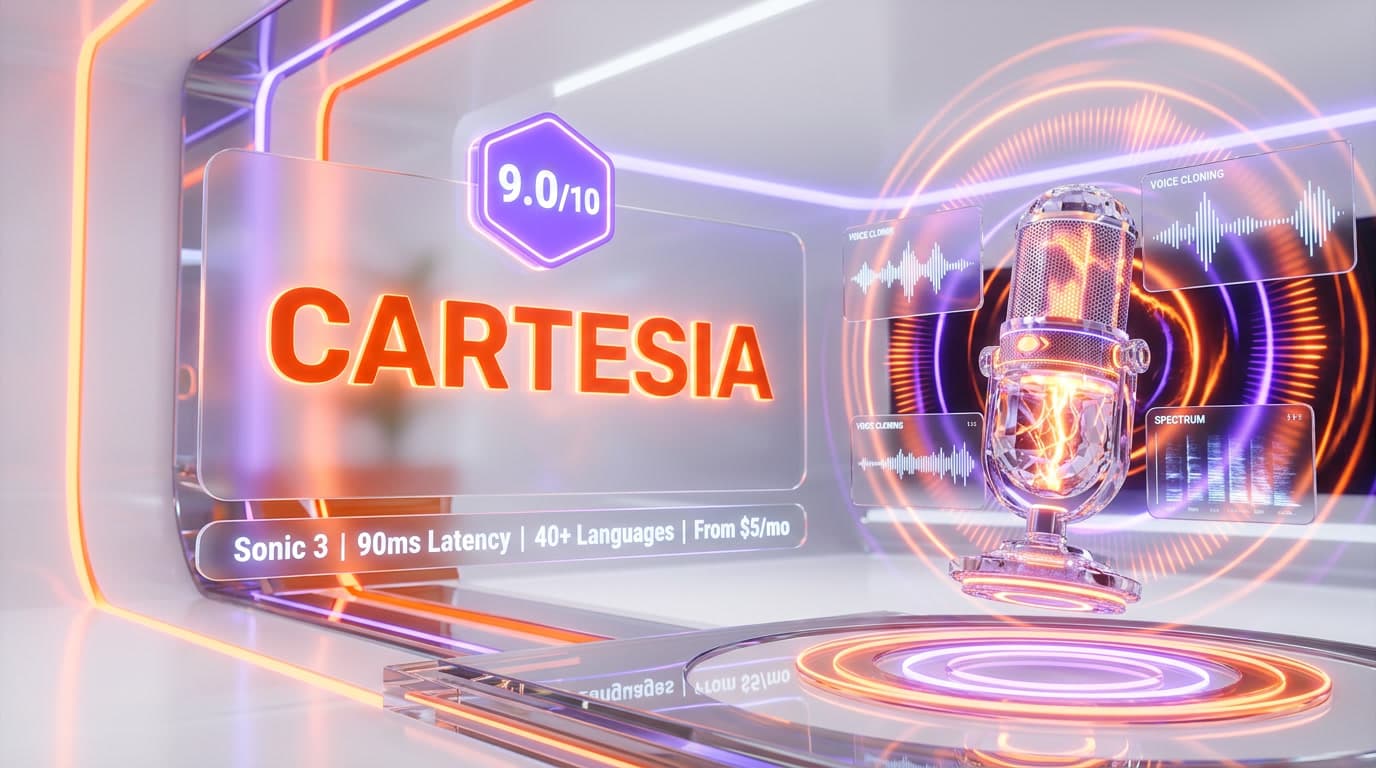
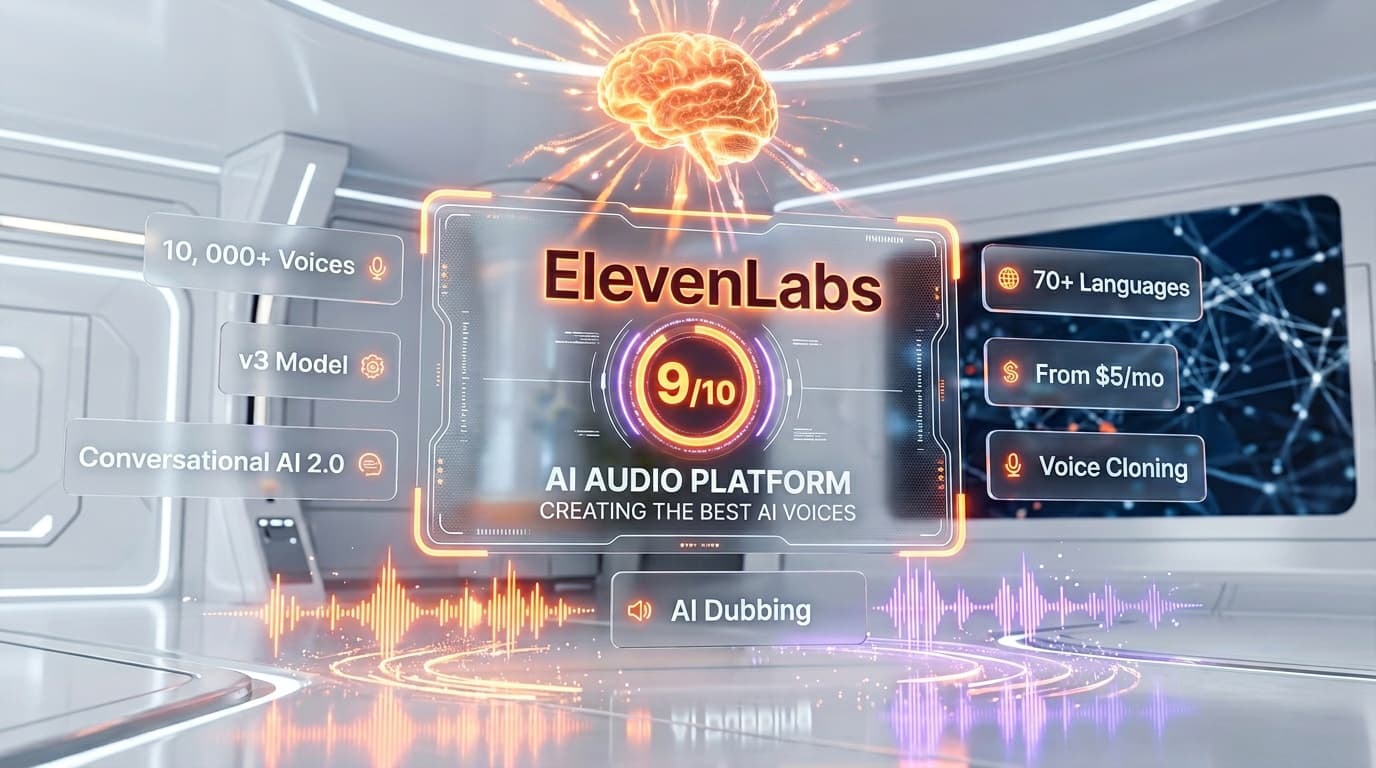
Top-rated alternatives to Wispr Flow include Suno AI (9.1/10), Cartesia (9/10), ElevenLabs (9/10), Whisper Large v3 (8.6/10) — all reviewed with detailed scoring on ThePlanetTools.ai.
Is Wispr Flow good for beginners?
Wispr Flow is rated 9.5/10 for ease of use.
What platforms does Wispr Flow support?
Wispr Flow is available on macOS, Windows, iOS (iPhone), Android, Web companion.
Does Wispr Flow offer a free trial?
Yes, Wispr Flow offers a free trial.
Is Wispr Flow worth the price?
Wispr Flow scores 8.8/10 for value. We consider it excellent value.
Who should use Wispr Flow?
Wispr Flow is ideal for: Software engineers writing commit messages, PR descriptions, Slack updates and ChatGPT prompts without leaving the keyboard home row, Writers and journalists drafting articles at 220 words per minute, then cleaning up with Command mode edits, Founders and operators clearing email, Linear tickets and Notion docs with voice between meetings, Non-native English speakers who dictate in their first language and let Wispr polish the English output, Accessibility users with RSI, dyslexia or mobility constraints replacing the keyboard for day-to-day computer work, Bilingual professionals switching between English and French or Spanish without manual language toggles, Power users who live inside ChatGPT, Claude, Cursor and Gemini and want to prompt conversationally at speaking speed, Sales teams dictating CRM notes, follow-up emails and meeting recaps from phone immediately after calls.
What are the main limitations of Wispr Flow?
Some limitations of Wispr Flow include: Cloud-only — all audio is sent to Wispr servers, no offline mode (Superwhisper and MacWhisper win on privacy); Free plan is capped at 2,000 words per week on Mac and Windows, 1,000 on iPhone — power users hit the ceiling fast; Requires a stable internet connection — airplane dictation and offline-sensitive environments are out; Windows build is noticeably less polished than Mac and has had more bug reports in early 2026; Pricing at $15 per month ($12 annual) is higher than Aqua Voice ($8 per month) for pure dictation.
Best Alternatives to Wispr Flow
Ready to try Wispr Flow?
Start with the free plan
Try Wispr Flow Free →