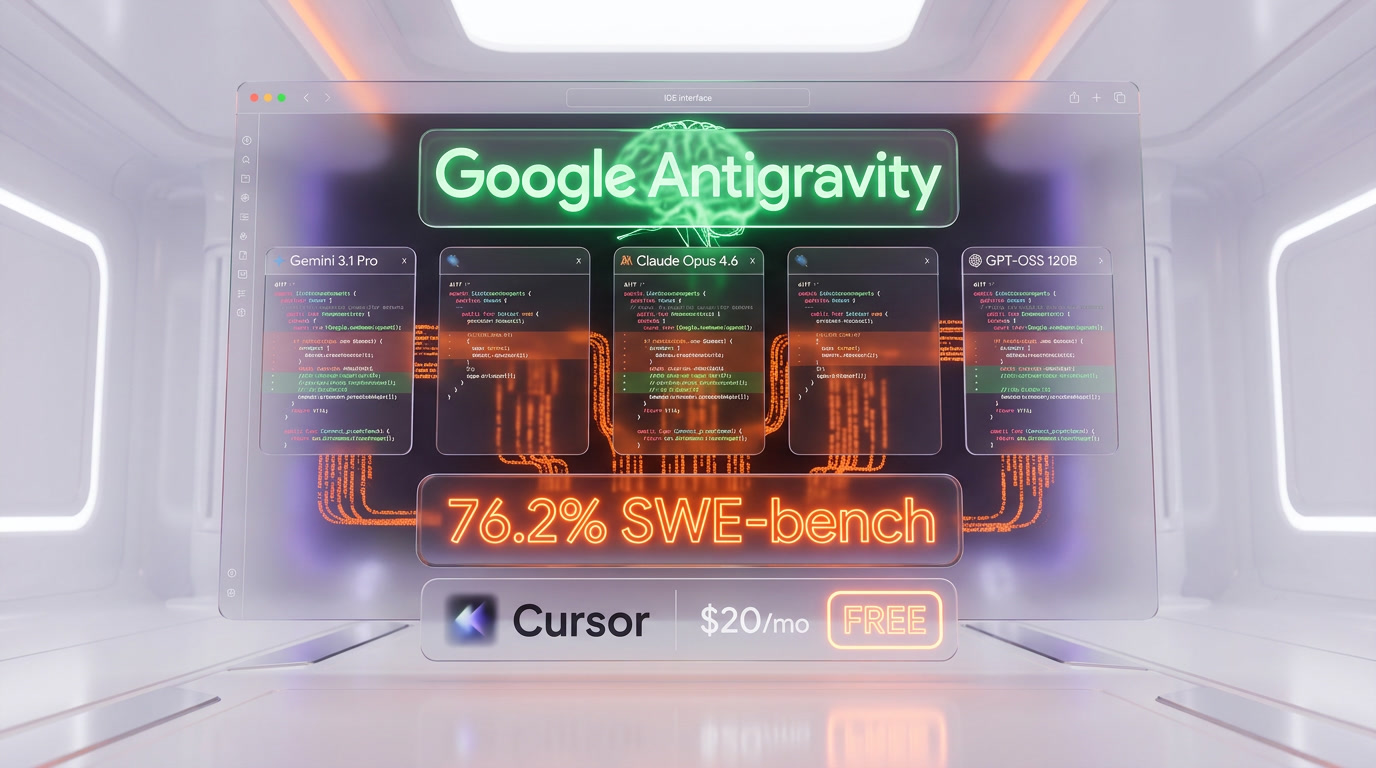
Google Antigravity is a free agent-first IDE launched in November 2025 alongside Gemini 3. It supports Gemini 3.1 Pro, Claude Opus 4.6, Claude Sonnet 4.6, and GPT-OSS 120B. It scores 76.2% on SWE-bench Verified. Available on Windows, macOS, and Linux. Cursor 3 launched April 2, 2026 as its direct rival at $20 per month Pro.
What Is Google Antigravity IDE?
Google Antigravity is an AI-powered integrated development environment that puts autonomous agents at the center of the coding workflow. Unlike traditional IDEs where AI assists you while you type, Antigravity lets you delegate entire tasks — debugging, refactoring, feature implementation — to AI agents that work autonomously across your editor, terminal, and browser.
We have been testing Antigravity since its public preview in November 2025, and we tracked its evolution through version 1.21.6 (March 25, 2026). The timing of Cursor 3's launch on April 2, 2026, just days later, makes this the most intense head-to-head rivalry in AI IDE history.
| Spec | Google Antigravity | Cursor 3 |
|---|---|---|
| Launch | November 18, 2025 | April 2, 2026 |
| Base Price | Free (preview) | $20 per month Pro |
| SWE-bench Verified | 76.2% | Not disclosed |
| Terminal-Bench 2.0 | 54.2% | Top-3 (undisclosed) |
| Primary Model | Gemini 3.1 Pro | Composer 2 (proprietary) |
| Multi-Model | 5 models | Model switching |
| Parallel Agents | 5 concurrent | Multiple (Agents Window) |
| Context Window | 2M tokens native | Project embeddings |
| MCP Support | Yes (early 2026) | Mature ecosystem |
| Platforms | Windows, macOS, Linux | Windows, macOS, Linux |
| Base | VS Code / Windsurf fork | VS Code fork |
Best for: Developers who want free access to Claude Opus 4.6 and Gemini 3.1 Pro in a single IDE, teams exploring agent-first workflows, Google Cloud ecosystem users, and anyone who wants to test multi-agent orchestration without a subscription.
The Agent-First Architecture That Sets Antigravity Apart
Antigravity operates through two distinct interfaces, and understanding them is key to grasping what makes this IDE different from everything else on the market.
Editor View
The Editor View looks familiar — it is a state-of-the-art AI-powered code editor with tab completions and inline commands. If you have used VS Code, Cursor, or Windsurf, you will feel at home. The AI sidebar handles conversational coding, code explanations, and quick edits.
Manager Surface — Where It Gets Interesting
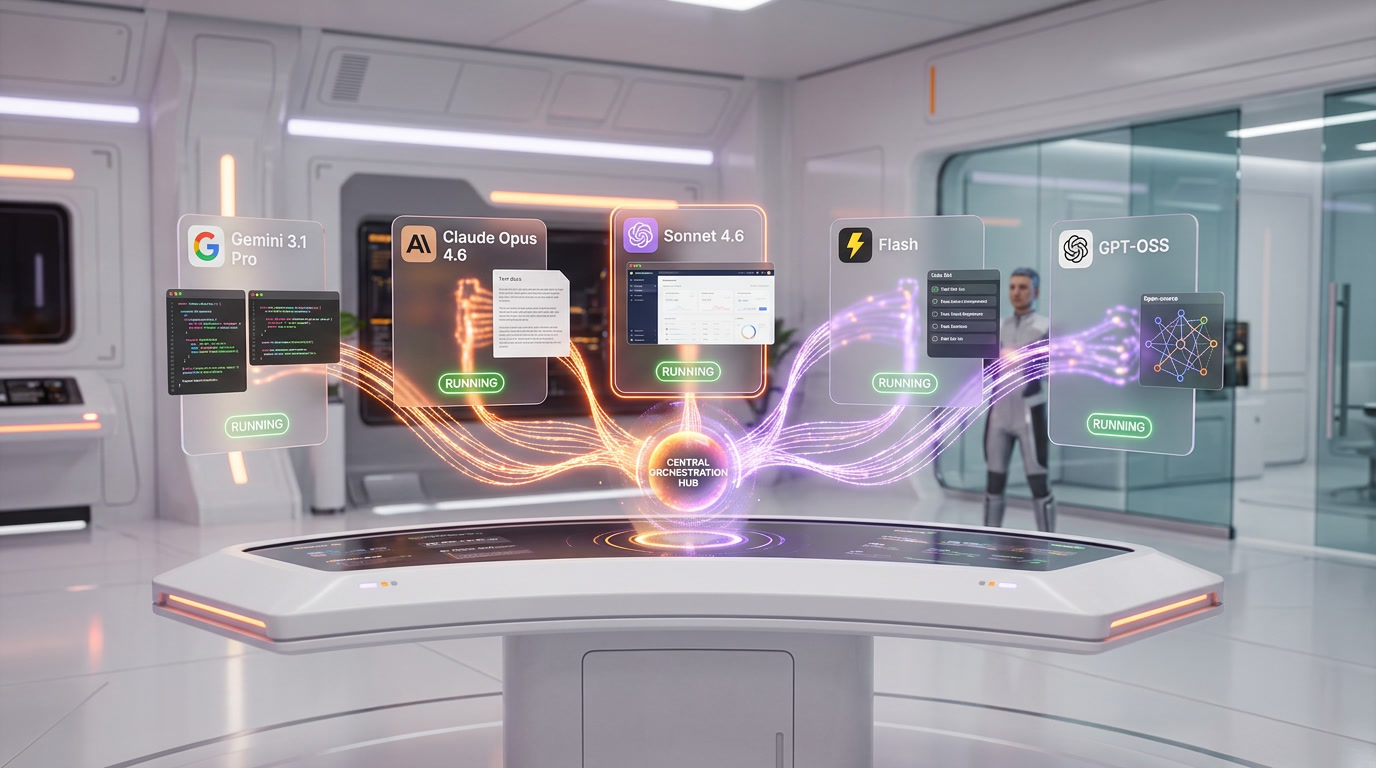
The Manager Surface is the real differentiator. It is a dedicated interface where you spawn, orchestrate, and observe up to 5 agents working asynchronously across different workspaces. Each agent can be assigned a different model — you could have Gemini 3.1 Pro handling your backend refactor while Claude Opus 4.6 writes your frontend tests simultaneously.
The Artifacts System
Every agent action in Antigravity generates an Artifact — task lists, implementation plans, screenshots, and even browser recordings. This is not just a log. Artifacts let you verify an agent's logic at a glance, roll back decisions, and maintain an audit trail. For compliance-focused teams, this is significant. No other IDE gives you this level of transparency into what the AI actually did and why.
Five Models, One IDE: The Multi-Model Advantage
Antigravity currently supports five foundation models inside the same agent framework:
| Model | Provider | Best Use Case | Free Access |
|---|---|---|---|
| Gemini 3.1 Pro (High) | Complex reasoning, large codebases | Yes (rate-limited) | |
| Gemini 3.1 Pro (Low) | Fast iterations, tab completions | Yes (generous) | |
| Gemini 3 Flash | Speed-critical tasks | Yes | |
| Claude Opus 4.6 | Anthropic | Deep analysis, architecture decisions | Yes (rate-limited) |
| Claude Sonnet 4.6 | Anthropic | Balanced speed/quality | Yes |
| GPT-OSS 120B | OpenAI | General-purpose coding | Yes |
The per-agent model assignment is the standout feature here. In Cursor 3, you switch models globally. In Antigravity, Agent 1 can run on Opus 4.6 while Agent 2 runs on Gemini Flash — within the same mission. This lets you optimize cost and speed per task, not per session.
The fact that Claude Opus 4.6 is available for free in Antigravity while it costs roughly $100+/month via API access directly through Anthropic is a compelling draw. Multiple reviewers have called this the single biggest reason to try Antigravity.
Pricing: Free Today, But Clouds Are Forming
Google launched Antigravity as free-for-everyone during the preview period. That positioning was aggressive — and effective. But the landscape has shifted since March 2026.
Current Pricing Structure
| Plan | Price | What You Get |
|---|---|---|
| Free (Preview) | $0 | All models with rate limits, ~5-hour refresh cycles |
| AI Pro | $20 per month | Higher quotas, priority access |
| AI Ultra | $249.99 per month | Consistent high-volume access |
| Credit Packs | $25 / 2,500 credits | Additional usage beyond quota |
The Quota Controversy
In March 2026, developers started reporting dramatic quota reductions. One AI Pro subscriber documented hitting limits at less than 9 million input tokens per week — down from 300 million before January. That is approximately a 97% decrease. Users on Reddit and Google forums reported that the advertised 5-hour quota refresh had been replaced with weekly cycles, effectively blocking work without purchasing additional credits.
Google has not yet clarified what changed or what individual credits actually purchase within Antigravity. This ambiguity is a real problem for teams evaluating Antigravity for production use. The free tier is genuinely useful for exploration and prototyping, but heavy daily usage may require the AI Pro plan — which matches Cursor Pro's $20 per month price point.
The Windsurf Fork Controversy
We need to address the elephant in the room. In July 2025, Google hired Windsurf's founding team and licensed the company's technology for approximately $2.4 billion. Developers examining Antigravity's codebase documented references to "Cascade" — Windsurf's proprietary agentic system — suggesting Antigravity is built on Windsurf's foundation, not directly on VS Code.
Google's launch announcement made no mention of VS Code, Code OSS, or Windsurf. The developer community coined "PORK" (Proprietary Fork) to describe this practice. This matters because it raises questions about the open-source lineage and long-term direction of the codebase. For practical purposes, VS Code extensions work in Antigravity, which is what most developers care about.
Benchmark Performance: 76.2% SWE-bench
Antigravity scores 76.2% on SWE-bench Verified — the standard benchmark for coding agents that measures how well an AI resolves real GitHub issues. This is one of the highest published scores for any coding agent as of April 2026.
| Benchmark | Antigravity | Cursor 3 | Claude Code |
|---|---|---|---|
| SWE-bench Verified | 76.2% | Not disclosed | ~72% |
| Terminal-Bench 2.0 | 54.2% | Top-3 | N/A |
| WebDev Arena | 1487 Elo | N/A | N/A |
Context matters: benchmarks measure specific scenarios. In our hands-on testing, Antigravity excels at greenfield tasks and multi-file refactors where the agent runs autonomously. Cursor 3 tends to shine in iterative, developer-guided workflows where you stay closer to the code.
Antigravity vs. Cursor 3: The April 2026 Showdown
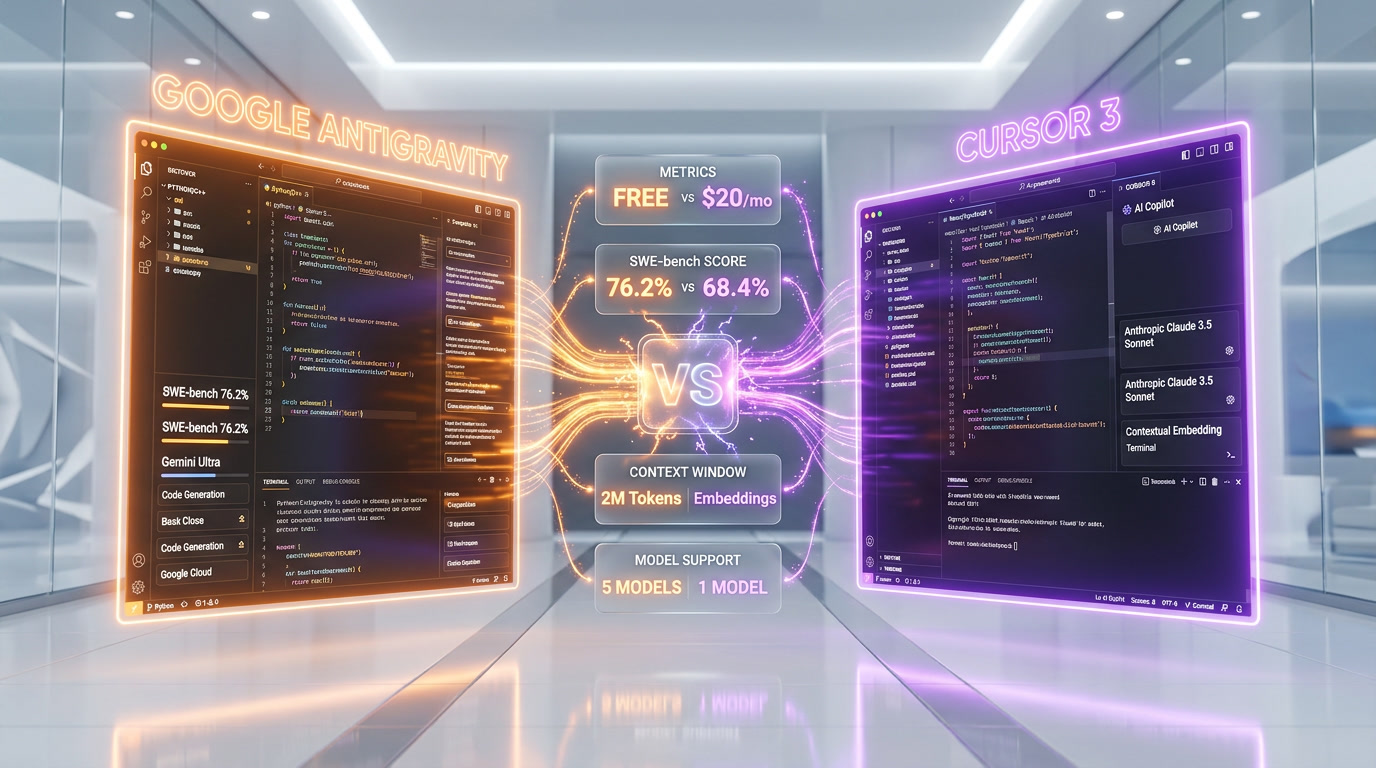
Cursor 3 launched on April 2, 2026 — the same week we are writing this. The timing is not coincidental. Both IDEs have converged on the same vision: agents write the code, developers orchestrate. But they approach it differently.
Cursor 3's Agents Window
Cursor 3 rebuilt its interface from scratch around the Agents Window — a standalone interface for running multiple AI agents in parallel across local machines, worktrees, SSH environments, and cloud setups. The standout feature is Cloud Handoff: you start a task locally, push it to a cloud agent, close your laptop, and the agent keeps running. When you reopen, the results are waiting.
Cursor 3 also introduced Design Mode, which lets you click and drag directly on browser-rendered UI elements to annotate them for the AI agent. Instead of describing a button in text, you point to it visually. For frontend developers, this is a game-changer.
Where Antigravity Wins
- Price: Free tier includes Claude Opus 4.6 — Cursor charges $20 per month minimum for comparable model access
- Multi-model flexibility: Per-agent model assignment vs. global model switching
- Context window: 2 million tokens native vs. Cursor's project embeddings approach
- Transparency: Artifacts system provides full audit trail of agent decisions
- Benchmark score: 76.2% SWE-bench Verified (published vs. undisclosed)
Where Cursor 3 Wins
- Stability: Production-ready with a mature ecosystem vs. Antigravity's early-stage quirks
- MCP ecosystem: Hundreds of plugins vs. Antigravity's nascent MCP integration
- Cloud agents: True cloud handoff — Antigravity agents run locally only
- Design Mode: Visual UI annotation has no equivalent in Antigravity
- Enterprise track record: Cursor reports 3,000+ internal PRs per week and 200 vulnerability detections weekly
- Revenue: Cursor crossed $2 billion ARR in early 2026, signaling long-term viability
MCP Integration: The Ecosystem Gap
Model Context Protocol (MCP) support arrived in Antigravity in early 2026, letting agents connect to external services like GitHub, databases, and APIs. Google has specifically integrated MCP Toolbox for Databases, enabling connections to AlloyDB, BigQuery, Spanner, Cloud SQL, and Looker within the IDE.
But Cursor 3's MCP ecosystem is significantly more mature. The MCP Marketplace offers hundreds of community-built integrations. If you rely heavily on third-party tool connections, Cursor still has a clear advantage here.
Who Should Use Google Antigravity in April 2026?
Based on our testing, here is who benefits most from each IDE right now:
| Profile | Recommended IDE | Why |
|---|---|---|
| Budget-conscious developer | Antigravity | Free Opus 4.6 + Gemini 3.1 Pro access |
| Google Cloud team | Antigravity | Native BigQuery, Spanner, AlloyDB integration |
| Frontend developer | Cursor 3 | Design Mode for visual UI annotation |
| Enterprise/compliance team | Antigravity | Artifacts audit trail |
| Heavy daily user | Cursor 3 | Predictable $20 per month, no quota ambiguity |
| Prototyping/exploration | Antigravity | Free tier with multi-model flexibility |
| Existing Cursor user | Cursor 3 | Migration cost, .cursorrules ecosystem |
| Terminal-native developer | Claude Code | Deepest CLI integration |
Our Verdict: Use Both
We have been running Antigravity alongside Cursor for the past four months. Our workflow has settled into a pattern: Cursor 3 for daily production coding where stability matters, Antigravity's Manager View for larger refactoring sessions and multi-agent experimentation where the Artifacts system adds genuine value.
The combined cost is approximately $20 per month (Cursor Pro only), which is reasonable for access to the two most advanced agent-first IDEs on the market. The real question is not which one wins — it is how long Google keeps Antigravity's free tier this generous. The March 2026 quota reductions suggest the honeymoon phase is ending.
If you are currently paying $200 per month for Cursor Ultra, test Antigravity's Manager Surface for your heavy-lifting tasks. If you are on the free tier of anything, Antigravity is the clear winner right now — no other IDE gives you Claude Opus 4.6 and Gemini 3.1 Pro at zero cost.
Frequently Asked Questions
Is Google Antigravity IDE really free?
Yes, as of April 2026, Google Antigravity is free during its public preview. All five models (Gemini 3.1 Pro, Gemini 3 Flash, Claude Opus 4.6, Claude Sonnet 4.6, GPT-OSS 120B) are accessible with rate limits. However, Google introduced paid tiers (AI Pro at $20 per month, AI Ultra at $249.99 per month) and credit packs ($25 per 2,500 credits) in early 2026 for users who exceed free quotas.
How does Google Antigravity compare to Cursor 3?
Antigravity offers free multi-model access and a 76.2% SWE-bench score, while Cursor 3 provides a more mature ecosystem with Design Mode, Cloud Handoff, and a robust MCP marketplace. Antigravity excels at parallel agent orchestration; Cursor 3 excels at developer-guided iterative coding. Both cost $20 per month at the Pro tier.
What models does Google Antigravity support?
Antigravity supports five models: Gemini 3.1 Pro (High and Low variants), Gemini 3 Flash, Claude Opus 4.6, Claude Sonnet 4.6, and GPT-OSS 120B. You can assign different models to different agents within the same mission.
Is Google Antigravity a fork of Windsurf?
This is debated. Google hired Windsurf's founding team and licensed its technology for approximately $2.4 billion in July 2025. Developers found references to Windsurf's "Cascade" system in Antigravity's codebase. Google has not officially acknowledged the Windsurf lineage. VS Code extensions remain compatible.
What is the Manager Surface in Antigravity?
The Manager Surface is a dedicated interface for spawning, orchestrating, and monitoring up to 5 AI agents working asynchronously across different workspaces. Each agent can use a different model and generates Artifacts (task lists, screenshots, browser recordings) for transparency.
Will Google Antigravity stay free?
Unlikely at current generosity levels. In March 2026, developers reported a 97% reduction in free-tier quotas, with weekly refresh cycles replacing the advertised 5-hour cycles. Google has signaled that the free preview is not the final pricing model. Budget $20 per month (AI Pro) for sustained professional use.
Can I use Google Antigravity for enterprise projects?
The Artifacts system provides audit trails suitable for compliance workflows. However, the IDE is still in public preview with reported stability issues and context errors. For production-critical enterprise work, Cursor 3 offers a more proven track record with its 3,000+ weekly internal PRs and dedicated enterprise tier.
What platforms does Google Antigravity support?
Google Antigravity runs on Windows 10+ (64-bit), macOS Monterey 12+, and Linux with glibc 2.28+ and glibcxx 3.4.25+. It is available for download at antigravity.google/download.
Frequently Asked Questions
Is Google Antigravity IDE better than Cursor 3?
Antigravity is free vs Cursor 3 at $20 per month Pro, scores 76.2% on SWE-bench Verified (Cursor 3 has not disclosed its score), and supports 5 parallel agents each on a different model. Cursor 3 wins for iterative developer-guided workflows and its Cloud Handoff feature. Antigravity excels at greenfield tasks and autonomous multi-file refactors.
Is Google Antigravity IDE better than Windsurf?
Google acquired Windsurf's founding team and licensed its technology for approximately $2.4 billion in July 2025. Antigravity's codebase contains references to 'Cascade', Windsurf's proprietary agentic system, indicating it is built on Windsurf's foundation. Antigravity extends that base with multi-model support (Gemini 3.1 Pro, Claude Opus 4.6, GPT-OSS 120B) and the Manager Surface for orchestrating up to 5 concurrent agents.
Is Google Antigravity IDE better than Claude Code?
Google Antigravity scores 76.2% on SWE-bench Verified compared to approximately 72% for Claude Code as of April 2026. Antigravity also includes Claude Opus 4.6 as one of its free (rate-limited) models, so developers can run Claude Code-level reasoning inside Antigravity's Manager Surface with up to 5 parallel agents across different models simultaneously.
Who should use Google Antigravity IDE?
Antigravity is best for developers who want free access to Claude Opus 4.6 (which costs $100+/month via the Anthropic API directly) and Gemini 3.1 Pro in a single IDE, teams exploring agent-first workflows with up to 5 concurrent agents, Google Cloud ecosystem users, and anyone wanting to test multi-agent orchestration with full artifact audit trails without a subscription.
What are Google Antigravity IDE's limitations?
The biggest limitation is aggressive quota cuts since March 2026. One AI Pro subscriber documented hitting limits at under 9 million input tokens per week, down from 300 million before January 2026 — a roughly 97% decrease. The advertised 5-hour quota refresh was silently replaced with weekly cycles. Google has not clarified what individual credits purchase. Heavy daily users may need the $20 per month AI Pro plan or the $249.99 per month AI Ultra tier.
Does Google Antigravity IDE integrate with VS Code extensions?
Yes. Despite being a fork of Windsurf's technology rather than directly of VS Code, VS Code extensions are compatible with Antigravity. The Editor View is familiar to anyone who has used VS Code, Cursor, or Windsurf, featuring tab completions, inline commands, and an AI sidebar for conversational coding.
Is Google Antigravity truly free compared to Cursor 3's $20 per month plan?
Yes, during the preview period Antigravity is free with rate-limited access to all models including Claude Opus 4.6, which otherwise costs $100+/month via the Anthropic API. Paid tiers are available: AI Pro at $20 per month (matching Cursor 3 Pro), AI Ultra at $249.99 per month, and $25 credit packs for additional usage. The free tier is sufficient for exploration and prototyping; heavy daily use may require upgrading.
What is the Manager Surface in Google Antigravity IDE?
The Manager Surface is Antigravity's core differentiator — a dedicated interface for spawning and orchestrating up to 5 AI agents working asynchronously across different workspaces. Each agent can run on a different model, for example Gemini 3.1 Pro handling a backend refactor while Claude Opus 4.6 writes frontend tests simultaneously. Every agent action generates an Artifact (task lists, implementation plans, screenshots, browser recordings) for a full audit trail.