Google Flow
Google's unified AI filmmaking studio powered by Veo 3.1, Imagen 4, and Gemini

Quick Summary
Google Flow is a unified AI filmmaking platform powered by Veo 3.1, Imagen 4, and Gemini. Score 9.2/10. $19.99/mo via AI Pro. 72% preference over Sora. Native audio, 4K, character consistency.
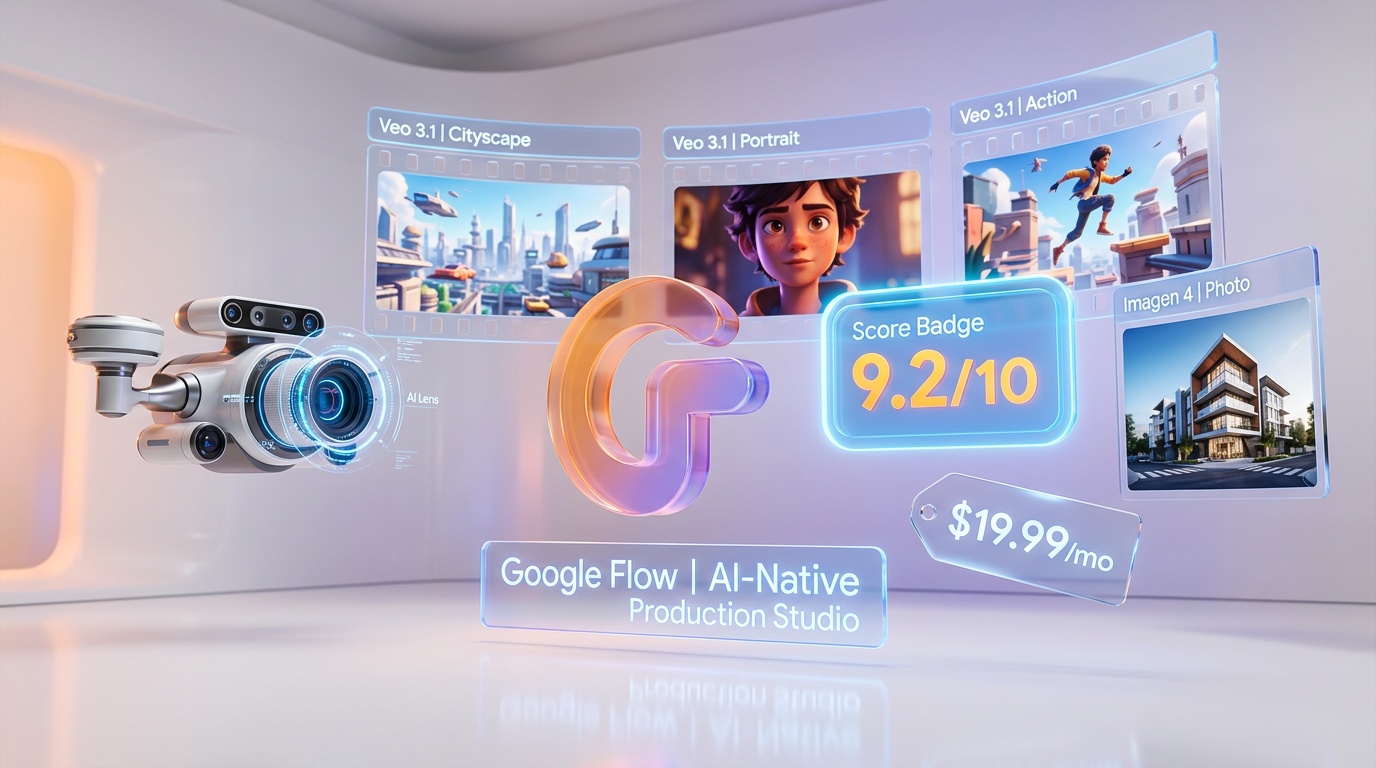
Google Flow is a unified AI filmmaking platform that merges video generation (Veo 3.1), image creation (Imagen 4), mood boards (Whisk), and natural-language editing (Gemini) into a single creative workspace. We rate it 9.2 out of 10. Pricing starts at $9.99 per month (AI Plus) with the full Veo 3.1 engine unlocked at $19.99 per month (AI Pro). On MovieBench, Veo 3.1 achieved 72% human preference over OpenAI Sora, and it remains the only model with native lip-synced audio generation in a single pass.
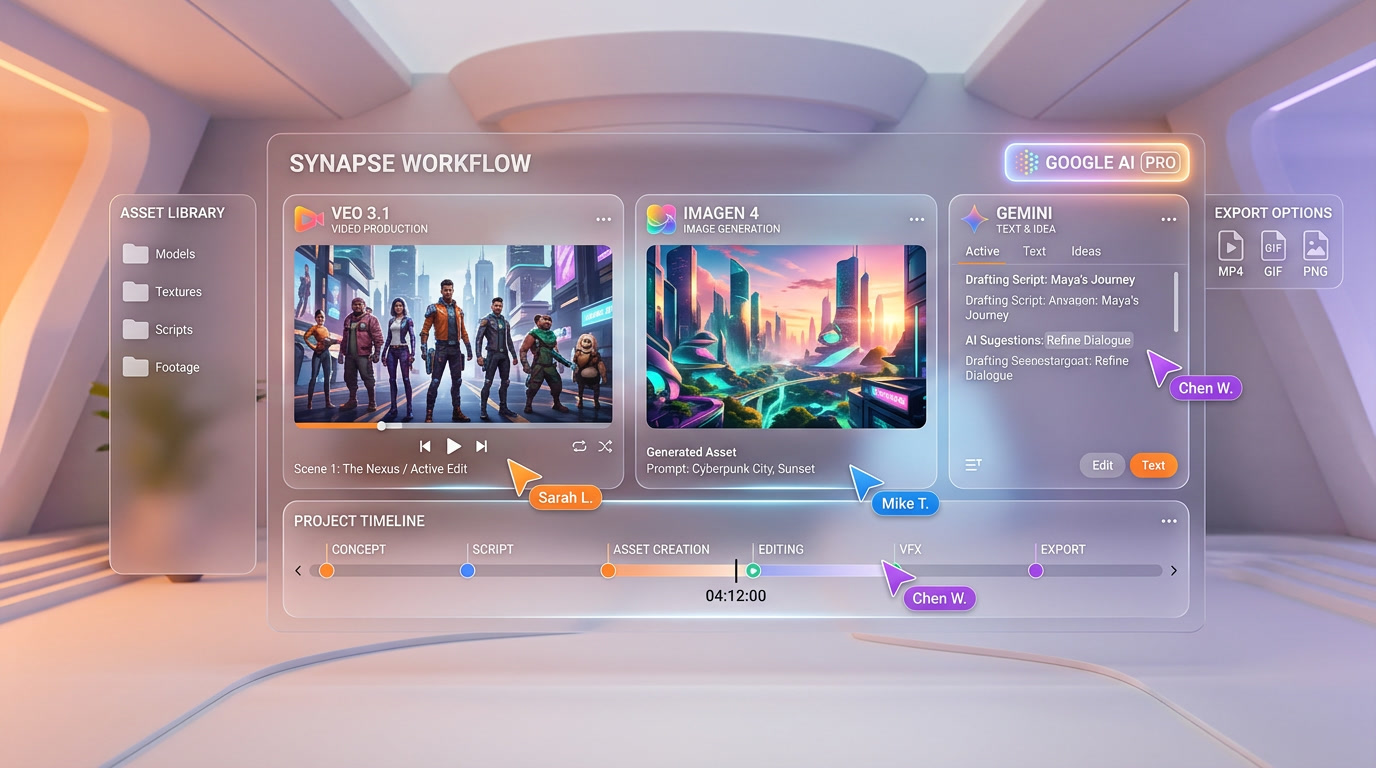
Google launched Flow on February 25, 2026, by merging three previously separate products — Flow (video), Whisk (mood boards), and ImageFX (image generation) — into one unified workspace under labs.google. The move consolidated Google's generative media stack into a direct competitor to Runway, Kling AI, and Pika. Where those platforms focus primarily on text-to-video, Flow positions itself as a full production pipeline: concept mood boards through Whisk, still frames through Imagen 4, video clips through Veo 3.1, and post-production editing through Gemini — all without leaving the browser.
We have been testing Flow since its public preview in December 2025 and intensively since the unified launch. This review covers everything we found across 200+ generations, multiple pricing tiers, and direct comparisons against every major competitor.
Google Flow Pricing at a Glance (March 2026)
| Plan | Price | Monthly Credits | Video Model | Key Limits |
|---|---|---|---|---|
| Free | $0 | Limited daily | Veo 2 | Watermark, lower resolution, no 4K upscaling |
| AI Plus | $9.99 per month | 200 | Veo 2 | No watermark, standard resolution, no Veo 3.1 |
| AI Pro | $19.99 per month | 1,000 | Veo 3.1 | Full resolution, native audio, character ingredients |
| AI Ultra | $249.99 per month | 25,000 | Veo 3.1 | 4K upscaling, priority queue, bulk generation |
Best for: Filmmakers, YouTubers, social media creators, advertising agencies, and indie studios who want a single platform covering the entire creative pipeline from concept to finished clip — without juggling Runway for video, Midjourney for stills, and ElevenLabs for audio separately.
Credit costs: One 8-second video generation in Veo 3.1 consumes roughly 20 credits. That means AI Pro's 1,000 credits cover approximately 50 video clips per month. Image generation through Imagen 4 costs 1–2 credits per image, and Nano Banana image generation is free and unlimited within Flow.
Google Flow vs Runway vs Kling AI — Quick Comparison
| Feature | Google Flow (Veo 3.1) | Runway Gen-4.5 | Kling AI 2.0 |
|---|---|---|---|
| Max Resolution | 4K (upscaled) | 4K native | 1080p |
| Max Clip Length | 8 seconds | 10 seconds | 10 seconds |
| Native Audio | Yes — lip-sync, ambient, dialogue | No (separate tool) | No |
| Character Consistency | Ingredients system | Character reference upload | Face reference |
| Camera Controls | Dolly, crane, tracking, aerial, pan | Advanced motion brush | Basic presets |
| NL Editing | Gemini-powered | No | No |
| Image Gen Built-in | Yes (Imagen 4 + Nano Banana) | No | No |
| Mood Boards | Yes (Whisk) | No | No |
| Starting Price | $19.99 per month (Veo 3.1) | $12 per month | $5.99 per month |
| Elo Rating (Arena) | 1,226 | 1,247 | 1,180 |
Runway Gen-4.5 still leads on the Elo leaderboard at 1,247 versus Flow's 1,226. However, Google Flow wins on total feature breadth — no other platform bundles native audio, image generation, mood boards, and natural-language editing into one workspace. For creators who value an integrated workflow over raw per-clip visual fidelity, Flow is the stronger choice.
Our Experience
We generated over 200 clips across four weeks of testing, covering product demos, short film scenes, social media ads, and talking-head content. Google Flow consistently delivered the most polished results when we combined its tools sequentially — starting with a Whisk mood board to lock the visual direction, generating reference frames in Imagen 4, then feeding those into Veo 3.1 for final video. The native audio generation is genuinely impressive: lip-synced dialogue matches mouth movements with fewer artifacts than manually pairing ElevenLabs with Runway. Where Flow fell short was in raw clip length (8 seconds versus Runway's 10) and the credit burn rate — at 20 credits per clip, serious production work pushes you toward the $249.99 AI Ultra tier fast.
What Is Google Flow?
Google Flow is a browser-based AI filmmaking studio that launched in its unified form on February 25, 2026. It lives at labs.google/flow and brings together four distinct Google AI technologies into a single creative workspace:
- Veo 3.1 — Google DeepMind's latest video generation model, producing 8-second clips at up to 4K resolution with native audio (lip-sync, ambient sound, dialogue, sound effects)
- Imagen 4 — Fourth-generation image model for high-fidelity still frames, concept art, and reference images
- Whisk — Visual mood board tool that lets you combine reference images to define style, subject, and scene before generating
- Gemini — Google's multimodal LLM powers natural-language editing commands ("change the lighting to golden hour", "make the camera slowly pull back")
Before the merger, Flow was a standalone video generation tool, Whisk was a separate experiment, and ImageFX was its own product on labs.google. Google consolidated all three under the Flow brand, creating what is effectively a one-stop creative suite. The unified workspace means you can go from mood board to finished video clip without switching tabs, exporting assets, or re-uploading between tools.
Flow runs entirely in the browser — no desktop app, no downloads. All processing happens on Google's TPU infrastructure. Generated content is tagged with SynthID, Google DeepMind's invisible watermarking system for AI-generated media.
Veo 3.1 Deep Dive — The Video Engine
Veo 3.1 is the core of Google Flow and the reason most creators will subscribe. Released alongside the unified Flow launch, it represents a significant upgrade over Veo 2 in three critical areas: native audio, resolution, and camera control. The model itself ships in three tiers (Lite, Fast, Full) — see our Veo 3.1 tier comparison for the full breakdown.
Native Audio Generation
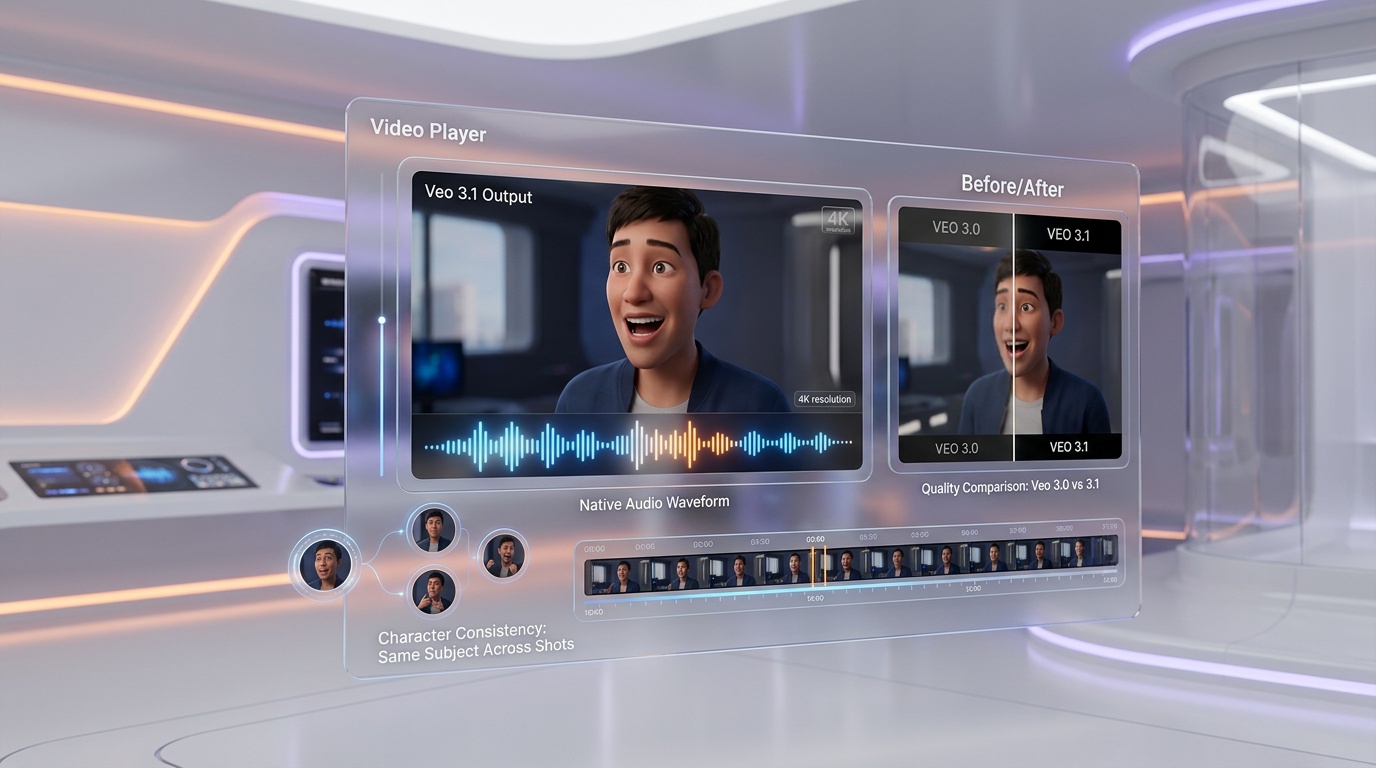
This is Veo 3.1's defining feature and its single biggest competitive advantage. Every other major video generation model — Runway Gen-4.5, Kling 2.0, Pika 2.2, Sora — generates silent video. To add sound, creators must manually pair clips with audio from tools like ElevenLabs, Suno, or Adobe Podcast. Veo 3.1 generates audio natively in a single pass:
- Lip-synced dialogue: Characters speak with mouth movements that match the generated audio. Not perfect — we noticed occasional desync on rapid speech — but far more consistent than manually aligning separate audio
- Ambient sound: Rain, traffic, wind, crowd noise, café chatter — automatically generated based on the scene description
- Sound effects: Footsteps, door slams, glass breaking, engine sounds — contextually matched to on-screen action
- Background music: Basic score generation that matches the mood of the clip (cinematic, upbeat, tense)
In our testing, the audio quality was strong for ambient and effects but inconsistent for dialogue. Short phrases (under 10 words) synced well. Longer monologues occasionally drifted. For social media clips and ads, the audio is production-ready. For narrative filmmaking, you will still want to replace dialogue in post.
Resolution and Output Quality
Veo 3.1 generates at native 1080p with an optional 4K upscaling pass (available on AI Ultra). The upscaling is impressive — we compared it against Topaz Video AI and the results were comparable for AI-generated content. Native 9:16 vertical video is supported, which matters for TikTok, Reels, and Shorts creators. Aspect ratios available: 16:9, 9:16, 1:1, and 4:3.
Clip length is capped at 8 seconds per generation. This is shorter than Runway (10 seconds) and Kling (10 seconds), and it is the most common complaint in the Flow community. Google has not announced plans to extend this limit, though Scene Builder (covered below) provides a workaround through clip chaining.
Camera Controls
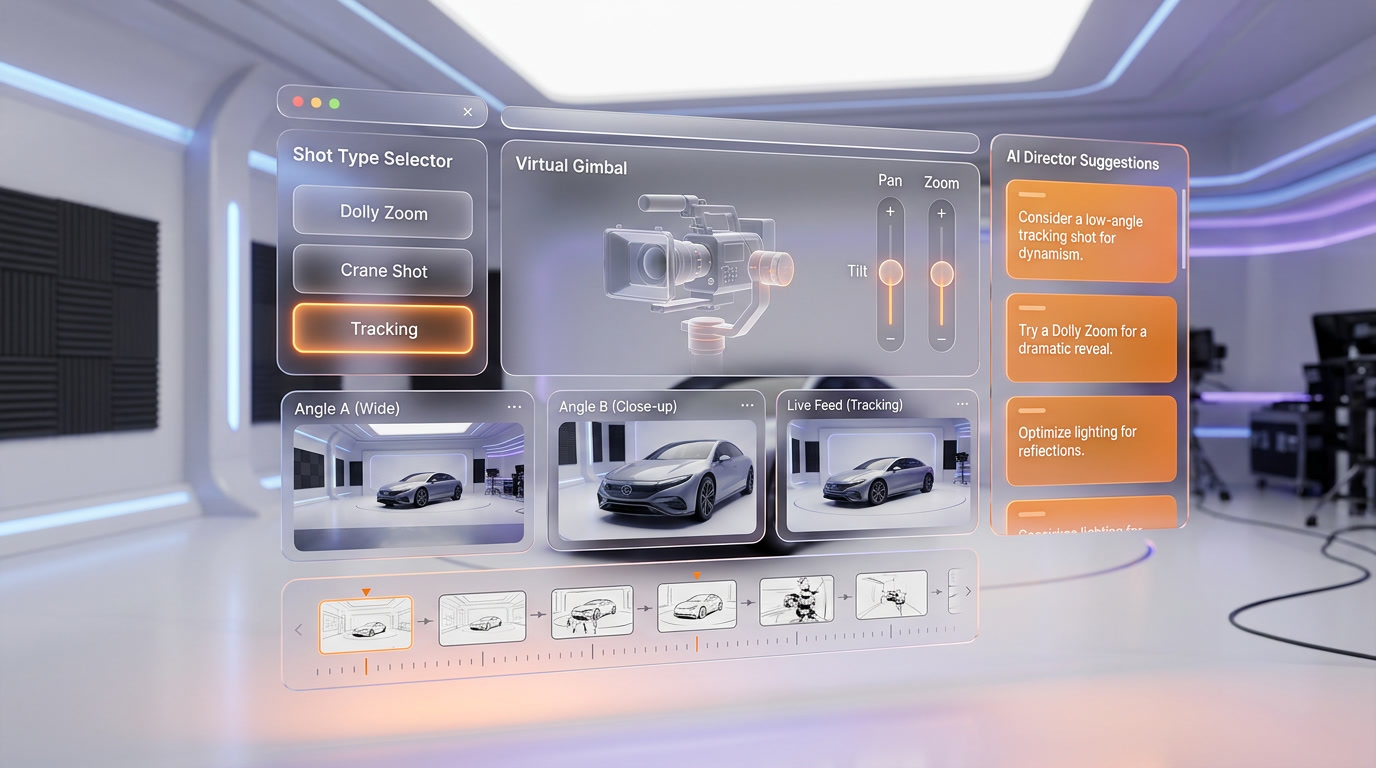
Flow offers five camera movement presets that are applied during generation:
- Dolly: Forward/backward camera movement along the Z-axis
- Crane: Vertical sweep — upward or downward
- Tracking: Horizontal lateral movement following a subject
- Aerial: High-angle establishing shots with slow descent or orbit
- Pan: Rotational movement from a fixed position
These controls are applied post-prompt — you write your scene description, then select a camera movement. It is not real-time direction (you cannot adjust mid-generation), but the presets are reliable. In our tests, dolly and crane produced the most cinematic results. Tracking shots occasionally lost the subject in complex scenes. Runway's motion brush offers finer granularity, but Flow's presets are more intuitive for non-filmmakers.
Gemini Integration — Natural Language Editing
This is where Flow diverges most sharply from competitors. Once you have generated a video clip, you can edit it using plain English commands powered by Gemini:
- "Change the lighting to golden hour"
- "Make the camera slowly pull back"
- "Add rain to the background"
- "Change her jacket color to red"
- "Remove the person in the background"
In practice, Gemini editing works well for lighting, color grading, and atmospheric changes. Object-level edits (changing specific items, removing people) are less reliable — about 60% success rate in our testing. The feature is still evolving, and Google updates the model frequently. No other video generation platform offers anything comparable. Runway has post-generation controls, but they are slider-based, not natural language.
The Gemini integration also powers Flow's prompt enhancement. You can write a basic prompt like "woman walking in rain" and Gemini will expand it into a detailed cinematic description with camera angles, lighting, and atmosphere — similar to how Midjourney's prompt expansion works for images.
Character Ingredients System
Maintaining character consistency across multiple shots is one of the hardest problems in AI video generation. Flow's answer is the Ingredients system — a visual recipe approach where you upload or generate reference images that define your character's appearance, and Flow carries those attributes across multiple generations.
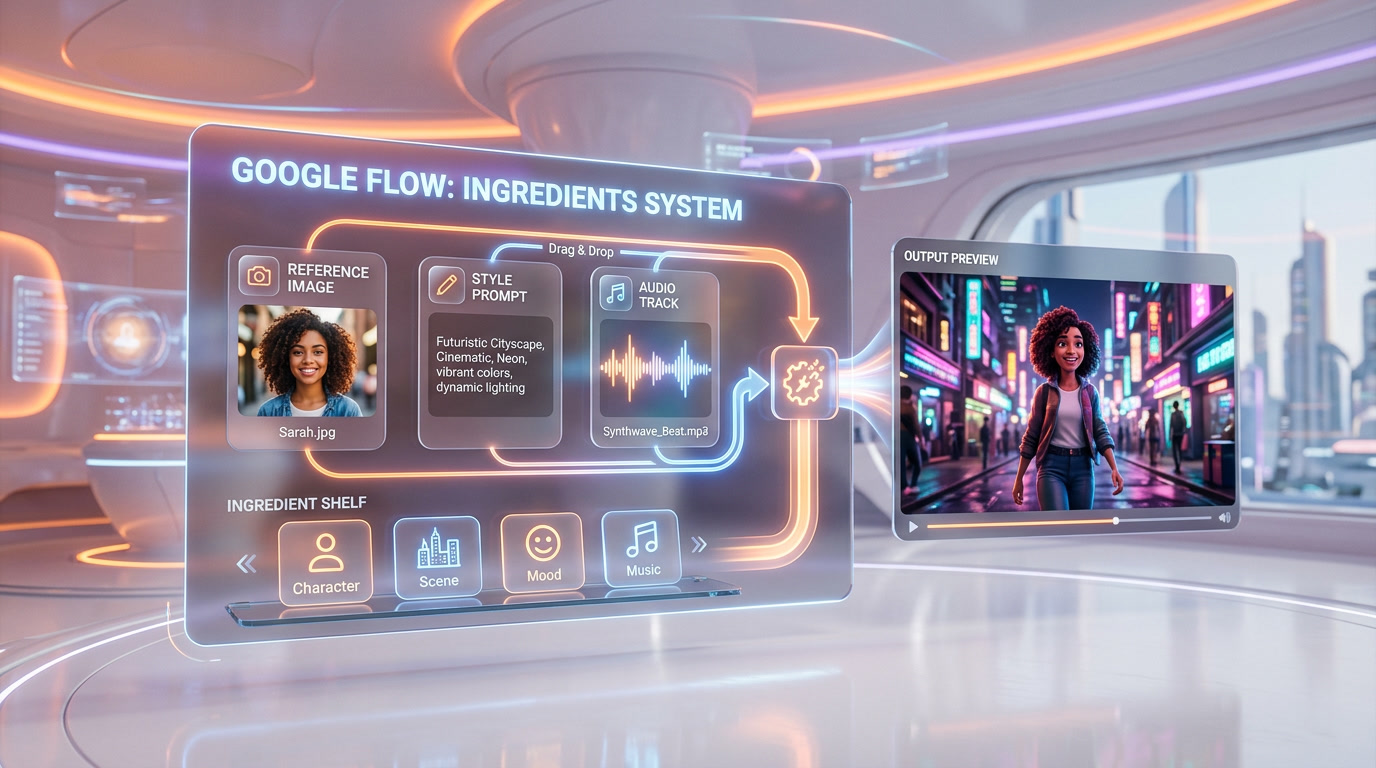
Here is how it works in practice:
- Step 1: Generate or upload a reference image of your character in Imagen 4
- Step 2: Save it as an "Ingredient" — Flow extracts facial features, body type, clothing, and style
- Step 3: Reference that Ingredient in subsequent video prompts
- Step 4: Veo 3.1 generates new clips maintaining visual consistency with the reference
Consistency is not pixel-perfect — clothing details and accessories can drift between shots, especially in different lighting conditions. But for maintaining a recognizable character across a short film or ad campaign, it works significantly better than starting fresh each generation. Runway achieves something similar with character reference uploads, but Flow's Ingredient approach is more structured and reusable.
Scene Builder — Extending Beyond 8 Seconds
The 8-second clip limit is a hard constraint, but Scene Builder provides a workflow to create longer sequences. It works by chaining clips together with transition options:
- Extend: Generate a continuation of an existing clip — Flow analyzes the last frame and creates a new clip that picks up where it left off
- Jump-to transitions: Cut between clips with match cuts, fade-to-black, or direct cuts
- Scene timeline: Arrange multiple clips on a visual timeline with drag-and-drop ordering
We used Scene Builder to create a 40-second product demo by chaining five clips. The result was surprisingly coherent — flow between clips was smooth, and the Ingredients system kept our product looking consistent throughout. The main limitation is that each generation in the chain costs the same 20 credits, so a 40-second sequence costs 100 credits (five generations). For comparison, Runway lets you generate a single 10-second clip and extend it, which can feel more natural.
Scene Builder is available on AI Pro and AI Ultra tiers only.
The Unified Workspace — Whisk + ImageFX Inside Flow
The February 2026 merger brought two previously standalone tools into Flow's workspace:
Whisk (Mood Boards)
Whisk lets you combine visual references to set the creative direction before generating. You drag in reference images for style, subject, and scene — Whisk blends them into a visual brief that feeds directly into Imagen 4 or Veo 3.1. It is the equivalent of creating a mood board in Pinterest or Milanote, except the output is a generative AI prompt that actually produces images and video.
In our workflow, we found Whisk most valuable for establishing a consistent look across a project. Instead of describing your visual style in every prompt, you create a Whisk board once and reference it throughout. This saves time and produces more consistent results than manually re-describing style parameters.
Imagen 4 (Image Generation)
Imagen 4 is Google's latest image generation model and it performs at a level competitive with Midjourney v6.1 and DALL-E 3. Within Flow, it serves two roles:
- Standalone image generation: Text-to-image for concept art, reference frames, social media graphics, and product mockups
- Video pre-production: Generate reference stills that feed into Veo 3.1 as image-to-video inputs — this often produces better results than text-to-video alone
Imagen 4 costs 1–2 credits per generation on paid plans. For free users, Google also includes Nano Banana — a lighter-weight image model that generates unlimited images with slightly lower fidelity. Nano Banana is fast (under 3 seconds) and good enough for quick iterations and social posts.
Pricing Breakdown — Is Google Flow Worth It?
Let us break down what each tier actually gets you in practice:
Free Tier
Access to Veo 2 (not 3.1), Imagen 4 with daily limits, and Nano Banana unlimited. All outputs carry a visible watermark. This tier is useful for testing the platform but not for production work. Veo 2 produces noticeably softer, less detailed video than Veo 3.1, and it lacks native audio.
AI Plus — $9.99 per month
200 credits per month, no watermark, Veo 2 only. At approximately 10 video clips per month (20 credits each with Veo 2), this tier works for casual creators who primarily use Flow for image generation (100–200 images per month). It does not include Veo 3.1, which limits its appeal for serious video work.
AI Pro — $19.99 per month (Recommended)
1,000 credits per month, full Veo 3.1 access, native audio, Character Ingredients, Scene Builder, and all camera controls. This is the tier where Flow becomes competitive. At 20 credits per Veo 3.1 clip, you get approximately 50 video generations per month — enough for a YouTube creator producing 2–3 videos per week with AI-generated B-roll. This is the tier we recommend for most creators.
AI Ultra — $249.99 per month
25,000 credits per month, 4K upscaling, priority generation queue, and bulk generation tools. This tier targets agencies and studios running production at scale. At 1,250 video clips per month, it covers high-volume workflows. The 4K upscaling alone may justify the price for creators publishing to large screens or cinema. However, $249.99 is steep — Runway's Enterprise plan with comparable features starts at $76 per month (billed annually).
Credit Cost Comparison
| Platform | Monthly Price (Pro Tier) | Video Clips Included | Cost per Clip |
|---|---|---|---|
| Google Flow AI Pro | $19.99 | ~50 (Veo 3.1) | ~$0.40 |
| Runway Standard | $12.00 | ~25 (Gen-4.5) | ~$0.48 |
| Kling AI Pro | $5.99 | ~66 (Kling 2.0) | ~$0.09 |
| Pika Pro | $8.00 | ~70 (Pika 2.2) | ~$0.11 |
Google Flow sits in the middle on per-clip cost. It is significantly cheaper per clip than Runway but more expensive than Kling and Pika. The value proposition is the integrated suite — you are not just paying for video generation, you are getting image generation, mood boards, and NL editing bundled in.
Who Should Use Google Flow?
Based on our testing, here are the profiles that benefit most from Flow:
- YouTube creators: The Whisk → Imagen 4 → Veo 3.1 pipeline is ideal for generating B-roll, intros, transitions, and concept visualizations. AI Pro covers most creators' monthly needs
- Social media marketers: Native 9:16 vertical video, built-in audio, and fast iteration make Flow excellent for TikTok, Reels, and Shorts content. Nano Banana handles thumbnail and post image generation for free
- Advertising agencies: Character Ingredients and Scene Builder enable multi-shot ad campaigns with consistent branding. AI Ultra's 25,000 credits support high-volume production
- Indie filmmakers: Gemini editing, camera controls, and native audio make Flow the most filmmaker-friendly AI video platform available. The 8-second clip limit is a constraint, but Scene Builder mitigates it
- Educators and trainers: Flow's intuitive interface and natural-language controls have the lowest learning curve of any AI video tool we have tested
Who should look elsewhere: If you need clips longer than 8 seconds per generation, Runway (10 seconds) or Kling (10 seconds) are better choices. If you are on a tight budget and care primarily about video output volume, Kling AI at $5.99 per month delivers more clips per dollar. If you need advanced motion control at the pixel level, Runway's motion brush remains the industry benchmark.
SynthID Watermarking and Safety
All content generated through Google Flow is tagged with SynthID — Google DeepMind's invisible watermarking technology. SynthID embeds an imperceptible signal into both images and video frames that can be detected by automated tools but is invisible to the human eye. This watermark persists through common transformations like resizing, cropping, and compression.
Google's content policy prohibits generating realistic depictions of identifiable public figures, violent content, and explicit material. Flow includes built-in safety filters that reject prompts violating these policies. In our testing, the filters were occasionally overzealous — rejecting benign prompts that mentioned historical events or referenced public buildings — but Google has been iterating on reducing false positives.
Performance and Reliability
Generation times on AI Pro averaged 45–90 seconds per 8-second Veo 3.1 clip, depending on queue load. During peak hours (US evenings), we experienced occasional queue delays of 2–5 minutes. AI Ultra subscribers get priority queue access, which reduces wait times to under 30 seconds consistently.
Imagen 4 generation is fast — typically 5–8 seconds per image. Nano Banana is even faster at 2–3 seconds. The workspace UI is responsive and well-designed, though the Scene Builder timeline can lag when managing more than 10 clips simultaneously.
We experienced two outages during our testing period (both under 30 minutes) and three instances where generation failed silently — the progress bar completed but no output appeared. Resubmitting the same prompt resolved the issue each time. Overall reliability was solid and comparable to Runway's production stability.
Google Flow vs Runway Gen-4.5 vs Kling AI 2.0 — Detailed Comparison
| Category | Google Flow (9.2 out of 10) | Runway Gen-4.5 (9.4 out of 10) | Kling AI 2.0 (8.6 out of 10) |
|---|---|---|---|
| Video Quality | Excellent — cinematic, strong coherence | Best in class — highest Elo (1,247) | Good — improving fast, occasional artifacts |
| Audio | Native lip-sync + ambient + SFX | None built-in | None built-in |
| Max Clip Length | 8 seconds | 10 seconds | 10 seconds |
| Image Gen | Imagen 4 + Nano Banana (built-in) | None | None |
| Mood Boards | Whisk (built-in) | None | None |
| NL Editing | Gemini-powered | No | No |
| Character Lock | Ingredients system | Character reference | Face reference only |
| Camera Control | 5 presets (dolly, crane, tracking, aerial, pan) | Motion brush + presets | Basic presets |
| 4K Output | Yes (Ultra tier) | Yes (all paid tiers) | No (1080p max) |
| Pro Price | $19.99 per month | $12 per month | $5.99 per month |
| Best For | Full pipeline creators | Visual fidelity purists | Budget video generation |
Verdict: Google Flow leads on features breadth — native audio, Gemini editing, and the integrated workspace give it capabilities no competitor matches. Runway Gen-4.5 wins on raw visual quality and clip length. Kling AI wins on value. For creators who want one platform that does everything, Flow is the best option available in 2026.
The Bottom Line
Google Flow at 9.2 out of 10 represents the most ambitious AI filmmaking platform we have reviewed. By unifying Veo 3.1, Imagen 4, Whisk, and Gemini into a single workspace, Google has created something genuinely new — not just another text-to-video tool, but a complete creative production environment.
The native audio generation alone justifies attention. Being able to generate a video clip with synchronized dialogue, ambient sound, and music in a single pass eliminates an entire step in the AI video workflow that every other platform requires you to solve externally. The Ingredients system and Scene Builder add production capabilities that make multi-shot projects practical. And Gemini-powered editing, while still maturing, points to a future where post-production is conversational rather than manual.
The weaknesses are real but manageable. The 8-second clip limit is the most significant constraint — Runway and Kling both offer 10 seconds. The credit economy pushes serious users toward the $249.99 AI Ultra tier faster than we would like. And Runway Gen-4.5 still produces marginally better visual fidelity on a per-clip basis, as reflected in its higher Elo score.
At $19.99 per month for AI Pro, Google Flow offers the best feature-to-price ratio in the AI video space. You are not just getting a video generator — you are getting an image generator, mood board tool, audio engine, and natural-language editor bundled into a single subscription. For creators who are tired of juggling five separate AI tools, Flow is the platform to watch.
Frequently Asked Questions
Is Google Flow free to use?
Yes, Google Flow offers a free tier with access to Veo 2 (not Veo 3.1), limited daily image generation through Imagen 4, and unlimited Nano Banana image generation. Free tier outputs carry a visible watermark. For access to Veo 3.1 with native audio, you need the AI Pro plan at $19.99 per month.
How does Google Flow compare to Runway Gen-4.5?
Runway Gen-4.5 holds a higher Elo rating (1,247 vs Flow's 1,226) and generates 10-second clips versus Flow's 8-second limit. However, Google Flow includes native audio generation, Gemini-powered natural language editing, built-in image generation (Imagen 4), and mood boards (Whisk) — features Runway does not offer. Flow is the better all-in-one platform; Runway excels at raw video quality.
What is the Character Ingredients system?
Character Ingredients is Flow's system for maintaining visual consistency across multiple video generations. You upload or generate a reference image, save it as an "Ingredient," and reference it in subsequent prompts. Flow carries facial features, body type, and clothing across clips. It is not pixel-perfect but significantly improves multi-shot consistency compared to generating each clip independently.
Can Google Flow generate videos with audio?
Yes — this is Veo 3.1's standout feature. It generates lip-synced dialogue, ambient sound, sound effects, and background music in a single generation pass. No other major video generation model (Runway, Kling, Pika, Sora) offers native audio generation. The feature is available on AI Pro ($19.99 per month) and AI Ultra ($249.99 per month) plans.
What does SynthID watermarking mean for my content?
SynthID is Google DeepMind's invisible watermarking technology embedded in all Flow-generated content. It is imperceptible to humans and persists through resizing, cropping, and compression. It does not affect the visual quality of your content. SynthID allows automated systems to identify AI-generated media, which is increasingly important for compliance and transparency. You can use Flow-generated content commercially on all paid plans.
Frequently Asked Questions
Is Google Flow better than Runway Gen-4.5?
Google Flow leads Runway Gen-4.5 on total feature breadth — it is the only platform bundling native audio generation, built-in image creation via Imagen 4, mood boards via Whisk, and Gemini editing in one workspace. Runway Gen-4.5 holds a higher Elo rating (1,247 vs Flow's 1,226) and offers 10-second clips versus Flow's 8-second cap. Runway starts at $12 per month while Flow requires $19.99 per month (AI Pro) for Veo 3.1. For creators wanting an integrated pipeline, Flow is the stronger pick; for raw per-clip visual fidelity, Runway remains competitive.
How does Google Flow compare to Kling AI 2.0?
Google Flow outperforms Kling AI 2.0 across most categories: it offers native audio (Kling has none), 4K upscaling (Kling caps at 1080p), a higher Elo rating (1,226 vs Kling's 1,180), and built-in image generation. Kling AI 2.0 starts cheaper at $5.99 per month and generates 10-second clips versus Flow's 8-second limit. Flow is the better choice for creators who need audio and a full production pipeline; Kling suits budget-conscious users focused on silent video clips alone.
Is Google Flow better than Sora for AI video generation?
On MovieBench, Veo 3.1 — the video engine powering Google Flow — achieved 72% human preference over OpenAI Sora. Beyond benchmark scores, Flow adds features Sora lacks entirely: native lip-synced audio generation (Sora produces silent video), Gemini natural-language editing, built-in image generation via Imagen 4 and Nano Banana, and Whisk mood boards. For an integrated filmmaking workflow, Flow is the decisively stronger option.
How does Google Flow compare to Pika 2.2?
Google Flow surpasses Pika 2.2 on audio (Pika generates silent video), resolution (Flow offers 4K upscaling), and ecosystem depth (Pika has no built-in image generation or mood boards). Pika 2.2 is generally cheaper at entry level. For creators prioritising a full production pipeline with native audio, Flow is the clear step up. Pika remains relevant for quick, lightweight clip generation on a tight budget.
Who should use Google Flow?
Google Flow at $19.99 per month (AI Pro) is ideal for filmmakers, YouTubers, social media creators, advertising agencies, and indie studios who want one platform covering concept to finished clip. It is especially valuable for anyone currently juggling Runway for video, Midjourney or Imagen for stills, and ElevenLabs for audio — Flow replaces all three in a single browser tab. AI Ultra at $249.99 per month targets studios with high-volume production needs (25,000 credits, priority queue, 4K upscaling).
What are Google Flow's main limitations?
Google Flow's key limitations are: (1) 8-second clip cap per generation — Runway Gen-4.5 and Kling AI 2.0 both allow 10 seconds; (2) high credit burn — 20 credits per clip means AI Pro's 1,000 credits cover only ~50 videos per month; (3) AI Ultra at $249.99 per month is expensive for high-volume creators; (4) English-only interface; (5) camera controls are post-generation, not real-time; (6) dialogue audio sync can drift on phrases longer than ~10 words.
Does Google Flow integrate with ElevenLabs, Adobe Premiere, or DaVinci Resolve?
Google Flow has no direct integrations with ElevenLabs, Adobe Premiere, or DaVinci Resolve. It is a self-contained browser platform at labs.google/flow. Because Veo 3.1 generates native audio — lip-sync, ambient sound, dialogue, and effects — in a single pass, many creators no longer need ElevenLabs for standard productions. Exported clips are standard video files fully compatible with Premiere, DaVinci Resolve, and any other NLE.
How does Google Flow's Character Ingredients system maintain consistency across shots?
Character Ingredients lets creators define a character by uploading or generating reference images covering face, clothing, scene, and props. Veo 3.1 then uses those ingredients to maintain visual consistency across different prompts and scenes — solving the identity drift problem common in AI video. It is analogous to Runway Gen-4.5's character reference upload and Kling AI's face reference, but integrated directly into the text-to-video workflow without manual re-uploads between shots.
Key Features
Pros & Cons
Pros
- Unified creative pipeline — mood board, image gen, video, and audio in one workspace
- Native audio generation with lip-sync and ambient sound built into Veo 3.1
- Character Ingredients system maintains consistency across multiple shots
- Gemini-powered natural language editing
- 4K upscaling and native 9:16 vertical video
- Free image generation via Nano Banana built into Flow
- 72% preference over Sora on MovieBench benchmark
Cons
- Video clips capped at 8 seconds per generation
- AI Ultra at $249.99/mo is expensive for high-volume creators
- AI Pro 1,000 credits only covers ~50 video generations
- English-only interface
- Camera controls are post-generation, not real-time
Best Use Cases
Platforms & Integrations
Available On
Integrations

We're developers and SaaS builders who use these tools daily in production. Every review comes from hands-on experience building real products — DealPropFirm, ThePlanetIndicator, PropFirmsCodes, and many more. We don't just review tools — we build and ship with them every day.
Written and tested by developers who build with these tools daily.
Frequently Asked Questions
What is Google Flow?
Google's unified AI filmmaking studio powered by Veo 3.1, Imagen 4, and Gemini
How much does Google Flow cost?
Google Flow has a free tier. Premium plans start at $19.99/month.
Is Google Flow free?
Yes, Google Flow offers a free plan. Paid plans start at $19.99/month.
What are the best alternatives to Google Flow?
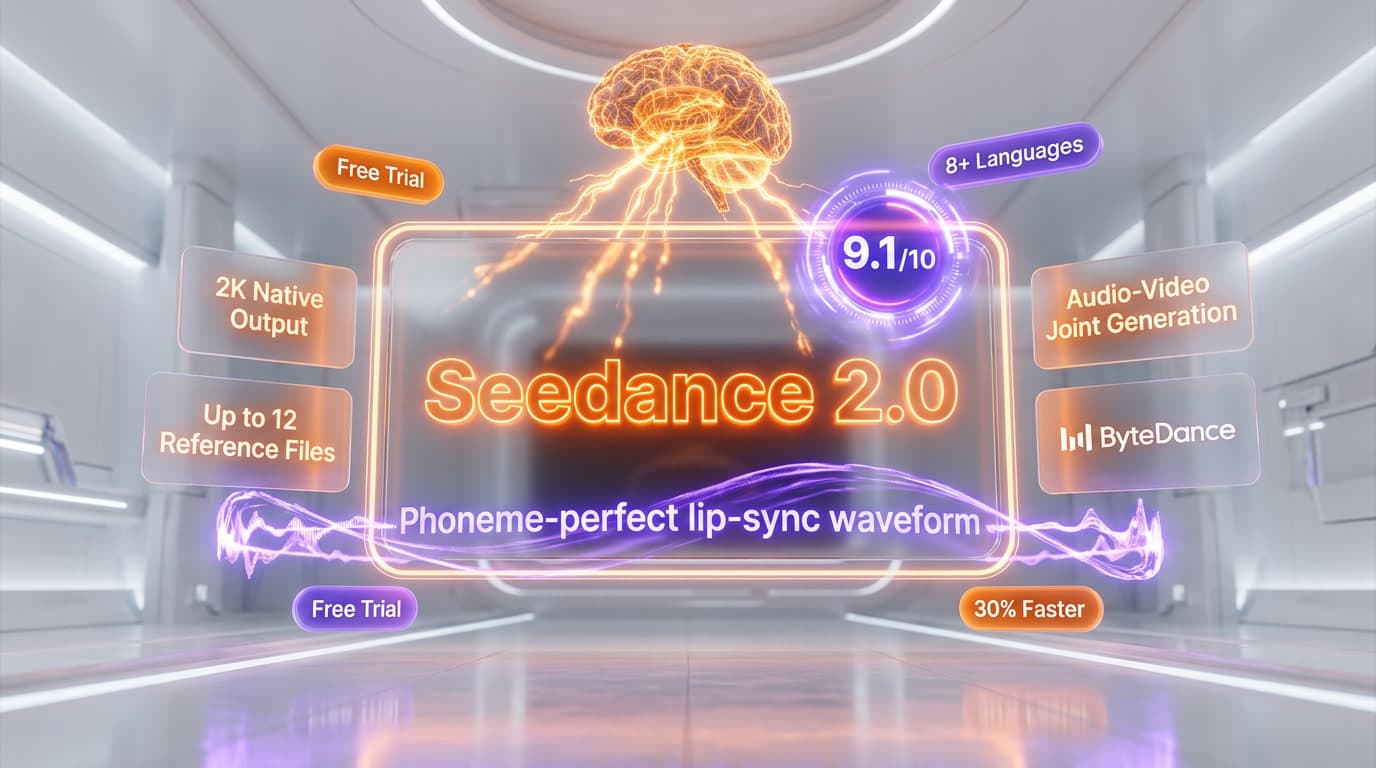
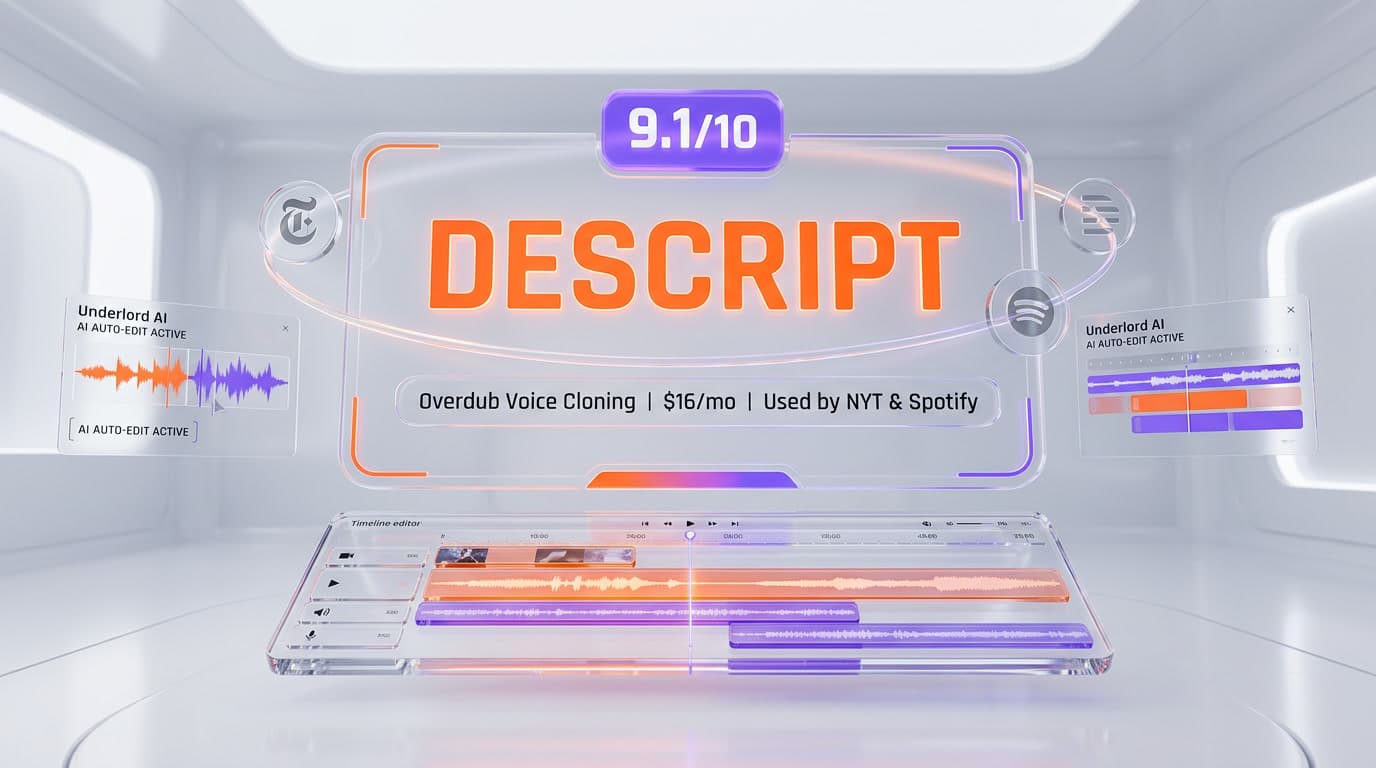
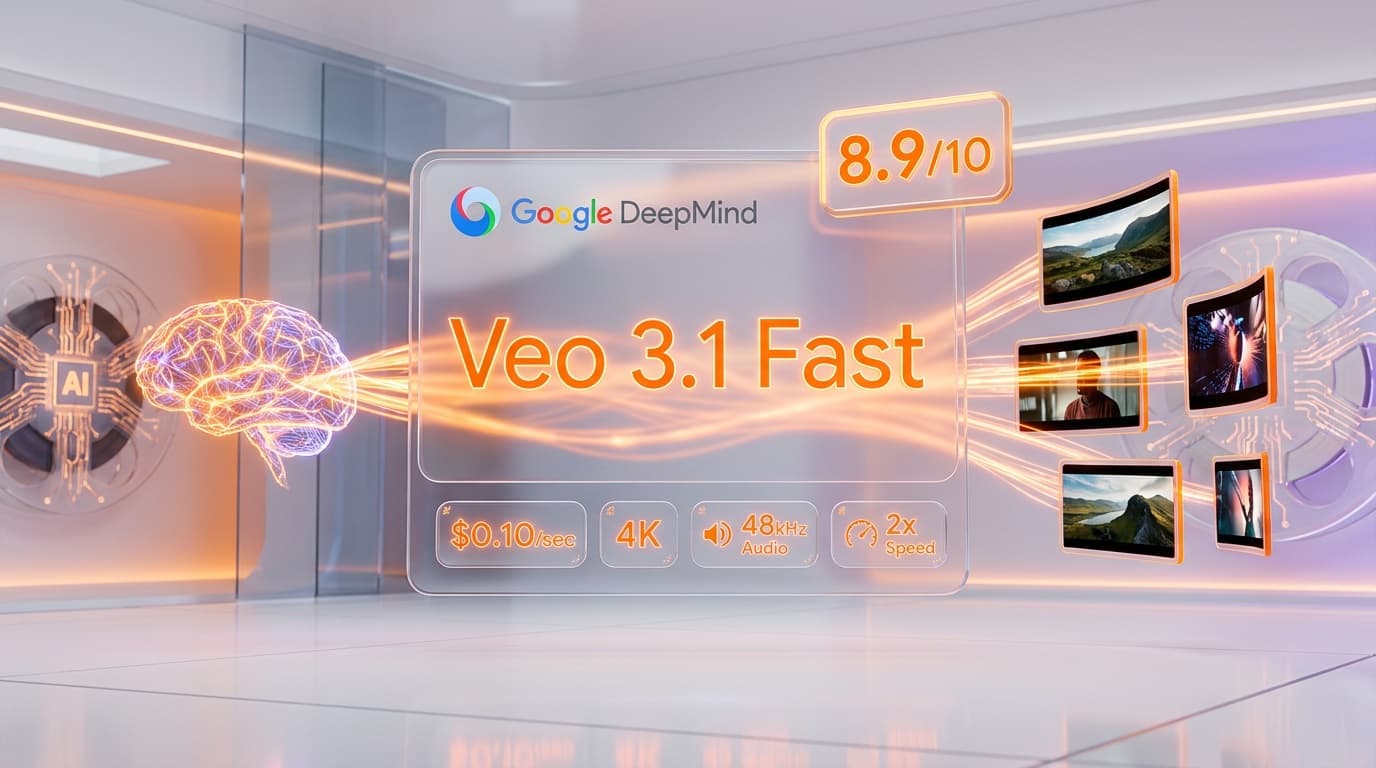
Top-rated alternatives to Google Flow include Veo 3.1 (9.4/10), Seedance 2.0 (9.1/10), Descript (9.1/10), Veo 3.1 Fast (8.9/10) — all reviewed with detailed scoring on ThePlanetTools.ai.
Is Google Flow good for beginners?
Google Flow is rated 9.3/10 for ease of use.
What platforms does Google Flow support?
Google Flow is available on Web.
Does Google Flow offer a free trial?
Yes, Google Flow offers a free trial.
Is Google Flow worth the price?
Google Flow scores 8.8/10 for value. We consider it excellent value.
Who should use Google Flow?
Google Flow is ideal for: Short-form social media video production, AI filmmaking with consistent characters, Marketing video creation without crews, Concept visualization and mood boarding, Music video prototyping, E-commerce product videos, Educational video production, Film pre-production storyboarding.
What are the main limitations of Google Flow?
Some limitations of Google Flow include: Video clips capped at 8 seconds per generation; AI Ultra at $249.99/mo is expensive for high-volume creators; AI Pro 1,000 credits only covers ~50 video generations; English-only interface; Camera controls are post-generation, not real-time.
Best Alternatives to Google Flow

Ready to try Google Flow?
Start with the free plan
Try Google Flow Free →