Veo 3.1
Google DeepMind's flagship AI video model — the only one with native audio lip-sync in a single pass

Quick Summary
Veo 3.1 is Google DeepMind's flagship AI video generation model with native audio lip-sync. Score 9.4/10. $0.40/sec (720p-4K). 72% human preference over Sora on MovieBench. The only model generating synchronized video + audio + dialogue in one pass.
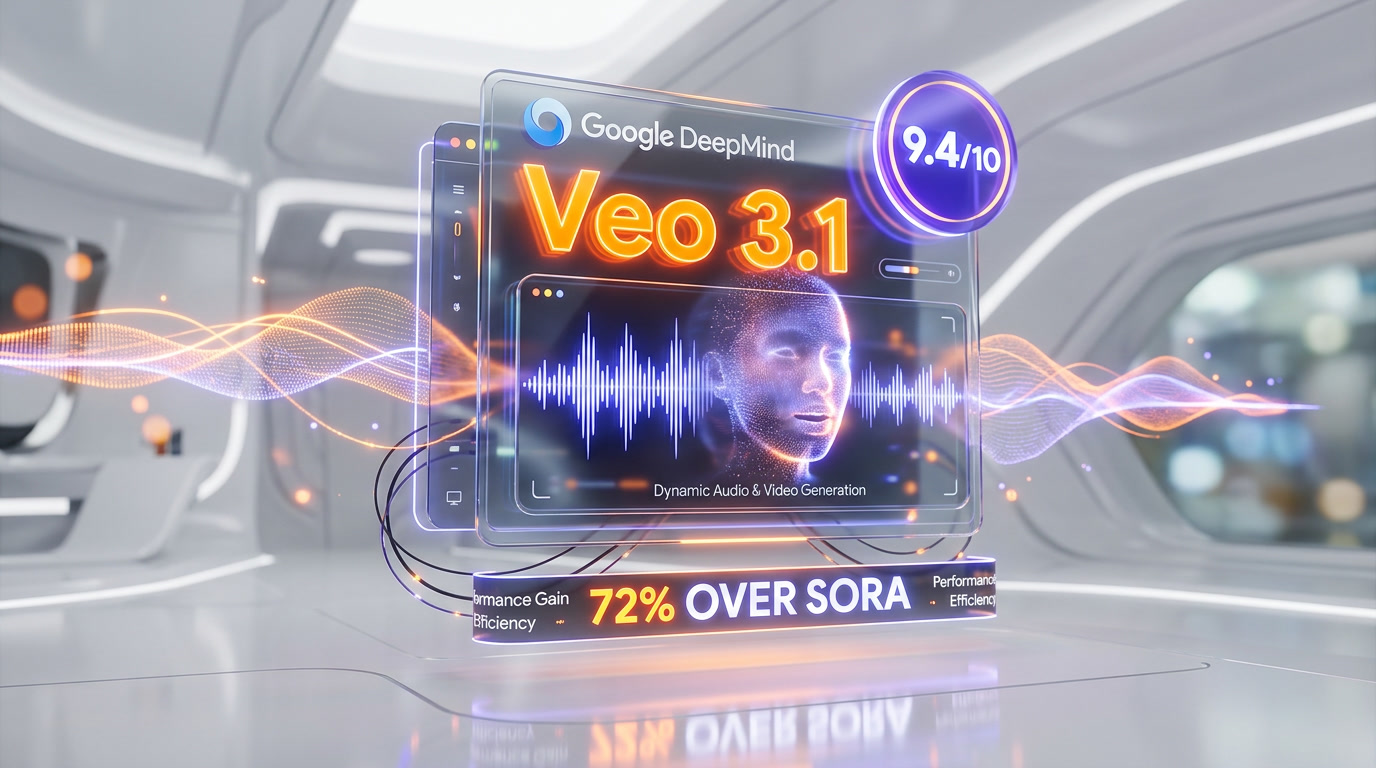
Veo 3.1 is Google DeepMind's flagship AI video generation model that produces 720p, 1080p, and 4K videos with natively synchronized audio, dialogue, and lip-sync in a single generation pass. Score: 9.4 out of 10. Starting at $0.40 per second via Vertex AI and Gemini API. On MovieBench, Veo 3.1 achieved 72% human preference over OpenAI's Sora across 1,003 prompts. It is the only major AI video model that generates synchronized spoken dialogue with accurate lip movements without any post-processing — a capability no competitor has matched as of April 2026.
What is Veo 3.1?
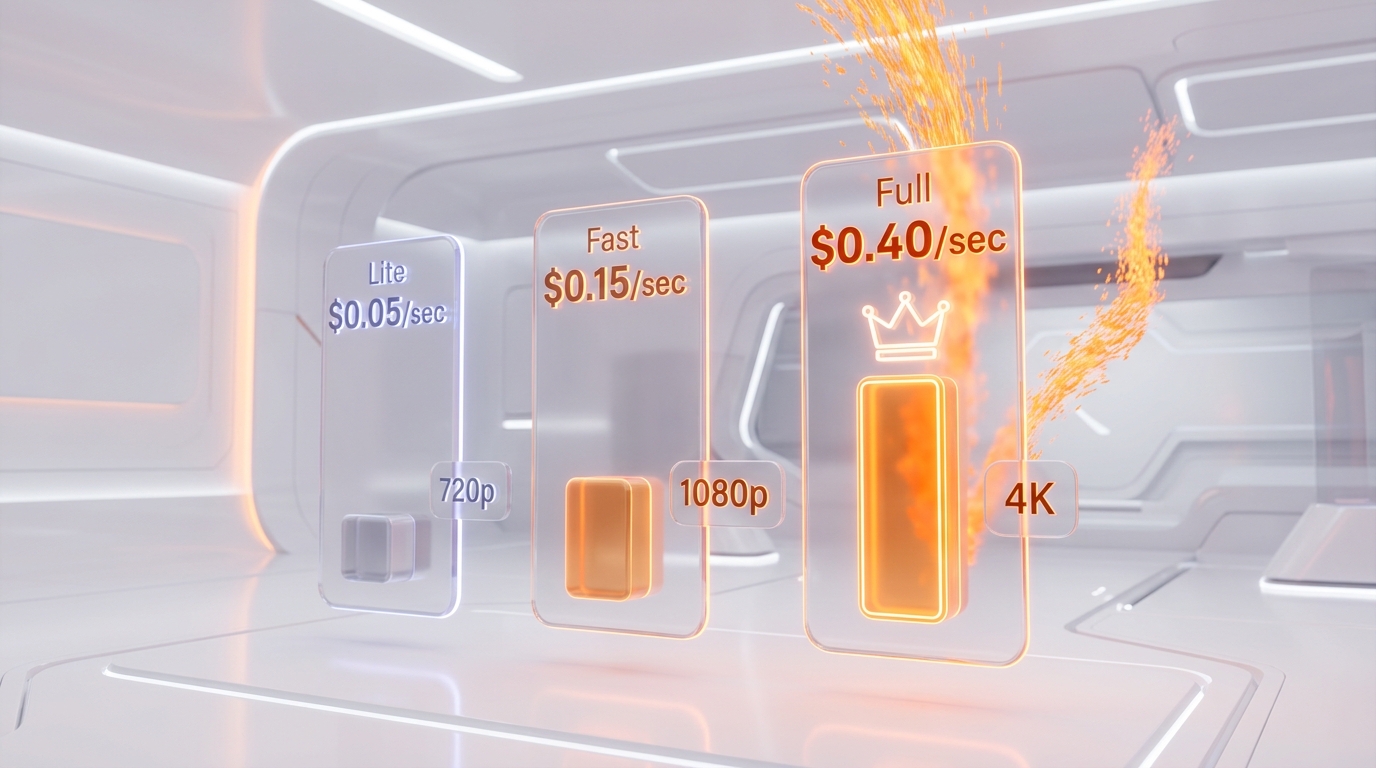
Veo 3.1 is the premium tier in Google DeepMind's three-model video generation lineup, sitting above Veo 3.1 Fast ($0.15 per sec) and Veo 3.1 Lite ($0.05 per sec). While all three share the same underlying architecture, Veo 3.1 delivers the highest visual fidelity, the most accurate audio-visual synchronization, and exclusive access to 4K output resolution.
The model evolved through multiple generations — Veo 1 (2024), Veo 2 (late 2024), Veo 3 (May 2025), and Veo 3.1 (October 2025 with 4K added January 2026). Each iteration dramatically improved temporal consistency, physics simulation, and audio fidelity. Veo 3.1 represents the culmination of this work: cinema-grade video generation with native sound design.
We scored Veo 3.1 9.4 out of 10, with Features at 9.7 out of 10 — the native audio lip-sync alone puts it in a category no other model occupies. Ease of Use scores 9.2 out of 10 thanks to deep integration with Google's ecosystem. Value comes in at 9.0 out of 10 — premium pricing is justified for professional use but steep for hobbyists.
Best for: film studios doing previz, marketing agencies producing video ads with voiceover, content creators who need dialogue-synced videos, and developers building video-first applications through the API. Veo 3.1 is built for anyone who needs both video and audio generated together without manual post-production.
Pricing at a Glance
| Tier | Price/Second | Resolutions | Audio | Best For |
|---|---|---|---|---|
| Veo 3.1 Lite | $0.05 (720p) / $0.08 (1080p) | 720p, 1080p | Included | High-volume, budget workflows |
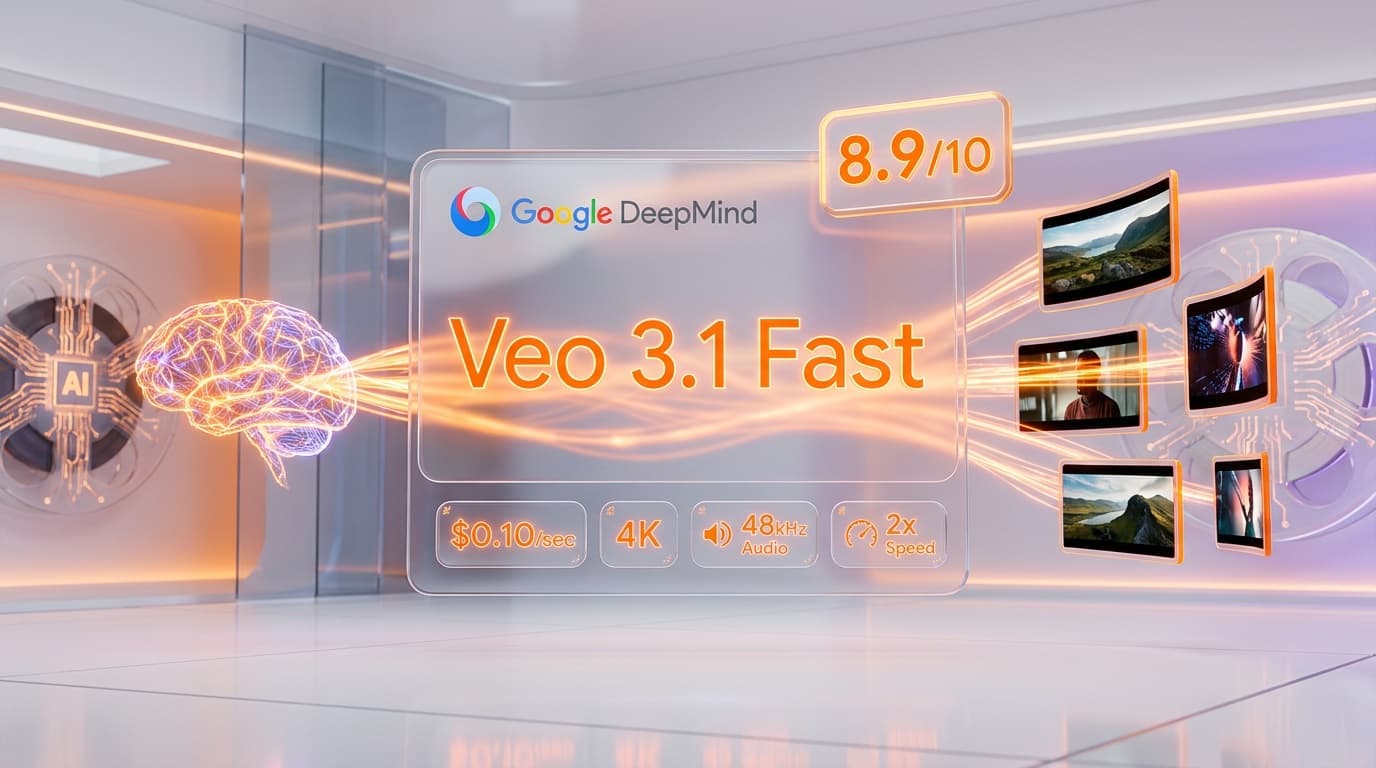
| Veo 3.1 Fast | $0.10 (720p, post-April 7) / $0.15 (1080p) | 720p, 1080p, 4K | Included | Rapid prototyping, social media |
| Veo 3.1 (Full) | $0.40 (720p-1080p) / $0.75 (4K) | 720p, 1080p, 4K | Included | Premium production, cinema-grade |
Without audio, the Full tier drops to approximately $0.27-$0.50 per sec — a 33% reduction mirroring the discount structure across all tiers. For comparison: Runway Gen-4.5 charges approximately $0.50 per sec for comparable resolution, Kling 3.0 costs ~$0.10 per sec but lacks native audio, and OpenAI's Sora was burning $1.30 per video before its March 2026 shutdown. To choose between the three Veo 3.1 tiers, see our dedicated Veo 3.1 Lite vs Fast vs Full comparison.
Our Experience with Veo 3.1
We tested Veo 3.1 through both Google AI Studio and the Vertex AI API over several weeks. The native audio lip-sync is genuinely transformative — we prompted a 30-second product explanation video (using scene extension) and the generated character spoke with accurate mouth movements, natural pauses, and ambient room tone, all in one pass. No other model we tested, including Runway Gen-4.5 and Kling 3.0, could produce anything close without manual audio dubbing in post. Generation time for an 8-second 1080p clip averaged 9 minutes, which is slower than Fast (3-4 min) but the quality difference in temporal consistency and fine detail is immediately visible.
Key Features Deep Dive
Native Audio Lip-Sync — The Killer Feature
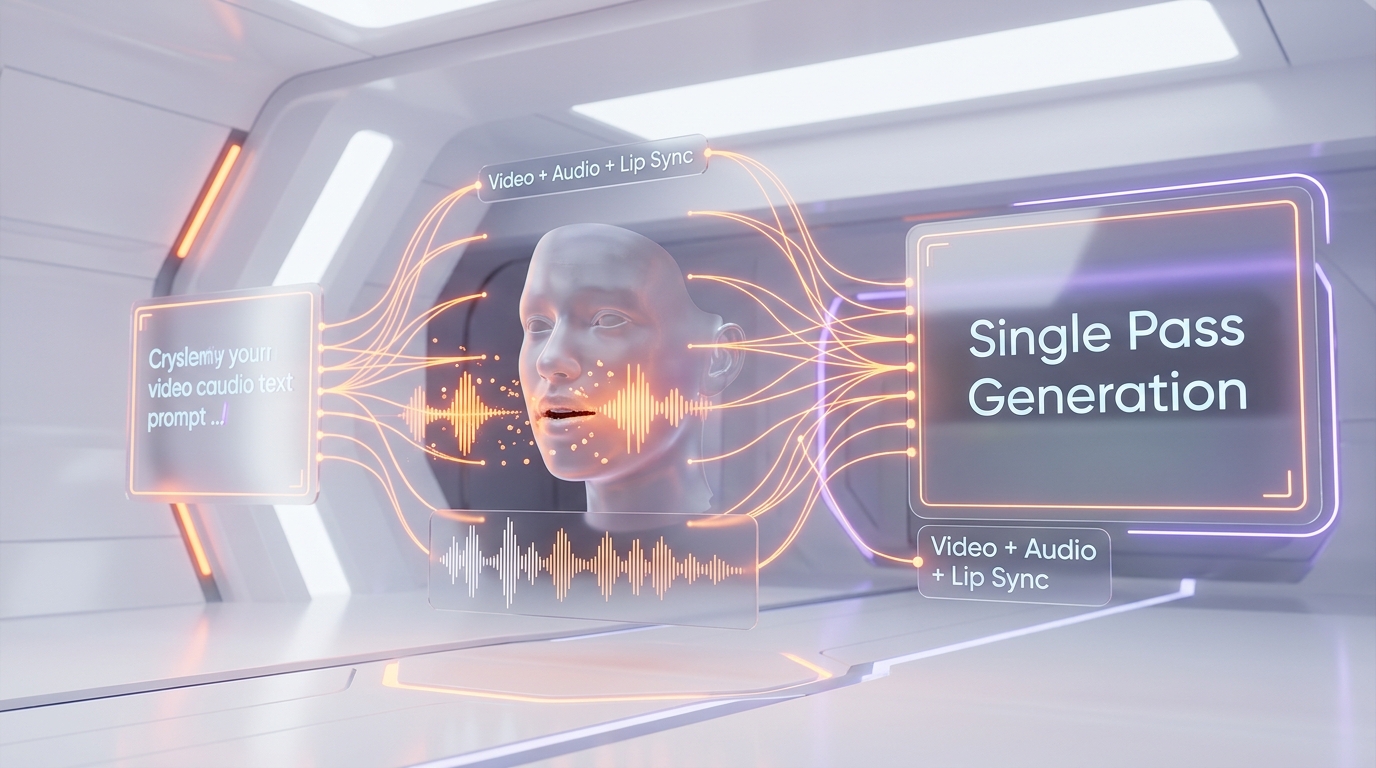
Veo 3.1 is the first and currently only major AI video model that generates synchronized dialogue with accurate lip movements in a single inference pass. This is not audio added in post-processing — the model jointly produces video frames and audio waveforms, ensuring temporal alignment at the frame level. The system handles ambient sounds, sound effects, background music, and spoken dialogue simultaneously.
In our testing, lip-sync accuracy was strongest for front-facing, well-lit subjects speaking in English. Side profiles and rapid speech occasionally introduced minor drift, but overall fidelity exceeded anything available from competitors. Google acknowledges that "creating videos with natural and consistent spoken audio, particularly for shorter speech segments, remains an area of active development" — an honest assessment we appreciate.
For context: Runway Gen-4.5 requires separate audio generation tools. Kling 3.0 added multi-character native audio with voice reference but launched after Veo 3 pioneered the approach. Pika 2.5 has no native audio. Sora never shipped audio support before its shutdown.
4K Ultra HD Output
Veo 3.1 is the first mainstream AI video generator to support true 4K output at 3840x2160 pixels, introduced in a January 2026 update. The process uses AI-powered upscaling: base generation happens at 1080p, then undergoes a reconstruction pass that generates texture and detail information based on learned patterns. The result is visibly sharper than simple bicubic upscaling, though trained eyes can spot AI artifacts in fine hair and fabric textures at pixel level.
4K output is locked to the 8-second maximum duration and costs $0.75 per second — an 8-second 4K clip runs $6.00. This pricing targets professional production houses, not casual creators. For most web and social media use cases, 1080p at $0.40 per sec delivers excellent results.
Scene Extension
The 8-second base generation limit is a real constraint for narrative content. Scene extension solves this by chaining 7-second segments, maintaining visual consistency across joins. With up to 20 extensions, you can create videos exceeding two minutes while preserving character appearance, lighting, and camera motion.
In practice, quality holds well through 3-4 extensions (about 30 seconds total). Beyond that, we noticed subtle color drift and occasional character inconsistency. The technique works best when each extension prompt reinforces the visual context of the previous segment.
Reference Images and Character Consistency
Veo 3.1 accepts up to three reference images to guide generation. This enables style matching (applying the aesthetic of a painting or photograph), character consistency across scenes, and object reference for maintaining brand elements. Combined with first/last frame specification, you can create precisely controlled transitions and maintain visual identity across a multi-shot video project.
The reference image system works especially well for product videos: provide a product photo, describe the scene, and Veo 3.1 integrates the product naturally with appropriate lighting, shadows, and interaction physics.
Camera Controls
Veo 3.1 supports explicit camera movement specification: zoom, pan, dolly, tracking shots, and more. You describe the camera behavior in natural language — "slow dolly forward while panning left" — and the model interprets the instruction with high accuracy. This is a significant advantage over models that only respond to implicit camera cues embedded in general scene descriptions.
Object Insertion and Removal
A capability unique to the Veo family: insert new objects into existing video while maintaining natural interactions and shadows, or seamlessly remove unwanted elements. This extends beyond simple inpainting — the model understands physical interactions, so an inserted object casts appropriate shadows and responds to scene lighting.
Outpainting
Expand video beyond its original frame dimensions. Useful for converting landscape to portrait or extending a tightly framed shot. The model generates contextually appropriate content for the expanded regions, maintaining lighting consistency and scene coherence.
Pricing Breakdown
Veo 3.1 is accessible through multiple channels, each with different pricing structures.
API Pay-Per-Second (Vertex AI / Gemini API)
- 720p with audio: $0.40 per second — 8-second clip = $3.20
- 1080p with audio: $0.40 per second — 8-second clip = $3.20
- 4K with audio: $0.75 per second — 8-second clip = $6.00
- Without audio: ~33% discount across all resolutions
- Blocked generations: not charged (safety filter rejections are free)
Video retention: generated videos persist for 2 days before deletion from Google's servers.
Subscription Plans
- Google AI Plus: $7.99 per month — access to Veo 3.1 Fast only (not Full)
- Google AI Pro: $19.99 per month — 1,000 credits, Veo 3.1 Fast only, ~10-50 videos depending on resolution
- Google AI Ultra: $249.99 per month — 12,500+ credits, access to Veo 3.1 Full + Fast, ~125-250 videos, 30TB storage
Only the $249.99 per month Ultra plan provides access to the Full tier. This is a significant cost barrier — if you need fewer than ~8 premium videos per month, the pay-per-second API is more economical.
Free Access Options
- 1-month Google AI Pro trial: no credit card required, Fast tier only
- 12-month student plan: verified .edu email, Fast tier access
- $300 Google Cloud credits: new users, 90 days, usable for Veo 3.1 API calls
- Google Flow: daily generation limits for exploration
API and Developer Experience
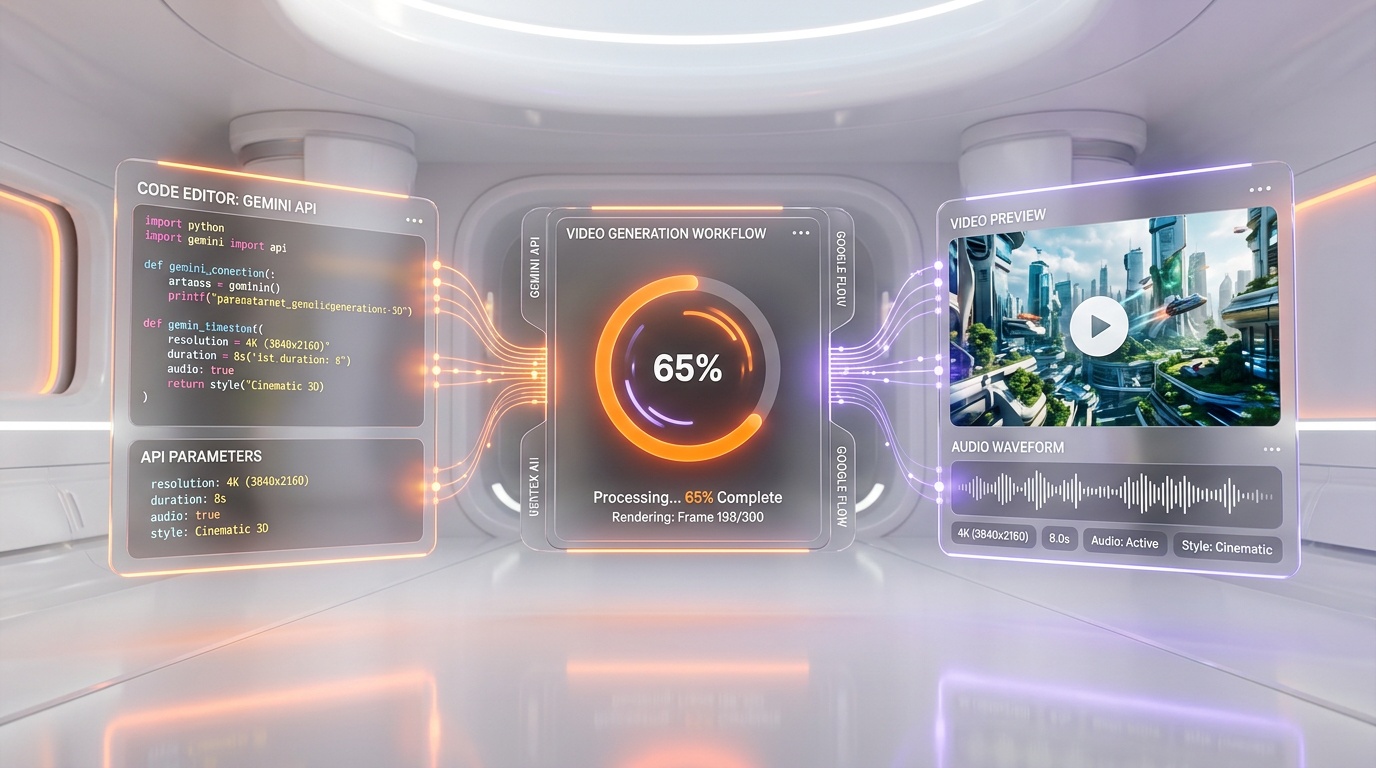
Veo 3.1 is accessible through two main developer interfaces: the Gemini API (simpler, consumer-oriented) and Vertex AI (enterprise-grade, more controls). Both use the same underlying model.
API Parameters
- Aspect ratio: 16:9 (default) or 9:16 (portrait)
- Duration: 4, 6, or 8 seconds (1080p and 4K require 8 seconds)
- Resolution: 720p (default), 1080p (8s only), 4K (8s only)
- Person generation: allow_all (T2V, extensions) or allow_adult (I2V, reference images)
- Input modalities: text, image, video (for extensions), up to 3 reference images
The API returns a generation ID that you poll until completion. Average generation times for the Full tier: 720p takes 4-6 minutes, 1080p takes 6-9 minutes, and 4K takes 8-12 minutes. These are significantly slower than Fast tier but the quality justifies the wait for production use cases.
Google Flow Integration
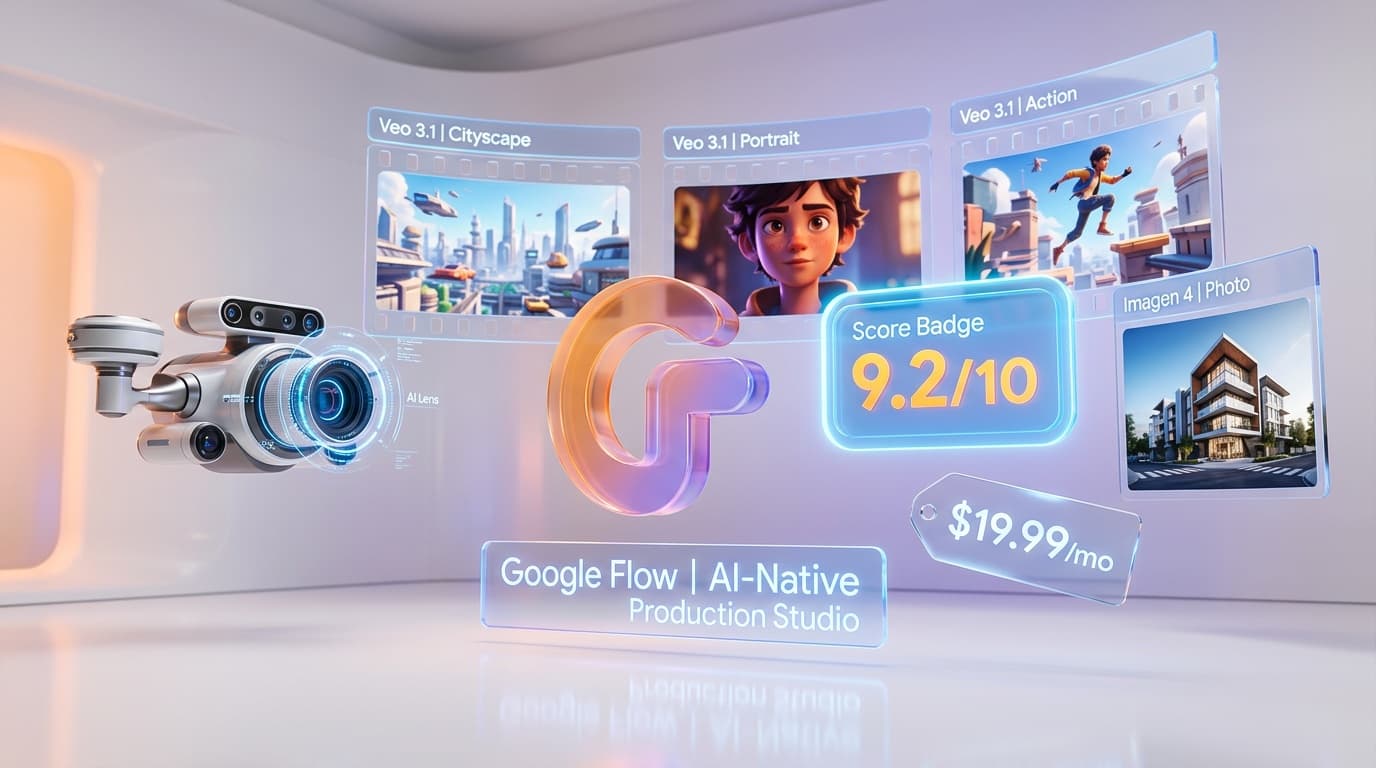
Google Flow, relaunched in February 2026 as a unified creative workspace, provides a visual interface for Veo 3.1 alongside Imagen 4 (image generation), Whisk (collage/mood boards), and Gemini (prompt interpretation). The workflow: build a visual mood board in Whisk, generate static keyframes with Imagen 4, animate those keyframes into video using Veo 3.1 — all without leaving the workspace. For teams already in the Google ecosystem, Flow eliminates the friction of switching between tools.
Flow also integrates with Google Workspace: export assets directly to Google Drive or Slides, streamlining collaborative review. Marketing teams can go from concept to final video asset without leaving Google's ecosystem.
Regional Restrictions
EU, UK, Switzerland, and MENA locations restrict person generation to "allow_adult" only — you cannot generate content featuring minors. This limitation applies across all access methods.
Benchmarks and Quality Assessment
MovieBench Results
In an internal study using the MovieBench test suite (1,003 prompts), Veo 3 achieved:
- 72% overall human preference vs 23% for OpenAI Sora (5% tie)
- Highest physics simulation realism — natural fire, water, fabric motion
- Best lip-sync accuracy among all evaluated models
- Superior prompt adherence — the model follows complex multi-element prompts more faithfully
MovieGenBench Results
On the independent MovieGenBench benchmark (run by industry researchers), Veo 3.1 consistently outperformed competitors in prompt adherence and audio-visual synchronization. Fire had natural movement, smoke, and glow with only minimal camera drift. Water scenes showed consistent and realistic wave motion, believable foam and splashes, and solid handling of wet sand.
VBench Image-to-Video
On VBench (355 image/text pairs), Veo 3.1 was the preferred model for image-to-video generation across text alignment, visual quality, and prompt interpretation accuracy. Note: Sora 2 Pro was excluded from this comparison because it does not support realistic human images.
Who Should Use Veo 3.1?
Ideal Users
- Film studios and production houses: previz, storyboarding, animatic creation with synchronized dialogue
- Marketing agencies: video ad production with native voiceover, sound effects, and music
- Content creators at scale: YouTube creators, educational content producers needing narrated videos
- Game developers: cinematics, cutscenes, and trailer production
- Enterprise teams: internal training videos, product demos, investor presentations
Who Should Look Elsewhere
- Hobbyists on a budget: at $3.20 per 8-second clip, costs add up fast. Consider Veo 3.1 Lite ($0.05 per sec) or Kling at $0.04-0.10/sec.
- Real-time applications: 8-12 minute generation times rule out any interactive or streaming use case.
- Users needing clips longer than ~30 seconds: scene extension works but quality degrades beyond 3-4 chains. Kling 3.0's native 3-15 second multi-shot may be more practical.
- Privacy-sensitive applications: SynthID watermarking is permanent and invisible. Every generated frame is marked.
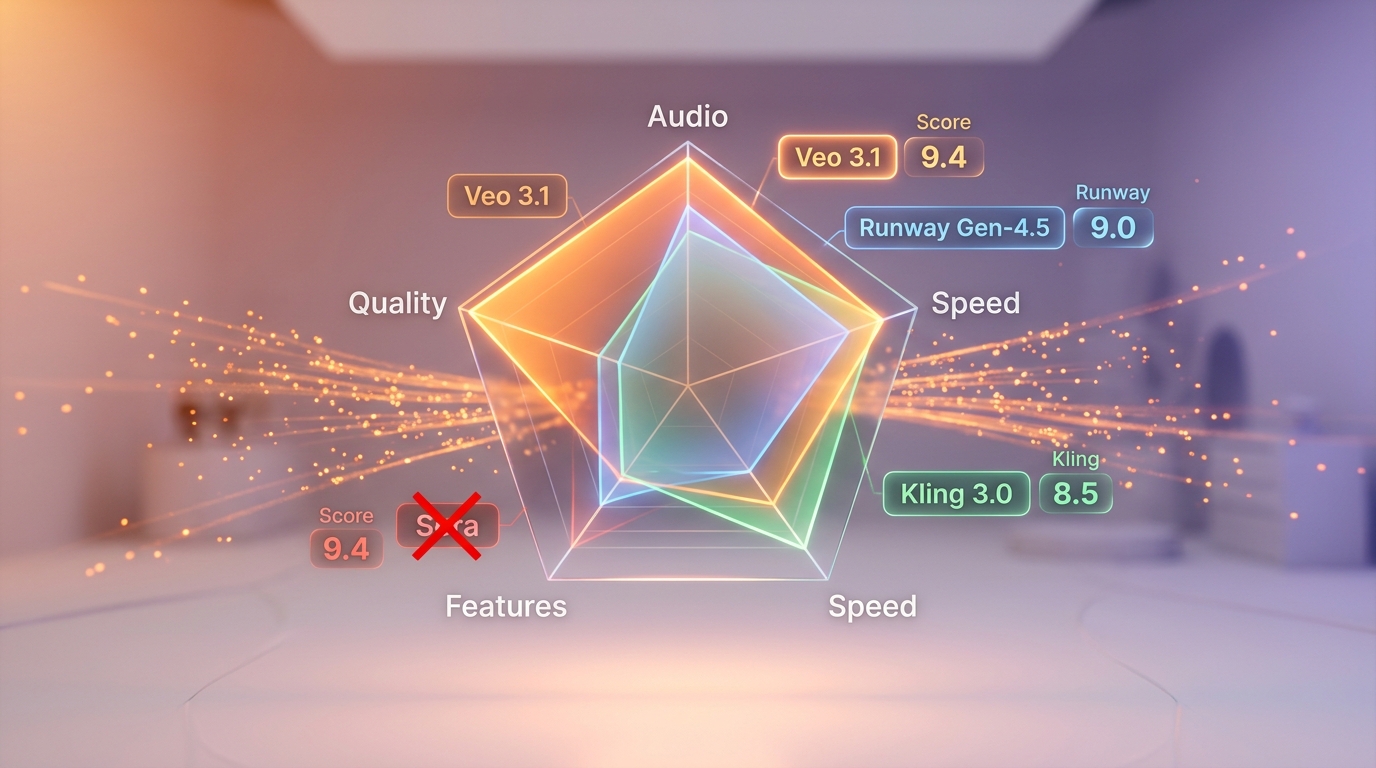
Veo 3.1 vs The Competition
Veo 3.1 vs Runway Gen-4.5
Runway Gen-4.5 is the closest competitor in overall quality. Its Turbo mode delivers 5-second videos in approximately 30 seconds — dramatically faster than Veo 3.1's 8-12 minutes. Runway also offers unmatched creative control with its motion brush and keyframe tools. However, Runway lacks native audio entirely: you must generate video silently and add audio separately. At ~$0.50 per second, Runway is also more expensive than Veo 3.1 for equivalent resolution. Verdict: choose Runway for speed and granular motion control, choose Veo 3.1 for audio-visual integration and 4K output. The full side-by-side is Runway Gen-4.5 versus Veo 3.1, which declines an overall winner and splits the job instead: editorial tooling and cinematic motion to Runway, photorealism and synced audio to Veo 3.1.
Veo 3.1 vs Kling 3.0
Kling 3.0 from Kuaishou is the most aggressive competitor. It offers native 4K (the only other model besides Veo 3.1), multi-shot sequences of 3-15 seconds with subject consistency across camera angles, and multi-character native audio with voice reference. At approximately $0.10 per second, Kling is 4x cheaper than Veo 3.1. The tradeoff: Kling's lip-sync accuracy is noticeably below Veo 3.1's, and its physics simulation — especially for fire, water, and fabric — ranks lower in independent benchmarks. Verdict: Kling 3.0 is the best value for budget-conscious production; Veo 3.1 wins on audio-visual precision and benchmark performance. Kuaishou has since moved the line on to Kling 3.0 Omni, and Veo 3.1 versus Kling 3 Omni re-runs the argument against that newer model — photorealism, one-pass audio and pay-per-second on this side, multi-shot storyboard control and character lock across cuts on the other.
Veo 3.1 vs Pika 2.5
Pika carved a niche with its "Pikaffects" system for applying cinematic effects to existing footage. Generation is fast (under 30 seconds) and the interface is the most intuitive of any model we tested. However, raw text-to-video quality trails Veo 3.1 and Runway significantly — hands, text in scenes, and complex multi-person interactions are visibly weaker. Pika has no native audio. Verdict: Pika excels for quick effects and prototyping; Veo 3.1 is for production-quality output.
Veo 3.1 vs OpenAI Sora (Discontinued)
OpenAI shut down Sora on March 24, 2026. The numbers explain why: $15 million/day in inference costs against $2.1 million in total lifetime revenue. Sora never shipped native audio, downloads had dropped 66% from their November 2025 peak, and a $1 billion Disney partnership collapsed without any money changing hands. Bill Peebles, OpenAI's head of Sora, admitted that "the economics are completely unsustainable." Veo 3.1 effectively won this battle by building a sustainable three-tier pricing model while Sora burned through cash. With Sora gone, Veo 3.1 is the de facto standard for premium AI video generation.
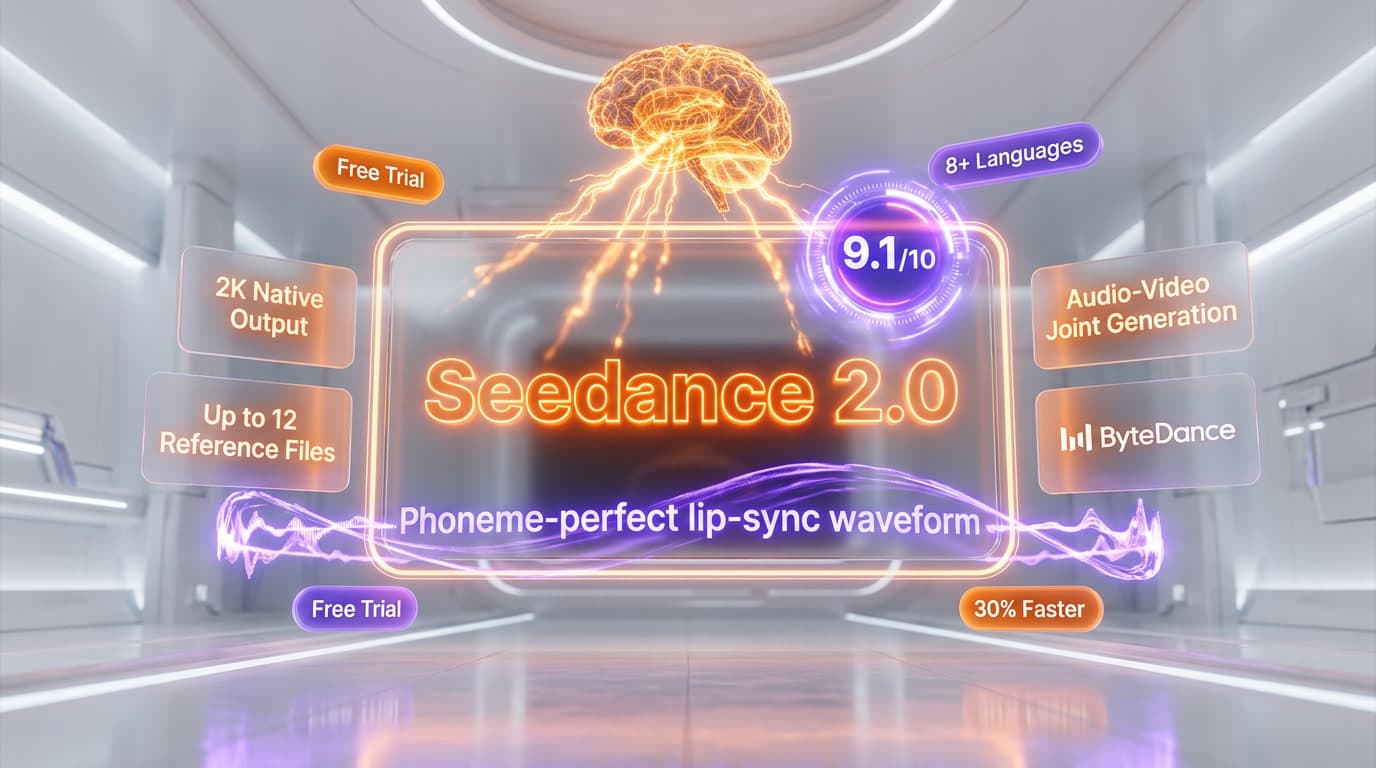
Two challengers arrived after Sora's exit, and neither is a soft touch. ByteDance's Seedance 2.0 tops the Artificial Analysis Text-to-Video Arena with audio, which turns Seedance 2 versus Veo 3.1 into a contest between raw arena quality and the most proven lip-sync in the category with verified 4K delivery on a first-party API. Luma Ray 3 attacks from the finishing end instead, with a native 16-bit HDR pipeline and OpenEXR export for a downstream color grade; Luma Ray 3 versus Veo 3.1 also ends split, with Veo 3.1 keeping native audio, native 4K and far longer sequences.
Competitive Feature Matrix
| Feature | Veo 3.1 | Runway Gen-4.5 | Kling 3.0 | Pika 2.5 |
|---|---|---|---|---|
| Native Audio Lip-Sync | Yes (single pass) | No | Yes (voice ref) | No |
| Max Resolution | 4K | 1080p | 4K | 1080p |
| Max Duration (base) | 8 sec | 10 sec | 15 sec | 10 sec |
| Generation Speed (8s) | 8-12 min | ~30 sec (Turbo) | 2-4 min | <30 sec |
| Price Per Second | $0.40 | ~$0.50 | ~$0.10 | Credit-based |
| Scene Extension | Yes (20 chains) | Yes | Yes (multi-shot) | No |
| Reference Images | Up to 3 | Yes | Yes | Limited |
| MovieBench Preference | 72% | N/A | N/A | N/A |
| Image-to-Video | Yes | Yes | Yes | Yes |
| Physics Realism | Best-in-class | Excellent | Good | Fair |
Safety, Watermarking, and Content Moderation
Every video generated by Veo 3.1 includes an invisible SynthID digital watermark — cryptographically secure and embedded in every frame. This is permanent and cannot be removed without degrading the video. Google uses SynthID to enable detection of AI-generated content, supporting responsible AI deployment.
Content safety filters block prompts violating Google's usage policies, including violence, sexual content, hate speech, and other harmful categories. In our experience, the filters occasionally trigger on legitimate creative prompts involving human faces or dialogue — regenerating with slightly modified phrasing usually resolves this. Importantly, blocked generations are not charged.
Person generation policies vary by region: EU, UK, Switzerland, and MENA restrict content to adult-only generation. Other regions allow broader person generation in text-to-video mode.
Google Flow: The Unified Creative Workspace
On February 25, 2026, Google relaunched Flow as a fully unified creative workspace that integrates Veo 3.1, Imagen 4, Whisk (mood boards), and Gemini (prompt interpretation). This positions Veo 3.1 not as a standalone model but as the video engine within a complete creative suite.
The Flow workflow: build a visual mood board in Whisk, generate static keyframes using Imagen 4 (formerly Nano Banana/ImageFX), animate those keyframes into video using Veo 3.1 — all within a single interface. For teams using Google Workspace, assets export directly to Drive or Slides.
Partners already using Veo 3.1 through Flow include Promise Studios (film previz and storyboarding), Volley (game cinematics), and OpusClip (motion graphics and promotional content). This enterprise adoption validates Veo 3.1's positioning as a professional-grade tool, not just a consumer novelty.
Limitations and Honest Assessment
Veo 3.1 is not perfect. Here is what we found lacking during extended testing:
- Generation speed: 8-12 minutes for the Full tier makes iteration painful. Runway's 30-second Turbo mode is dramatically faster for creative exploration.
- Duration ceiling: 8 seconds maximum without extension chaining. Kling 3.0 natively supports 3-15 second multi-shot sequences, a more elegant solution for longer content.
- Resolution-duration lock: 4K and 1080p require the full 8-second duration. You cannot generate a quick 4-second 4K clip — a frustrating limitation for short-form content.
- Extension quality drift: beyond 3-4 chained extensions, visual consistency degrades. Color temperature, character details, and lighting can shift noticeably.
- Audio consistency for short speech: Google themselves acknowledge this limitation. Very short dialogue segments (under 2 seconds) can produce unnatural prosody.
- Safety filter sensitivity: legitimate creative prompts involving people, especially close-ups with dialogue, occasionally trigger false positives.
- No free Full-tier access: the $300 Google Cloud credit is the closest to free testing, but the $249.99 per month Ultra subscription is the only recurring plan with Full access.
The Bottom Line
Veo 3.1 is the most technically advanced AI video generation model available in April 2026. Its native audio lip-sync in a single generation pass is a genuine industry first that no competitor has fully replicated. The 72% preference rate over Sora on MovieBench is not marketing — it reflects measurably superior physics simulation, prompt adherence, and audio-visual synchronization.
The premium pricing ($0.40 per sec for 1080p, $0.75 per sec for 4K) positions it clearly as a professional tool. If you need the absolute highest quality AI video with integrated audio, Veo 3.1 is the uncontested choice. If you need speed and lower costs, Veo 3.1 Fast and Veo 3.1 Lite within the same family deliver excellent results at a fraction of the cost.
With Sora dead and Google investing heavily in the Flow ecosystem, Veo 3.1 has effectively become the reference standard for premium AI video generation. The only real question is whether your production needs justify the premium tier or whether Fast/Lite will suffice for your workflow.
Frequently Asked Questions
Is Veo 3.1 better than Runway Gen-4.5 for AI video generation?
Veo 3.1 scored 9.4 out of 10 on our tests and is the only model generating native audio lip-sync in a single pass — Runway Gen-4.5 requires separate audio tools for dialogue. Veo 3.1 also achieved 72% human preference over Sora on MovieBench. However, Runway Gen-4.5 charges ~$0.50 per sec vs Veo's $0.40 per sec, making both premium-priced. Veo wins on audio integration; Runway remains strong for pure visual effects work.
How does Veo 3.1 compare to Kling 3.0 on price and features?
Kling 3.0 costs approximately $0.10 per sec — 75% cheaper than Veo 3.1's $0.40 per sec. However, Kling 3.0 lacks native audio generation, meaning you need external tools for dialogue and lip-sync. Veo 3.1 generates synchronized spoken dialogue with accurate lip movements in one pass, supports true 4K output, and offers scene extension up to 2+ minutes. For budget workflows without audio needs, Kling wins. For professional video with dialogue, Veo 3.1 is unmatched.
Who should use Veo 3.1?
Veo 3.1 is best for film studios doing previz, marketing agencies producing video ads with voiceover, content creators needing dialogue-synced videos, and developers building video-first applications via the Vertex AI or Gemini API. The Lite tier ($0.05 per sec) suits high-volume budget workflows, while the Full tier ($0.40 per sec for 1080p, $0.75 per sec for 4K) targets premium production houses requiring cinema-grade output with native audio.
What are Veo 3.1's limitations?
Veo 3.1's main limitations: maximum native generation is 8 seconds (scene extension adds 7-second segments but quality drifts after 3-4 extensions). 4K output is locked to 8-second clips at $0.75 per sec ($6.00 per clip). Generation takes 8-12 minutes for premium quality. Safety filters can block legitimate creative prompts involving people. Lip-sync accuracy drops on side profiles and rapid speech. No real-time generation is available.
Does Veo 3.1 integrate with Google Vertex AI and Gemini?
Yes, Veo 3.1 integrates seamlessly with Google's ecosystem. It's accessible through the Vertex AI API and Gemini API for programmatic video generation, and through Google AI Studio for interactive use. It also works with Google Flow for workflow automation. The API supports text-to-video, image-to-video with up to 3 reference images, first/last frame specification, and camera movement controls — all via standard API calls.
Can Veo 3.1 generate 4K videos with audio?
Yes, Veo 3.1 supports true 4K output (3840x2160) with native audio, introduced in January 2026. The process uses AI-powered upscaling from a 1080p base generation. 4K clips are limited to 8-second duration and cost $0.75 per second ($6.00 per clip). For most web and social media use cases, 1080p at $0.40 per sec delivers excellent quality. Without audio, the Full tier drops to approximately $0.27-$0.50 per sec.
What happened to OpenAI Sora and how does Veo 3.1 compare?
OpenAI's Sora shut down in March 2026 after burning $1.30 per video. Before shutdown, Veo 3.1 achieved 72% human preference over Sora across 1,003 prompts on MovieBench. Sora never shipped native audio support, while Veo 3.1 generates synchronized video + audio + dialogue in one pass. With Sora gone, Veo 3.1 and Runway Gen-4.5 are the two leading premium AI video generators.
Key Features
Pros & Cons
Pros
- Only AI video model with native audio lip-sync in a single generation pass
- 72% human preference over Sora on MovieBench — best-in-class realism
- True 4K output (3840x2160) with AI upscaling from 1080p base
- Full creative controls: reference images, scene extension, camera movements, outpainting
- Seamless integration with Google Flow, Vertex AI, and Gemini ecosystem
- SynthID watermarking baked into every frame for content provenance
- Multi-modal input: text-to-video, image-to-video, first/last frame, up to 3 reference images
Cons
- Premium pricing at $0.40/sec — an 8-second 4K clip costs $3.20 minimum
- Maximum native generation is 8 seconds (extensions add 7-second segments but quality may drift)
- 4K and 1080p locked to 8-second duration only — shorter clips limited to 720p
- No real-time generation — 8-12 minute wait for premium-quality output
- Safety filters can block legitimate creative prompts, especially involving people
Best Use Cases
Platforms & Integrations
Available On
Integrations
Compare Veo 3.1

We're developers and SaaS builders who use these tools daily in production. Every review comes from hands-on experience building real products — DealPropFirm, ThePlanetIndicator, PropFirmsCodes, and many more. We don't just review tools — we build and ship with them every day.
Written and tested by developers who build with these tools daily.
Frequently Asked Questions
What is Veo 3.1?
Google DeepMind's flagship AI video model — the only one with native audio lip-sync in a single pass
How much does Veo 3.1 cost?
Veo 3.1 costs $0.4/month.
Is Veo 3.1 free?
No, Veo 3.1 starts at $0.4/month.
What are the best alternatives to Veo 3.1?
Top-rated alternatives to Veo 3.1 include Google Flow (9.2/10), Seedance 2.0 (9.1/10), Descript (9.1/10), Veo 3.1 Fast (8.9/10) — all reviewed with detailed scoring on ThePlanetTools.ai.
Is Veo 3.1 good for beginners?
Veo 3.1 is rated 9.2/10 for ease of use.
What platforms does Veo 3.1 support?
Veo 3.1 is available on Web.
Does Veo 3.1 offer a free trial?
Yes, Veo 3.1 offers a free trial.
Is Veo 3.1 worth the price?
Veo 3.1 scores 9/10 for value. We consider it excellent value.
Who should use Veo 3.1?
Veo 3.1 is ideal for: Professional film previz and storyboarding with synchronized dialogue, Marketing video production with native voiceover and music, Social media content creation at premium quality, E-commerce product videos with ambient sound design, Game cinematics and trailer production, Educational content with narrated demonstrations, Music video generation with lip-synced performances, Architectural visualization with ambient audio.
What are the main limitations of Veo 3.1?
Some limitations of Veo 3.1 include: Premium pricing at $0.40/sec — an 8-second 4K clip costs $3.20 minimum; Maximum native generation is 8 seconds (extensions add 7-second segments but quality may drift); 4K and 1080p locked to 8-second duration only — shorter clips limited to 720p; No real-time generation — 8-12 minute wait for premium-quality output; Safety filters can block legitimate creative prompts, especially involving people.
Best Alternatives to Veo 3.1
Ready to try Veo 3.1?
Start your free trial
Try Veo 3.1 Free →