Krea AI
The all-in-one AI creative suite: 64+ models for image, video, 3D, and upscaling — under 50ms realtime canvas

Quick Summary
Krea AI is a creative suite built on 64+ image, video, 3D and upscaling models (Krea 1, FLUX, Veo 3.1, Kling, Runway, Hailuo, Nano Banana, Ideogram). Realtime canvas under 50ms. Free plan with 100 compute units per day, paid from $9 per month. Used by Lego, Samsung, Nike, Microsoft, Shopify. Score: 9.0/10.
Krea AI is a creative suite that replaces Midjourney plus Runway plus Topaz plus FAL with one subscription. It bundles 64+ models on release day — including FLUX, Veo 3.1, Sora 2, Kling, Runway Gen-4, Hailuo, Wan, Seedance, Luma, Ideogram, Nano Banana, Imagen, and the proprietary Krea 1 — behind a realtime canvas that updates in under 50ms per brushstroke. The free plan ships 100 compute units per day, the Basic plan starts at $9 per month with commercial license, and Max hits $70 per month for 22K upscaling and unlimited in-house model generation. Krea is headquartered in San Francisco, closed a $47M Series B at a $500M post-money valuation in April 2025 (Bain Capital Ventures led, a16z and Abstract followed), and now serves 30M+ users across 191 countries. Enterprise roster includes Lego, Samsung, Nike, Microsoft, Shopify, and Pixar. Our score: 9.0 out of 10. It is the single best price-to-capability ratio in generative AI creative tooling in 2026.
Our Review: Krea AI in one paragraph
We spent a week running Krea AI across four workflows at ThePlanetTools: hero illustration for a tool review, a short Pinterest video, a 3D product mock, and a LoRA training run on our brand style. The experience is aggressively fast. The realtime canvas is the feature that sells the subscription — dragging a primitive across the canvas and watching photorealistic composition update in under 50ms feels like the first time Figma's multiplayer mode clicked. The model library breadth is the second reason to sign up. When Sora 2 lands on Krea the same week OpenAI ships it, that is real speed-to-release. The Enhance module pushing images to 22K replaces a $79 per month Topaz subscription outright. The only friction: compute units. The $9 per month Basic plan is fine for image-first workflows; Pro at $35 per month is where video becomes viable; and Max at $70 per month is the sweet spot for production studios that previously burned $200 per month across three tools.
What is Krea AI?
Krea AI is a generative AI creative suite built by Victor Perez Belmonte and Diego Rodriguez Baquero, two Spanish founders who famously skipped postgrad grants from the King of Spain to launch the company in 2022. The positioning is precise: Krea is not a single-model wrapper. It is an aggregator-plus-proprietary-model platform that lets creatives switch between FLUX, Veo 3.1, Kling, Runway, Hailuo, and Krea 1 without leaving the canvas, while adding fine-tuning, upscaling, 3D, lipsync, and a node-based workflow editor on top.
The company is headquartered in San Francisco. As of April 2026, it has raised $83M total across four rounds. The most recent round was a $47M Series B in April 2025, led by Bain Capital Ventures with participation from Andreessen Horowitz and Abstract Ventures, at a $500M post-money valuation. Enterprise adoption is real — the homepage roster includes Lego, Samsung, Nike, Microsoft, Shopify, and Pixar. User base: 30M+ across 191 countries as of 2026.
The four pillars that matter, before the nuance:
- Model breadth: 64+ models across image, video, 3D, and upscaling, added on release day — when a new FLUX, Veo, or Sora version ships, Krea usually has it live within the same week.
- Realtime canvas: sketch, move primitives, or type a prompt and watch the AI image update in under 50ms per change. Industry-leading feedback speed.
- Krea 1: the proprietary image model, tuned for skin texture accuracy, dynamic camera angles, and painterly expressive styles — Midjourney aesthetic without the Discord workflow.
- Unified API: a single REST endpoint exposes 20+ image and video models programmatically. Replaces wiring up FAL, Replicate, and provider SDKs one by one.
Key features deep dive
1. Realtime canvas — the 50ms feedback loop
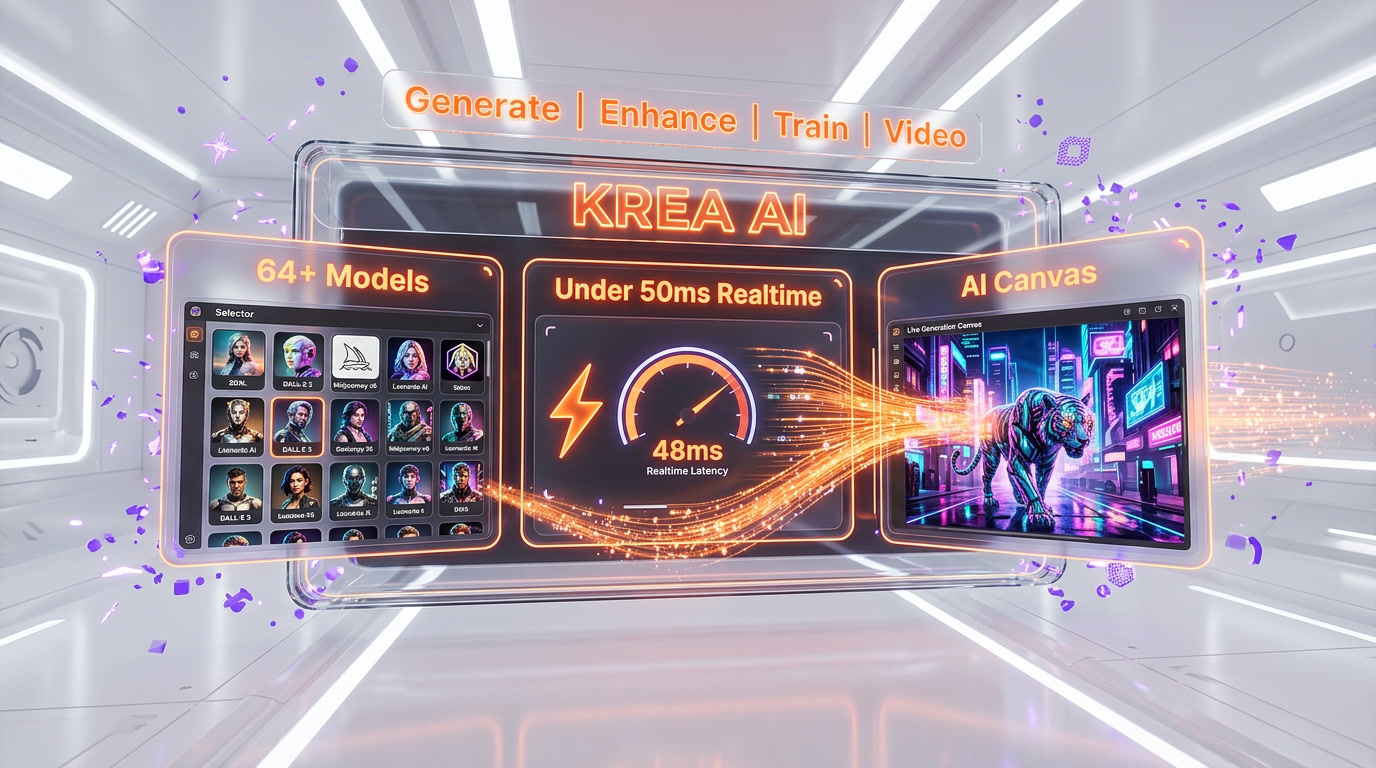
The realtime canvas is Krea's most distinctive product. You drop basic primitives (shapes, sketches, collage fragments, text prompts) onto an infinite canvas, and the AI regenerates the final image in under 50ms every time you move a pixel. The technical backbone is a distilled, latent-consistency-style model running on FP16 inference. The lived experience is new: you are no longer prompting-and-waiting, you are drawing with a generative model in real time.
In our testing, the realtime canvas shortened a typical "brief to first usable visual" from 20-30 minutes (Midjourney iteration loop) to under 90 seconds. That is a 10-20x productivity lift on the exploration phase of any creative brief. The tradeoff is that realtime-canvas outputs are lower fidelity than full Krea 1 or FLUX renders — you use it for exploration, then promote the winning composition into a full-quality generation.
2. Krea 1 — the proprietary image model
Krea 1 is the in-house image model. It is tuned specifically for accurate skin textures (one of the hardest problems in photoreal image generation), dynamic camera angles (wide, low-angle, Dutch, top-down), and expressive painterly styles. In head-to-head prompting on portraits, it lands in a three-way tie with Midjourney V7 and FLUX Pro on aesthetic quality, and beats both on skin texture fidelity. The model is included on Basic, Pro, and Max plans.
3. Video — Veo 3.1, Sora 2, Kling, Runway Gen-4 under one plan
The video module is where Krea earns the "one subscription to rule them all" pitch. Pro plan ($35 per month) unlocks every video model on the platform — Veo 3, Veo 3.1, Sora 2, Kling, Runway Gen-4, Hailuo, Wan 2.1, Seedance, and Luma. Before Krea, running that stack meant three to five separate subscriptions averaging $20-50 per month each. Now it is one line item. The Pro plan also includes unlimited Seedance 2 generation and workflow automation with Nodes and Apps.
4. 3D — text-to-mesh and image-to-mesh
Krea generates 3D objects from text prompts or converts 2D images into 3D meshes exportable to Blender, Unity, and Unreal Engine. The quality is not production-final for AAA games, but it is strong enough for rapid prototyping, concept approval, and e-commerce product viewers. Studios that previously hired 3D modelers for early-stage concept work can now greenlight ten prototypes a day.
5. Enhance — 22K image and 8K video upscaling
The Enhance module includes seven upscaling models. Topaz Photo AI and Topaz Gigapixel AI are integrated alongside Krea's native upscaler. Images can be pushed to 22K (roughly 22000 pixels on the long edge), and video to 8K. For studios that previously ran Topaz Photo AI at $79 per month as a separate product, this alone justifies the Pro plan.
6. LoRA fine-tuning — train your own style
You upload a few reference images of a face, product, or visual style, and Krea trains a LoRA that you can then call from any supported image or video model. Basic caps LoRA uploads at 50 images. Max gives you unlimited LoRA fine-tunings with up to 2,000 files each. Business pushes the cap to 20,000 files. For an ecommerce brand wanting consistent product imagery, the LoRA workflow is the single biggest time-saver in the entire platform.
7. Nodes and Apps — the node-based workflow editor
Nodes is Krea's answer to ComfyUI. You chain models together as nodes (generate, upscale, style transfer, export), save the chain as a reusable App, and share it with your team. The AI-powered Nodes Agent can build workflows from natural language instructions. Pro plan and above.
8. Unified REST API
Krea exposes a single REST API with unified endpoint access to 20+ image and video models. If you are a developer shipping AI features, this replaces the pain of wiring up FAL, Replicate, OpenAI, and Google APIs separately. One auth flow, one billing surface, one schema.
Real-time mode deep-dive — why 50ms matters
50ms is the threshold under which a user perceives a system response as instantaneous. Above 100ms, you notice lag. Above 300ms, you consciously wait. The realtime canvas hitting under 50ms means the creative loop feels like sketching, not prompting. This is a qualitative shift in the creative process, not an incremental speed improvement.
Technically, Krea's realtime pipeline runs a distilled, latent-consistency-style image model at FP16 precision on GPU inference infrastructure co-located with the web frontend. The architecture trades off absolute fidelity (realtime outputs look roughly 70% as good as a full Krea 1 render) for iteration speed. In practice, this is exactly the right tradeoff for the exploration phase of any creative brief.
Who benefits most: art directors running mood boards live in client meetings, product designers iterating packaging on a call, founders generating 20 concept variants in the 10 minutes before a pitch. Who benefits least: anyone whose final deliverable is a single, perfectly polished image — for that, promote the realtime-canvas composition into a full Krea 1 or FLUX Pro render.
Pricing — how much does Krea AI cost in 2026
Krea uses a compute-units pricing model across five paid tiers plus a free plan. Compute units are consumed per generation, and different models burn different unit counts. A 1024px FLUX image might cost a few units; an 8-second Veo 3.1 clip will consume a bigger chunk. Annual billing saves roughly 20%.
| Plan | Price | Compute | Best for |
|---|---|---|---|
| Free | $0 | 100 units per day | Trying it, realtime canvas only, 2K upscale cap |
| Basic | $9 per month | 5,000 units per month | Solo creators, image-first workflows, 4K upscale, commercial license |
| Pro | $35 per month | 20,000 units per month | Full video model access, Nodes workflows, 8K upscale, unlimited Seedance 2 |
| Max | $70 per month | 60,000 units per month | Production studios, 22K upscale, unlimited LoRA, unlimited concurrent generations |
| Business | $200 per month | 80,000 units base, packs 20k-1.5M | Teams, up to 50 seats, custom roles, private Node Apps |
| Enterprise | Custom | Custom | Custom ToS, SLA, Analytics API, audit logs, Slack Connect |
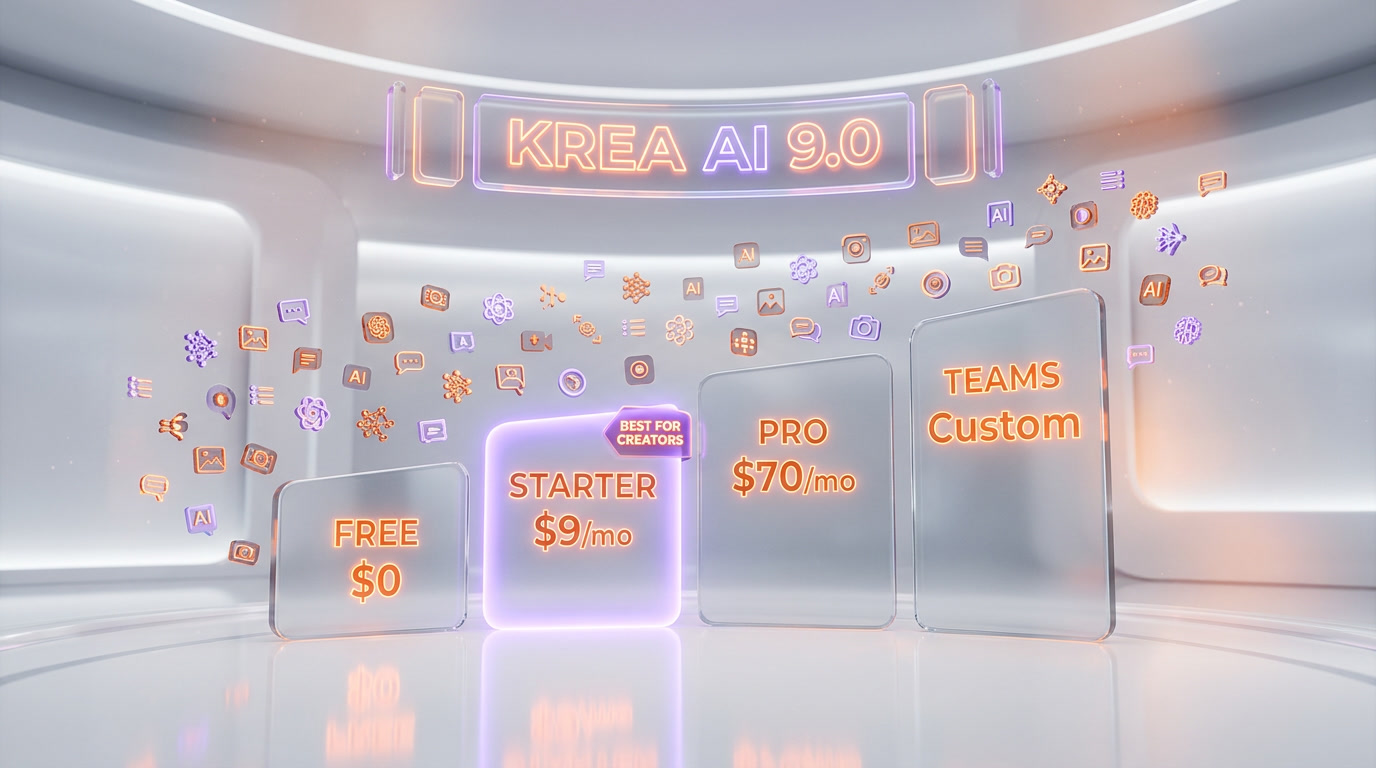
The real math: if you were previously paying $30 per month for Midjourney, $15 per month for Runway, $79 per month for Topaz, and another $30 per month in FAL or Replicate credits, that is $154 per month — versus $70 per month for Krea Max. The consolidation arithmetic is why Krea has 30M+ users already.
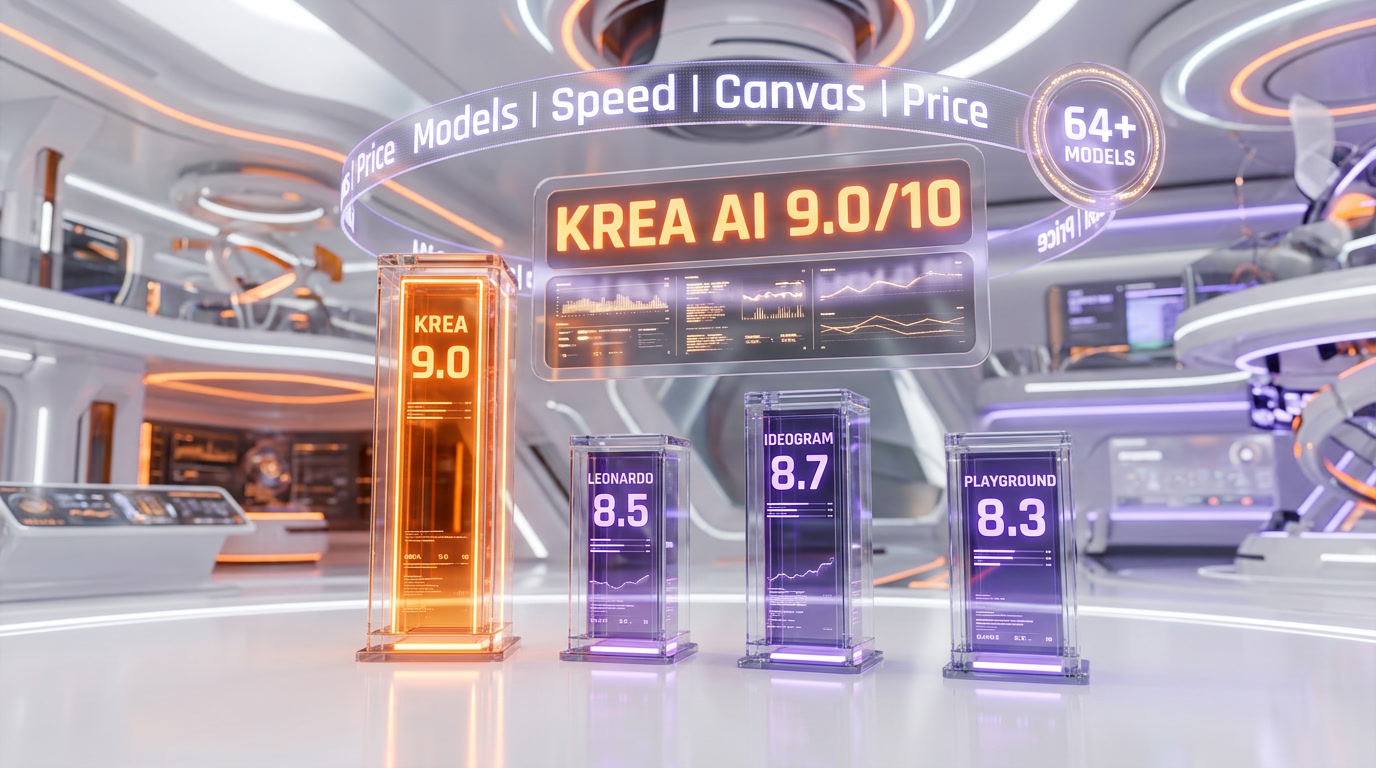
Krea AI vs Leonardo AI
Leonardo AI is the volume play. Free tier gives 150 tokens per day (roughly 30-50 images), and the platform ships a solid set of in-house models. Where Leonardo wins: generous free tier, game-asset-focused styles, and a mature community. Where Krea wins: model breadth (64+ vs Leonardo's roughly 10), realtime canvas (Leonardo does not have a sub-50ms canvas), and video model depth — Leonardo added video in 2024 but the model library is narrower than Krea's Pro plan stack.
Pick Leonardo if you want the cheapest free entry and your workflow is 2D game assets or concept art. Pick Krea if you want every frontier model under one subscription and you care about realtime iteration.
Krea AI vs Ideogram
Ideogram is the text-in-image specialist. Ideogram 3.0 hits 90-95% typographic accuracy on text rendered inside images, compared to 30-50% across most competitors including Krea. If your workflow is posters, logos, ad mockups, banners, or anything where the image must carry readable text, Ideogram is still the correct pick — and Ideogram is actually integrated inside Krea for exactly this use case.
Pick Ideogram standalone if 80% of your output needs text in the image. Pick Krea if you want Ideogram plus FLUX plus Krea 1 plus Veo 3.1 in one place.
Krea AI vs Midjourney
Midjourney V7 stable and V8 Alpha remain the aesthetic kings. Cinematic lighting, painterly coherence, and prompt fidelity on editorial illustration and mood-driven imagery are still Midjourney's territory. Where Krea wins: workflow. Midjourney is locked to a Discord-and-web flow, with no realtime canvas, no integrated video, no 3D, no upscaling, no LoRA, no API. You prompt, you wait, you download, you leave.
Pick Midjourney if your only job is single-image aesthetic and you love the Discord community. Pick Krea if your work involves more than one deliverable type, or if you need realtime iteration, or if you need Midjourney-tier aesthetic plus video plus upscaling plus 3D in one workspace. Krea 1 closes most of the aesthetic gap with Midjourney V7 on portraits and product shots, though Midjourney still has a small edge on editorial illustration.
Pros and cons — what we liked and what bites
What we loved:
- The realtime canvas. It is genuinely the fastest creative-AI feedback loop on the market in April 2026, and it changes how you explore briefs.
- Model breadth. 64+ models on release day means you are never locked out of a new frontier launch.
- Krea 1. A proprietary model that holds up against Midjourney V7 and FLUX Pro on portraits.
- Consolidation arithmetic. Replacing Midjourney plus Runway plus Topaz at $70 per month is a no-brainer for most solo creators and lean teams.
- Enterprise roster. Lego, Samsung, Nike, Microsoft, Shopify, Pixar — the trust signal is real.
What we did not love:
- Compute units burn on video. A single Veo 3.1 8-second render can eat a significant chunk of a 5,000-unit Basic allowance. Budget Pro plan if video is core.
- Interface density. 64+ models, Nodes, Apps, Realtime, LoRA, Enhance, 3D, Lipsync — onboarding takes a full afternoon.
- Free plan ceilings. 2K upscale cap and limited video model access make the free plan a try-it experience, not a daily-driver.
- No mobile apps. Web-only in 2026. That is fine for studio work, less fine for on-the-go prompting.
Real-world use cases
Based on our week of testing, here are the workflows where Krea earns its keep:
- Product designer hero shots. Generate 20 packaging concept variants in the realtime canvas, promote the winner into a full Krea 1 render, upscale to 22K for print. Total time: under an hour.
- Ad creative at scale. Train a LoRA on your brand style, then batch-generate 30 ad variants across 5 aspect ratios using the Nodes workflow editor. Ship-ready in an afternoon.
- Storyboard to animatic. Sketch storyboard frames in the realtime canvas, promote each frame to a Veo 3.1 clip, stitch the sequence in Runway. Entire animatic in one workspace.
- 3D prototype approval. Generate 3D meshes from text prompts, iterate visually before booking a modeler. Unity and Unreal exports supported.
- Legacy asset upscale. Push a 1000px archive image to 22K for billboard print using Topaz Gigapixel inside Krea. Saves a dedicated Topaz subscription.
- Developer integration. Call Krea's unified REST API from your app and get 20+ model endpoints behind a single auth token. Replaces FAL, Replicate, and provider-specific SDKs.
- Agency pitch visuals. Build a live mood board in the realtime canvas during a client meeting. Iterate in real time based on feedback.
- Solo founder year of content. Train a LoRA on your face and brand palette, then generate a year of social media imagery without ever leaving the app.
Who should use Krea AI
Use Krea if you are:
- A solo creator or founder who wants one subscription instead of four.
- An agency or lean content team that ships visuals across image, video, and 3D.
- An ecommerce brand needing consistent product imagery via LoRA.
- A developer who wants 20+ generative models behind one REST API.
- A studio previously spending $150 per month across Midjourney plus Runway plus Topaz.
Skip Krea (or pair it with a specialist) if you are:
- A poster or logo designer who needs 95% typography accuracy — keep Ideogram standalone or use the Ideogram model inside Krea.
- An editorial illustrator whose entire brand is Midjourney aesthetic — keep Midjourney as a specialist, use Krea for everything else.
- A game studio needing production-final 3D assets — Krea's 3D is for prototyping, not final rigging.
- Purely a free-tier user — Krea's free plan is a try-it experience, Leonardo's free tier is more generous for daily use.
Our verdict — 9.0 out of 10
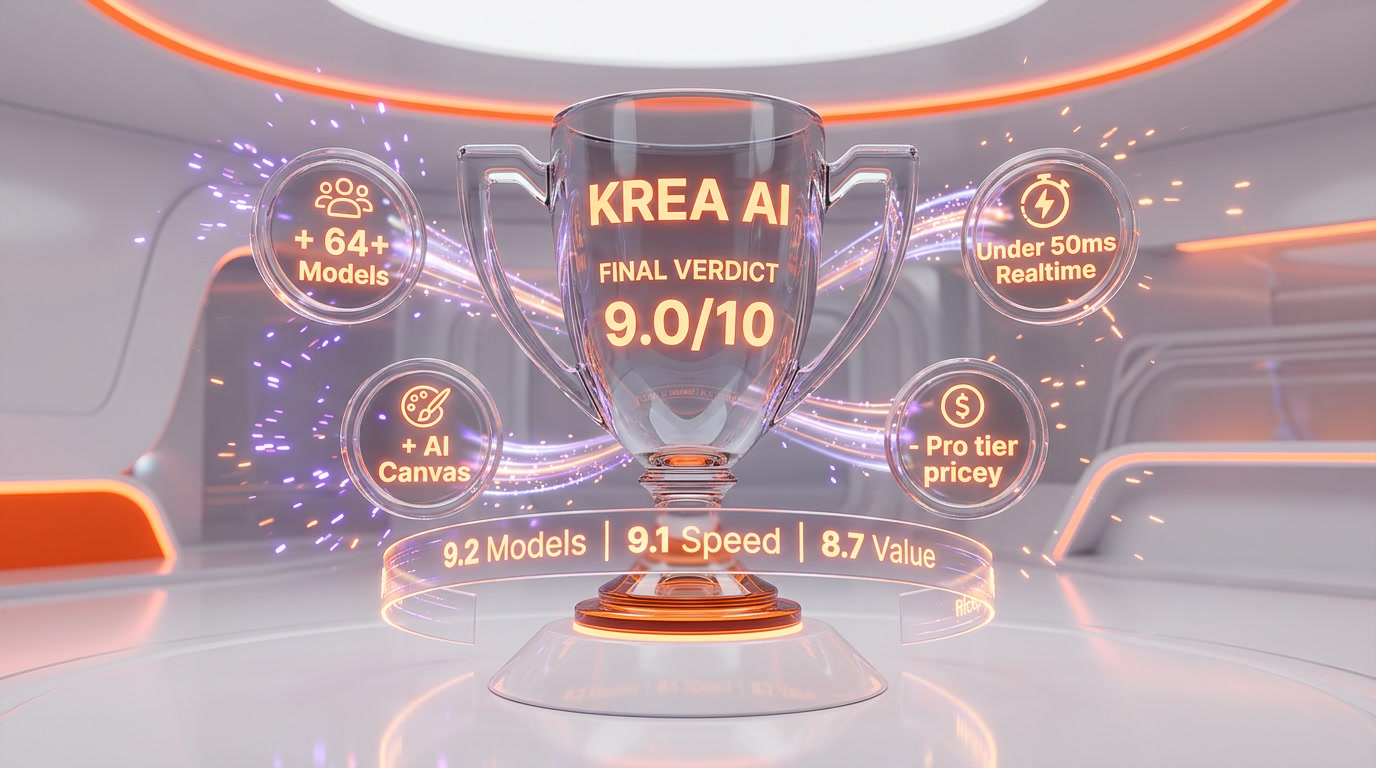
Krea AI is the closest thing to a default answer for "which generative AI tool should I subscribe to in 2026" that exists today. It is not best-in-class at any single thing — Midjourney still wins on editorial aesthetic, Ideogram still wins on text rendering, Runway standalone still has niche video features Krea does not expose. But no other platform comes close to Krea's breadth plus speed plus consolidation arithmetic. For 90% of solo creators, founders, and lean content teams, Krea Max at $70 per month replaces three to five separate subscriptions and delivers a better workflow than any of them individually.
Score: 9.0 out of 10. Half a point off for compute-unit pricing anxiety on video-heavy workflows. Half a point off for interface density and the lack of mobile apps. If you make visuals for a living and you are not at least on the Basic plan in 2026, you are overpaying for specialist tools that Krea already bundles.
Frequently asked questions
What is Krea AI?
Krea AI is a generative AI creative suite that bundles 64+ image, video, 3D, and upscaling models under one subscription. It includes the proprietary Krea 1 image model, a realtime canvas that updates in under 50ms per change, LoRA fine-tuning, and a unified REST API. Krea is headquartered in San Francisco, serves 30M+ users across 191 countries, and counts Lego, Samsung, Nike, Microsoft, Shopify, and Pixar as enterprise customers.
How much does Krea AI cost in 2026?
Krea AI pricing in 2026 is: Free plan at $0 per month with 100 compute units per day, Basic at $9 per month with 5,000 compute units and commercial license, Pro at $35 per month with 20,000 units and full video model access, Max at $70 per month with 60,000 units and 22K upscaling, Business at $200 per month for teams up to 50 seats, and Enterprise custom. Annual billing saves roughly 20%.
Is Krea AI free to use?
Yes, Krea offers a free plan with 100 compute units per day, full access to real-time models, and limited access to image, video, 3D, and lipsync models. No credit card is required to start. The free plan caps image upscaling at 2K and LoRA training. For commercial licensing and higher compute, the Basic plan at $9 per month is the entry paid tier.
What models does Krea AI include?
Krea AI integrates 64+ models including Krea 1 (proprietary), FLUX, Ideogram, Nano Banana, Gemini Imagen for image generation; Veo 3, Veo 3.1, Sora 2, Kling, Runway Gen-4, Hailuo, Wan 2.1, Seedance, and Luma for video; Topaz Photo AI and Topaz Gigapixel AI for upscaling. New frontier models are typically added on release day.
How fast is Krea AI's realtime canvas?
Krea's realtime canvas updates in under 50 milliseconds per change. That is below the human perception threshold for instantaneous response. You can sketch shapes, move primitives, or type prompts on the canvas, and the AI regenerates the image in real time. A full 1024px FLUX image at FP16 renders in roughly 3 seconds.
Krea AI vs Midjourney — which is better in 2026?
Midjourney V7 and V8 Alpha still win on editorial aesthetic, cinematic lighting, and painterly coherence for single-image deliverables. Krea wins on workflow breadth — it bundles Krea 1 (which closes most of the aesthetic gap), plus FLUX, plus Veo 3.1, plus upscaling, plus 3D, plus LoRA, plus a realtime canvas under one subscription. If you only need aesthetic single images, pick Midjourney. For any workflow involving more than one deliverable type, pick Krea.
Krea AI vs Leonardo AI — which should I pick?
Leonardo AI has a more generous free tier (150 tokens per day, roughly 30-50 images) and is strong for game assets and concept art. Krea has significantly more model breadth (64+ vs roughly 10), a realtime canvas, deeper video model integration, and more advanced upscaling. Pick Leonardo for the cheapest free entry point on game-style content. Pick Krea for frontier-model breadth and production workflow consolidation.
Does Krea AI have an API?
Yes. Krea offers a unified REST API that gives developers programmatic access to 20+ image and video models through a single endpoint. This replaces the pain of wiring up separate FAL, Replicate, OpenAI, and Google APIs with one auth flow, one billing surface, and one schema. API access is metered in compute units and available on paid plans.
Can I train a custom LoRA on Krea AI?
Yes. Krea supports both image and video LoRA fine-tuning. You upload reference images of a face, product, or visual style, and Krea trains a custom LoRA that you can then call from supported models. Basic plan caps at 50 images per LoRA. Max gives unlimited LoRA fine-tunings with up to 2,000 files each. Business pushes the cap to 20,000 files per LoRA.
How high can Krea AI upscale images?
Krea AI can upscale images up to 22K (roughly 22,000 pixels on the long edge) and video up to 8K. The Enhance module uses 7 upscaling models including Topaz Photo AI, Topaz Gigapixel AI, and the Krea native upscaler. The 22K ceiling is available on the Max plan and above. For legacy asset upscaling for billboard-size print, Krea replaces a dedicated Topaz subscription outright.
Who owns Krea AI and how much funding has it raised?
Krea is headquartered in San Francisco and was founded by Victor Perez Belmonte and Diego Rodriguez Baquero in 2022. As of April 2026, Krea has raised $83M total across four funding rounds. The most recent round was a $47M Series B in April 2025, led by Bain Capital Ventures with participation from Andreessen Horowitz and Abstract Ventures, at a $500M post-money valuation.
Key Features
Pros & Cons
Pros
- 64+ bleeding-edge models on release day under one subscription — FLUX, Veo 3.1, Kling, Runway, Hailuo, Wan, Seedance, Luma, Ideogram, Nano Banana, Imagen, Sora 2
- Realtime canvas generates updates in under 50ms per brushstroke — the fastest sketch-to-image feedback loop on the market
- Proprietary Krea 1 model with accurate skin textures, dynamic camera angles, and expressive styles matching Midjourney-grade aesthetics
- Upscaling to 22K image and 8K video with 7 upscaling models including Topaz Photo AI and Topaz Gigapixel
- LoRA fine-tuning from as few as a handful of images — train a custom face, product, or visual style in minutes
- Free plan with 100 compute units per day, no credit card required, full access to realtime models
- Enterprise trust stack: Lego, Samsung, Nike, Microsoft, Shopify, Pixar already on the platform
- Unified REST API exposes 20+ image and video models through one endpoint — no juggling FAL, Replicate, and provider SDKs
Cons
- Compute units burn fast on premium video models — a single 8-second Veo 3.1 render can consume a large chunk of a Basic plan's monthly budget
- Free plan caps image upscaling at 2K and gives limited access to image, video, 3D, and lipsync models — real work needs a paid tier
- Interface density is high — 64+ models, Nodes, Apps, Realtime, LoRA training, Enhance, 3D all live in one workspace and onboarding is steep
- Some video models gated behind Pro at $35 per month — Veo 3.1 and Sora 2 are not on the $9 Basic plan
- No native mobile apps — Krea is web-only, which limits on-the-go prompting workflows
Best Use Cases
Platforms & Integrations
Available On
Integrations

We're developers and SaaS builders who use these tools daily in production. Every review comes from hands-on experience building real products — DealPropFirm, ThePlanetIndicator, PropFirmsCodes, and many more. We don't just review tools — we build and ship with them every day.
Written and tested by developers who build with these tools daily.
Frequently Asked Questions
What is Krea AI?
The all-in-one AI creative suite: 64+ models for image, video, 3D, and upscaling — under 50ms realtime canvas
How much does Krea AI cost?
Krea AI has a free tier. Premium plans start at $9/month.
Is Krea AI free?
Yes, Krea AI offers a free plan. Paid plans start at $9/month.
What are the best alternatives to Krea AI?
Top-rated alternatives to Krea AI include Claude Code (9.9/10), Cursor (9.5/10), Veo 3.1 (9.4/10), Claude Opus 4.7 (9.4/10) — all reviewed with detailed scoring on ThePlanetTools.ai.
Is Krea AI good for beginners?
Krea AI is rated 8.8/10 for ease of use.
What platforms does Krea AI support?
Krea AI is available on Web (krea.ai), Krea API (REST).
Does Krea AI offer a free trial?
Yes, Krea AI offers a free trial.
Is Krea AI worth the price?
Krea AI scores 9.2/10 for value. We consider it excellent value.
Who should use Krea AI?
Krea AI is ideal for: Product designers iterating packaging and hero shots in realtime before a photo shoot, Ad creative teams generating 30 variants of the same concept across 5 aspect ratios in one afternoon, Concept artists storyboarding cinematic sequences with Veo 3.1, Runway Gen-4, and Luma under one workspace, Ecommerce brands training a LoRA on their actual product catalog and generating consistent lifestyle imagery at scale, Game studios prototyping 3D assets from text prompts before committing to manual modeling, Creators upscaling legacy footage and stills to 22K for large-format print and billboard work, Agencies pitching clients with animated mood boards built in the realtime canvas in under 5 minutes, Solo founders generating a year of social media visuals from one brand LoRA, Studios replacing 4-tool stacks (Midjourney + Runway + Topaz + FAL) with a single Krea subscription, Developers shipping AI features by calling Krea's unified REST API instead of wiring up 6 provider SDKs.
What are the main limitations of Krea AI?
Some limitations of Krea AI include: Compute units burn fast on premium video models — a single 8-second Veo 3.1 render can consume a large chunk of a Basic plan's monthly budget; Free plan caps image upscaling at 2K and gives limited access to image, video, 3D, and lipsync models — real work needs a paid tier; Interface density is high — 64+ models, Nodes, Apps, Realtime, LoRA training, Enhance, 3D all live in one workspace and onboarding is steep; Some video models gated behind Pro at $35 per month — Veo 3.1 and Sora 2 are not on the $9 Basic plan; No native mobile apps — Krea is web-only, which limits on-the-go prompting workflows.
Best Alternatives to Krea AI




Ready to try Krea AI?
Start with the free plan
Try Krea AI Free →