LangGraph
The graph-based agent framework powering Klarna, LinkedIn, Uber, Replit, and Elastic — stateful agents, human-in-the-loop, and time-travel debugging at production scale

Quick Summary
LangGraph is an open-source graph-based orchestration framework for stateful AI agents, with durable execution, human-in-the-loop, and time-travel debugging. OSS is free (MIT). LangGraph Platform Plus starts at $39 per seat per month plus usage. Score 9.1/10.
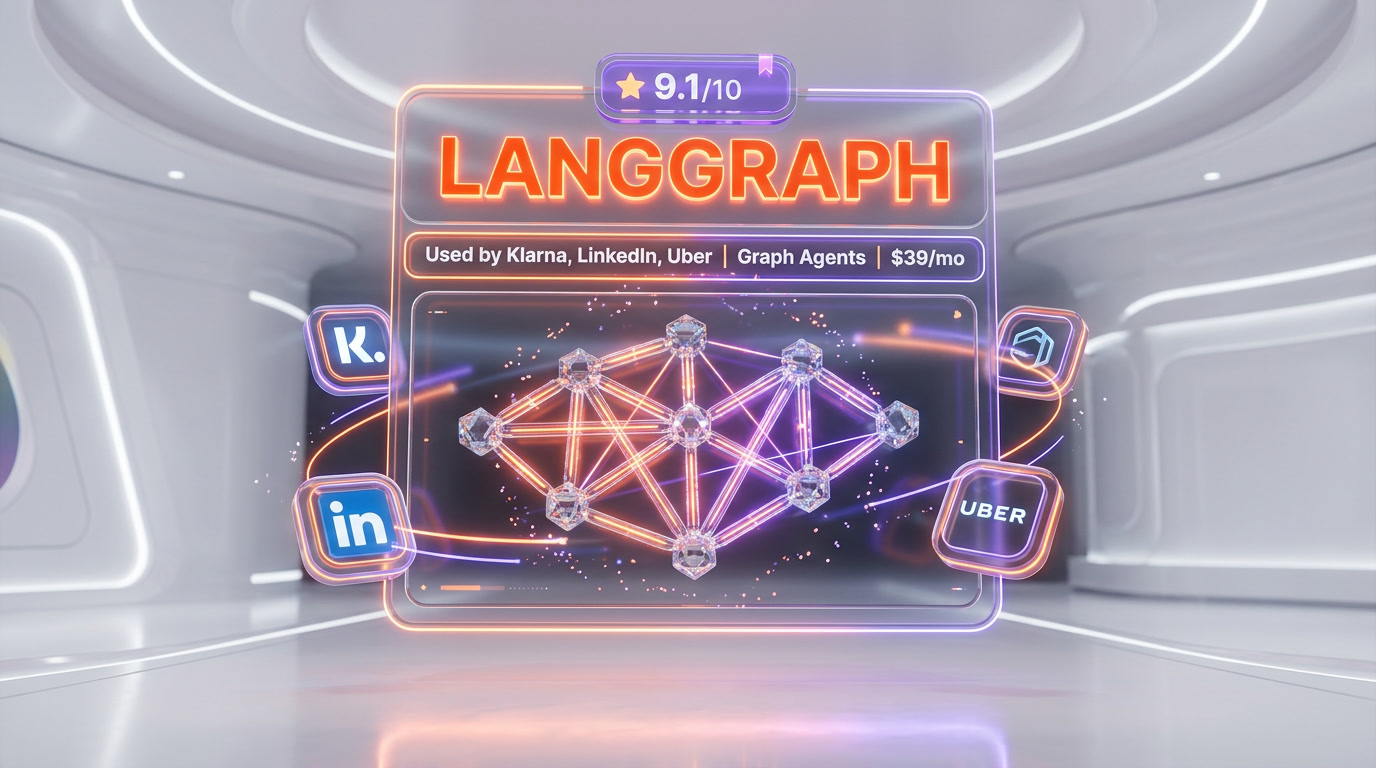
LangGraph is an open-source, graph-based orchestration framework for stateful AI agents, built by LangChain and released at version 1.0 in October 2025. It is free under the MIT license. The managed LangGraph Platform starts at $0 for the Developer plan (100,000 nodes per month, self-hosted), then Plus at $39 per seat per month plus $0.001 per node executed, plus standby time. Klarna, LinkedIn, Uber, Replit, and Elastic run LangGraph in production. Score: 9.1 out of 10.
What Is LangGraph?
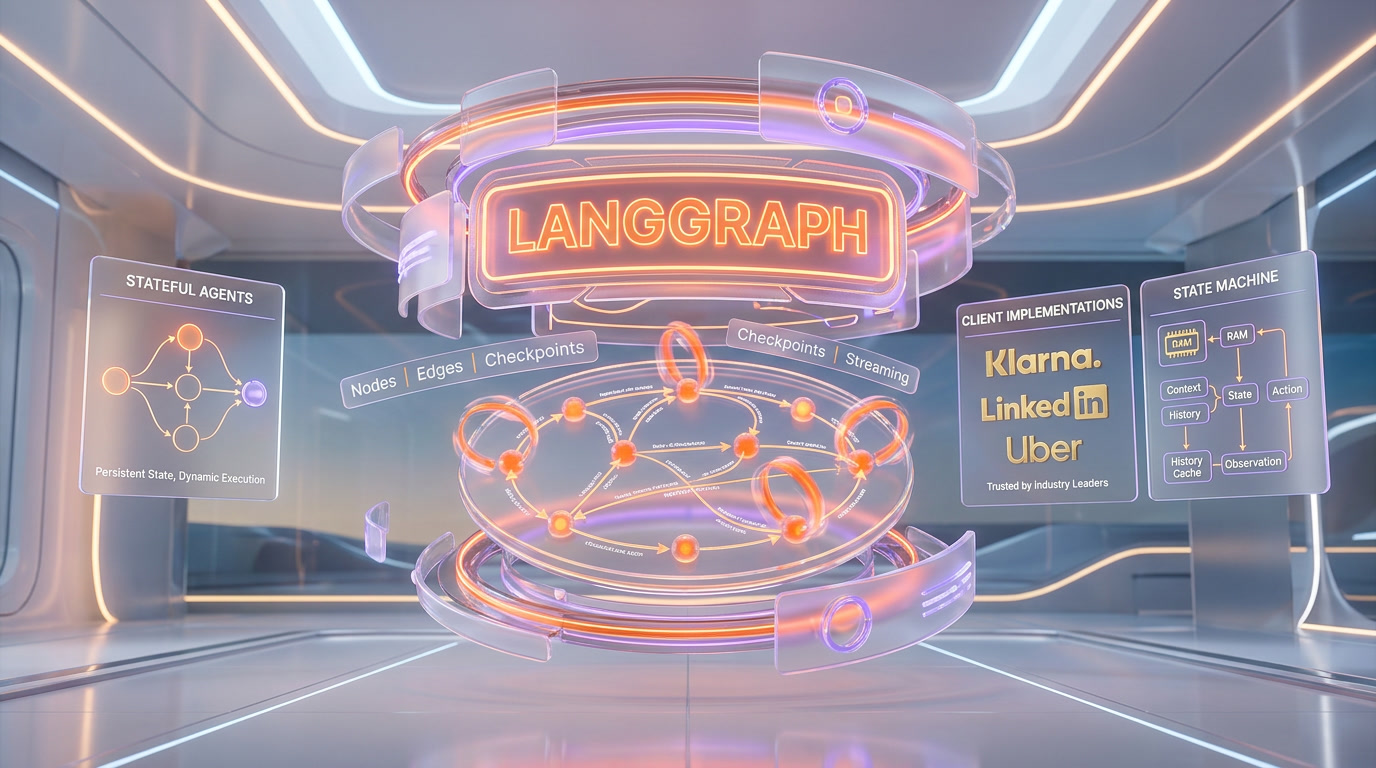
LangGraph is a low-level agent orchestration framework from LangChain that models agent workflows as directed state graphs. Where every other agent framework asks you to think in terms of roles, conversations, or tools, LangGraph asks you to think in terms of nodes (functions that read and write state), edges (transitions between nodes), and conditional edges (routing logic that branches based on state). The result: agent behavior becomes explicit, inspectable, and testable — instead of a black box.
LangGraph hit version 1.0 in late 2025 and is at version 1.1 as of April 2026. It is the runtime used by Klarna's AI Assistant to serve 85 million active users, by LinkedIn's hierarchical AI recruiter, by Uber's code-migration agents, by Replit's coding copilot, and by Elastic's real-time threat detection pipeline. The framework is MIT-licensed open source. The managed deployment layer — LangGraph Platform — is a paid add-on that handles long-running stateful agents, queueing, cron jobs, and horizontal scaling.
The core thesis is simple: LLMs fail in non-deterministic ways, and agent frameworks that hide state and control flow make failures impossible to debug. LangGraph exposes both. Every step of an agent run is a checkpoint — a serialized snapshot of graph state that is persisted to a durable store. You can crash the process, boot it back up, and resume from the exact node where execution stopped. You can also rewind to any earlier checkpoint, edit the state, and fork a new execution path. That last capability — time-travel debugging — does not exist in CrewAI, AutoGen, or the OpenAI Agents SDK at feature parity. It is LangGraph's single biggest moat.
Graph-Based Architecture Deep Dive
LangGraph's API is small. You learn five primitives and you can build most agents:
State: The Shared Memory
A graph's state is a typed dictionary (or Pydantic model) that every node reads from and writes to. You declare a state schema — think TypedDict or Zod schema — and LangGraph uses reducers to merge updates. The default reducer replaces values; add_messages appends to a list. This is how conversation history accumulates, how intermediate outputs flow between nodes, and how long-running agents remember what they have already done.
Nodes: The Work Units
A node is a Python or TypeScript function that receives the current state and returns a partial state update. Nodes can be pure functions, LLM calls, tool invocations, database lookups, or subgraphs. They compose. You can wrap an entire agent as a single node inside a larger supervisor graph — that is how hierarchical multi-agent systems are built in LangGraph.
Edges: Deterministic Transitions
Edges connect nodes. A plain edge says after node A runs, always go to node B. That covers linear pipelines like retrieve to rerank to answer.
Conditional Edges: The Routing Layer
Conditional edges are the secret sauce. A conditional edge is a function that looks at the current state and returns the name of the next node (or a list of nodes to run in parallel). This is where cyclical workflows come from — you can loop from an agent node back to itself, route to a tool node, or terminate. Without conditional edges, you have a DAG. With them, you have a Turing-complete agent runtime.
Checkpointers: The Durability Layer
A checkpointer is a pluggable persistence backend that saves graph state after every super-step. LangGraph ships with InMemorySaver for development and production-grade backends for Sqlite, Postgres, Redis, MongoDB, and Couchbase. When a checkpointer is attached, three superpowers unlock: (1) fault tolerance — the graph resumes from the last successful step after a crash; (2) human-in-the-loop — you can interrupt execution, wait for a human, and resume; (3) time travel — you can load any historical checkpoint and re-execute from there.
LangGraph Studio Walkthrough
LangGraph Studio is the visual IDE for building, debugging, and stepping through graphs. It is free for local development and ships as part of the langgraph-cli package. Once you run langgraph dev in your project directory, Studio opens in your browser and connects to your locally running graph server.
Graph Visualization
Studio renders your graph as a live diagram — nodes as boxes, edges as arrows, conditional edges as dashed lines. When the graph runs, the active node pulses. You can hover over any node to see its last input and output. On complex multi-agent graphs with subgraphs, Studio collapses and expands hierarchies so the diagram stays readable.
Step-Through Execution
You can pause execution at any node, inspect the state, tweak values, and continue. This is where Studio earns its keep on real debugging sessions — you see exactly what the LLM saw, exactly what it returned, and exactly where the routing logic branched.
Time-Travel in Studio
Studio's history panel lists every checkpoint of a thread. Click any checkpoint to load that state. Edit a message, edit a tool output, edit a decision. Click resume. A new branch forks from that point, and you can compare results side by side. This is the killer feature for debugging non-deterministic LLM behavior — instead of re-running a 30-minute agent from scratch to reproduce a bug, you jump to the checkpoint where it went wrong and fix it in place.
Interrupts and Human-in-the-Loop
Studio surfaces every interrupt() call with a pause UI. You see the payload the node sent to the human, type your response, and resume. For production human-in-the-loop workflows, the same interrupt primitives work behind a custom frontend — Studio is the developer-side UI, your production UI can be whatever you want.
LangGraph Cloud and Platform
LangGraph Platform is the managed deployment layer for long-running, stateful agents. It handles the infrastructure problems that come up the moment you move beyond a single Python process: persistent storage for threads, queueing for long-running tasks, horizontal scaling, cron jobs, and webhooks. You can keep using LangGraph OSS forever without Platform — but when you need to ship to production with agents that run for 10 minutes, survive deploys, and handle bursty traffic, Platform removes the plumbing.
Deployment Options
- Cloud — fully managed SaaS on LangChain's infrastructure. Fastest path to production, no ops work.
- Self-Hosted — run the entire Platform inside your own VPC. No data leaves your environment. Enterprise plan only for the production-grade variant.
- Hybrid (BYOC) — LangChain manages the control plane, your VPC runs the data plane. AWS-only in April 2026. Enterprise plan only.
Platform Features
- Long-running tasks — run agents for minutes or hours with automatic state persistence
- Assistants API — versioned, shareable agent configurations
- Threads API — durable conversation state with full checkpoint history
- Streaming — server-sent events for real-time token and state updates
- Cron jobs — schedule recurring agent runs natively
- Webhooks — trigger graphs from external events
- Store — namespaced long-term memory shared across threads
- Double texting — handle users who send a new message before the previous run finishes
LangGraph Pricing and Plans (2026)
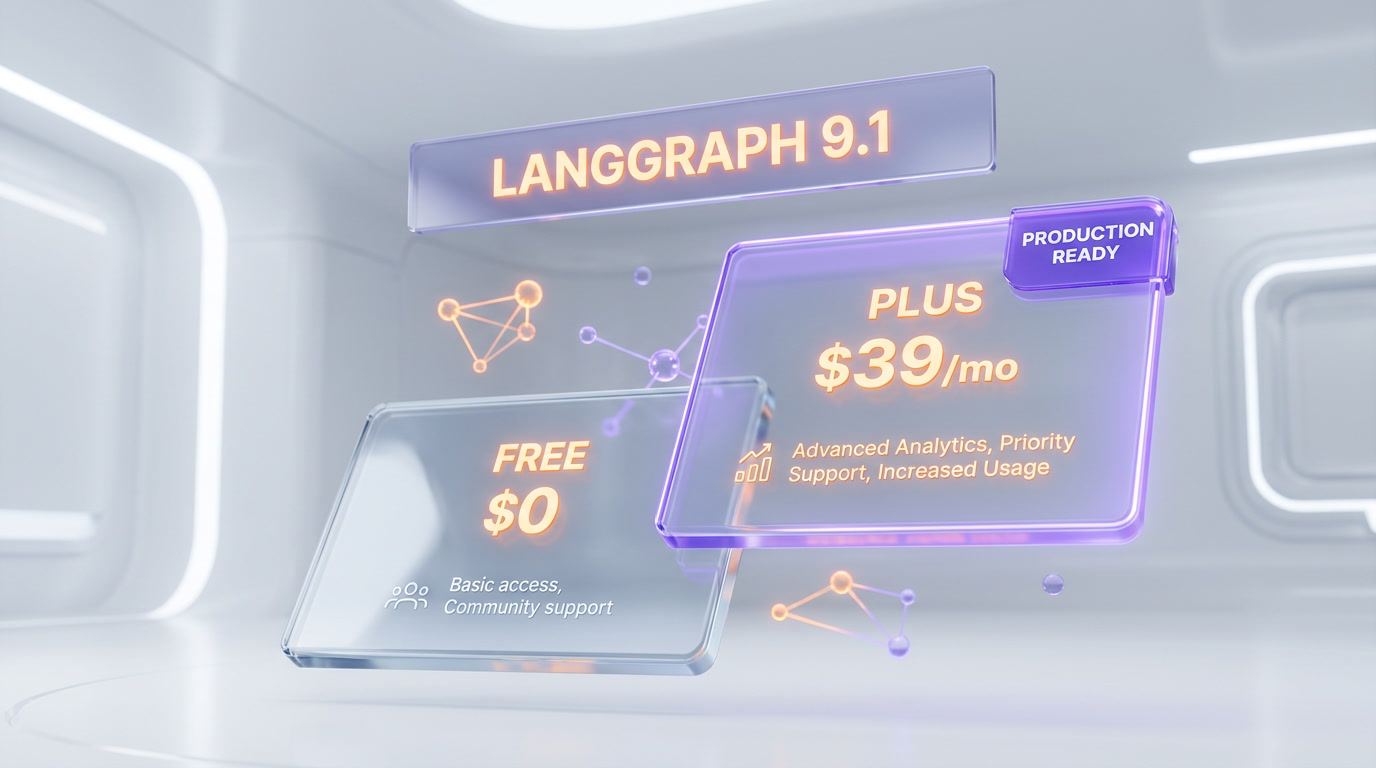
LangGraph OSS is free under the MIT license. The managed Platform has three tiers:
| Plan | Price | Node Executions | Seats | Deployment |
|---|---|---|---|---|
| Developer | Free | 100,000 per month included | 1 | Self-hosted (dev grade) |
| Plus | $39 per seat per month + usage | $0.001 per node executed | Up to 10 | Cloud |
| Enterprise | Custom (contact sales) | Custom allotment | Unlimited | Cloud, Self-Hosted, Hybrid (BYOC AWS) |
Plus plan usage charges:
- $0.001 per node executed (on top of the seat fee)
- $0.0007 per minute of development deployment standby time
- $0.0036 per minute of production deployment standby time
- Plus plan requires a LangSmith Plus subscription at $39 per seat per month (capped at 10 seats)
Example monthly cost for a small production team: 3 seats on Plus ($117 per month in seat fees) + 1 production deployment running 24/7 (about 43,200 minutes at $0.0036 per minute = $155 per month standby) + 2 million node executions ($2,000 per month in usage) = roughly $2,272 per month all-in. For a team with an agent serving real traffic, this is well below the cost of hiring even one backend engineer to build the equivalent infrastructure.
The free Developer plan covers most individual developers and early-stage startups. OSS plus your own Postgres checkpointer costs exactly $0 and ships to production on Vercel, Fly, Railway, or any container host. You only pay when you want LangChain to run the infrastructure for you.
LangGraph vs CrewAI vs AutoGen vs Semantic Kernel vs LlamaIndex Workflows
The AI agent framework market in 2026 has consolidated around five serious contenders. All of them can build agents. The differences are architectural philosophy, production readiness, and ecosystem.
| Framework | Model | License | Best For | Production Scale Signal |
|---|---|---|---|---|
| LangGraph | Directed state graph | MIT (OSS) + paid Platform | Stateful, long-running, auditable agents | Klarna (85M users), LinkedIn, Uber, Replit, Elastic |
| CrewAI | Role-Task-Process | MIT | Team-of-agents collaboration, fast prototyping | Strong community, lighter production footprint |
| AutoGen (now Microsoft Agent Framework) | Multi-agent conversation | MIT | Research, agent-to-agent dialog | Merged with Semantic Kernel in Oct 2025 |
| Semantic Kernel (now Microsoft Agent Framework) | Plugin + planner | MIT | .NET/C# enterprise, Azure-first | Microsoft enterprise accounts |
| LlamaIndex Workflows | Event-driven | MIT | RAG-heavy pipelines, doc processing | Strong in RAG, lighter on multi-agent |
LangGraph vs CrewAI
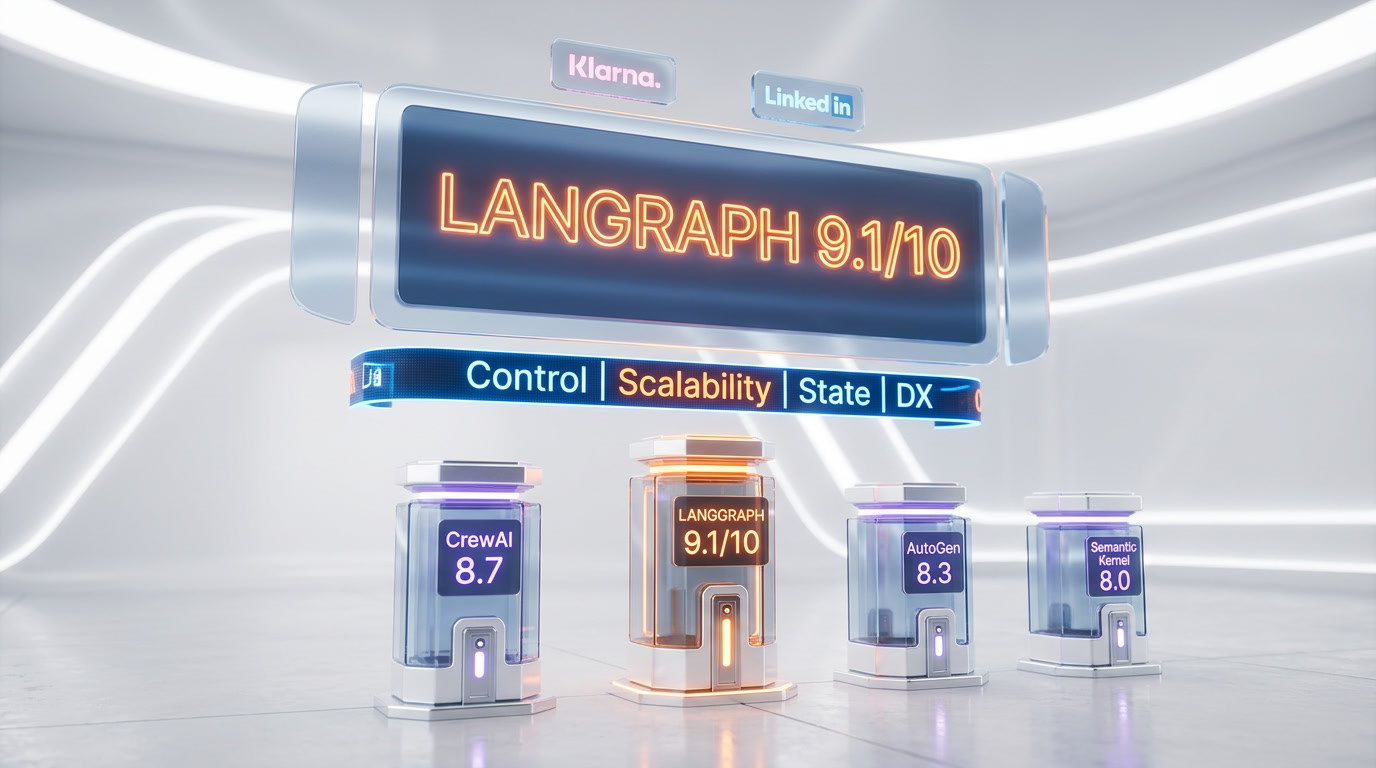
CrewAI is easier to learn. You declare agents with roles and goals, tasks with descriptions, and a process (sequential or hierarchical). You are building a team. LangGraph is harder to learn but dramatically more flexible. You are building a state machine. For a marketing team spinning up a 3-agent content pipeline in an afternoon, CrewAI wins on time-to-first-agent. For an engineering team shipping a customer support agent to 10 million users, LangGraph wins on durability, human-in-the-loop, and debuggability. Klarna, LinkedIn, Uber, Replit, and Elastic all chose LangGraph — none of them ship CrewAI at that scale publicly.
LangGraph vs AutoGen / Microsoft Agent Framework
AutoGen's mental model is a conversation between agents. You declare agents, put them in a group chat, and let them talk. It is excellent for research prototypes and agent-to-agent dialog patterns. In October 2025 Microsoft merged AutoGen with Semantic Kernel into the Microsoft Agent Framework, targeting Q1 2026 GA with C#, Python, and Java support and deep Azure integration. If you are a .NET shop already invested in Azure, Microsoft Agent Framework is the native choice. If you want explicit state control, checkpointing, and time-travel debugging, LangGraph remains the pick.
LangGraph vs Semantic Kernel
Semantic Kernel is Microsoft's SDK for integrating LLMs with conventional code — plugins, planners, and kernel functions. It shines in enterprise .NET environments with Azure OpenAI, SSO, and existing Microsoft security posture. As of the October 2025 merge it is converging with AutoGen into a single Microsoft Agent Framework. LangGraph is language-agnostic (Python and TypeScript first) and cloud-agnostic (OpenAI, Anthropic, Gemini, Bedrock, Ollama) — you keep full model and vendor flexibility.
LangGraph vs LlamaIndex Workflows
LlamaIndex Workflows use an event-driven model — agents emit events, other agents subscribe. It is elegant for RAG-heavy pipelines where LlamaIndex already owns the indexing, retrieval, and re-ranking layers. LangGraph's graph model is more general-purpose and is stronger for long-running, stateful, human-in-the-loop workflows. Many teams actually use both — LlamaIndex for retrieval, LangGraph for orchestration.
Real Production Use Cases
Klarna — Customer Support at 85 Million Users
Klarna's AI Assistant — built on LangGraph and LangSmith — handles customer support for 85 million active users. Klarna reports an 80% reduction in average customer resolution time after deploying the agent. The graph includes retrieval nodes, policy nodes, routing to human agents via interrupt primitives, and durable checkpointing so that a conversation started on mobile can be resumed on desktop hours later. This is the flagship LangGraph production deployment and the one Klarna publicly credits in every case study.
LinkedIn — Hierarchical AI Recruiter
LinkedIn built a hierarchical multi-agent system on LangGraph to automate candidate sourcing, matching, and outreach. A supervisor agent delegates to specialist sub-agents — one scans profiles, one scores matches, one drafts personalized messages. LinkedIn's recruiter team uses LangGraph Studio internally to debug why a candidate scored the way they did and to rewind and re-run specific scoring nodes with adjusted weights.
Uber — Large-Scale Code Migration
Uber integrated LangGraph into their developer platform to drive large-scale code migrations — specifically unit-test generation across their monorepo. The graph orchestrates specialized agents: a code analyzer, a test drafter, a test runner, and a test validator. Durable checkpoints mean a migration touching thousands of files can be paused, inspected, and resumed without re-running earlier stages.
Replit — Coding Copilot with Human-in-the-Loop
Replit's AI agent — the copilot that builds software from scratch inside Replit's IDE — runs on LangGraph. Users see every agent action in real time: package installs, file edits, shell commands. Human-in-the-loop interrupts let users approve or reject each step. The transparency Replit users experience is a direct consequence of LangGraph's explicit state model.
Elastic — Real-Time Threat Detection
Elastic uses LangGraph to orchestrate a network of AI agents for real-time threat detection. Security signals flow through triage, enrichment, correlation, and response nodes. When a node flags a critical alert, an interrupt pauses the graph and surfaces the decision to a human analyst before any automated mitigation runs.
Pros and Cons
What We Loved
- Explicit control. No hidden state, no magical agent loops. Every transition is a function you wrote.
- Durable execution. Agents survive crashes, deploys, and long waits. The checkpointer model is uniquely production-grade.
- Time-travel debugging. Rewind, edit, fork. No other agent framework in 2026 ships this at parity.
- Ecosystem. LangChain, LangSmith, LangGraph Studio, langgraph-prebuilt — one vendor, one auth, one bill.
- Customer list. Klarna, LinkedIn, Uber, Replit, Elastic, Vanta, Coinbase, Harvey, Rippling, Lyft, ServiceNow. This is the shortlist every enterprise procurement team wants to see.
What We Did Not Love
- Learning curve. Graphs, nodes, edges, reducers, super-steps, checkpointers, interrupts — a lot to absorb before you ship your first agent.
- Verbose API. Simple workflows that are 20 lines in CrewAI can be 80 lines in LangGraph.
- Plus plan pricing. $39 per seat per month plus per-node usage plus standby time plus a LangSmith Plus subscription — the bill surface is wide.
- BYOC is AWS-only. If you live in Azure or GCP, Hybrid deployment is not available yet.
- Self-hosted production = Enterprise only. The Developer plan's self-hosted variant is dev-grade. For production self-hosted, you negotiate.
Frequently Asked Questions
Is LangGraph free?
Yes, LangGraph the framework is free and open source under the MIT license. You can run it forever in your own infrastructure at zero cost. The managed LangGraph Platform has a free Developer plan (up to 100,000 node executions per month) and paid Plus (from $39 per seat per month plus usage) and Enterprise tiers.
What is LangGraph used for?
LangGraph is used to build stateful AI agents with explicit control flow. Production use cases include customer support agents (Klarna, 85 million users), AI recruiters (LinkedIn), code-migration agents (Uber), coding copilots (Replit), and threat detection (Elastic). Any workflow that needs durability, human-in-the-loop, or cyclical logic is a fit.
LangGraph vs LangChain — what is the difference?
LangChain is the broader ecosystem for composing LLM applications — model wrappers, retrievers, tool integrations, prompt templates. LangGraph is the low-level agent orchestration framework within that ecosystem. You can use LangChain primitives inside LangGraph nodes, and LangGraph is typically the runtime when you need agent-style control flow. Both hit version 1.0 in October 2025.
Does LangGraph support human-in-the-loop?
Yes, as a first-class primitive. The interrupt() function pauses graph execution and surfaces state to a human. Once the human responds, the graph resumes from that exact node using the checkpointer. This is how Replit, Elastic, and Klarna ship human approvals in production.
What is time-travel debugging in LangGraph?
Time-travel debugging lets you load any historical checkpoint, optionally edit the state, and fork a new execution branch from that point. Because LangGraph persists state at every super-step, you can rewind a 30-minute agent run to second 47, tweak a message, and re-run only the part after the bug. LangGraph Studio ships a UI for this; the same primitives work programmatically.
What languages does LangGraph support?
LangGraph has first-class SDKs for Python (3.9+) and TypeScript/JavaScript (Node.js 18+). Both SDKs are at version 1.x with feature parity. You can call the LangGraph Platform API from any language.
Can I self-host LangGraph?
Yes. LangGraph OSS runs anywhere you can run Python or Node. For the managed Platform, self-hosting the full production-grade variant is available on the Enterprise plan. The Developer plan includes a dev-grade self-hosted variant for free.
How does LangGraph compare to CrewAI?
CrewAI is faster to learn and ships role-based agents with a declarative DSL. LangGraph is more flexible and more production-ready, with explicit state graphs, durable checkpointers, human-in-the-loop interrupts, and time-travel debugging. Klarna (85 million users), LinkedIn, Uber, Replit, and Elastic all chose LangGraph for production; CrewAI is more common in startups and agencies prototyping multi-agent workflows.
Is LangGraph production-ready?
Yes. Version 1.0 shipped in October 2025. Klarna serves 85 million active users on LangGraph with an 80% reduction in resolution time. LinkedIn, Uber, Replit, Elastic, Vanta, Coinbase, Harvey, and ServiceNow all run it in production.
What are checkpointers in LangGraph?
Checkpointers are pluggable persistence backends that save graph state after every super-step. LangGraph ships checkpointers for InMemory (dev), SQLite, PostgreSQL, Redis, MongoDB, and Couchbase. Attaching a checkpointer unlocks durability, human-in-the-loop, and time-travel debugging.
Does LangGraph work with Claude, GPT, and Gemini?
Yes. LangGraph is model-agnostic. It works with OpenAI, Anthropic, Google Gemini, AWS Bedrock, Azure OpenAI, Ollama, vLLM, and any LangChain-compatible model wrapper. You can swap models without rewriting your graph.
Verdict: 9.1 out of 10
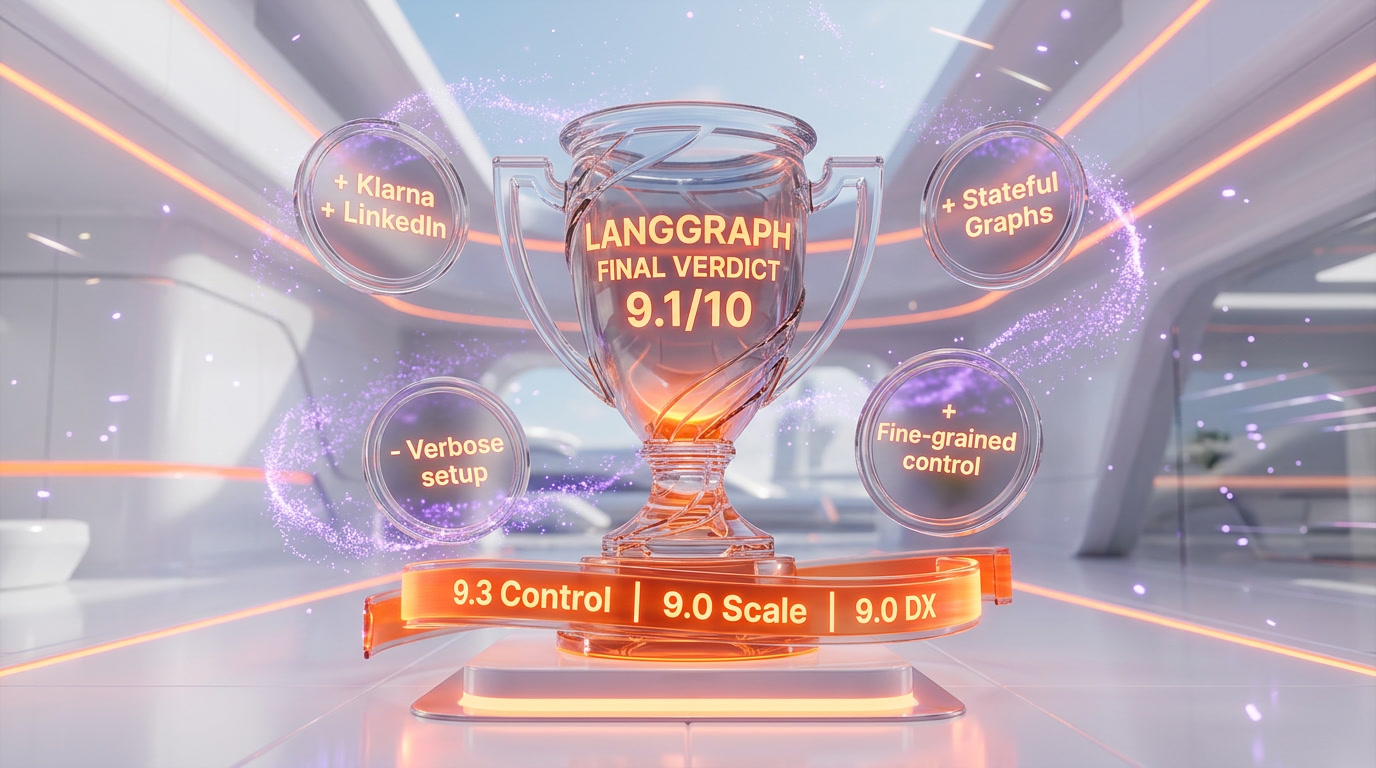
LangGraph earns a 9.1 out of 10. It is the most production-ready agent framework in 2026, with the clearest architectural thesis, the deepest feature set, the strongest customer list, and the best debugging tools in the category. It is not the easiest framework to learn — that trophy still goes to CrewAI — and the Plus plan pricing has a lot of line items. But if you are building an agent that serves real users, runs for minutes or hours, needs durability across deploys, and will eventually need human-in-the-loop, LangGraph is the default choice in 2026.
Score breakdown:
- Features: 9.5 out of 10 — state graph, checkpointers, interrupts, Studio, Platform, LangSmith. Nobody else matches the breadth.
- Ease of Use: 7.8 out of 10 — you must learn the mental model before you ship.
- Value: 9.2 out of 10 — OSS is free under MIT, Platform is fairly priced for what it removes from your ops backlog.
- Support: 8.8 out of 10 — excellent docs, active Discord, LangSmith support on Plus, Enterprise SLAs.
Key Features
Pros & Cons
Pros
- Graph-based state machine model (nodes, edges, conditional edges) gives you explicit control over agent flow — the opposite of black-box agent frameworks
- Durable execution with checkpointers: agents survive crashes and resume from the last successful node, which is why Klarna, LinkedIn, Uber, Replit, and Elastic ship it in production
- Time-travel debugging in LangGraph Studio lets you rewind to any checkpoint, edit state, and fork a new execution path — unique in the agent framework market
- First-class human-in-the-loop with interrupt()/resume() primitives, not bolted on like most competitors
- MIT-licensed OSS with LangSmith observability, LangGraph Studio IDE, and full LangChain ecosystem interop
- Model-agnostic — works with OpenAI, Anthropic, Gemini, local Ollama, AWS Bedrock, Azure OpenAI, vLLM
- Production-proven: Klarna's assistant serves 85 million users with 80% faster resolution times on LangGraph + LangSmith
Cons
- Steeper learning curve than CrewAI or OpenAI Agents SDK — you must think in graphs, nodes, and state reducers from day one
- Plus plan requires a LangSmith Plus subscription at $39 per seat per month (capped at 10 seats), on top of per-node and standby-time usage charges
- Fully self-hosted and hybrid deployment are Enterprise-only — mid-market teams wanting VPC isolation have to negotiate
- Verbose Python/TypeScript API compared to CrewAI's role-based DSL — boilerplate adds up on simple workflows
- BYOC (Bring Your Own Cloud) is AWS-only in April 2026 — Azure and GCP customers are stuck with Cloud, Self-Hosted, or Enterprise negotiations
Best Use Cases
Platforms & Integrations
Available On
Integrations

We're developers and SaaS builders who use these tools daily in production. Every review comes from hands-on experience building real products — DealPropFirm, ThePlanetIndicator, PropFirmsCodes, and many more. We don't just review tools — we build and ship with them every day.
Written and tested by developers who build with these tools daily.
Frequently Asked Questions
What is LangGraph?
The graph-based agent framework powering Klarna, LinkedIn, Uber, Replit, and Elastic — stateful agents, human-in-the-loop, and time-travel debugging at production scale
How much does LangGraph cost?
LangGraph has a free tier. Premium plans start at $39/month.
Is LangGraph free?
Yes, LangGraph offers a free plan. Paid plans start at $39/month.
What are the best alternatives to LangGraph?
Top-rated alternatives to LangGraph include Claude Code (9.9/10), Cursor (9.5/10), Veo 3.1 (9.4/10), Claude Opus 4.7 (9.4/10) — all reviewed with detailed scoring on ThePlanetTools.ai.
Is LangGraph good for beginners?
LangGraph is rated 7.8/10 for ease of use.
What platforms does LangGraph support?
LangGraph is available on Python 3.9+, TypeScript / JavaScript (Node.js 18+), LangGraph Studio (desktop + web), LangGraph Cloud (SaaS), LangGraph Platform Self-Hosted, LangGraph Platform Hybrid (BYOC on AWS), Docker, Kubernetes (via Helm charts).
Does LangGraph offer a free trial?
Yes, LangGraph offers a free trial.
Is LangGraph worth the price?
LangGraph scores 9.2/10 for value. We consider it excellent value.
Who should use LangGraph?
LangGraph is ideal for: Customer support agents at scale (Klarna: 85 million active users, 80% faster resolution times), Developer productivity agents — Replit uses LangGraph for multi-agent coding with human-in-the-loop approvals, Large-scale code migration — Uber orchestrates specialized agents for unit test generation across millions of lines of code, AI recruiters — LinkedIn runs a hierarchical agent system for candidate sourcing, matching, and messaging, Real-time threat detection — Elastic routes security signals through a network of LangGraph agents, Research assistants with iterative retrieval, critique loops, and source citations, Agentic RAG pipelines with self-correcting retrieval and re-ranking, Long-horizon coding agents that run for minutes or hours with durable state, Financial compliance workflows requiring human approval at critical decision nodes, Multi-agent creative pipelines (research agent to draft agent to editor agent to publisher agent).
What are the main limitations of LangGraph?
Some limitations of LangGraph include: Steeper learning curve than CrewAI or OpenAI Agents SDK — you must think in graphs, nodes, and state reducers from day one; Plus plan requires a LangSmith Plus subscription at $39 per seat per month (capped at 10 seats), on top of per-node and standby-time usage charges; Fully self-hosted and hybrid deployment are Enterprise-only — mid-market teams wanting VPC isolation have to negotiate; Verbose Python/TypeScript API compared to CrewAI's role-based DSL — boilerplate adds up on simple workflows; BYOC (Bring Your Own Cloud) is AWS-only in April 2026 — Azure and GCP customers are stuck with Cloud, Self-Hosted, or Enterprise negotiations.
Best Alternatives to LangGraph




Ready to try LangGraph?
Start with the free plan
Try LangGraph Free →