NotebookLM
Google's AI research assistant that thinks inside your sources — not the open internet.

Quick Summary
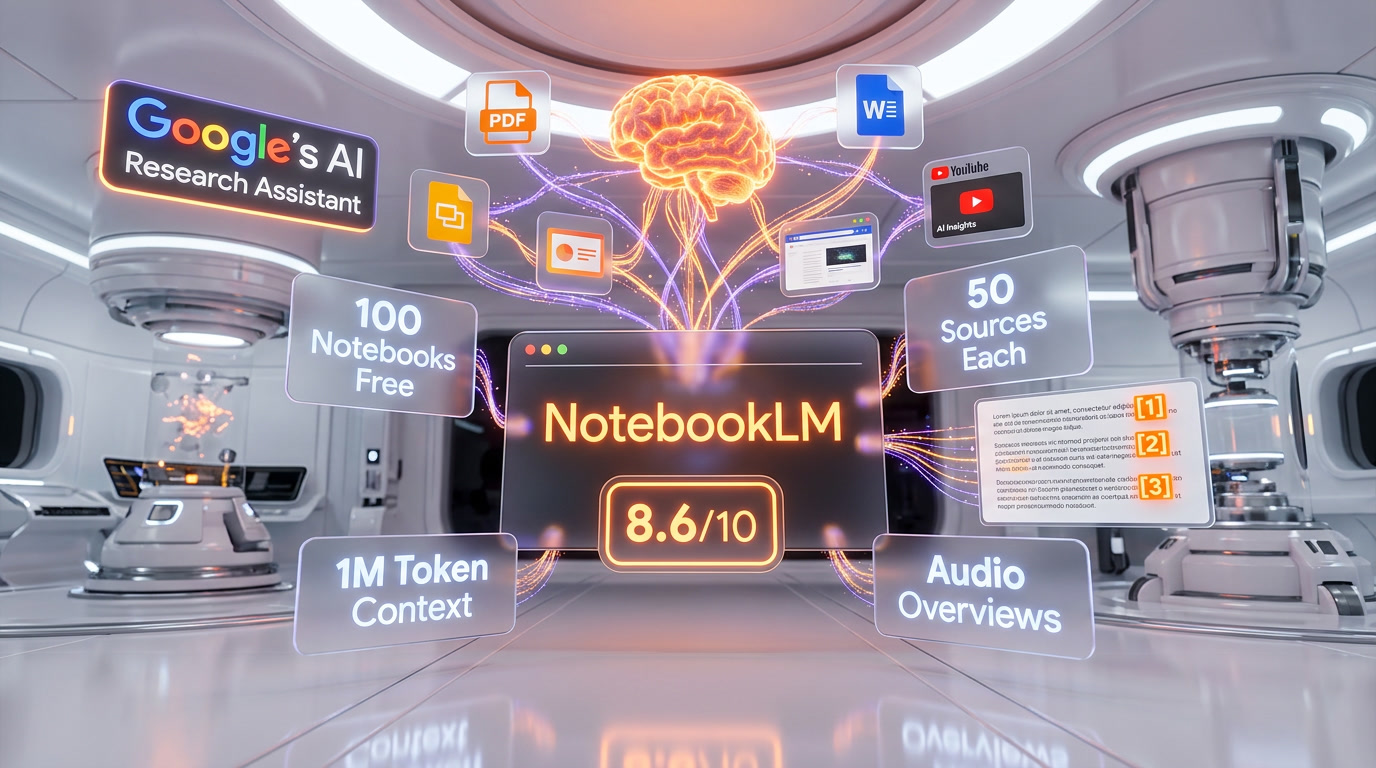
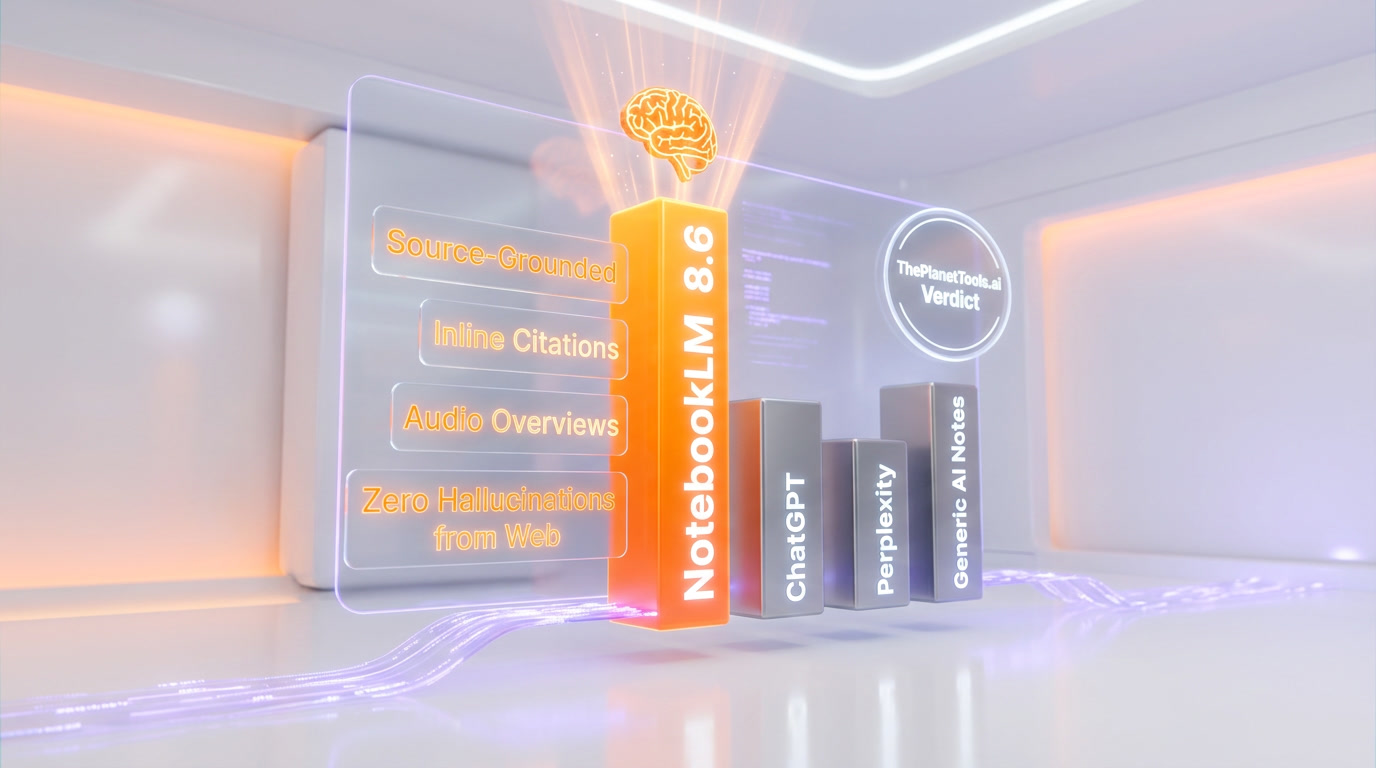
NotebookLM is Google's source-grounded AI research tool with a 1M-token context window and inline citations from uploaded documents. Scores 8.6/10 overall (Features 9/10, Value 9/10). Free tier available; Pro at $19.99/mo with student discount at $9.99/mo.
What is NotebookLM?
NotebookLM started life in 2023 as a quiet Google Labs experiment — an AI note-taking companion that promised to stay in its lane. Instead of pulling answers from the open web, it only ever referenced the documents you uploaded. At the time, that sounded like a limitation. Two and a half years later, that constraint has become its defining superpower.
We got curious about NotebookLM early in its life, but we honestly didn't pay it much attention until the features started stacking up fast. After going through the docs, community feedback, G2 reviews, Reddit threads, and a thorough dive into every changelog from late 2024 through March 2026, it's clear this is one of the most rapidly improved AI products Google has shipped in years — which is saying something.
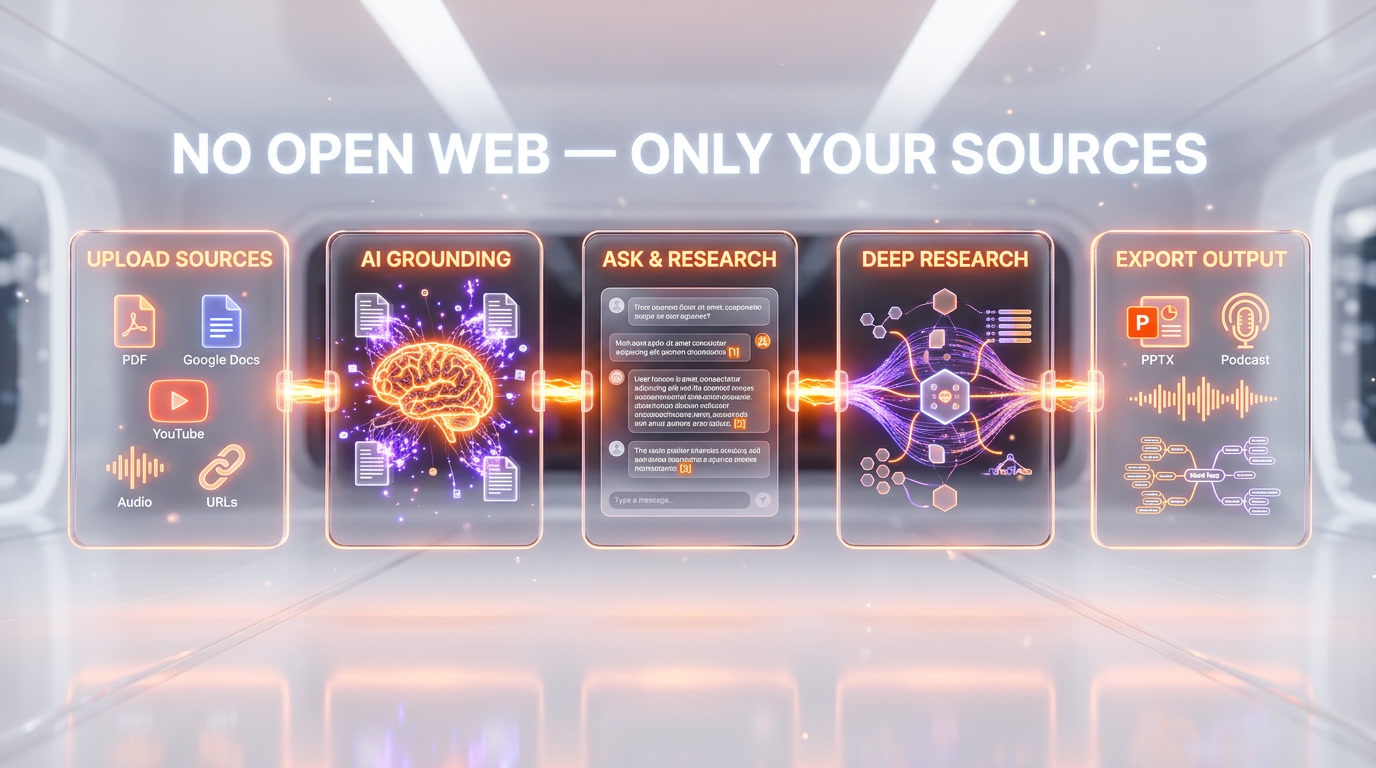
At its core, NotebookLM is an AI research assistant. You create a "notebook," you fill it with sources — PDFs, Google Docs, Google Slides, web URLs, YouTube video transcripts, audio files, even pasted text — and then you work with those sources through natural conversation. Ask it to summarize a 200-page report. Ask it to compare two conflicting documents. Ask it to generate a study guide from three research papers. Every answer it gives is tied directly to your sources, with inline citations you can click to jump to the exact passage. No guessing, no hallucination from the open internet, no vague "based on general knowledge" hedging.
That architecture makes NotebookLM fundamentally different from tools like ChatGPT or even Perplexity. It's not trying to know everything. It's trying to help you think more clearly about what you already have.
Our Experience
We were genuinely interested in this one, so we did a deep dive into everything we could find — official documentation, the Google Workspace blog, Reddit's r/notebooklm community, G2 reviews, and independent benchmarks from researchers and students who rely on it daily.
What struck us most wasn't any single feature — it was the pace. Between October 2025 and March 2026 alone, Google shipped six major updates: a 1M-token context window, custom goals, Deep Research, Word and Sheets source support, a Gemini 3 engine upgrade with Data Tables, Slide editing with PPTX export, and finally the jaw-dropping Cinematic Video Overviews in March 2026. That's not an incremental roadmap. That's a product team operating at full throttle.
From what we've seen on Reddit and developer forums, the reaction has been overwhelmingly positive — particularly among students, researchers, journalists, and consultants who regularly deal with large volumes of dense material. The Audio Overviews feature, which converts your notebooks into a natural-sounding two-host podcast, has become something of a cult hit. People post about generating a 15-minute podcast from a 90-page white paper and listening on their commute. That's genuinely useful in a way that feels different from other AI outputs.
Where users push back is predictable: the free tier's limits feel tight for heavy use, notebooks can't reference each other (so your knowledge stays siloed), and there's still no dedicated mobile app. Those are real friction points. But for what NotebookLM actually promises to do, most users find it does it better than anything else in the market right now.
Key Features
Source-Grounded AI with Inline Citations
This is the foundation of everything NotebookLM does. Every response it generates is anchored to the specific passages in your uploaded sources. Hover over any claim in its output and you'll see a citation you can click — it takes you directly to the relevant text in your document. For researchers, lawyers, students writing papers, or anyone who needs to actually verify what the AI said, this is not a nice-to-have. It's essential. Based on everything we've gathered from user reviews, the citation reliability is consistently rated among the highest of any AI tool in this category.
Audio Overviews (Podcast Generation)
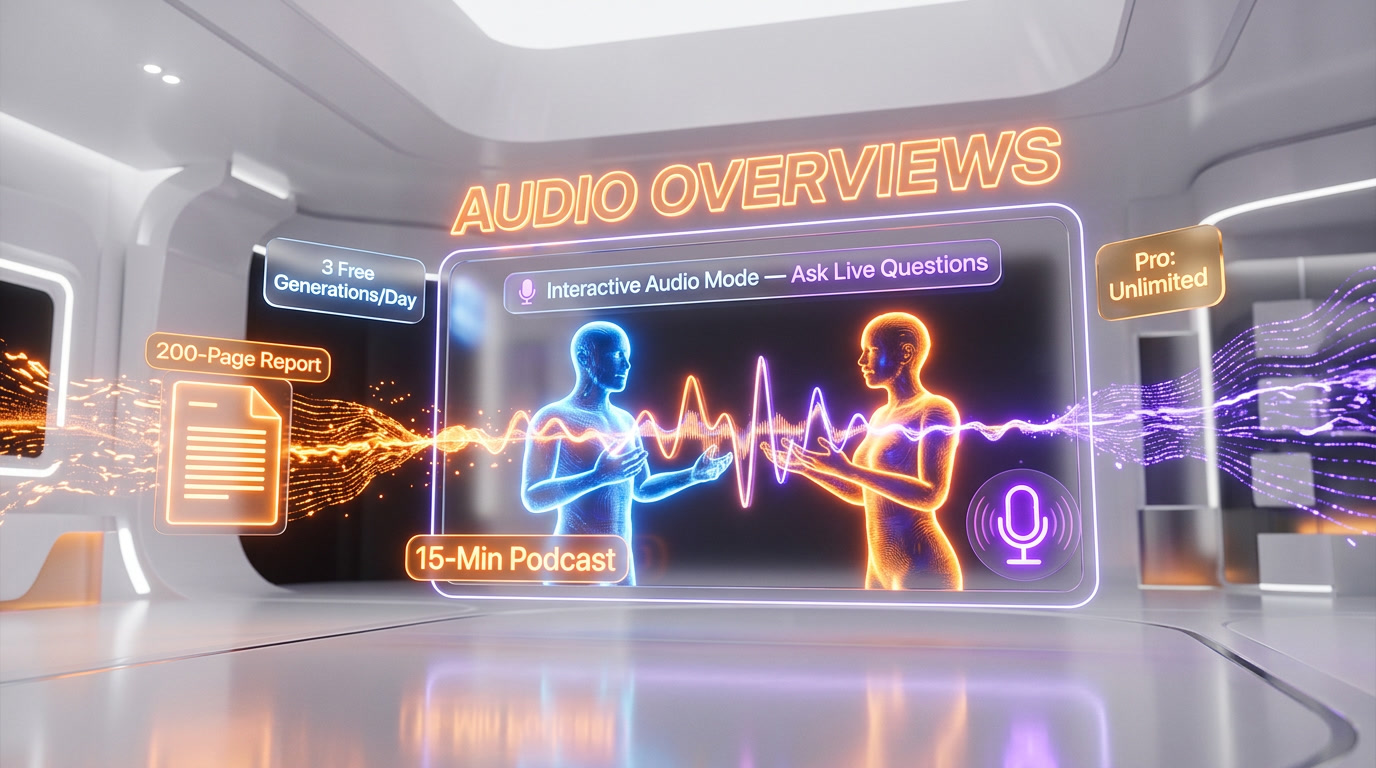
Upload a 200-page government report. Hit generate. Five minutes later, you have a 15-minute conversational podcast where two AI hosts break it down, explain the key concepts, push back on each other, and flag what's most important. That's the Audio Overviews feature, and it's the one that gets mentioned most in reviews, Reddit threads, and social media posts.
The voices sound natural. The hosts genuinely interact — they don't just read summaries back-to-back. Users on the Pro tier get significantly more generations per day than the free tier's limit of 3. The interactive mode, where you can interrupt the audio and ask a question live, launched in 2025 and gets strong reviews, though some users report occasional bugginess.
Deep Research
Added in November 2025, Deep Research lets NotebookLM conduct multi-step research sessions across your uploaded sources. Rather than answering a single question, it synthesizes connections across multiple documents, identifies contradictions, surfaces patterns, and produces structured research outputs. Free users get 10 sessions per month. Pro users get significantly more. Ultra users get 200 per day.
Mind Maps
Visual mind mapping launched in late 2025 and became one of the most-used features almost immediately. NotebookLM can generate a visual map of how concepts across your sources connect to each other — genuinely useful when you're trying to understand a sprawling body of research and find the through-lines. You can navigate it interactively and drill into specific nodes for more detail.
Slide Decks and PPTX Export
February 2026 brought one of the most-requested features: slide generation with actual PPTX export. NotebookLM can now take your sources and produce a presentation you can download, edit in PowerPoint or Google Slides, and actually use. Pro and Ultra users get watermark-free exports; free users see NotebookLM branding on generated slides and infographics.
Cinematic Video Overviews
The most ambitious feature NotebookLM has ever shipped landed in March 2026. Cinematic Video Overviews use three AI models in concert — Gemini 3 as the creative director, Nano Banana Pro for visual generation, and Veo 3 for video output — to produce fluid, animated, narrative-led videos based on your sources. These aren't narrated slideshows. Gemini makes hundreds of structural and stylistic decisions, determines the narrative arc, selects the visual style, and refines the output for consistency. Currently limited to Ultra subscribers, English only, with a cap of 20 per day.
Multi-Format Source Support
NotebookLM accepts a genuinely wide range of source types: PDFs, Google Docs, Google Slides, Microsoft Word, Google Sheets, web URLs, YouTube video transcripts (it pulls the transcript automatically), audio files, and plain pasted text. The November 2025 update added Word and Sheets support. With the 1M-token context window (up from the original 200K), you can now load substantially more material into a single notebook before hitting limits.
Study Tools
Beyond the flagship features, NotebookLM generates structured outputs tailored to learning: study guides, briefing documents, FAQs, timelines, flashcard sets, and quizzes — all derived from your sources. For students, this is a genuine study companion. The output language selector added in early 2025 means these can be generated in any supported language, not just English.
Pricing Breakdown
NotebookLM's pricing changed substantially in 2025, moving from a simple Free/Plus structure to a four-tier model tied to Google's broader AI subscription ecosystem. Here's what each tier gets you as of early 2026:
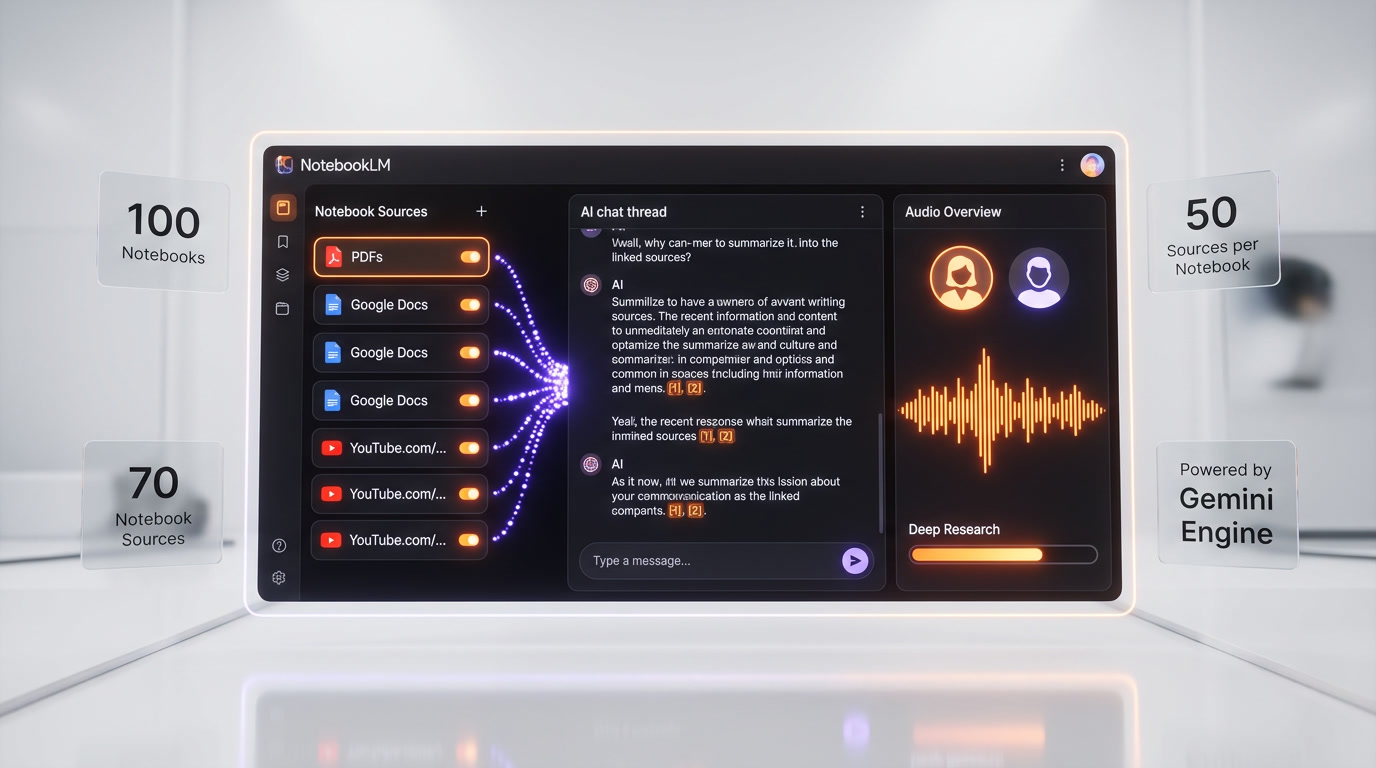
Free Plan ($0 per month): 100 notebooks, 50 sources per notebook, 50 chats per day, 3 Audio Overviews per day, 10 Deep Research sessions per month. No credit card required — just a Google account. For students, casual researchers, or anyone wanting to try the tool, this is a generous starting point. Heavy users will hit the limits.
NotebookLM Plus (via Google Workspace, ~$14 per user/month): Available through qualifying Google Workspace plans starting at the Standard tier. Doubles generation limits versus free, raises sources to 100–300 per notebook, unlocks customizable response styles (choose an AI personality like "Guide" or "Analyst"), advanced sharing options, and notebook usage analytics. Primarily aimed at business teams already on Workspace.
NotebookLM Pro (via Google AI Pro, $19.99 per month): Bundled with the Google AI Pro subscription (formerly Google One AI Premium). Gives you 500 notebooks, 300 sources per notebook, significantly higher daily limits across all features, 2TB of Google storage, and access to Gemini Advanced across Google's apps. A one-month free trial is available. U.S. students aged 18+ get a 50% discount bringing this to $9.99 per month for the first year — a genuinely competitive deal for academic use.
NotebookLM Ultra (via Google AI Ultra, $249.99 per month): This is where it gets serious — and expensive. 500 notebooks, 600 sources per notebook, 5,000 chats per day, 200 Audio Overviews per day, 200 Video Overviews per day, 200 Deep Research sessions per day, 1,000 reports/flashcards/quizzes per day, watermark-free slide and infographic exports, and exclusive access to Cinematic Video Overviews. Google AI Ultra also includes the highest limits for Gemini, Veo, Flow, Whisk, and more across the entire Google AI ecosystem. The price is steep, but for enterprise research teams or heavy individual users, the Ultra daily limits are essentially unlimited for practical purposes.
Google Workspace Enterprise: Organizations can access NotebookLM Plus through various Workspace plans with additional data governance, admin controls, and compliance features suited to enterprise environments.
Who Should Use NotebookLM
After spending time with everything available about this tool, there are a few user profiles where NotebookLM clearly shines — and a few where it's probably not the right fit.
Students and academics are the most obvious match. The combination of source grounding, inline citations, study guides, flashcards, quizzes, and Audio Overviews is tailor-made for working through dense academic material. The student discount on Pro makes it even more compelling for this group.
Researchers and analysts who regularly work with large document sets — legal discovery, market research, competitive analysis, literature reviews — will find the Deep Research and Mind Map features particularly valuable. The ability to upload 300+ sources and have the AI surface patterns across all of them is genuinely powerful.
Journalists and content creators use it to work through interview transcripts, research documents, and background reading, generating structured notes and summaries without losing source attribution.
Consultants and business professionals dealing with client reports, industry research, or internal documentation use it to get quickly up to speed on unfamiliar material and generate shareable briefing documents or presentations.
Where NotebookLM is not the right tool: if you need real-time web research (use Perplexity), collaborative team knowledge management (Notion does this better), or full-featured writing assistance (you'll want ChatGPT or Claude for that). It's a focused tool, and its focus is a feature.
NotebookLM vs Competition
The competitive landscape around NotebookLM is interesting because most of its competitors aren't really doing the same thing.
NotebookLM vs. Notion AI: These tools address fundamentally different problems. Notion AI is a writing assistant embedded in a collaborative workspace — great for teams building wikis, managing projects, and drafting documents together. NotebookLM is a solo research engine. One reviewer captured it well: "I use Notion for note-taking, but NotebookLM for learning." If your team needs to collaborate while managing projects, Notion wins. If you're doing individual document-heavy research, NotebookLM is in a different league — and Notion AI's $10 per user/month add-on fee makes it comparatively expensive for what it offers.
NotebookLM vs. Perplexity: Perplexity searches the real-time web and synthesizes answers with citations from live sources. NotebookLM works only with what you upload. These are complementary, not competing. Use Perplexity to find sources; use NotebookLM to go deep on them. A growing number of power users run both.
NotebookLM vs. Obsidian: Obsidian is the privacy-first, local-storage alternative. Everything lives on your device, your data never touches Google's servers, and a powerful plugin ecosystem can replicate much of NotebookLM's AI functionality via community plugins like Smart Connections. If data privacy is your primary concern, Obsidian is the strongest alternative. But it requires setup, configuration, and technical tolerance that NotebookLM simply doesn't ask for.
NotebookLM vs. ElevenLabs (Audio): For the Audio Overview feature specifically, ElevenLabs' GenFM is the only real direct competitor. It allows similar audio generation from articles, URLs, and files. ElevenLabs edges NotebookLM on voice customization and audio quality, but NotebookLM's audio is grounded in your specific sources in a way that GenFM isn't. They're solving slightly different problems.
A few devs we know have been comparing NotebookLM to Claude's Projects feature, which also lets you ground Claude's responses in uploaded documents. Claude Projects gives you a more capable general-purpose AI within those documents, but lacks NotebookLM's specialized outputs — Audio Overviews, Mind Maps, Slides, and the dedicated study tools. Which is "better" depends entirely on whether you need a versatile AI workspace or a focused research synthesis engine.
The Bottom Line
When NotebookLM launched, it was easy to dismiss as an experiment. A constrained AI that only knows what you tell it? That sounds like a product from 2019. But the constraint turned out to be the point. In a world drowning in AI hallucinations, misinformation, and outputs you can't verify, NotebookLM's insistence on staying within your sources is a genuine competitive advantage.
The pace of feature development since late 2024 is remarkable — Mind Maps, Deep Research, Slide exports, Cinematic Video Overviews, Gemini 3, a 1M-token context window. This is not a forgotten experiment. Google is clearly betting on it.
The free tier is generous enough that there's almost no reason not to try it. The Pro tier at $19.99 per month (with a free trial) is reasonable value for anyone who uses it regularly. The Ultra tier at $249.99 per month is eye-watering, but it's positioned clearly for enterprise and power users who need the highest available limits across Google's entire AI ecosystem.
Weaknesses are real: notebooks can't talk to each other, there's no mobile app, export flexibility is limited, and heavy free users will hit daily caps. But for what it promises — a private, citation-backed, source-grounded AI research assistant — NotebookLM delivers better than anything else available right now. Based on everything we've gathered from official sources, community reviews, and real user feedback, it earns a strong recommendation for students, researchers, analysts, and anyone who regularly works through large bodies of text.
Key Features
Pros & Cons
Pros
- Source-grounded responses with inline citations eliminate hallucinations from the open web
- Audio Overviews generate natural-sounding podcast summaries from any uploaded document
- Generous free tier — 100 notebooks, 50 sources per notebook, no time limit
- Rapid feature development: Mind Maps, Deep Research, Slides, and Cinematic Video Overviews all shipped within 6 months
- 1M-token context window allows loading massive amounts of material into a single notebook
- Supports wide source variety: PDFs, YouTube transcripts, audio, Word, Sheets, Google Docs, web URLs
- Student discount brings Pro tier to $9.99/month — exceptional value for academic use
Cons
- Notebooks are siloed — no cross-notebook search or synthesis, limiting knowledge graph building
- No dedicated mobile app despite strong demand from users
- Cinematic Video Overviews and watermark-free exports locked behind the $249.99/month Ultra plan
- Free tier daily limits (50 chats, 3 Audio Overviews) are restrictive for heavy research sessions
- Limited export flexibility — structured notebook data and conversation history can be difficult to extract
Best Use Cases
Platforms & Integrations
Available On
Integrations

We're developers and SaaS builders who use these tools daily in production. Every review comes from hands-on experience building real products — DealPropFirm, ThePlanetIndicator, PropFirmsCodes, and many more. We don't just review tools — we build and ship with them every day.
Written and tested by developers who build with these tools daily.
Frequently Asked Questions
What is NotebookLM?
Google's AI research assistant that thinks inside your sources — not the open internet.
How much does NotebookLM cost?
NotebookLM has a free tier. All features are currently free.
Is NotebookLM free?
Yes, NotebookLM offers a free plan.
What are the best alternatives to NotebookLM?
Top-rated alternatives to NotebookLM include Claude Code (9.9/10), Cursor (9.5/10), Veo 3.1 (9.4/10), Claude Opus 4.7 (9.4/10) — all reviewed with detailed scoring on ThePlanetTools.ai.
Is NotebookLM good for beginners?
NotebookLM is rated 8.5/10 for ease of use.
What platforms does NotebookLM support?
NotebookLM is available on Web.
Does NotebookLM offer a free trial?
Yes, NotebookLM offers a free trial.
Is NotebookLM worth the price?
NotebookLM scores 9/10 for value. We consider it excellent value.
Who should use NotebookLM?
NotebookLM is ideal for: Academic research and literature review, Exam preparation and study guide creation, Legal document analysis and case research, Competitive intelligence and market research, Journalist source synthesis and interview transcript analysis, Enterprise knowledge management and briefing document creation, Content creation research and source organization.
What are the main limitations of NotebookLM?
Some limitations of NotebookLM include: Notebooks are siloed — no cross-notebook search or synthesis, limiting knowledge graph building; No dedicated mobile app despite strong demand from users; Cinematic Video Overviews and watermark-free exports locked behind the $249.99/month Ultra plan; Free tier daily limits (50 chats, 3 Audio Overviews) are restrictive for heavy research sessions; Limited export flexibility — structured notebook data and conversation history can be difficult to extract.
Best Alternatives to NotebookLM




Ready to try NotebookLM?
Start with the free plan
Try NotebookLM Free →