Perplexity Comet
The first AI-native web browser with built-in assistant

Quick Summary
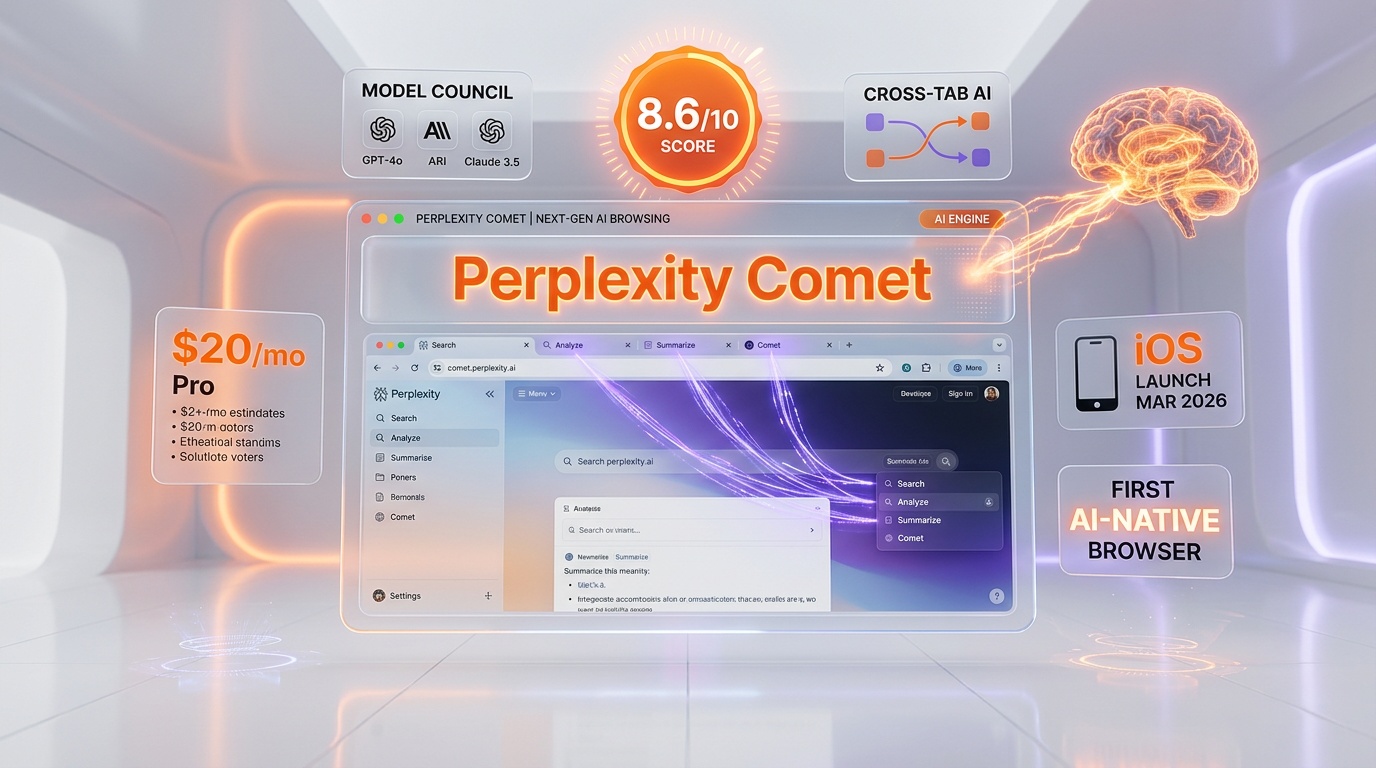
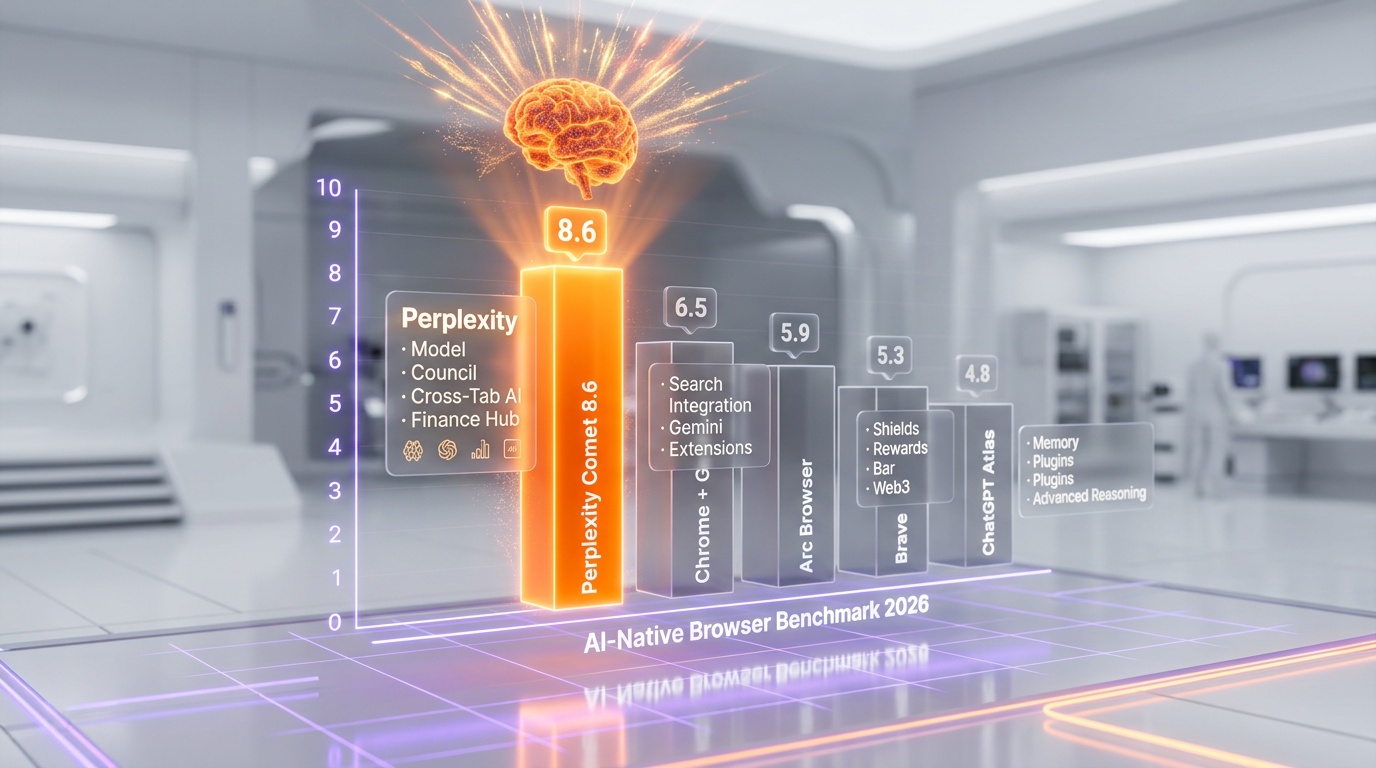
Perplexity Comet is an AI-native web browser built by Perplexity AI that embeds a multi-model assistant (Claude Opus 4.6, GPT-5.4, Gemini 3.1 Pro) directly into every tab, with cross-tab summarization, voice chat, built-in ad blocking, and a Finance Hub. We rate it 8.6/10 for its unique Model Council feature that runs three frontier models in parallel and synthesizes their answers. Free to download with basic AI features; Pro at $20/month and Max at $200/month unlock premium models and unlimited queries.
What is Perplexity Comet?
Perplexity Comet is an AI-native web browser built by Perplexity AI, the company that redefined search with its AI-powered answer engine. Launched in July 2025 for desktop (macOS and Windows), with Android following in November 2025 and iOS arriving on March 18, 2026, Comet represents a fundamental rethinking of what a web browser should be in the age of artificial intelligence.
Built on Chromium, Comet looks and functions like a modern browser on the surface — tabs, bookmarks, extensions — but beneath that familiar shell sits a deeply integrated AI assistant that can summarize pages, work across multiple tabs, answer questions about on-screen content, automate tasks like booking meetings or sending emails, and even help students study with built-in flashcards and quizzes. It is not a browser with an AI chatbot bolted on; the AI is woven into every interaction.
Comet is free to download and use with a Perplexity account. Free users get access to basic AI features, while Pro ($20 per month) and Max ($200 per month) subscribers unlock premium AI models, unlimited queries, and advanced capabilities like Model Council — which runs multiple AI models in parallel and synthesizes their answers.
The browser enters a competitive landscape that includes Chrome (with Gemini integration), Arc Browser, Brave, and the emerging ChatGPT Atlas browser. What makes Comet different is that it was built AI-first by a company whose entire business is AI-powered search, rather than being a traditional browser with AI features added after the fact.
Key Features in 2026
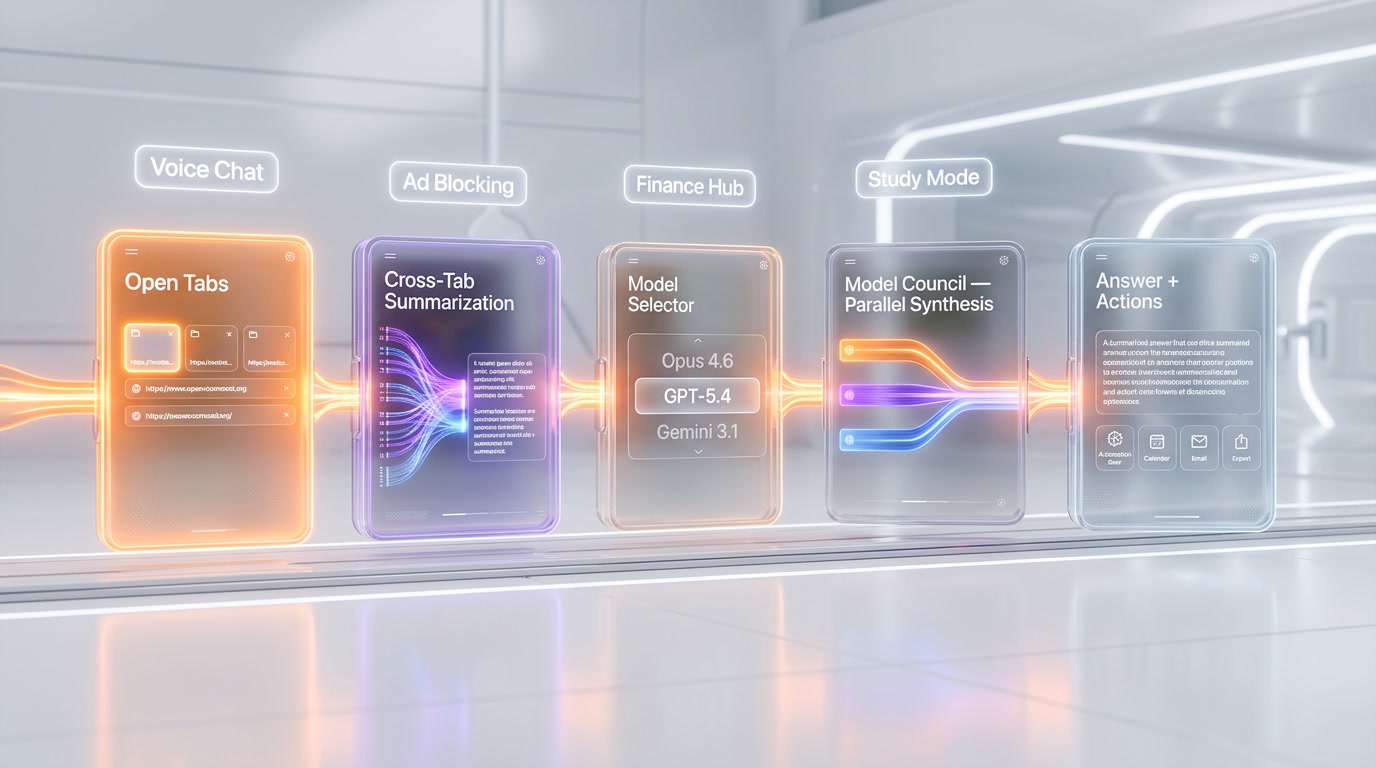
Built-in AI Assistant Across Tabs
Comet's AI assistant is always available and aware of the content on your current page. You can highlight text and ask questions about it, request a summary of the entire page, or have the AI extract specific information. Unlike browser extensions that run in isolation, Comet's AI is a first-class citizen of the browsing experience with full access to page context.
Cross-Tab Summarization
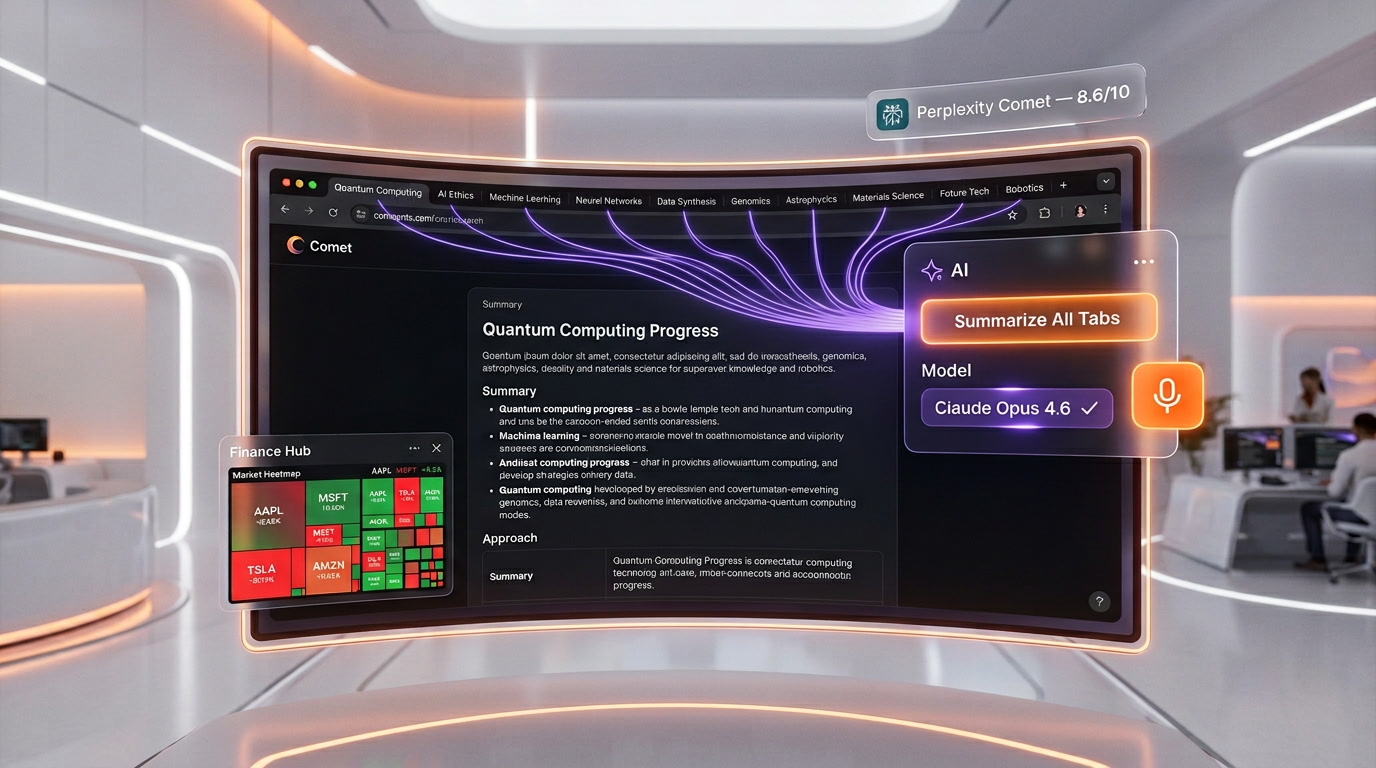
One of Comet's most distinctive features is its ability to synthesize information across all open tabs — not just the active one. If you have ten research tabs open, you can ask Comet to summarize findings across all of them, identify common themes, or highlight contradictions. This multi-tab awareness is something no browser extension can replicate because extensions are sandboxed to individual pages.
Model Selector
Max subscribers can choose which AI model powers their browser agent. The available models include Sonar (Perplexity's own), Claude Opus 4.6 (which is the default), Claude Sonnet 4.6, GPT-5.4, Gemini 3.1 Pro, and Kimi K2.5. This gives users the flexibility to choose the model best suited to their task — Opus 4.6 for complex reasoning, GPT-5.4 for creative tasks, or Sonar for search-focused queries.
Model Council
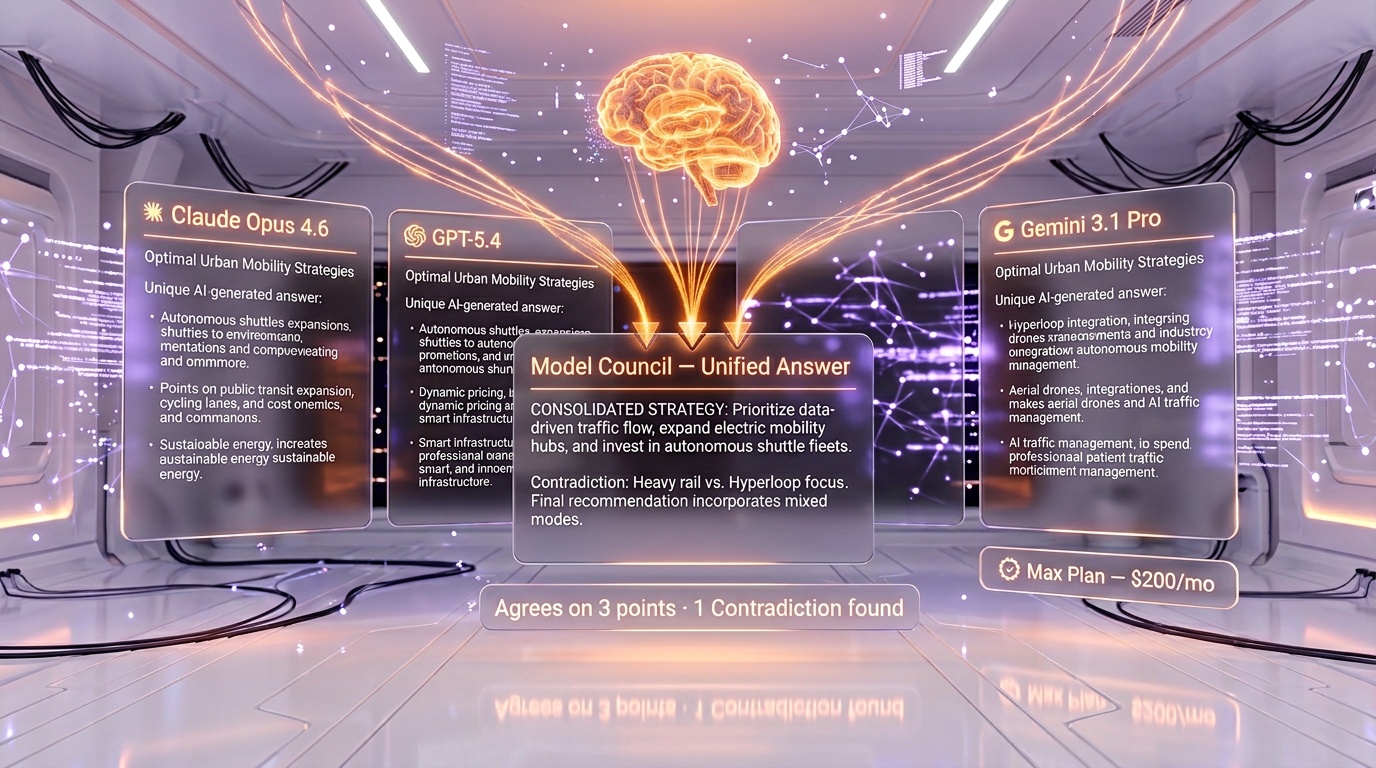
Available to Max subscribers, Model Council runs GPT-5.4, Claude Opus 4.6, and Gemini 3.1 Pro in parallel on the same query, then synthesizes the results — showing where they agree, where they disagree, and what each model uniquely contributes. This is especially valuable for high-stakes research where you want multiple perspectives.
Voice Chat
Voice Mode brings natural conversation to the browser. Users can describe tasks, give feedback mid-action, or redirect the AI — all without typing. The same voice technology powers both Comet and Perplexity Computer, providing a consistent hands-free experience across Perplexity's product lineup.
Built-in Ad and Tracker Blocking
Comet includes a native ad and tracker blocker that can be toggled from the browser settings. It effectively blocks ads and third-party trackers across popular websites, providing a cleaner browsing experience without requiring a separate extension like uBlock Origin.
Finance Hub
Comet includes a built-in finance section with market heatmaps, analyst ratings, and auditable financials with direct links to SEC filings. Investors and financial analysts can track markets and research companies without leaving the browser or subscribing to separate financial tools.
Study Mode: Quizzes and Flashcards
Study Mode transforms any web content into interactive learning material. Students can generate flashcards and quizzes directly from articles, research papers, or lecture notes. This feature is designed for class preparation, note review, and self-testing, making Comet particularly appealing to students and lifelong learners.
Task Automation
Comet can perform actions on behalf of the user — booking meetings, sending emails, purchasing items, and more. The browser learns from user interactions and adapts over time, becoming more efficient at anticipating needs and organizing workflows.
Pricing Breakdown
| Plan | Monthly Price | Annual Price | Key Features |
|---|---|---|---|
| Free | $0 | $0 | Basic AI features, Sonar model, limited daily queries |
| Pro | $20 | $200 per year | Extended query limits, access to premium models, file uploads |
| Max | $200 | $2,000 per year | Unlimited queries, Model Council, all premium models, priority support |
| Enterprise Pro | $40 per seat | $400 per seat/yr | Team management, admin controls, SSO |
| Enterprise Max | $325 per seat | $3,250 per seat/yr | Full model access per seat, enterprise SLAs, dedicated support |
Comet itself is a free download on all platforms. The pricing tiers above are Perplexity subscription plans that unlock premium features within Comet (and across all Perplexity products). Pro and Max subscriptions are available as in-app purchases on iOS.
Pros and Cons
Pros
- True AI-first architecture: The AI is integrated at the browser level, not bolted on as an extension, enabling capabilities like cross-tab summarization.
- Model selector with top-tier models: Access to Claude Opus 4.6, GPT-5.4, Gemini 3.1 Pro, and more from a single interface.
- Model Council: Unique feature that runs multiple models in parallel and synthesizes answers for higher-confidence results.
- Built-in ad blocking: No need for separate ad-blocking extensions.
- Study Mode: Flashcards and quizzes generated from any web content — genuinely useful for students.
- Finance Hub: Market data, analyst ratings, and SEC filings built directly into the browser.
- Voice Mode: Hands-free browsing and task execution via natural conversation.
- Chromium-based: Full compatibility with Chrome extensions and websites.
Cons
- Best features require Max subscription: Model Council, Model Selector, and unlimited queries need the $200 per month Max plan.
- Privacy considerations: An AI browser that processes your browsing activity raises legitimate data privacy questions, though Perplexity has introduced Privacy Snapshot features.
- Relatively new: As a browser released in mid-2025, Comet still has less polish and fewer platform-specific features than Chrome or Safari.
- Google account integration: Some users report friction when Comet is not set as the default browser, with Google services occasionally redirecting to Chrome.
- Model availability changes: Perplexity has removed models (like Grok and Gemini Flash) from the model picker, so available models may change over time.
- Battery and resource usage: Running AI processing alongside browsing consumes more system resources than a traditional browser.
Who Should Use Perplexity Comet?
- Researchers and analysts who work with many tabs and need cross-tab synthesis of information.
- Students who want built-in study tools (flashcards, quizzes) generated from their course material.
- Knowledge workers who want AI assistance integrated into their browsing workflow rather than switching between a browser and a separate AI tool.
- Investors and financial professionals who benefit from the built-in Finance Hub with market data and SEC filings.
- AI power users who want the flexibility to switch between multiple frontier AI models (Opus, GPT-5.4, Gemini) from a single interface.
- Privacy-conscious users who appreciate built-in ad and tracker blocking without third-party extensions.
Who Should NOT Use Perplexity Comet?
- Users deeply invested in Chrome or Safari ecosystems: If your workflow depends on Chrome sync, Google account integration, or Safari's Apple ecosystem features (Keychain, Handoff), switching to Comet creates friction.
- Budget-conscious users: The free tier is limited, and the best features (Model Council, premium models) require the $200 per month Max subscription — far more expensive than a standalone ChatGPT or Claude subscription.
- Enterprise IT teams with strict security policies: A relatively new, AI-integrated browser may not yet meet the security audit requirements of large organizations.
- Users who prefer minimal, distraction-free browsing: Comet's AI features, while powerful, add complexity that users who prefer a simple browsing experience may find overwhelming.
Perplexity Comet vs Competitors
Comet vs Google Chrome (with Gemini)
Chrome has integrated Gemini for AI features like tab organization and content summarization, but the integration feels supplementary rather than foundational. Comet's AI is architected into the browser from day one, enabling deeper capabilities like cross-tab summarization and Model Council. Chrome's advantage is its massive ecosystem — extensions, syncing, and years of platform maturity. For AI-first browsing, Comet wins; for reliability and ecosystem, Chrome remains king.
Comet vs Arc Browser
Arc pioneered the idea of a rethought browser experience with features like Spaces, Boosts, and a clean interface. However, The Browser Company shifted focus to a simpler product (Arc Search on mobile), and Arc's desktop development has slowed. Comet picked up Arc's torch of browser innovation and added powerful AI capabilities that Arc never had. If you were an Arc fan looking for the next evolution, Comet is the strongest candidate.
Comet vs Brave
Brave is the privacy-focused alternative with built-in ad blocking, BAT rewards, and a commitment to not tracking users. Brave has added its own AI assistant (Leo), but it is not as deeply integrated or capable as Comet's multi-model AI. If privacy is your top priority, Brave is still the better choice. If AI capability is more important, Comet leads.
Comet vs ChatGPT Atlas
OpenAI's Atlas browser is a direct competitor to Comet, built around ChatGPT and GPT models. The key difference is model diversity — Comet offers models from Anthropic, OpenAI, Google, and others, while Atlas is OpenAI-only. Comet's Model Council feature, which cross-references multiple models, gives it a unique advantage for users who want multi-perspective AI assistance.
What's New in 2026
- March 18, 2026: Comet for iOS launched, bringing the full AI browser experience to iPhone with in-app purchases for Pro and Max subscriptions.
- March 2026: Claude Opus 4.6 became the default model for Comet Browser Agent, significantly improving complex reasoning tasks.
- Model Council: Parallel execution of GPT-5.4, Claude Opus 4.6, and Gemini 3.1 Pro with synthesized results for Max subscribers.
- Finance Hub launch: Market heatmaps, analyst ratings, and auditable financials with SEC filing links.
- Voice Mode expansion: Voice chat now available in both Comet and Perplexity Computer for hands-free operation.
- Privacy Snapshot: New privacy transparency feature giving users visibility into data handling.
FAQ
Is Perplexity Comet free?
Yes, Comet is free to download and use on macOS, Windows, Android, and iOS. A free Perplexity account provides basic AI features. Premium features like Model Council, premium model access, and unlimited queries require a Pro ($20 per month) or Max ($200 per month) subscription.
What platforms is Comet available on?
Comet is available on macOS and Windows (since July 2025), Android (since November 2025), and iOS (since March 18, 2026). The desktop version launched first, followed by Android and then iOS.
What AI models can I use in Comet?
Max subscribers can choose from Sonar (Perplexity's own model), Claude Opus 4.6, Claude Sonnet 4.6, GPT-5.4, Gemini 3.1 Pro, and Kimi K2.5. Claude Opus 4.6 is the default model. Free and Pro users have access to a more limited model selection.
What is Model Council?
Model Council is a Max-exclusive feature that runs your query through GPT-5.4, Claude Opus 4.6, and Gemini 3.1 Pro simultaneously, then synthesizes the results — showing where models agree, disagree, and what each uniquely contributes. It is designed for high-stakes research where you want multiple AI perspectives.
Does Comet block ads?
Yes, Comet has a built-in ad and tracker blocker that can be enabled from the browser settings. It effectively blocks ads and third-party trackers across popular websites without requiring a separate extension.
Can Comet work with Chrome extensions?
Yes. Comet is built on Chromium, which means it supports Chrome extensions from the Chrome Web Store. Most extensions work the same way they do in Chrome.
How does cross-tab summarization work?
Comet's AI can analyze and synthesize content from all your open tabs simultaneously. You can ask it to summarize findings across multiple research tabs, compare information between pages, or identify themes and contradictions across sources — something browser extensions cannot do because they are sandboxed to individual pages.
Is Comet safe for privacy?
Perplexity has introduced a Privacy Snapshot feature to provide transparency about data handling. The browser includes a built-in tracker blocker. However, as an AI browser that processes page content to provide AI features, it inherently handles more of your browsing data than a traditional browser. Users should review Perplexity's privacy policy for details.
What is Study Mode?
Study Mode automatically generates flashcards and quizzes from any web content you are viewing. It is designed for students who want to turn articles, research papers, or lecture notes into interactive study materials for class preparation, review, and self-testing.
How does Comet compare to using ChatGPT or Claude separately?
Using a standalone AI chatbot requires copying and pasting content between your browser and the chat interface. Comet eliminates this friction by making the AI aware of your current page, all open tabs, and your browsing context. The tradeoff is cost — Comet's Max plan at $200 per month is more expensive than standalone AI subscriptions, but it provides access to multiple models and browser-native AI features.
Key Features
Pros & Cons
Pros
- AI assistant built directly into browser
- Multi-model support (Opus 4.6, Sonnet 4.5, Gemini)
- Cross-tab summarization
- Built-in ad blocking
- Voice chat across tabs
- Finance hub with live data
Cons
- Relatively new — ecosystem still maturing
- Requires Perplexity account
- Extension support limited compared to Chrome
- Privacy concerns with AI processing browsing data
Best Use Cases
Platforms & Integrations
Available On
Active Deals for Perplexity Comet
Students: 50% Off Pro ($10/mo)
Students get 50% off Perplexity Pro at just $10/month instead of $20/month, including unlimited Pro searches and access to all models.

We're developers and SaaS builders who use these tools daily in production. Every review comes from hands-on experience building real products — DealPropFirm, ThePlanetIndicator, PropFirmsCodes, and many more. We don't just review tools — we build and ship with them every day.
Written and tested by developers who build with these tools daily.
Frequently Asked Questions
What is Perplexity Comet?
The first AI-native web browser with built-in assistant
How much does Perplexity Comet cost?
Perplexity Comet has a free tier. Premium plans start at $20/month.
Is Perplexity Comet free?
Yes, Perplexity Comet offers a free plan. Paid plans start at $20/month.
What are the best alternatives to Perplexity Comet?
Top-rated alternatives to Perplexity Comet include Claude Code (9.9/10), Cursor (9.5/10), Veo 3.1 (9.4/10), Claude Opus 4.7 (9.4/10) — all reviewed with detailed scoring on ThePlanetTools.ai.
Is Perplexity Comet good for beginners?
Perplexity Comet is rated 8.5/10 for ease of use.
What platforms does Perplexity Comet support?
Perplexity Comet is available on web, ios, android.
Does Perplexity Comet offer a free trial?
No, Perplexity Comet does not offer a free trial.
Is Perplexity Comet worth the price?
Perplexity Comet scores 8/10 for value. We consider it excellent value.
Who should use Perplexity Comet?
Perplexity Comet is ideal for: Research and analysis, Product comparison shopping, Academic research, Financial monitoring, Content curation.
What are the main limitations of Perplexity Comet?
Some limitations of Perplexity Comet include: Relatively new — ecosystem still maturing; Requires Perplexity account; Extension support limited compared to Chrome; Privacy concerns with AI processing browsing data.
Best Alternatives to Perplexity Comet




Ready to try Perplexity Comet?
Start with the free plan
Try Perplexity Comet Free →