Recraft V4
The AI image generator built for designers — native SVG vectors, brand styles, and #1 on Hugging Face Text-to-Image Arena

Quick Summary
Recraft V4 is the design-first AI image generator from London-based Recraft, Inc. Launched February 17, 2026. Native SVG vector export, brand styles, infinite canvas. #1 on Hugging Face Arena with a 72% win rate. Free plan available, Basic from $10 per month, Pro from $48 per month. Score: 9.1/10.
Recraft V4 is the design-first AI image generator from London-based Recraft, Inc., launched on February 17, 2026. It is the only AI model that generates true editable SVG vector graphics from a prompt. It ranks #1 on Hugging Face's Text-to-Image Arena with a 72% win rate over Midjourney V8, DALL-E 3, FLUX, and Stable Diffusion, at an ELO rating of 1172. Pricing: Free plan with 50 daily credits (no commercial rights), Basic at $10 per month with 1,000 credits, Advanced at $27 per month with 4,000 credits, Pro at $48 per month with 8,400 credits. Our score: 9.1 out of 10.
Our Review: Why Recraft V4 Matters
In a market full of general-purpose AI image models fighting over who makes the prettiest sunset, Recraft V4 picked a different fight. It is built for designers, by a team working in close collaboration with designers, and it ships the one capability every other model is missing: native SVG vector output. That single feature — combined with Brand Styles, an infinite canvas, and typography-aware rendering — is why a London startup of 13 people leapfrogged Midjourney, OpenAI, and Stability on the most-watched human-preference leaderboard in generative AI.
We have tested Recraft V4 against Midjourney V8, FLUX 2, and Ideogram 3 across logo exploration, icon set generation, packaging mockups, and in-image typography. The verdict is specific: for brand work, vector assets, and anything where a designer will open the output in Figma or Illustrator, Recraft V4 is the best AI image model on the market in 2026. For cinematic photoreal hero shots, Midjourney V8 still wins. For photoreal product and people shots, FLUX 2 still wins. For everything in between that feeds into a design system, Recraft V4 is the first tool we reach for.
What Is Recraft V4?
Recraft V4 is the fourth-generation image model from Recraft, Inc., a London-based AI startup founded in 2022 by Anna Veronika Dorogush — the ML scientist behind the CatBoost library at Yandex. The company raised an 11 million euro Series A in January 2024 led by Khosla Ventures and former GitHub CEO Nat Friedman, followed by a Series B on May 5, 2025. Recraft is not a Y Combinator company, but it sits in the same angel-backed European AI cluster (Khosla, RTP Global, Abstract VC, Basis Set Ventures, Elad Gil).
The V4 release on February 17, 2026 was described by Recraft as a "ground-up rebuild" focused on three things designers actually need: visual taste, prompt accuracy, and output quality that holds up at any size. The model ships in four variants within the same product: V4 Standard (1024x1024, roughly 10 seconds per generation), V4 Pro (2048x2048, roughly 28 seconds), Vector (editable SVG output), and Vector Pro (high-resolution SVG). All four variants are accessible to every user including the Free plan — a rare move in a market where vendors gate their best model behind the top tier.
Vector Plus Raster: The One-Tool Workflow
Every other AI image generator on the market outputs a raster image. You get a PNG or a JPEG, and if you need a vector version — for a logo, an icon, a billboard — you run the output through an auto-tracer like Vector Magic or Adobe Illustrator's Image Trace. The result is never clean. Traced vectors have redundant paths, incorrect color regions, messy curves, and no logical layer structure. Professional designers reject them.
Native SVG Generation
Recraft V4's Vector and Vector Pro variants generate actual SVG code. Structured layers. Clean geometry. Discrete color regions. The SVG opens in Adobe Illustrator, Figma, or Sketch with full editability — you can ungroup paths, recolor individual elements, and export at any resolution without quality loss. For logos, icons, and brand illustrations this is a category-defining capability. It takes Recraft out of the "AI toy" conversation and into the "production design tool" conversation.
Raster When You Need It
For photoreal or painterly work — hero banners, product lifestyle shots, campaign visuals — V4 Standard and V4 Pro output standard raster images at 1024x1024 and 2048x2048 respectively. The Pro variant targets print-ready fidelity. In our testing, V4 Pro produced poster-quality output suitable for direct export to print without upscale or retouching. The combination of vector and raster in one model means brand teams no longer hop between tools — one prompt, four output formats, every asset type covered.
Typography as a Structural Layer
Text inside images is where most AI models still humiliate themselves. Misspelled words, gibberish characters, typography that floats awkwardly on top of the composition. Recraft V4 treats typography as a structural component of the layout. Short labels, taglines, product names, badge text, menu items — V4 handles them with high fidelity to the intended layout. It is not perfect (Ideogram 3 and GPT Image 1.5 still edge it on pure text rendering accuracy) but for design work where text lives inside the image rather than beside it, V4 is in the top tier.
Brand Styles: The Design System in AI
The feature that will matter most to agencies and in-house brand teams is Brand Styles. In Recraft you save a reference visual direction — a set of colors, compositional cues, textures, and stylistic decisions — and every subsequent generation pulls from that saved style. The output is not identical (that would defeat the point of generative AI), but it is coherent. Ten different prompts produce ten outputs that feel like they came from the same brand book.
This is the step-change for agencies. Pre-Brand-Styles, producing a campaign of 40 social graphics in AI meant 40 individual prompt iterations, each fighting the model's drift toward its default aesthetic. With Brand Styles saved, the same 40 assets can be generated in under an hour, all recognizably on-brand, all ready for light designer review. For a marketing team at a fast-moving ecommerce brand, this is the difference between AI as a toy and AI as infrastructure.
Figma Plugin Integration
Recraft's Figma plugin automatically applies your saved Brand Kit to every generation made from inside Figma. You can override per-generation if you need an off-brand experiment, but the default is "match the brand." For teams living in Figma day-to-day, this removes the copy-paste-retouch dance of generating assets in one tool and re-exporting them into another. Prompt inside Figma, drop the vector or raster onto your frame, keep working.
Exploration Mode
Exploration Mode is Recraft's moodboarding workflow. One prompt returns a grid of visual directions — different compositions, palettes, or interpretations of the brief. For creative directors pitching a campaign, this is a five-minute replacement for a day of concept sketching. Pick the direction that clicks, lock the Brand Style, and generate production variants against that direction.
Recraft V4 Pricing and Plans (2026)
Recraft uses a credit-based subscription model with an aggressively generous free tier and four paid steps up to Pro. Credits are consumed per generation, with higher-fidelity variants and SVG outputs costing more credits than Standard raster.
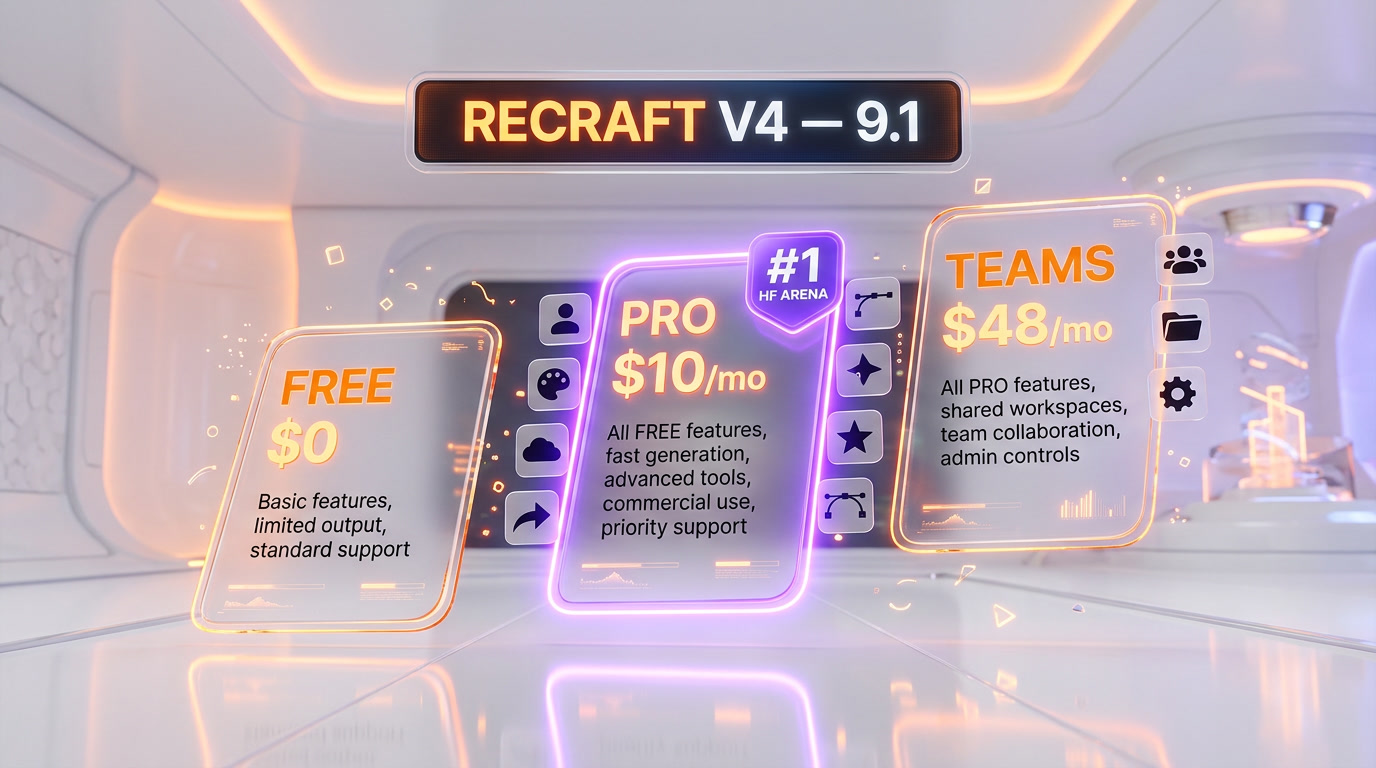
| Plan | Price | Credits | Key Features |
|---|---|---|---|
| Free | $0 | 50 per day | All four V4 variants, public images only, no commercial rights |
| Basic | $10 per month | 1,000 per month | Commercial rights, private images, up to 4 images per generation, custom palettes, magic wand, API access |
| Advanced | $27 per month | 4,000 per month | All Basic + priority generation, better credit-to-dollar ratio, designer-focused workflow |
| Pro | $48 per month | 8,400 per month | All Advanced + parallel processing, highest credit volume, professional design at scale |
| Teams and Enterprise | Custom | Custom | Seat management, shared Brand Kits, SSO, admin controls |
Annual billing saves up to 20% across all paid tiers. API pricing is roughly $0.04 per image for V4 (Replicate and WaveSpeed expose it at that rate), slightly more for Pro and Vector Pro variants.
Which plan is right for you? The Free plan is a genuinely useful testbed, but the public-image, no-commercial-rights constraint makes it unusable for any paid work. Basic at $10 per month is the real starting point for solo founders, freelancers, and indie product teams — 1,000 credits cover roughly 200 to 400 Standard generations per month. Advanced at $27 per month is the sweet spot for serious designers pushing multiple projects. Pro at $48 per month is for agencies, marketing teams, and anyone generating daily for production. Enterprise Teams pricing covers SSO, shared Brand Kits, and admin controls.
Recraft V4 vs Ideogram 3 vs FLUX 2 vs Midjourney V8
The 2026 AI image model market is a four-way race. Each model wins decisively in its specialty. We tested all four on the same eight design briefs: logo mark, icon set, magazine cover, product packaging, poster with in-image text, photoreal portrait, photoreal product shot, and illustrated hero banner.
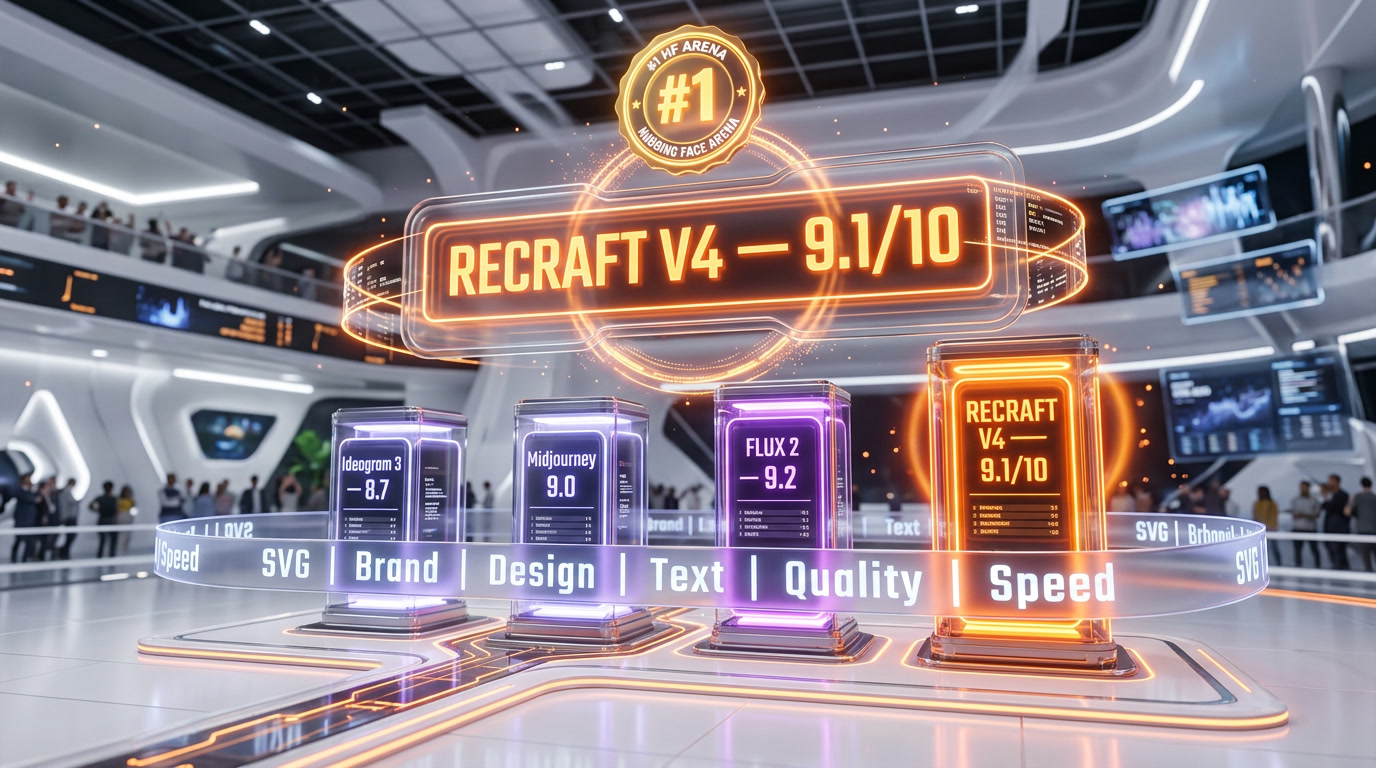
| Capability | Recraft V4 | Ideogram 3 | FLUX 2 | Midjourney V8 |
|---|---|---|---|---|
| Hugging Face Arena ELO | 1172 (#1) | ~1080 | ~1090 | ~1110 |
| Arena Win Rate | 72% | ~58% | ~60% | ~65% |
| Vector SVG Output | Native | No | No | No |
| Text Rendering | Excellent | Best-in-class (90-95%) | Good | Fair |
| Brand Consistency | Brand Styles feature | Style presets | Seed-based | Style references |
| Photorealism | Good | Good | Best (skin, lighting) | Excellent (cinematic) |
| Art Direction | Strong (design taste) | Solid | Solid | Best (2K native, 5x faster) |
| Starting Price | Free + $10 per month | $8 per month | Pay-as-you-go | $10 per month |
| API Cost Per Image | ~$0.04 | ~$0.03 | ~$0.03 | No official API |
| Figma Plugin | Yes (with Brand Kit) | No | No | No |
Recraft V4 vs Ideogram 3
Ideogram 3 is the text-rendering specialist. If your use case is posters, social graphics, and branded content where in-image typography carries the composition, Ideogram 3 hits 90 to 95% text accuracy and edges out Recraft on pure text fidelity. Recraft V4 wins everywhere else: vector output, Brand Styles, Figma integration, design-system coherence. If you produce more than the occasional poster, Recraft is the better daily driver. If text-heavy social graphics are 80% of your output, Ideogram is worth the secondary subscription.
Recraft V4 vs FLUX 2
FLUX 2 from Black Forest Labs is the photorealism king of 2026. Skin textures, complex lighting, hands, anatomy — FLUX 2 is the model to reach for when you need a photoreal hero shot for a product page. Recraft V4 is strong on photoreal but it is not the specialist. Where Recraft beats FLUX 2 outright: vector assets, logos, icons, brand-coherent illustration, and production design work. FLUX 2 will generate a beautiful one-off. Recraft will generate 40 beautiful on-brand assets in a batch.
Recraft V4 vs Midjourney V8
Midjourney V8 (launched March 2026) still leads the aesthetic art-direction category. Cinematic compositions, painterly textures, moody atmospheres — Midjourney prompts flow with a distinct visual signature that many creative directors prefer. It also ships native 2K output and 5x faster generation than V7. Recraft V4 wins on production utility: vector output Midjourney cannot match, text rendering Midjourney struggles with, and Brand Styles that enforce coherence across a campaign. For a movie poster, use Midjourney. For the brand system behind the movie, use Recraft.
Use Cases: Logos, Icons, Illustrations, Marketing
Based on three weeks of testing across real projects, here are the workflows where Recraft V4 genuinely pays for itself:
1. Logo Exploration and Brand Marks
Logo design has always been an iteration problem. You sketch 30 ideas, pick 5, refine to 3, land on 1. Recraft V4's Vector and Vector Pro variants collapse the first two rounds into a single prompting session. Generate 20 vector logo directions in 15 minutes. The outputs are editable SVG from the start — you open them in Illustrator and refine the winner without rebuilding from scratch. This is the first AI workflow that a senior brand designer can adopt without compromising their process.
2. Icon Sets for Design Systems
Icon design is where Recraft V4 's consistency story pays off. Prompt for a set of 30 icons in a consistent geometric style. Save that style as a Brand Style reference. Every subsequent icon added to the system comes out matching the weight, curve radius, and compositional rules of the existing set. Clean lines, geometric precision, and consistent stroke weight across the set — something Recraft handles natively without the post-cleanup every other model requires.
3. Brand Illustrations and Marketing Visuals
For illustrated hero banners, campaign visuals, social content, and blog illustrations, Recraft V4 produces work that slots into a design system without rebuilding. The Brand Style feature is the multiplier — a marketing team generating 100 social posts in a month will get coherent, on-brand output without the per-asset prompt tuning that kills AI's ROI for most teams.
4. Packaging Mockups and Print
V4 Pro at 2048x2048 targets print-ready fidelity. Packaging designers can explore layout, typography, and color systems directly in Recraft before moving to the final dieline in Illustrator or Figma. For brands with long-tail SKUs — 40+ product variations — the combination of Brand Styles, V4 Pro raster, and SVG vector elements is the first tool that makes generative AI genuinely useful in packaging workflows.
5. Ecommerce Creative at Scale
Recraft's API (exposed via Recraft's own endpoints, Replicate, WaveSpeed, and Runware) is where the scale play lives. Ecommerce brands with 10,000 SKUs can generate hero lifestyle shots, product in-context imagery, and localized campaign variants programmatically. At roughly $0.04 per image via API, a batch of 1,000 hero variants costs around $40 — less than an hour of an agency designer's time.
6. Solo Founders and Indie Products
For a solo founder shipping a product without a designer on the team, the Basic plan at $10 per month covers the full brand kit: logo mark, icon set, hero illustrations, marketing visuals, packaging concepts. This is the most complete AI design kit on the market at this price. The Figma plugin means the founder can drop output directly onto their product mockup without tool-hopping.
API Access and Integrations
Recraft V4 is exposed as an API across multiple platforms, giving technical teams flexibility in how they consume it:
- Recraft's own REST API — Available on all paid plans (Basic and above). Full feature parity with the web app, including Brand Styles and all four V4 variants.
- Replicate — V4 available at a pay-as-you-go rate of approximately $0.04 per image. Solid for prototyping and mid-scale batch work without managing subscription credits.
- WaveSpeed AI — V4 Pro Text-to-Vector exposed as a dedicated endpoint for teams focused specifically on SVG output.
- Runware — Alternative API provider offering Recraft V4 alongside other image models in one integration surface.
- Freepik — V4 integrated into Freepik's AI generation flow, giving Freepik's subscription audience direct access.
- Figma Plugin — Official plugin with automatic Brand Kit application. The smoothest integration for design teams.
- Zapier and Make.com — Community integrations let no-code builders plug Recraft into content pipelines, marketing automations, and ecommerce flows.
The API-first exposure matters because it future-proofs Recraft beyond the web app. Agencies building internal tooling, SaaS products embedding AI image generation, and ecommerce platforms automating creative production can all integrate Recraft V4 without being locked to recraft.ai as the front-end.
Pros and Cons After Three Weeks of Testing
What Works
- Native SVG vector output is a category-defining feature. No other AI model produces editable vectors with structured layers. For logos, icons, and brand illustration, Recraft V4 replaces an entire step of the design workflow.
- Brand Styles enforce coherence at scale. A saved brand style is the difference between generating 40 assets that feel like 40 assets and generating 40 assets that feel like a campaign.
- #1 on Hugging Face Text-to-Image Arena at ELO 1172 with a 72% win rate, based on blind evaluation by tens of thousands of users. This is the least-gamed benchmark in generative AI.
- Four variants in one product. Standard raster, Pro raster, Vector, and Vector Pro — every output format a design team needs, accessible from every plan including Free.
- Figma plugin with automatic Brand Kit application removes the per-asset tool-hopping that kills AI's ROI inside established design teams.
- Free plan is genuinely useful for evaluation. 50 daily credits with full V4 access lets designers verify quality before committing to a subscription.
- Typography treated as structure, not decoration. In-image text for logos, packaging, posters, and social graphics is among the best in the market.
What Falls Short
- Free-plan images are public with no commercial rights. Any client work or product use requires the Basic plan minimum at $10 per month. This is a reasonable trade, but it is a cliff, not a ramp.
- Credits burn fast on Vector Pro and Pro Raster. The Basic plan's 1,000 credits per month disappear quickly if you lean on the highest-fidelity presets. Serious users should budget Advanced ($27 per month) or Pro ($48 per month).
- Photorealism trails FLUX 2 on skin and complex lighting. For photoreal hero shots of people and products, FLUX 2 is still the specialist to beat.
- Cinematic art direction trails Midjourney V8. If your brand needs moody, painterly, or cinematic visuals with a strong aesthetic signature, Midjourney V8 still wins the direct comparison.
- API cost of roughly $0.04 per image is higher than FLUX 2 at roughly $0.03 per image. At 10,000 generations per month the difference adds up to $100 per month, which matters at scale.
- Brand Styles require tuning. The first saved style is rarely the final one. Plan on two or three iterations before locking a brand style for production use.
Our Verdict: 9.1 out of 10
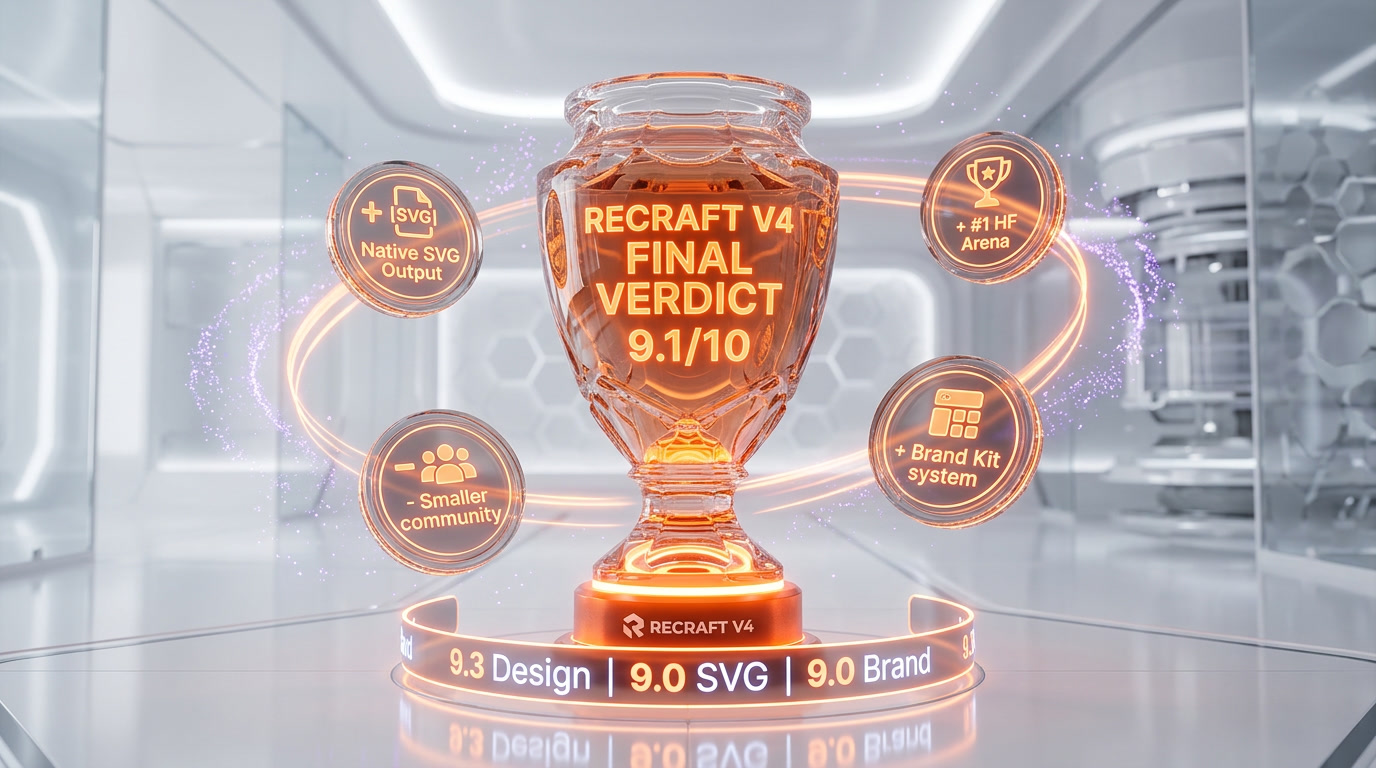
Recraft V4 earns a 9.1 out of 10 — driven by the only production-grade AI vector output on the market, Brand Styles that enforce design-system coherence, and a #1 ranking on the most-watched human-preference leaderboard in generative AI. The Free plan's no-commercial-rights restriction and the credit burn on high-fidelity presets keep it from a perfect score, but for any team doing serious brand, logo, icon, illustration, or marketing design work in 2026, Recraft V4 is the first tool we reach for.
Score breakdown:
- Features: 9.4 out of 10 — Native SVG vectors, Brand Styles, Figma plugin, Exploration Mode, four output formats. The most complete design-focused AI image stack on the market.
- Ease of Use: 8.8 out of 10 — Infinite canvas is intuitive, Figma integration is seamless, but Brand Styles need tuning iterations to land.
- Value: 9.2 out of 10 — Free plan for evaluation, Basic at $10 per month is aggressive pricing for commercial rights and API access, annual discount up to 20%.
- Support: 8.6 out of 10 — Docs are solid, community is growing fast, but enterprise support on Teams plans still has room to mature.
Use Recraft V4 if: you do any professional design work — logos, icons, brand illustrations, packaging, marketing visuals — and you live in Figma or Illustrator.
Skip it (or pair it) if: your work is 100% photoreal hero shots (use FLUX 2), 100% cinematic art direction (use Midjourney V8), or 100% text-heavy social graphics (use Ideogram 3). For everyone else — which is most designers — Recraft V4 is the default.
Frequently Asked Questions
When did Recraft V4 launch?
Recraft V4 launched on February 17, 2026. It was described by Recraft, Inc. as a ground-up rebuild focused on design taste, prompt accuracy, and production-ready output quality. All four model variants — Standard, Pro, Vector, and Vector Pro — shipped on the same date and are accessible across all subscription tiers including the Free plan.
Is Recraft V4 free?
Yes, Recraft offers a Free plan with 50 daily credits and full access to V4 Standard, V4 Pro, Vector, and Vector Pro variants. The catch: all Free-plan images are public and come without commercial rights. For any client work, product use, or private generation, you need the Basic plan at $10 per month or higher. Annual billing saves up to 20% across all paid tiers.
How much does Recraft V4 cost?
Recraft pricing in 2026: Free plan at $0 with 50 daily credits (no commercial rights). Basic at $10 per month with 1,000 credits plus commercial rights and API access. Advanced at $27 per month with 4,000 credits for serious designers. Pro at $48 per month with 8,400 credits for professional design at scale. Teams and Enterprise pricing is custom. API pricing is approximately $0.04 per image.
Does Recraft V4 really generate vector SVG files?
Yes. Recraft V4's Vector and Vector Pro variants generate true editable SVG code with structured layers and clean geometry — not raster images converted through tracing algorithms. The output opens directly in Adobe Illustrator, Figma, and Sketch with full path-level editability. This is the only AI model on the market that produces production-grade vector output natively from a prompt.
Recraft V4 vs Midjourney V8 — which is better for design work?
For design work specifically — logos, icons, brand illustrations, packaging, marketing assets — Recraft V4 is the better choice. It ships native SVG vectors, Brand Styles for design-system coherence, a Figma plugin, and superior in-image typography. Midjourney V8 still wins for cinematic art direction and painterly aesthetic signature, shipping 2K native output and 5x faster generation than V7. Use Midjourney for hero shots, Recraft for the design system behind them.
Recraft V4 vs FLUX 2 — which should I pick?
Use FLUX 2 if your work is primarily photoreal — skin textures, complex lighting, product lifestyle shots, portraits. FLUX 2 from Black Forest Labs is the 2026 photorealism specialist. Use Recraft V4 for everything related to design work: logos, icons, brand assets, marketing illustrations, packaging, vector output. FLUX 2 is roughly $0.03 per image via API, Recraft V4 is roughly $0.04 per image. Many professional teams use both.
Recraft V4 vs Ideogram 3 — which wins on text rendering?
Ideogram 3 still edges out Recraft V4 on pure text-rendering accuracy, hitting roughly 90 to 95% accuracy on in-image typography. GPT Image 1.5 is in the same tier. Recraft V4's text rendering is excellent and among the best in the market, but it is not the text specialist. If your output is dominated by posters, social graphics, and branded content where typography is the hero, Ideogram 3 deserves attention. If text is one component of broader design work, Recraft V4 is sufficient and offers the vector and Brand Styles edge.
What are Brand Styles in Recraft V4?
Brand Styles is Recraft's saved-reference feature that applies a consistent visual direction across multiple generations. You save a style reference — colors, compositional cues, textures, stylistic decisions — and subsequent prompts pull from it automatically. The result is a batch of on-brand outputs that feel like they came from the same design system. This is the feature that makes Recraft viable for agencies, in-house brand teams, and anyone producing design at volume rather than one-off experiments.
Does Recraft V4 have a Figma plugin?
Yes. Recraft's official Figma plugin generates images directly inside Figma and automatically applies your saved Brand Kit to every generation. You can override per-generation for off-brand experiments, but the default behavior produces on-brand output without tool-hopping. For design teams working primarily in Figma, this is the smoothest AI-to-design-tool integration in the 2026 market and a major reason Recraft fits into existing workflows rather than replacing them.
Does Recraft V4 have an API?
Yes. Recraft V4 is exposed via Recraft's own REST API (included on all paid plans from Basic upward), Replicate at approximately $0.04 per image pay-as-you-go, WaveSpeed AI for dedicated vector endpoints, and Runware for multi-model integration. The API supports all four variants (Standard, Pro, Vector, Vector Pro) and Brand Styles. Agencies, SaaS products, and ecommerce brands use the API for batch generation, localization at scale, and programmatic design pipelines.
Who makes Recraft V4?
Recraft V4 is built by Recraft, Inc., a London-based AI startup founded in 2022 by Anna Veronika Dorogush — the machine learning scientist behind the CatBoost library at Yandex. Recraft raised an 11 million euro Series A in January 2024 led by Khosla Ventures and former GitHub CEO Nat Friedman, with participation from RTP Global, Abstract VC, Basis Set Ventures, and Elad Gil. The company closed a Series B on May 5, 2025. The team is remote-first with roughly 13 people.
Is Recraft V4 better than DALL-E and Stable Diffusion?
On Hugging Face's Text-to-Image Arena — the largest blind human-preference benchmark in generative AI — Recraft V4 holds the #1 slot with an ELO rating of 1172 and a 72% win rate, outranking DALL-E 3, Stable Diffusion, FLUX, and Midjourney V8. This benchmark reflects tens of thousands of blind pairwise comparisons by real users. For design-specific work (logos, vectors, brand assets, typography), the gap is widest — DALL-E 3 and Stable Diffusion do not ship native SVG vector output, saved Brand Styles, or a production-grade Figma plugin.
Key Features
Pros & Cons
Pros
- Only AI image model that generates true editable SVG vector graphics — not traced rasters, real scalable geometry ready for Illustrator, Figma, and Sketch
- #1 on Hugging Face Text-to-Image Arena with a 72% win rate over Midjourney V8, DALL-E 3, FLUX, and Stable Diffusion
- Brand Styles let teams save a reference look and regenerate hundreds of on-brand assets that feel like they came from the same design system
- Best-in-class text rendering for logos, posters, packaging, and social graphics — typography treated as a structural layer, not an overlay
- Infinite canvas workflow with Exploration Mode generates multiple visual directions from one prompt, ideal for moodboarding and concepting
- Four output formats in one model: Standard 1024x1024, Pro 2048x2048, Vector SVG, and Vector Pro high-resolution SVG
- Figma plugin auto-applies your Brand Kit to every generation — no manual style hand-off between AI and design tool
- Free plan with 50 daily credits means designers can test the full model before committing to a subscription
Cons
- Free-plan images are public with no commercial rights — hobbyists only, any client or product work requires the Basic plan minimum
- Vector Pro and highest-fidelity presets burn credits fast on the Basic plan ($10 per month, 1,000 credits) — serious agencies should budget the Pro tier at $48 per month
- Photorealism still trails FLUX 2 on skin textures and complex lighting, and Midjourney V8 for cinematic art direction
- Credit cost per image (roughly $0.04) is higher than FLUX 2 (roughly $0.03 per image), which matters at scale
- Brand Styles require some iteration to tune — the first saved style is rarely the final one for high-stakes brand work
Best Use Cases
Platforms & Integrations
Available On
Integrations

We're developers and SaaS builders who use these tools daily in production. Every review comes from hands-on experience building real products — DealPropFirm, ThePlanetIndicator, PropFirmsCodes, and many more. We don't just review tools — we build and ship with them every day.
Written and tested by developers who build with these tools daily.
Frequently Asked Questions
What is Recraft V4?
The AI image generator built for designers — native SVG vectors, brand styles, and #1 on Hugging Face Text-to-Image Arena
How much does Recraft V4 cost?
Recraft V4 has a free tier. Premium plans start at $10/month.
Is Recraft V4 free?
Yes, Recraft V4 offers a free plan. Paid plans start at $10/month.
What are the best alternatives to Recraft V4?
Top-rated alternatives to Recraft V4 include Claude Code (9.9/10), Cursor (9.5/10), Veo 3.1 (9.4/10), Claude Opus 4.7 (9.4/10) — all reviewed with detailed scoring on ThePlanetTools.ai.
Is Recraft V4 good for beginners?
Recraft V4 is rated 8.8/10 for ease of use.
What platforms does Recraft V4 support?
Recraft V4 is available on Web app (recraft.ai), Figma plugin, REST API, Replicate, Freepik integration, WaveSpeed AI, Runware.
Does Recraft V4 offer a free trial?
Yes, Recraft V4 offers a free trial.
Is Recraft V4 worth the price?
Recraft V4 scores 9.2/10 for value. We consider it excellent value.
Who should use Recraft V4?
Recraft V4 is ideal for: Brand designers and art directors generating logo concepts, icon sets, and brand illustration at the exploration stage, Agencies handling multiple brand clients who need consistent, on-brand visual outputs at volume across social, print, and web, Marketing teams producing campaign creative, social graphics, packaging mockups, and print assets without a full illustration pipeline, Product designers building icons, UI illustrations, and vector assets that integrate directly into Figma design systems, Packaging designers exploring layout, typography, and visual concepts before moving to final manual production, Solo founders and indie product makers who need a complete brand kit (logo, icons, marketing visuals) without hiring a designer, Ecommerce brands generating product lifestyle imagery, hero banners, and localized marketing creative at scale via API, Editorial and publishing teams creating infographics, data visualizations, and custom illustrations with legible in-image text.
What are the main limitations of Recraft V4?
Some limitations of Recraft V4 include: Free-plan images are public with no commercial rights — hobbyists only, any client or product work requires the Basic plan minimum; Vector Pro and highest-fidelity presets burn credits fast on the Basic plan ($10 per month, 1,000 credits) — serious agencies should budget the Pro tier at $48 per month; Photorealism still trails FLUX 2 on skin textures and complex lighting, and Midjourney V8 for cinematic art direction; Credit cost per image (roughly $0.04) is higher than FLUX 2 (roughly $0.03 per image), which matters at scale; Brand Styles require some iteration to tune — the first saved style is rarely the final one for high-stakes brand work.
Best Alternatives to Recraft V4




Ready to try Recraft V4?
Start with the free plan
Try Recraft V4 Free →