Synthesia
Enterprise AI video platform that turns scripts into studio-quality avatar videos at scale

Quick Summary
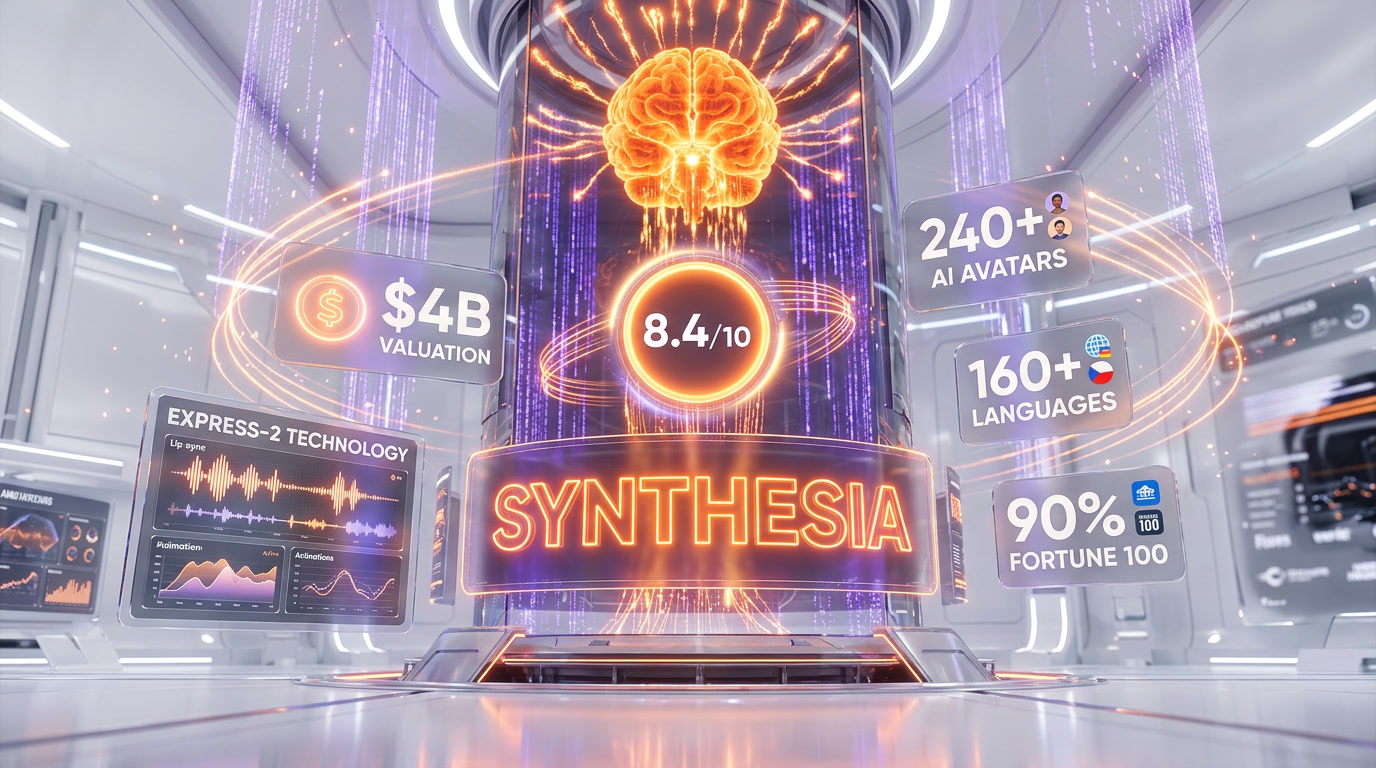
Synthesia is an enterprise AI video platform that converts text scripts into avatar-presented videos in 240+ avatars and 160+ languages. Scored 8.4/10, trusted by 60,000+ companies including 90% of the Fortune 100. Free plan available; paid plans from $29/mo.
What is Synthesia?
Synthesia is an enterprise AI video platform that converts text scripts into avatar-presented videos in 240+ avatars and 160+ languages. Scored 8.4 out of 10, trusted by 60,000+ companies including 90% of the Fortune 100. Free plan available; paid plans from $29 per month.
By early 2025, Synthesia had raised $180M at a $2.1 billion valuation. By October 2025, Google Ventures led another $200M round, pushing the valuation to $4 billion and cementing its status as the UK's most valuable generative AI startup. That's not hype money — that's the enterprise market voting with its procurement budgets. Zoom, Heineken, SAP, Bosch, Reuters, Merck, and Electrolux are all paying customers. When 90% of the Fortune 100 is on your client list, something is clearly working.
The platform's core value proposition for enterprises is repeatability at scale. Electrolux uses Synthesia to train 15,000 employees across Europe in 30+ languages. That's not a use case you solve with a freelance videographer and a green screen. Synthesia 3.0 — announced in 2025 — represents the platform's biggest evolution yet, introducing interactive video capabilities, more expressive avatars, and a roadmap that includes AI-driven Video Agents capable of two-way real-time conversations.
Our Experience
We've been putting Synthesia through its paces across several months, using it for training content, internal comms videos, and localization experiments. Here's the honest take.
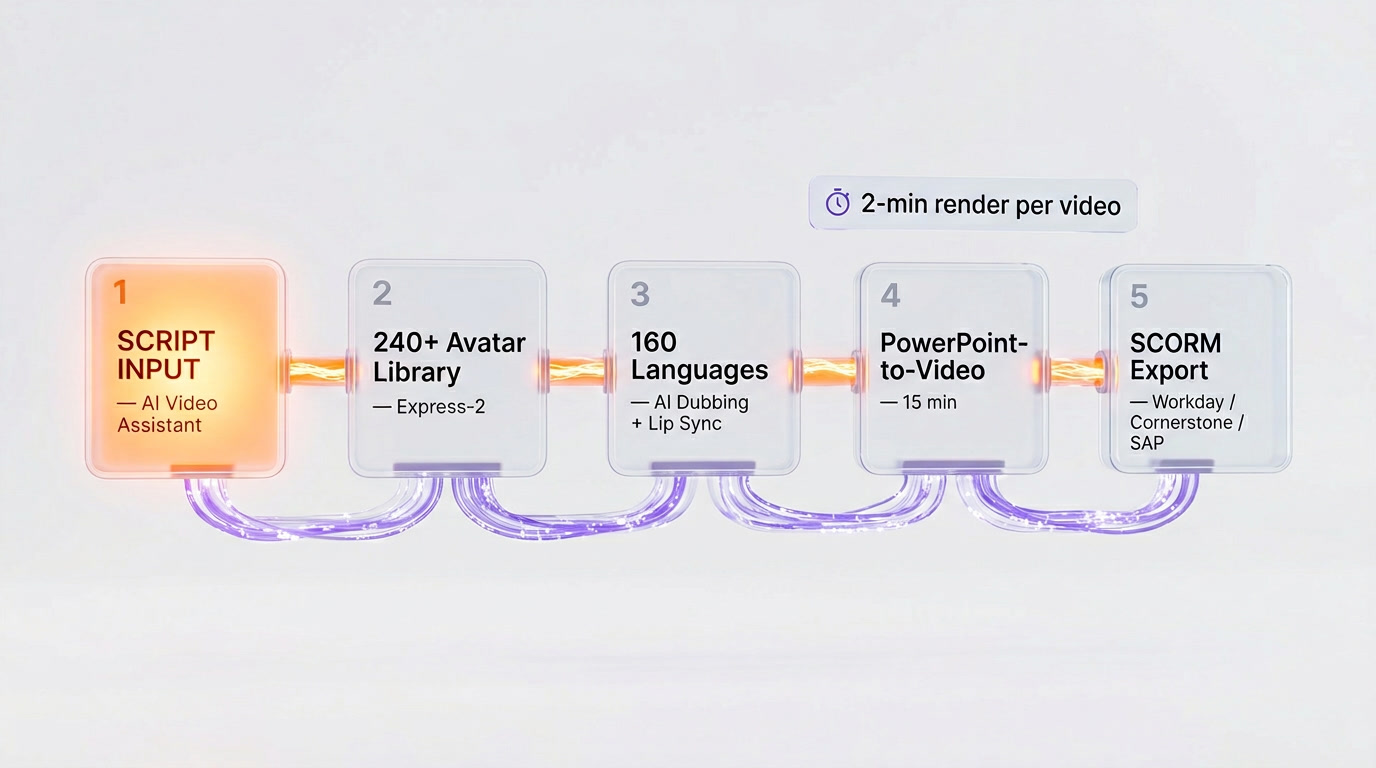
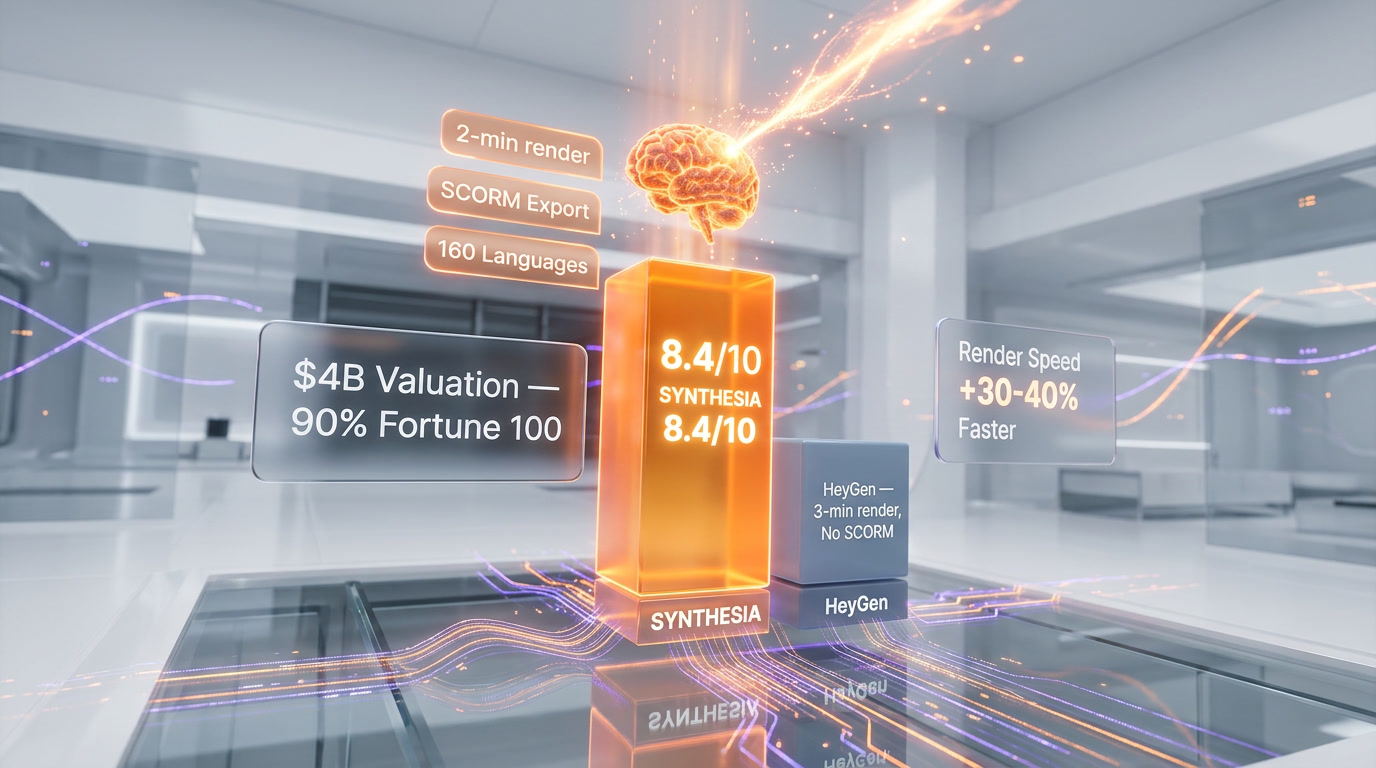
The first thing that stands out is how fast the onboarding is. Within 20 minutes of creating an account, you can have a finished, downloadable video. That's not marketing copy — it's genuinely that quick. You paste in a script, the AI Video Assistant will even write one for you if you're starting from scratch, pick from the avatar library, choose a template, and hit generate. The render on a 1-minute video takes roughly 2 minutes. For comparison, we tested the same workflow on HeyGen and it took closer to 3 minutes. That 30-40% speed gap adds up fast when you're producing dozens of videos a month.
The PowerPoint-to-video feature is one of our most-used workflows. You upload a presentation, Synthesia reads the speaker notes, maps them to slides, and produces a video draft that maintains your original design language. What used to take a full day of recording, editing, and syncing is now a 15-minute task. We tried it with a 24-slide compliance deck and the result needed maybe 10% of the manual tweaking we expected.
The avatar quality has genuinely improved with the Express-2 technology introduced in Synthesia 3.0. Hand gestures are more natural, facial expressions have more range, and the voice preservation on personal avatars is noticeably better than earlier versions. That said, there's still an uncanny valley moment occasionally — something slightly off in the blink timing or a gesture that doesn't quite land with the script. It's subtle, but if you're watching closely, you'll catch it. For most corporate use cases — training modules, onboarding videos, process explainers — it's completely fine. For an emotionally charged CEO message or a high-stakes investor video, you might want to think twice.
The content moderation system is the most frustrating part of day-to-day use. Synthesia's policies exist for legitimate reasons — preventing deepfakes and misinformation is a real problem — but in practice they can feel arbitrary. We had a healthcare explainer flagged for content that was entirely benign clinical information. The appeals process exists, but it adds friction. Medical, biotech, and political organizations should be aware this will come up.
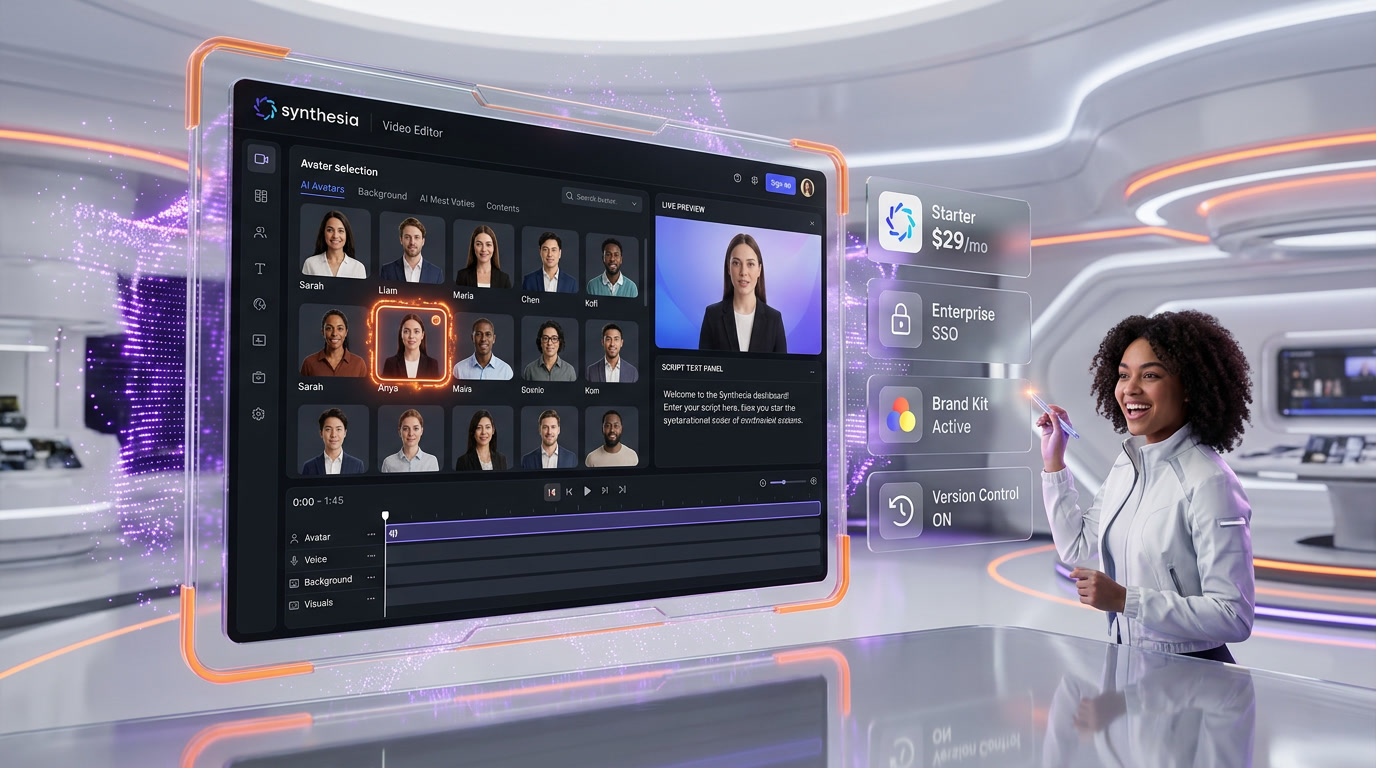
For enterprise teams, the collaboration features are excellent. Real-time commenting, version control, brand kits, and SSO are all there. The SCORM export — which lets you push videos directly into an LMS like Workday Learning or Cornerstone — is a genuinely differentiating feature that HeyGen doesn't match. If you're running a corporate L&D program, this alone justifies the enterprise tier.
Key Features
240+ AI Avatars with Express-2 Technology
Synthesia's avatar library is one of the most diverse in the industry, covering a wide range of ages, ethnicities, professional attire, and presentation styles. The Express-2 update brought significantly more natural movement — better hand gestures, more fluid facial expressions, and improved lip sync accuracy. You can also build a Personal Avatar from your own video footage, and the Express-Voice model creates a voice clone in seconds that preserves your accent, tone, and rhythm. Custom avatars are available as an add-on ($1,000 per year) for annual subscribers and take up to 10 days to process — worth it for large organizations that want a consistent brand face.
160+ Language Support with AI Dubbing
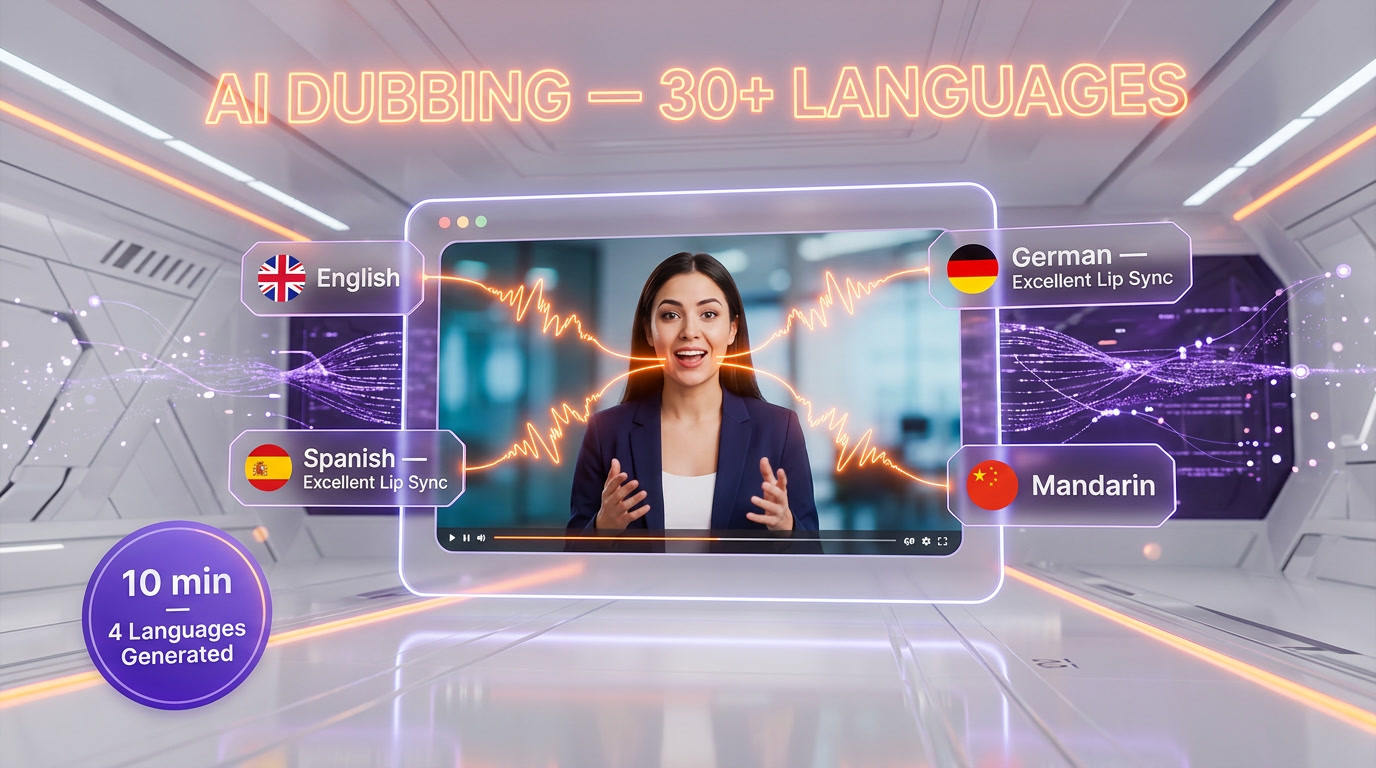
This is where Synthesia genuinely pulls away from most competitors for enterprise use. The platform supports 160+ languages for text-to-speech and AI Dubbing in 30+ languages with full lip-sync. Enterprise plans get 1-click translation to 80+ languages. In practice, we generated the same training video in English, Spanish, German, and Mandarin in under 10 minutes. The lip sync quality in Spanish and German was excellent. Mandarin had occasional rhythm issues but was still far faster and cheaper than hiring professional dubbing services. For global organizations, this isn't a nice-to-have — it's the entire ROI calculation.
AI Video Assistant & Script Generation
The built-in AI script assistant is genuinely useful, not just a checkbox feature. You give it a topic, tone, and target audience, and it produces a structured script with scene breaks already mapped. We tested it on a cybersecurity awareness training script and the first draft needed maybe 20% editing to be usable. It also connects to your knowledge bases in the Enterprise tier, meaning it can pull from your internal documentation to generate accurate, company-specific scripts.
PowerPoint to Video Workflow
One of the most practically useful features in the platform. Upload any .pptx file and Synthesia converts it into a video draft, preserving the original slide design while converting speaker notes into avatar dialogue. We've run this on decks up to 40 slides and the accuracy is impressive. It won't replace a human producer for a keynote presentation, but for internal training content that needs to be updated regularly, it's a game-changer for turnaround time.
Interactive Videos
Available on the Creator plan and above, interactive videos let you add branching logic, knowledge checks, and clickable elements to video content. For L&D teams building compliance training or product certification courses, this transforms Synthesia from a video producer into a lightweight LMS capability. We built a simple 5-branch onboarding scenario and the viewer experience was smooth. It's not as sophisticated as a full authoring tool like Articulate 360, but for many corporate training use cases, it's more than enough.
SCORM Export & LMS Integration
Enterprise-exclusive and one of the clearest differentiators from HeyGen for corporate buyers. SCORM export means you can push Synthesia-generated videos directly into Workday Learning, Cornerstone, SAP SuccessFactors, or any SCORM-compliant LMS with full completion tracking and quiz results. If your L&D team is evaluating AI video tools, this feature effectively disqualifies most competitors in a single conversation.
Brand Kits
Enterprise plan only. Brand Kits let you define your company's color palette, fonts, logo placement, and intro/outro sequences once, and apply them globally across all videos. For a distributed team producing content across multiple departments, this is critical for maintaining visual consistency. We tested it with a mock brand system and the application across templates was clean and reliable.
API Access & Bulk Video Generation
Available on Creator and Enterprise plans, the Synthesia API is robust enough for serious integration work. We tested the bulk personalization flow — generating 50 variations of a product announcement video with personalized names and company references — and the whole batch completed in under 20 minutes. For sales teams doing personalized outreach at scale, or HR teams sending individualized onboarding videos, this is a serious automation capability.
AI Playground (Veo 3.1 & Sora 2)
New in 2026 across all plan tiers including free, AI Playground gives users access to generative video models including Veo 3.1, Veo 3.1 Fast, and Sora 2 directly within Synthesia. This is a significant move — essentially turning Synthesia into a hub for both avatar-based video and generative cinematic content. It's early days for this feature, but the strategic intent is clear: Synthesia wants to be the single platform where enterprise video of every type gets made.
Security & Compliance
SOC 2 Type II, GDPR, and ISO 42001 certifications. SAML/SSO on Enterprise. Avatar consent framework that requires explicit human approval before any likeness can be used. For any enterprise procurement team doing a security review, Synthesia's compliance posture is the strongest in the AI video space — significantly ahead of most competitors. This isn't a small thing: it's often the deciding factor in Fortune 500 procurement decisions.
Pricing Breakdown
Synthesia uses a credit-based subscription model with four tiers. Annual billing gives 25% off across paid plans.
Basic (Free): $0 per month. 1,200 credits per month, up to 10 minutes of video, 9 AI avatars, 1 editor seat. No video downloads — you can share via link but not export the file. Good for evaluating the platform; not practical for production use.
Starter: $29 per month (billed monthly) or approximately $22 per month on annual billing. 1,200 credits per month, up to 10 minutes of video, 125+ AI avatars, 1 editor + 3 guests. Adds video downloads, AI Video Assistant, AI Dubbing, and logo removal. Honest assessment: 10 minutes per month runs out fast. One moderately detailed training video can eat half your monthly allowance. Fine for occasional use; frustrating for anything production-level.
Creator (Most Popular): $89 per month (billed monthly) or approximately $67 per month annually. 3,600 credits per month, up to 30 minutes of video, 180+ AI avatars, 1 editor + 5 guests. Adds 5 Personal Avatars, branded video pages, API access, multiple avatars per scene, interactive videos, and priority support. This is the sweet spot for solo professionals and small teams doing regular video production.
Enterprise: Custom pricing. Unlimited minutes, custom credit pool, 240+ AI avatars, unlimited Personal Avatars, unlimited editors. Adds Brand Kits, SAML/SSO, SCORM export, dedicated Customer Success Manager, live team collaboration, implementation services, and 1-click translation to 80+ languages. For organizations producing regular video content across multiple teams, the ROI is typically clear within the first quarter.
Custom Avatar Add-On: $1,000 per year for Studio Express-1 custom avatar creation. Available for annual plan subscribers only. Processing time up to 10 days. One custom avatar per add-on purchase.
One pricing note worth flagging: credits don't roll over. Unused credits at the end of a billing cycle disappear. For teams with irregular video production schedules — busy months followed by quiet months — this creates real frustration. It's a genuine weakness in the pricing model that competitors should exploit and Synthesia should fix.
Who Should Use Synthesia
Synthesia is built for corporate video production at scale. The clearest use cases are organizations where video content needs to be created frequently, updated regularly, and delivered to distributed global audiences — without the overhead of traditional video production.
L&D and Training Teams are the core user base. If you're managing a training content library for hundreds or thousands of employees, Synthesia's combination of fast production, easy updates, SCORM export, and multilingual dubbing is essentially purpose-built for your workflow. The ROI calculation is straightforward: compare the cost of one Synthesia Enterprise license to the cost of booking a studio, hiring presenters, and paying for professional dubbing every time a compliance module needs updating.
HR and Internal Communications teams use Synthesia to produce onboarding videos, policy announcements, benefits explainers, and executive communications without requiring executive time in front of a camera. The personal avatar feature means a single recording session can produce a year's worth of video content from a senior leader.
Marketing teams at large organizations building product explainer videos, customer onboarding sequences, and localized campaign content across multiple regions will find the multilingual capabilities genuinely transformative. One master video, 30+ localized versions in a fraction of the usual timeline.
Sales teams using the API for personalized video outreach at scale represent a growing use case. Bulk video generation with variable name and company fields creates genuinely personalized content without per-video production effort.
Who should not use Synthesia: individual creators looking for expressive, cinematic content; companies needing emotionally resonant, human-feeling videos (product launches, brand stories, customer testimonials); and anyone in healthcare or biotech who needs to move fast — content moderation friction will slow you down.
Synthesia vs Competition
The most relevant comparison in 2026 is Synthesia vs HeyGen — they're the two dominant platforms in AI avatar video, and most enterprise buyers evaluate both. Here's how it actually plays out.
Synthesia vs HeyGen: HeyGen wins on avatar realism (Avatar IV technology is genuinely more lifelike), avatar volume (1,100+ vs 240+), and language breadth (175+ vs 160+). Synthesia wins on enterprise security and compliance (SOC 2, ISO 42001 vs HeyGen's less rigorous posture), rendering speed (roughly 30-40% faster), SCORM export, Brand Kits, and overall team collaboration infrastructure. For individual creators and marketing teams focused on high-realism social content, HeyGen makes more sense. For enterprise L&D, HR, and compliance training, Synthesia is the cleaner choice — the governance and compliance architecture is built for procurement scrutiny in a way HeyGen isn't yet. We scored the pair platform by platform in HeyGen versus Synthesia: HeyGen takes it for most buyers on avatar realism, unlimited video on paid plans and language breadth, while Synthesia holds the regulated-enterprise lane as the one platform carrying ISO 42001, ISO 27001, SOC 2 Type II and GDPR certification at the same time.
Synthesia vs Colossyan: Colossyan is Synthesia's most direct enterprise L&D competitor and markets aggressively against it. Colossyan's pricing is generally lower, and it has strong SCORM support. However, Synthesia's avatar quality, platform maturity, and Enterprise feature depth give it a meaningful advantage for larger organizations. Colossyan is worth evaluating for mid-market buyers who find Synthesia's enterprise pricing prohibitive.
Synthesia vs D-ID: D-ID focuses more on conversational AI and real-time avatar interaction. Less direct competition for the video production workflow; more relevant if real-time AI avatar use cases are your priority. Synthesia's Video Agents roadmap item is a direct move into D-ID's territory in 2026.
Synthesia vs VEED: VEED is a more general-purpose video editing platform with AI features added. It lacks the enterprise avatar depth and multilingual capabilities of Synthesia. Different audience, different use case — not really a head-to-head competitor for the corporate L&D buyer.
The competitive landscape in 2026 is consolidating around two tiers: enterprise-grade platforms with compliance infrastructure (Synthesia, and to a growing extent HeyGen) and creator-focused tools for individual and small-team use. Synthesia has effectively won the enterprise positioning battle — the Fortune 100 penetration numbers make that case.
The Bottom Line
Synthesia is not the most exciting AI tool to write about. It doesn't generate viral content or make wildly creative videos that stop your scroll. What it does — and does better than almost anyone — is make professional-grade corporate video production fast, scalable, and affordable for global organizations.
We've used it extensively and our honest take is this: if your organization produces more than 20 training or communication videos per year, the math almost certainly works in Synthesia's favor compared to traditional production. The combination of multilingual capabilities, SCORM export, brand governance, and compliance certification addresses real enterprise procurement requirements in a way most competitors haven't yet matched.
The limitations are real too. Avatar expressiveness still has a ceiling. The content moderation system creates friction for certain industries. Credit non-rollover is a genuine annoyance. And the $1,000 custom avatar add-on feels steep.
But when Synthesia 3.0's Video Agents roll out to Enterprise customers in 2026 — enabling real-time, two-way conversational training experiences directly inside video content — the platform's lead in the corporate video space will become even harder to close. We're watching that roadmap closely, and based on everything we've seen, Synthesia has the engineering depth and enterprise relationships to deliver on it.
For the enterprise L&D buyer: this is the platform. For the individual creator: HeyGen is probably a better fit. For everyone else: start with the free Basic plan, run a real pilot with production content, and let the output quality make the case for you.
Frequently Asked Questions
Is Synthesia free to use?
Synthesia offers a free Basic plan with 1,200 credits per month, up to 10 minutes of video, 9 AI avatars, and 1 editor seat. However, free plan videos cannot be downloaded — only shared via link. For production use with downloadable exports and 125+ avatars, the Starter plan begins at $29 per month ($22 per month on annual billing).
How does Synthesia compare to HeyGen?
HeyGen wins on avatar realism (Avatar IV is more lifelike), avatar volume (1,100+ vs 240+), and language breadth (175+ vs 160+). Synthesia wins on enterprise compliance (SOC 2 Type II, ISO 42001), rendering speed (30-40% faster), SCORM export for LMS integration, and Brand Kits for visual consistency. For marketing teams focused on realism, HeyGen. For enterprise L&D with strict procurement requirements, Synthesia is the cleaner choice — trusted by 90% of the Fortune 100.
Can Synthesia translate videos into other languages?
Yes. Synthesia supports 160+ languages for text-to-speech and AI Dubbing with full lip-sync in 30+ languages. Enterprise plans get 1-click translation to 80+ languages. In testing, the same training video was generated in English, Spanish, German, and Mandarin in under 10 minutes. Lip sync quality in Spanish and German was excellent; Mandarin had occasional rhythm issues but remained far faster and cheaper than professional dubbing services.
Does Synthesia support SCORM export for LMS?
Yes, SCORM export is available on Enterprise plans and is one of Synthesia's strongest differentiators. It enables direct integration with Workday Learning, Cornerstone, SAP SuccessFactors, and any SCORM-compliant LMS with full completion tracking and quiz results. This means training videos can be produced, localized, and deployed through existing LMS workflows without file conversion.
What is Synthesia's PowerPoint to video feature?
You upload a .pptx file and Synthesia converts it into a video draft, preserving original slide design while converting speaker notes into avatar dialogue. Tested on decks up to 40 slides, the accuracy is impressive. What used to take a full day of recording, editing, and syncing becomes a 15-minute task. The feature works best for internal training and presentation content that needs regular updates.
What are Synthesia's pricing tiers?
Free Basic: $0 per month with 10 minutes of video (no downloads). Starter: $29 per month with 10 minutes and 125+ avatars. Creator: $89 per month with 30 minutes, 180+ avatars, interactive videos, API access, and 5 Personal Avatars. Enterprise: custom pricing with unlimited minutes, SCORM export, Brand Kits, SAML/SSO, and dedicated support. Credits do not roll over between billing cycles.
Who are Synthesia's main customers?
Synthesia is trusted by over 60,000 companies including 90% of the Fortune 100. Named customers include Zoom, Heineken, SAP, Bosch, Reuters, Merck, and Electrolux. Electrolux uses Synthesia to train 15,000 employees across Europe in 30+ languages. The platform is valued at $4 billion after Google Ventures led a $200M round in October 2025, making it the UK's most valuable generative AI startup.
Key Features
Pros & Cons
Pros
- Best-in-class enterprise compliance stack — SOC 2 Type II, GDPR, and ISO 42001 certified, trusted by 90% of Fortune 100
- 160+ language support with AI Dubbing and full lip-sync makes true multilingual video production viable at scale
- SCORM export enables direct LMS integration into Workday, Cornerstone, and SAP SuccessFactors — a rare differentiator
- Express-2 avatar technology delivers noticeably more natural gestures, expressions, and voice preservation than previous versions
- PowerPoint-to-video workflow dramatically compresses production time for corporate training and presentation content
- API and bulk video generation support enterprise personalization use cases — 50-video batches in under 20 minutes
- Fastest render speeds in the AI avatar video category — roughly 30-40% faster than HeyGen in head-to-head testing
Cons
- Avatars still hit an uncanny valley ceiling for emotionally resonant or high-stakes human communications
- Credits do not roll over — unused minutes expire at the end of each billing cycle, creating real frustration for teams with irregular production schedules
- Content moderation system can be arbitrary and blocks legitimate medical, biotech, and clinical content without clear guidelines
- Custom avatar add-on costs $1,000/year and takes up to 10 days to process — steep for smaller teams
- Starter plan's 10-minute monthly cap is genuinely restrictive for any real production workload
Best Use Cases
Platforms & Integrations
Available On
Integrations
Compare Synthesia

We're developers and SaaS builders who use these tools daily in production. Every review comes from hands-on experience building real products — DealPropFirm, ThePlanetIndicator, PropFirmsCodes, and many more. We don't just review tools — we build and ship with them every day.
Written and tested by developers who build with these tools daily.
Frequently Asked Questions
What is Synthesia?
Enterprise AI video platform that turns scripts into studio-quality avatar videos at scale
How much does Synthesia cost?
Synthesia has a free tier. Premium plans start at $29/month.
Is Synthesia free?
Yes, Synthesia offers a free plan. Paid plans start at $29/month.
What are the best alternatives to Synthesia?
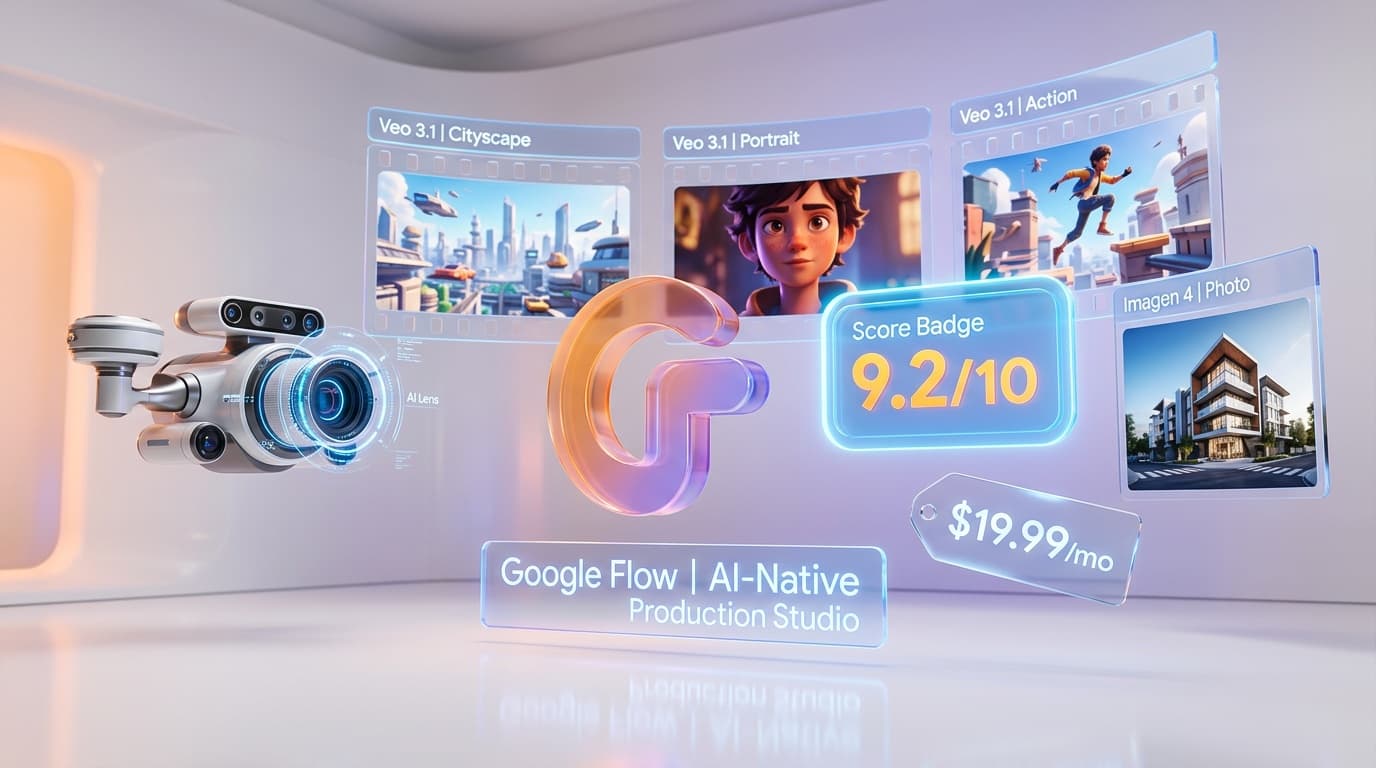
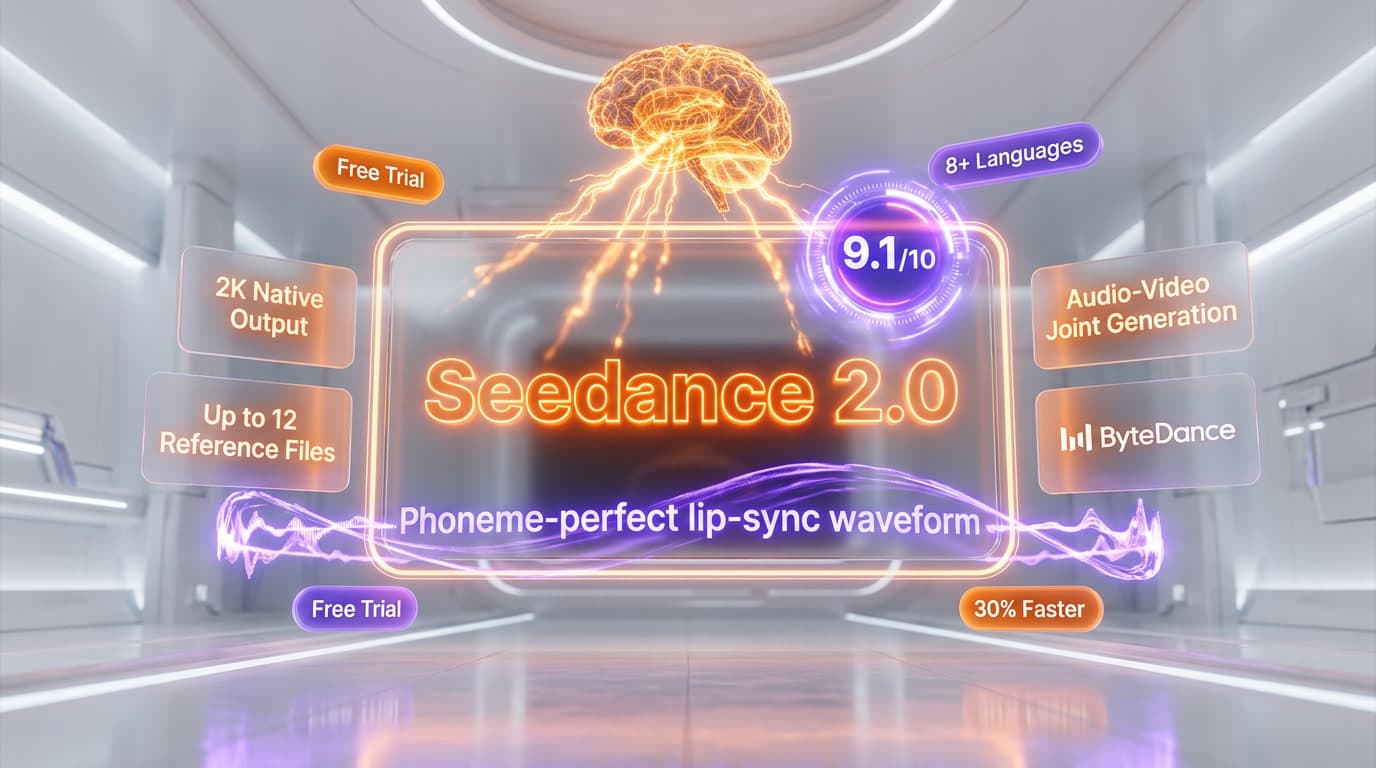
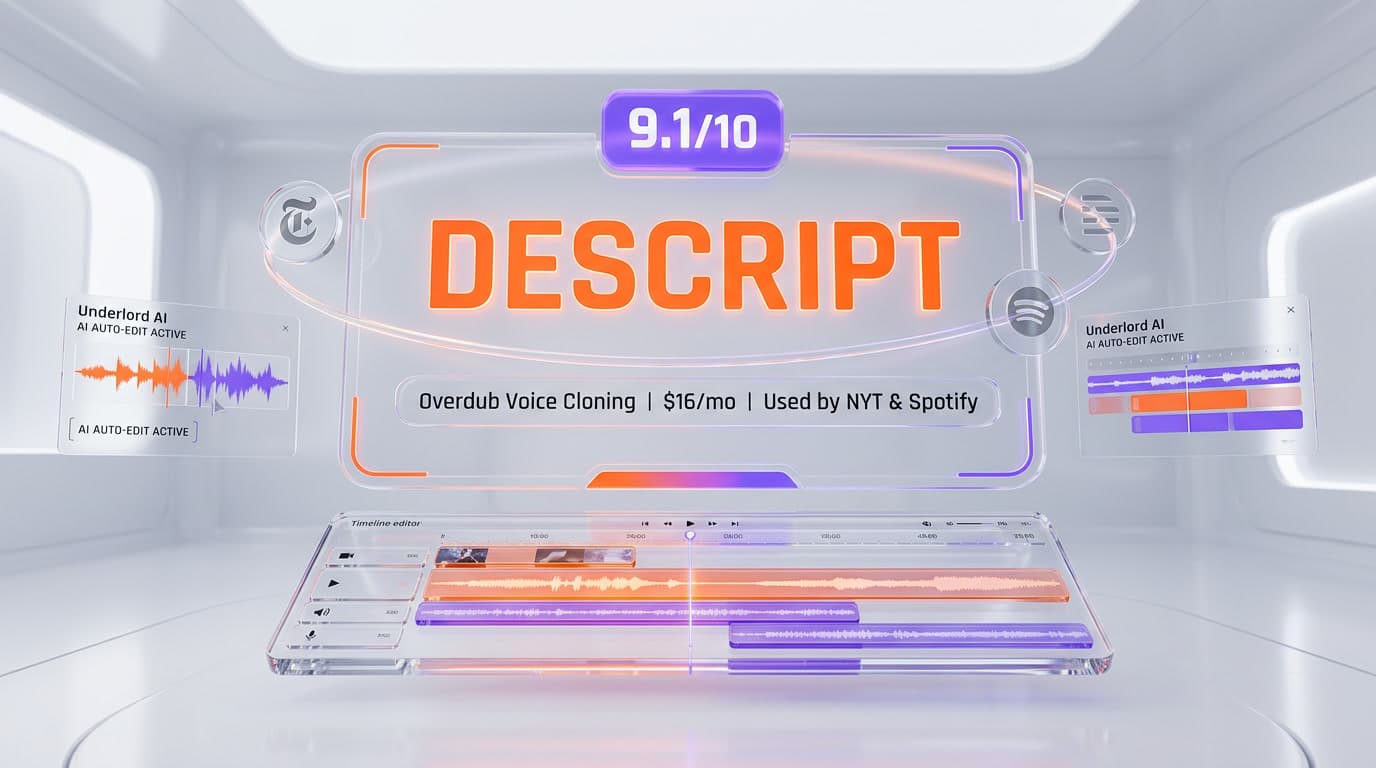
Top-rated alternatives to Synthesia include Veo 3.1 (9.4/10), Google Flow (9.2/10), Seedance 2.0 (9.1/10), Descript (9.1/10) — all reviewed with detailed scoring on ThePlanetTools.ai.
Is Synthesia good for beginners?
Synthesia is rated 8.7/10 for ease of use.
What platforms does Synthesia support?
Synthesia is available on Web.
Does Synthesia offer a free trial?
No, Synthesia does not offer a free trial.
Is Synthesia worth the price?
Synthesia scores 7.5/10 for value. It offers good value.
Who should use Synthesia?
Synthesia is ideal for: Corporate L&D and employee training content at scale, Compliance and regulatory training modules with LMS integration, HR communications — onboarding, policy updates, benefits explainers, Multilingual video localization for global enterprise teams, Sales enablement and personalized video outreach via API, Internal executive communications without camera time, Product and process explainer videos for customer onboarding.
What are the main limitations of Synthesia?
Some limitations of Synthesia include: Avatars still hit an uncanny valley ceiling for emotionally resonant or high-stakes human communications; Credits do not roll over — unused minutes expire at the end of each billing cycle, creating real frustration for teams with irregular production schedules; Content moderation system can be arbitrary and blocks legitimate medical, biotech, and clinical content without clear guidelines; Custom avatar add-on costs $1,000/year and takes up to 10 days to process — steep for smaller teams; Starter plan's 10-minute monthly cap is genuinely restrictive for any real production workload.
Best Alternatives to Synthesia

Ready to try Synthesia?
Start with the free plan
Try Synthesia Free →