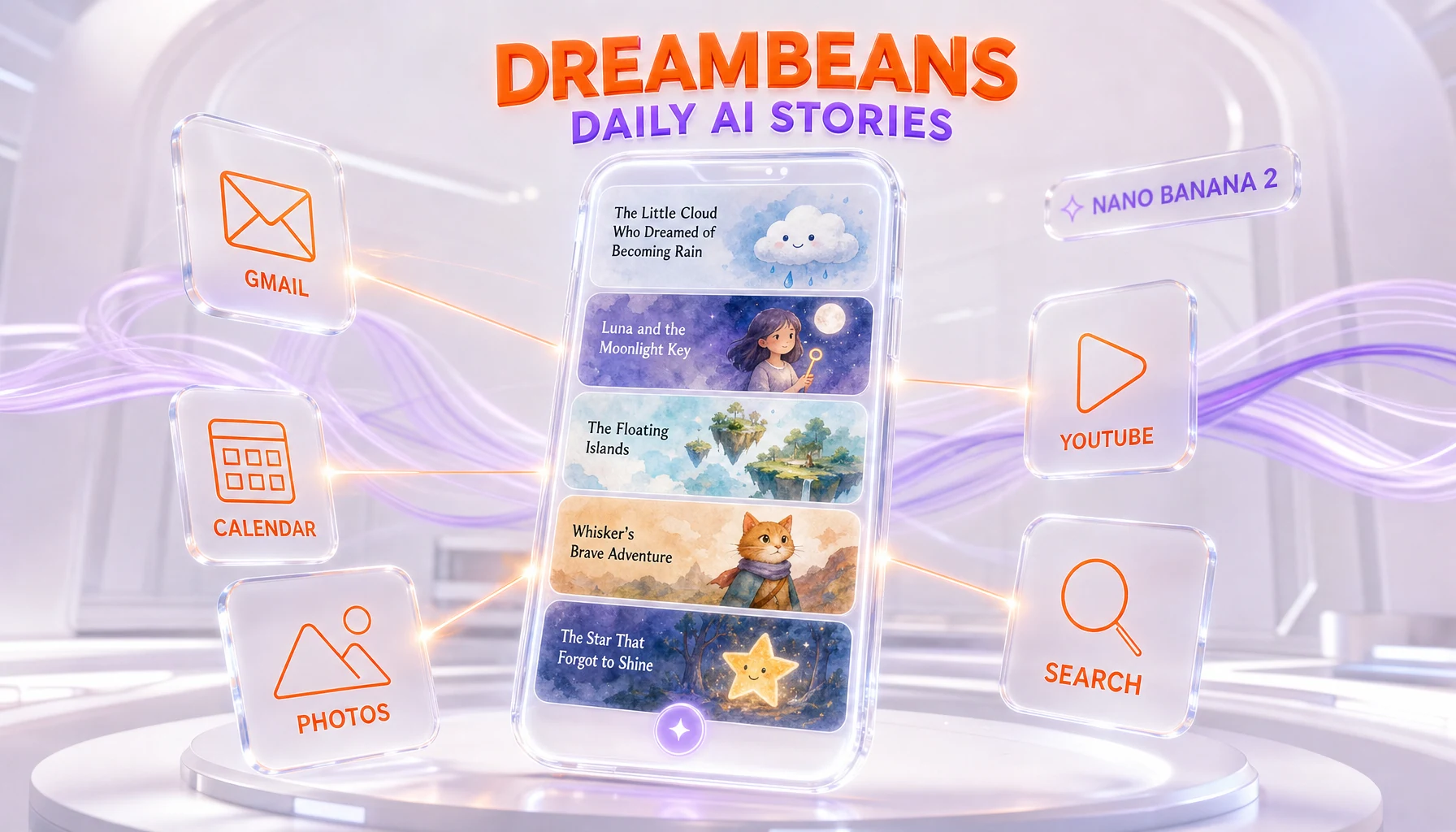
Dreambeans is a free Google Labs app, launched June 3, 2026, that turns your personal Google data into a daily set of AI-illustrated stories. It uses the Personal Intelligence layer to read signals from Gmail, Calendar, Google Photos, YouTube and Search history, then paints watercolor-style scenes with the Nano Banana 2 image model. Output is capped at roughly 10 to 14 stories per day, and access is limited at launch to Google AI Ultra subscribers in the US aged 18 and over, with everyone else on a waitlist.
What Happened
On June 3, 2026, Google Labs released Dreambeans, a consumer iOS and Android app that does something no mainstream Google product has done before: it reads across five of your personal Google services at once and turns the result into a feed of illustrated stories. The app is free to download, but the door is gated behind a Google AI Ultra subscription.
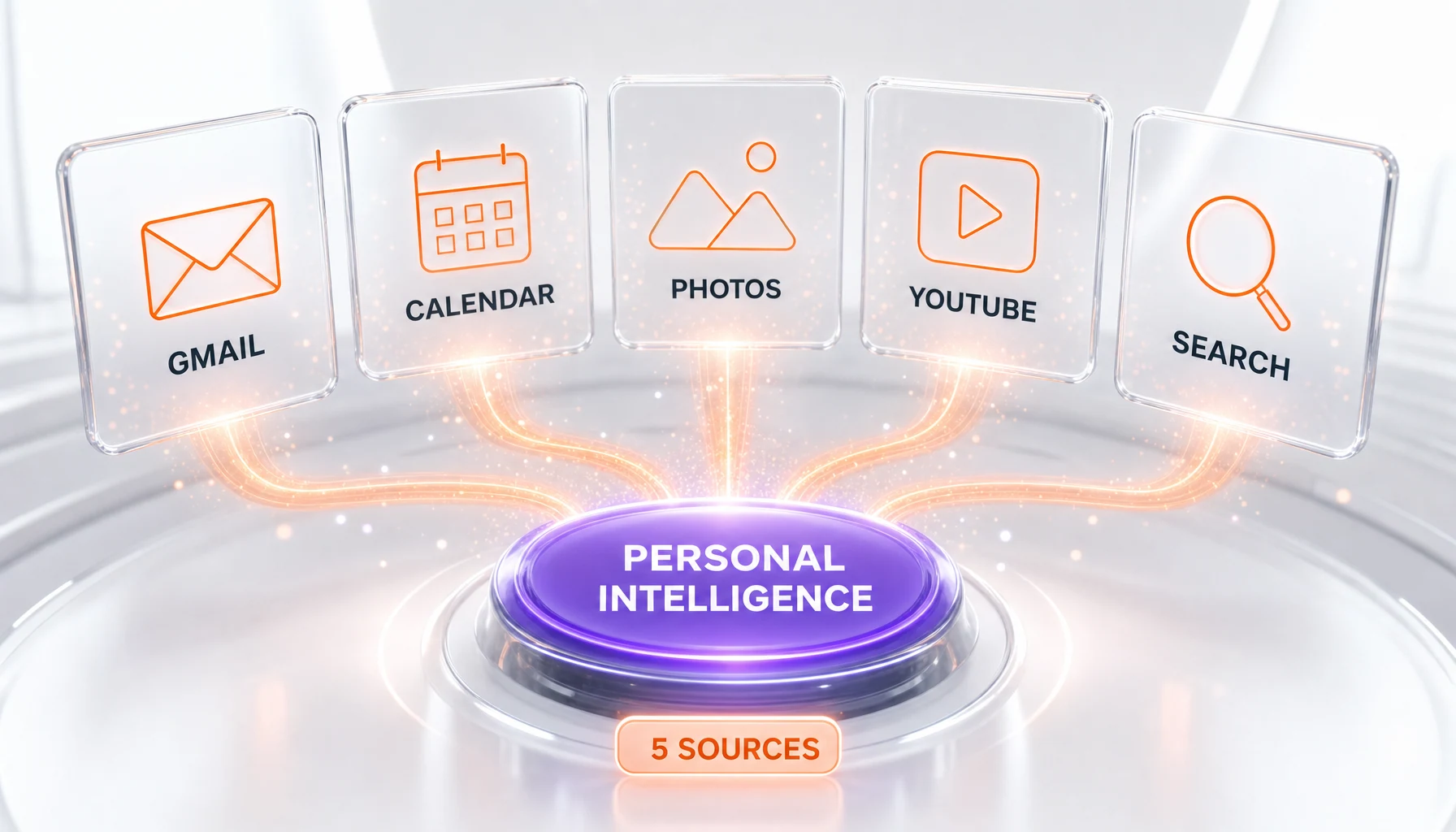
The mechanism is the same Personal Intelligence layer that Google shipped earlier in 2026 to give Gemini context-aware answers. Where that layer previously produced text, Dreambeans turns it into pictures. The app connects to Gmail, Google Calendar, Google Photos, YouTube and your Search history, decides which moments from your week are worth retelling, and renders each one as a static, watercolor-style illustration.
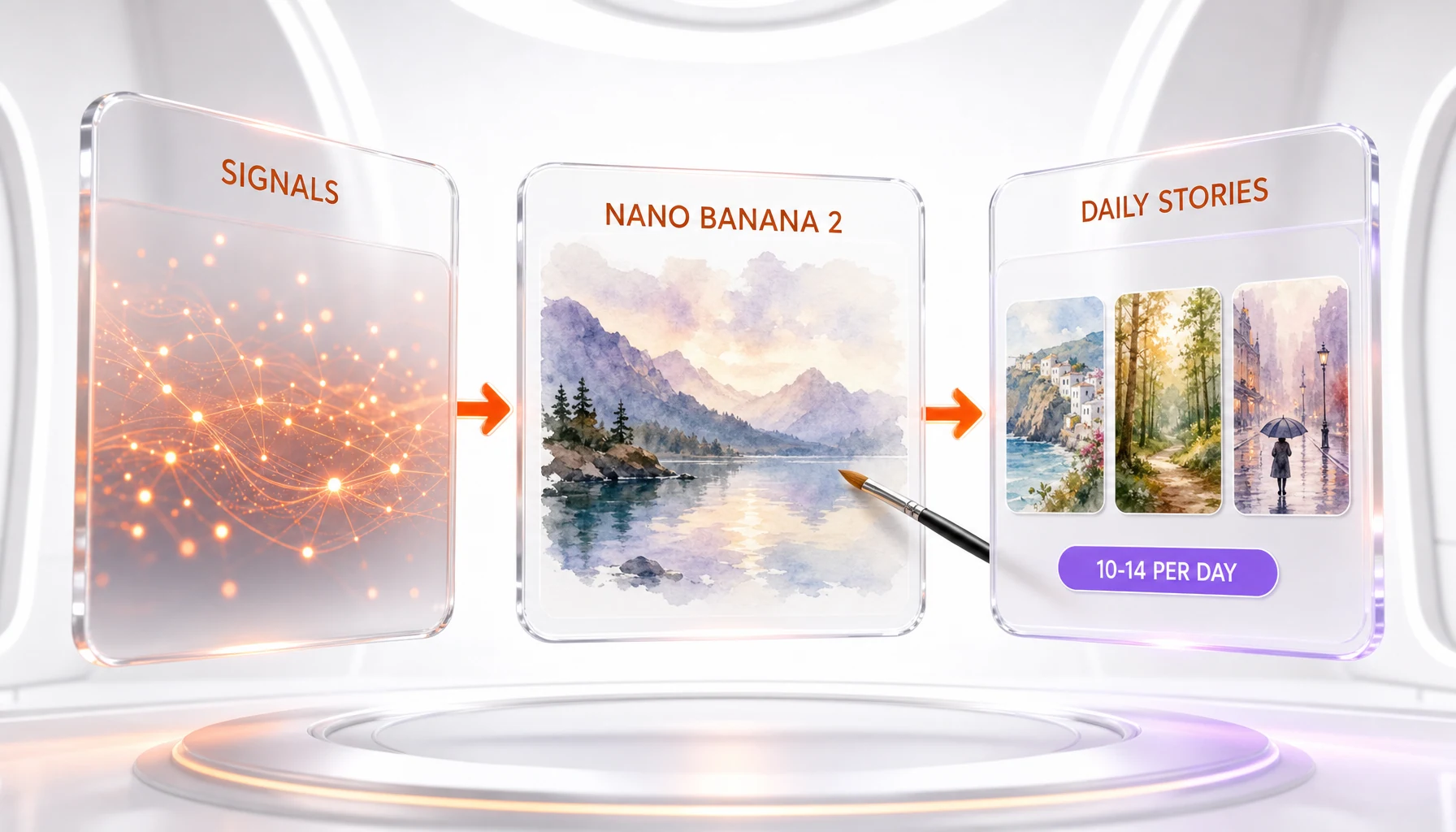
The illustrations are painted by Nano Banana 2, Google’s current flagship image model. For stories that involve you or people you know, Dreambeans pairs the model with Google Photos and face-grouping so the characters in the scene resemble the real people in your life rather than generic stand-ins. The output is deliberately finite: Google caps the feed at roughly 10 to 14 stories per day, an explicit anti-doomscrolling decision in a product category that usually optimizes for endless scroll.
One framing matters before anything else. Despite a wave of headlines using the word "cartoon," Dreambeans does not produce animation or video. Each story is a set of still illustrated panels in a watercolor style. There is no motion and no soundtrack — it is closer to a daily illustrated diary than to a short film.
How Dreambeans Builds a Story
The pipeline is straightforward to describe and unusually deep in what it touches. Personal Intelligence acts as the read layer, pulling signals from across your Google account: an email thread about a trip, a calendar block for a birthday, a cluster of photos from the weekend, a run of YouTube videos, a streak of searches around a hobby. From those signals, the app selects a handful of moments and writes a short narrative around each one.
Nano Banana 2 then handles the visual side, painting each moment as a watercolor scene. The image model is the same one ThePlanetTools has covered as Google’s top-tier generator, and Dreambeans is effectively a consumer-facing showcase for it. The difference from a standard image generator is the personalization: when a story features people, Google Photos face-grouping is used so the illustrated characters carry the likeness of the actual people involved.
The final, and arguably most interesting, design decision is the cap. By limiting the day to a fixed set of stories, Google built a product that ends. There is no infinite feed to refresh, no algorithmic pull to keep you scrolling past the point of value. For a company whose other surfaces are tuned for engagement, shipping a capped feed is a notable signal about how it wants this particular product to feel.
Why It Matters
Dreambeans is small in scope and large in implication. On the surface it is a charming consumer toy: a daily illustrated recap of your life. Underneath, it is arguably the deepest cross-service personal-data access Google has ever packaged into a single consumer app. To paint one story, it reads email, calendar, photos, watch history and searches together, and it uses face data to render the people you know.
That concentration is the whole point and the whole risk. The product only works because it sees a lot, and it is delightful precisely because it sees you specifically. Anyone deciding whether to connect everything should weigh that honestly. This is not a generic AI image app you feed a prompt — it is an app you feed your life.
It also reframes what Personal Intelligence is for. Google introduced that layer as a way to make Gemini’s text answers more relevant, a story we covered when Gemini Personal Intelligence went free for US users. Dreambeans proves the layer is a platform, not a feature: the same connected context that produces a smarter chat reply can just as easily produce an illustrated narrative. Expect more apps built on top of that read layer, which makes the data-access conversation more urgent, not less.
Finally, Dreambeans is a distribution play for Nano Banana 2. Google has been pushing its image stack hard across 2026, and putting its best model inside a free, sticky consumer app is a different kind of reach than a developer API. It normalizes AI image generation as something that quietly happens in the background of your day rather than something you actively prompt.
How It Compares
There is no clean competitor to Dreambeans, which is part of why it stands out. The closest analogs are memory and recap features rather than rival apps. Apple’s Photos "Memories" stitches your pictures into montages, and Google Photos already produces highlight reels, but neither reaches across email, calendar, watch history and search to write and illustrate an original story.
On the AI side, generic image apps built on models like Nano Banana 2 or competing generators can paint a watercolor scene from a prompt, but they do not know your week. The personalization gap is the moat here. Dreambeans is not competing on image quality alone — it is competing on context, and the context comes from owning Gmail, Calendar, Photos, YouTube and Search in one account.
For readers comparing Google’s image options directly, the underlying model lives in our coverage of the Google Nano Banana models guide and the broader Nano Banana vs Imagen 4 comparison. Dreambeans is what happens when that model stops being a tool you call and becomes a service that runs on your data by default. You can also read our standalone breakdown of Nano Banana 2 for the model itself.
The Privacy Question, Stated Plainly
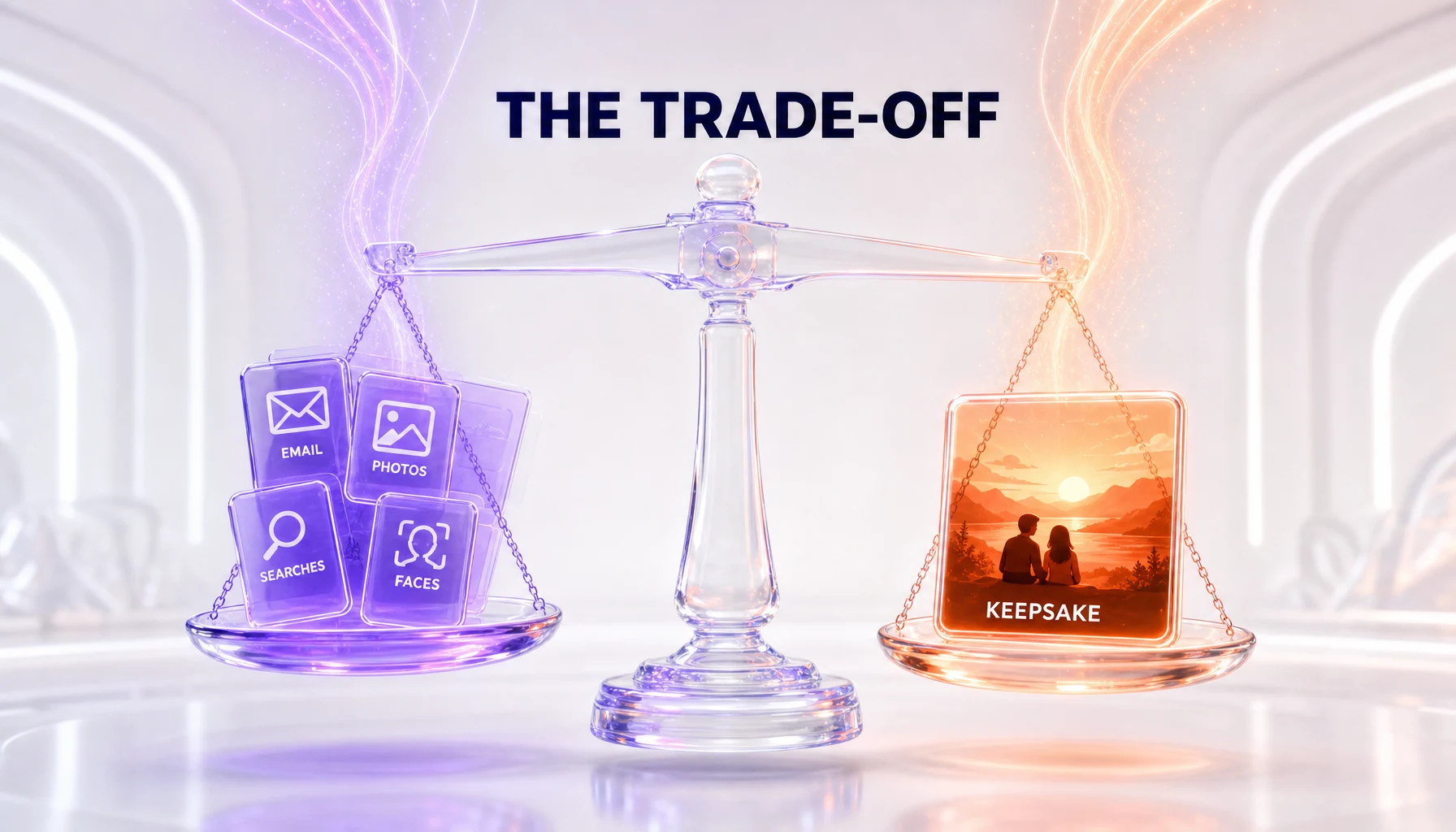
Dreambeans deserves a clear-eyed privacy read rather than either hype or panic. Here are the facts as Google states them. The app reads Gmail, Calendar, Photos, YouTube and Search history. It uses Google Photos and face-grouping so real people appear in the illustrations. It is opt-in and gated behind a paid tier, and it is currently restricted to US adults on personal Gmail accounts, with Google Workspace excluded.
Google positions Personal Intelligence as a personalization layer rather than a model-training pipeline, consistent with how it described the feature at the Gemini launch. That distinction matters, but it is also exactly the kind of claim that can shift between a Labs release and a wider rollout. The responsible move for any user is to read Google’s current Dreambeans and Personal Intelligence terms directly before connecting accounts, rather than relying on launch-day framing.
The honest summary: the value proposition is real, and so is the access. An illustrated diary of your life is a genuinely lovely idea. It also requires handing one company a synchronized view of your communications, schedule, photos, viewing habits and searches, plus the faces of the people around you. Those two things are true at the same time, and Dreambeans is the clearest example yet of that bargain made explicit.
Availability and Access
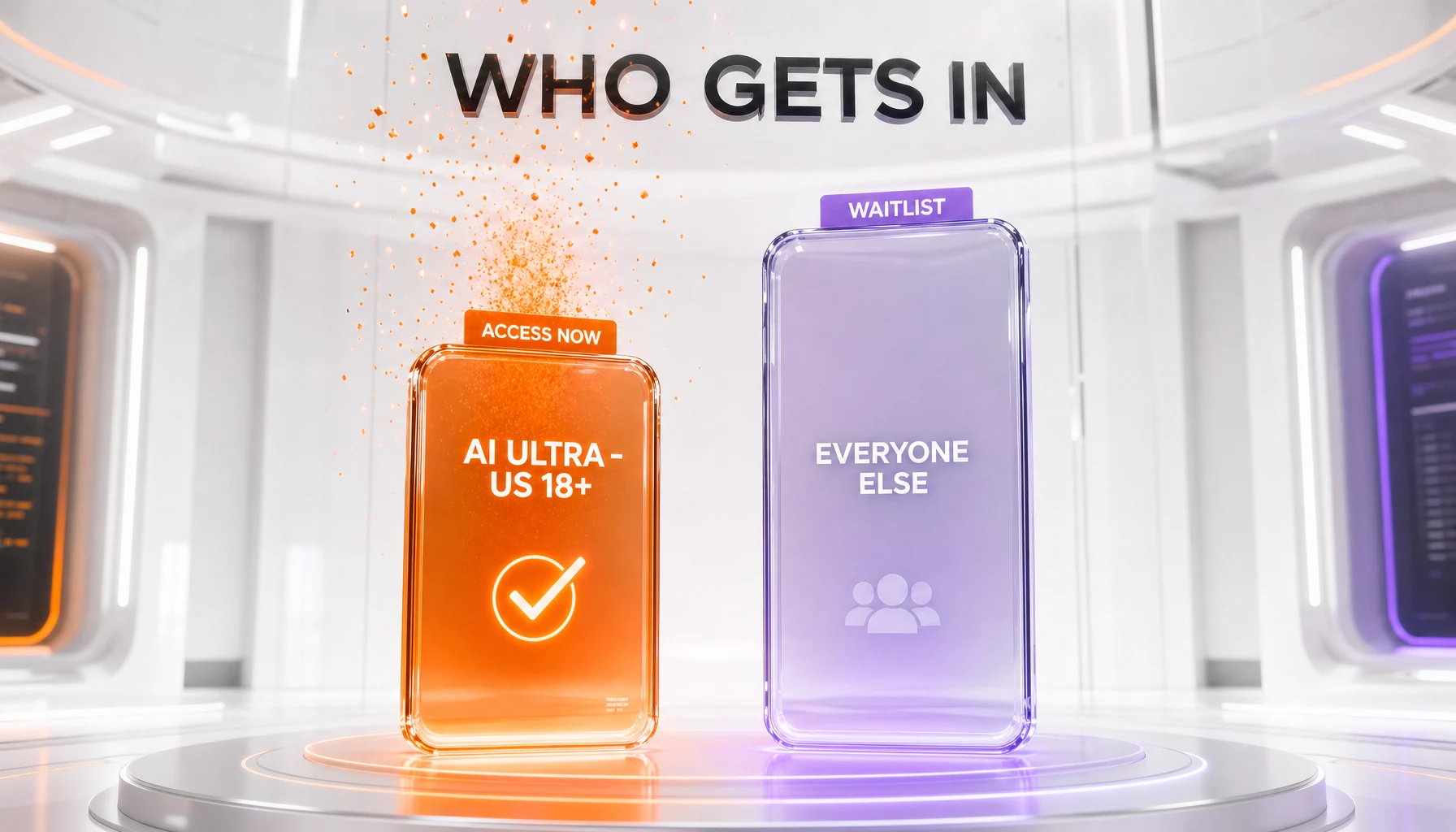
At launch, Dreambeans is a US-only Google Labs release. Access is limited to eligible Google AI Ultra subscribers who are 18 or older and using a personal Gmail account. Google Workspace accounts are not part of the rollout. Everyone else can join a waitlist, and the waitlist carries the same US, 18-plus and personal-Gmail requirements.
In practice, that means the entry cost is the Google AI Ultra subscription itself rather than a separate Dreambeans fee. The app is free to download; the subscription is the gate. There is no announced international launch date, and users outside the US cannot currently join the waitlist.
Our Take
Dreambeans is the most quietly significant thing Google Labs has shipped this season, and it is significant for reasons that have little to do with how the illustrations look. The watercolor stories are charming, and Nano Banana 2 does lovely work, but the real story is the architecture underneath: a single consumer app that reads across your entire Google life and renders it back to you.
We think the anti-doomscrolling cap is the smartest part of the design and the easiest part to overlook. A capped, finite feed from a company that usually builds the opposite is a real product decision, and it makes Dreambeans feel like a keepsake rather than a habit. If Google keeps that constraint as the app scales, it will be one of the more thoughtful consumer-AI choices of 2026.
What gives us pause is the same thing that makes it work. This is the deepest personal-data access Google has put behind a friendly consumer interface, and the delight is engineered to make the access feel ordinary. That is not a reason to avoid it — it is a reason to go in with eyes open, read the terms, and decide deliberately which accounts you connect.
What's Next
The obvious trajectory is expansion: a US-only, Ultra-gated Labs launch is how Google soft-tests a feature before deciding whether it belongs in the wider Gemini and Photos ecosystem. Watch for the waitlist to open internationally, for the daily cap to be tuned, and for the same Personal Intelligence read layer to surface in more apps. Dreambeans is less a finished product than a proof point that Google’s connected-context platform can power experiences far beyond chat.
We will track how Google handles the data-governance side as the app moves out of Labs, and whether the capped, anti-doomscrolling design survives contact with growth targets. For now, Dreambeans is worth knowing about precisely because it is small, lovely, and quietly more invasive than it looks.
Frequently Asked Questions
What is Google Dreambeans?
Dreambeans is a free Google Labs app for iOS and Android, launched June 3, 2026, that turns your personal Google data into a daily set of AI-illustrated stories. It uses the Personal Intelligence layer to read signals from Gmail, Calendar, Google Photos, YouTube and Search history, then renders watercolor-style illustrations with the Nano Banana 2 image model. The stories are static illustrated panels, not animated video.
Which Google services does Dreambeans connect to?
Dreambeans connects to five Google surfaces through Personal Intelligence: Gmail, Google Calendar, Google Photos, YouTube and your Search history. Google Photos and its face-grouping signals are used specifically to make real people in your life recognizable inside the illustrated scenes when a story involves you or your contacts.
Is Dreambeans animated cartoons or static illustrations?
Dreambeans produces static illustrated stories in a watercolor style, not animation or video. The word "cartoon" appeared in some press headlines, but the app generates still AI artwork panels with the Nano Banana 2 image model. There is no motion, audio or video rendering involved in a Dreambeans story.
What image model does Dreambeans use?
Dreambeans uses Nano Banana 2, Google’s current flagship image model, to paint each illustrated scene. For stories that feature you or people you know, it combines Nano Banana 2 with Google Photos and face-grouping data so the characters resemble the real people involved rather than generic avatars.
How many stories does Dreambeans generate per day?
Dreambeans deliberately caps output at roughly 10 to 14 stories per day. Google frames this limit as an anti-doomscrolling design choice: the feed ends, so there is no infinite scroll. Once you reach the daily set, the app stops serving new stories until the next day’s batch.
How much does Dreambeans cost?
The Dreambeans app itself is free to download, but access is gated behind a Google AI Ultra subscription. At launch, only eligible Google AI Ultra subscribers in the US who are 18 or older can use it. Everyone else can join a waitlist. Google AI Ultra is Google’s premium consumer AI tier, so the practical entry cost is that subscription rather than a separate Dreambeans fee.
Who can use Dreambeans right now?
At launch, Dreambeans is limited to eligible Google AI Ultra subscribers in the US who are 18 or older and using a personal Gmail account. Google Workspace accounts are not part of the rollout. Users outside that group can join a waitlist, with the same US, 18-plus and personal-Gmail requirements applying to the waitlist itself.
How is Dreambeans different from Gemini Personal Intelligence?
Both rely on the same Personal Intelligence layer that connects your Google services, but they do different things with it. Gemini Personal Intelligence delivers context-aware text answers across Gemini, Chrome and AI Mode in Search. Dreambeans takes the same personal context and converts it into illustrated stories instead of conversational responses, making it the first consumer app to turn Personal Intelligence into a visual, narrative feed.
Does Dreambeans use my data to train Google’s models?
Google positions Personal Intelligence as a personalization layer rather than a training pipeline, consistent with how it described the feature when Gemini Personal Intelligence rolled out. Dreambeans reads your Gmail, Calendar, Photos, YouTube and Search signals to generate your private story feed. Anyone evaluating the app should read Google’s current Dreambeans and Personal Intelligence terms directly, since data handling can change between a Labs launch and a wider release.
Why is Dreambeans a notable privacy moment?
Dreambeans is arguably the deepest cross-service personal-data access Google has shipped inside a single consumer app. To build an illustrated story about your day, it reads email, calendar, photos, watch history and searches at once, and uses face-grouping to render the real people in your life. That concentration of signals into one playful product is what makes it both compelling and worth scrutinizing before you connect everything.
Can Dreambeans put real people from my life into the illustrations?
Yes. When a story involves you or your contacts, Dreambeans uses Google Photos and face-grouping data alongside Nano Banana 2 so the characters in the watercolor scenes resemble the actual people involved. This is the feature that makes the stories feel personal, and it is also the reason the app touches more sensitive data than a generic AI image generator.
Is Dreambeans available outside the United States?
Not at launch. Dreambeans is a US-only Google Labs release for now, restricted to Google AI Ultra subscribers aged 18 and over with a personal Gmail account. There is no announced international rollout date. Users outside the US cannot currently join the waitlist, which carries the same US residency requirement as full access.