
GitHub Copilot has fundamentally reshaped how developers write code. What started as a clever autocomplete experiment in 2021 has grown into an AI-powered development platform used by millions of developers and tens of thousands of organizations worldwide. As of March 2026, GitHub Copilot offers five distinct pricing tiers, an autonomous coding agent that reviews its own pull requests, support for every major AI model on the market, and deep integration across the entire GitHub ecosystem. Whether you are a solo developer shipping side projects or an enterprise team managing hundreds of repositories, Copilot now has a plan designed specifically for your workflow. This review covers everything you need to know: features, pricing, honest pros and cons, competitor comparisons, and answers to the questions developers actually ask.
What Is GitHub Copilot?
GitHub Copilot is an AI pair programmer developed by GitHub in collaboration with OpenAI. It integrates directly into your code editor — Visual Studio Code, JetBrains IDEs, Neovim, Xcode, and Eclipse — to provide real-time code suggestions, multi-file editing, natural language chat, automated code reviews, and an autonomous coding agent that can open pull requests on your behalf. Copilot analyzes the context of your current file, your entire repository, and even documentation you provide through Spaces (formerly knowledge bases) to generate relevant code completions, explain complex functions, write tests, and debug errors.
Microsoft reported that Copilot crossed 1.8 million paid subscribers in their Q2 FY2026 earnings call, with enterprise adoption growing 55 percent year-over-year. Over 100 million developers on GitHub have access to the free tier, making it the most widely adopted AI coding tool in the world. Its dominance is not necessarily about being the best tool on every benchmark — it is about being the most integrated. Copilot is built into GitHub.com, embedded in Visual Studio, and available in every major IDE with near-zero friction to get started.

Key Features in 2026
Code Completions and Inline Suggestions
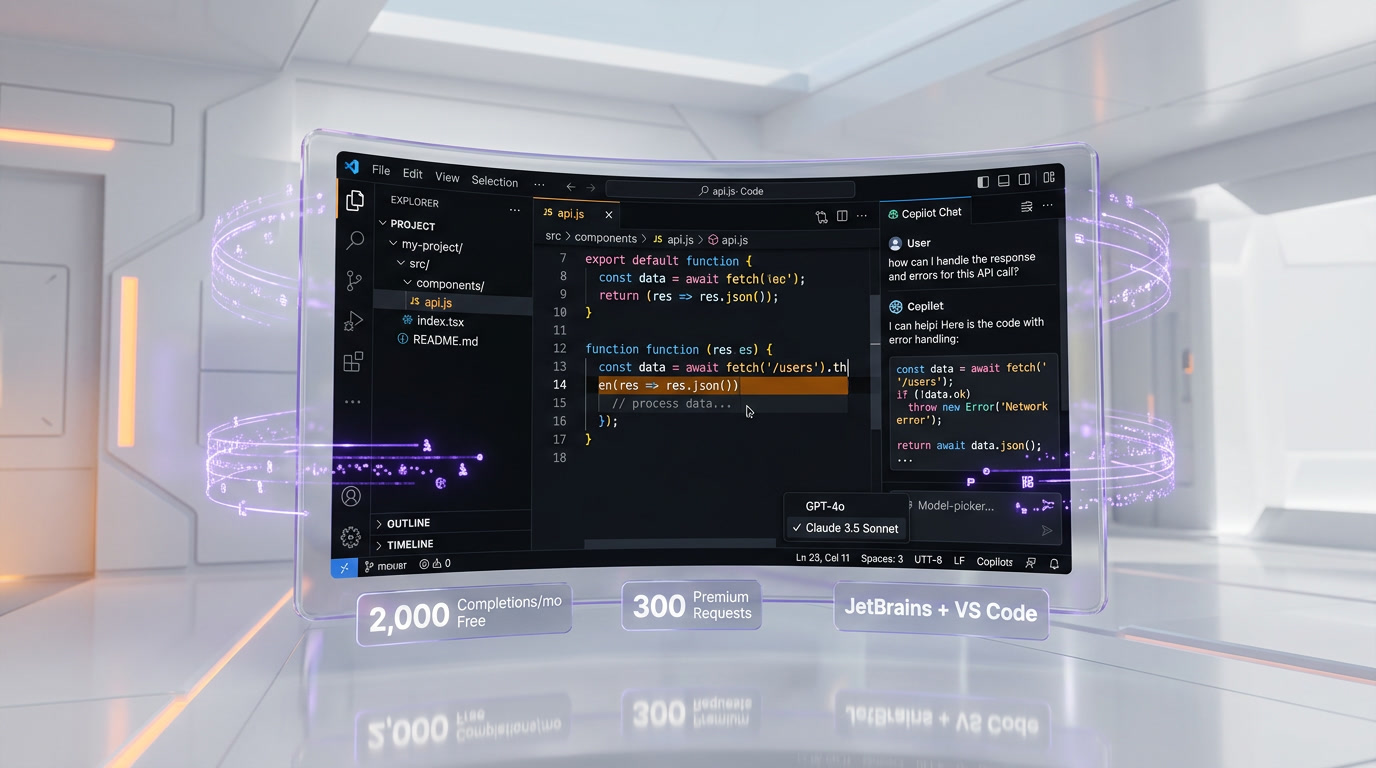
The foundation of Copilot remains its inline code completions. As you type, Copilot predicts what you intend to write and offers suggestions that you accept with a single Tab press. In 2026, completions are faster and more context-aware than ever, pulling from your open files, recently edited code, and project-level patterns. The free tier includes 2,000 completions per month, while all paid plans offer unlimited completions.
Copilot Chat and Premium Requests
Copilot Chat lets you have natural language conversations about your code directly in your editor or on GitHub.com. You can ask Copilot to explain a function, suggest a refactor, generate documentation, or debug an error. Every chat interaction, code review, agent mode request, and model selection counts as a premium request. The free tier includes 50 premium requests per month, Pro includes 300, Pro+ includes 1,500, Business includes 300 per user, and Enterprise includes 1,000 per user. Additional premium requests cost $0.04 each.
Agent Mode
Agent mode is where Copilot goes beyond simple suggestions. When you describe a task in natural language, agent mode determines which files need to change, writes code across multiple files, runs terminal commands, executes tests, and iterates on errors automatically. It plans, executes, and self-corrects until the task is complete. In March 2026, agent mode received major improvements in JetBrains IDEs, with custom agents, sub-agents, and plan agent all reaching general availability. Agent hooks are now in preview, and auto-approve support for MCP tools has been added.
Copilot Coding Agent
The coding agent is Copilot's most ambitious feature. You assign a GitHub issue to Copilot, and it autonomously creates a branch, writes the code, runs tests, performs a self-review using Copilot code review, runs security scanning (code scanning, secret scanning, and dependency vulnerability checks), and opens a pull request — all without human intervention. In 2026, the coding agent gained a model picker, CLI handoff, custom agent support, and mission control for tracking multiple agent tasks simultaneously. The built-in security scanning is particularly notable because it includes GitHub Advanced Security features (normally a paid add-on) for free within the agent workflow.
Copilot Code Review
As of March 2026, Copilot code review runs on an agentic tool-calling architecture and is generally available for all paid plans. You can request a review on any pull request, and Copilot will analyze the changes, leave inline comments, suggest improvements, and flag potential issues. The coding agent uses this same system to self-review its own PRs before requesting human review.
Multi-Model Support
Copilot now supports a wide range of AI models. Free users get access to GPT-4o and Claude 3.5 Sonnet. Pro+ users can access Claude Opus 4, OpenAI o3, Gemini 2.5 Pro, and other frontier models. Enterprise customers can bring their own keys (BYOK) from Anthropic, OpenAI, xAI, or Azure AI Foundry. Auto model selection, now generally available, lets Copilot choose the best model for each task based on real-time performance and availability.
Spaces (Replacing Knowledge Bases)
Knowledge bases were sunset in November 2025 and replaced by Spaces. You can organize code, documentation, specifications, and other content into Spaces that ground Copilot's responses in the right context for specific tasks. Spaces support public and individual sharing, code-view integration, and work across chat and agent mode to provide organization-specific context.
Pricing Breakdown
| Plan | Monthly Price | Annual Price | Code Completions | Premium Requests | Key Features |
|---|---|---|---|---|---|
| Free | $0 | $0 | 2,000/mo | 50/mo | GPT-4o, Claude 3.5 Sonnet, basic chat, VS Code & JetBrains |
| Pro | $10 per month | $100 per year | Unlimited | 300/mo | All Free features + agent mode, multi-model selection |
| Pro+ | $39 per month | $390 per year | Unlimited | 1,500/mo | All Pro features + Claude Opus 4, o3, Gemini 2.5 Pro, coding agent |
| Business | $19 per user/mo | $228 per user/yr | Unlimited | 300/user/mo | Org management, policy controls, IP indemnity, audit logs |
| Enterprise | $39 per user/mo | $468 per user/yr | Unlimited | 1,000/user/mo | Spaces, custom models, SAML SSO, BYOK, GitHub.com integration |
Overage cost: Additional premium requests are billed at $0.04 each across all plans.
Student discount: Verified students get Copilot Pro free through the GitHub Student Developer Pack, requiring annual enrollment verification.
Pros and Cons — Our Honest Take
Pros
- Unmatched ecosystem integration: No other AI coding tool is as deeply woven into a developer platform. Copilot works in your editor, on GitHub.com, in pull requests, in issues, and across CI/CD workflows.
- Generous free tier: 2,000 completions and 50 premium requests per month with no credit card required is enough for casual use and evaluation.
- Autonomous coding agent: Assigning an issue to Copilot and getting back a self-reviewed, security-scanned pull request is genuinely transformative for routine tasks.
- Multi-model flexibility: Access to GPT-4o, Claude, Gemini, and o3 means you are not locked into a single model provider.
- Enterprise-grade security: IP indemnity, SAML SSO, audit logs, content exclusions, and BYOK support meet the requirements of regulated industries.
- Broad IDE support: VS Code, JetBrains, Neovim, Xcode, Eclipse, and Visual Studio are all supported.
Cons
- Premium request limits can feel restrictive: Heavy agent mode users on Pro (300 requests) will burn through their allocation quickly, pushing them toward the $39 per month Pro+ plan.
- Multi-file editing lags behind competitors: In direct comparisons, Cursor and Windsurf handle complex multi-file refactoring more reliably than Copilot's agent mode.
- No standalone IDE: Unlike Cursor and Windsurf, Copilot is an extension, not a purpose-built AI editor. You get AI features bolted onto your existing editor rather than an editor designed from the ground up for AI workflows.
- GitHub dependency: Copilot's best features — coding agent, code review, Spaces — are tightly coupled to GitHub. Teams on GitLab or Bitbucket miss out on the most compelling features.
- Overage pricing adds up: At $0.04 per extra request, a developer who exceeds their Pro plan by 200 requests pays $8 extra, nearly doubling their monthly cost.
Who Should Use GitHub Copilot?
- Developers already on GitHub: If your repositories, issues, and CI/CD pipelines live on GitHub, Copilot's integration is unbeatable. The coding agent that works directly from GitHub Issues is a workflow that no competitor can match.
- Enterprise teams needing compliance: SAML SSO, audit logs, IP indemnity, content exclusions, and BYOK model support make Copilot Enterprise suitable for regulated industries like finance and healthcare.
- Students and beginners: The free tier and student discount make Copilot the most accessible AI coding tool for learning.
- Teams that want one subscription for everything: Code completions, chat, agent mode, code review, and a coding agent in a single subscription simplifies procurement.
Who Should NOT Use GitHub Copilot?
- Power users who need maximum AI autonomy: If you want an AI that takes over your entire coding workflow — planning, writing, testing, deploying — tools like Cursor or Windsurf offer deeper agentic capabilities within the editor.
- Teams on GitLab or Bitbucket: The coding agent, code review, and Spaces features are GitHub-exclusive. You will get basic completions and chat, but miss the most valuable features.
- Developers who want full control over model costs: Copilot's credit system is simple but opaque. Tools like Cline (open source, bring your own API key) give you exact visibility into token usage and costs.
- Solo developers on a tight budget who code heavily: If you exhaust 300 premium requests per month regularly, the $10 Pro plan becomes $10 plus overages. Windsurf's $15 Pro plan with 500 credits may offer better value.
GitHub Copilot vs Competitors
| Feature | GitHub Copilot | Cursor | Windsurf | Tabnine |
|---|---|---|---|---|
| Type | IDE Extension + GitHub Integration | Standalone AI IDE (VS Code fork) | Standalone AI IDE (VS Code based) | IDE Extension |
| Free Tier | 2,000 completions + 50 premium requests | Limited agent requests + Tab completions | 25 credits per month + unlimited Tab | Basic completions + starter agents |
| Individual Pro Price | $10 per month | $20 per month | $15 per month | $9 per user/mo |
| Enterprise Price | $39 per user/mo | Custom | $60 per user/mo | $39 per user/mo |
| Autonomous Agent | Coding agent (opens PRs from issues) | Agent mode (multi-file, terminal) | Cascade (flow-aware, multi-file) | AI agents (basic) |
| Code Review | Built-in agentic code review | No native code review | No native code review | No native code review |
| Multi-Model Support | GPT-4o, Claude, Gemini, o3, BYOK | Claude, GPT-4o, Gemini, custom | SWE-1.5, Claude, GPT-4o, Gemini | Custom private models |
| Multi-File Editing | Good (agent mode) | Excellent | Excellent (Cascade) | Limited |
| Privacy/Self-Host | BYOK, content exclusions | Privacy mode, SOC 2 | ZDR defaults (Enterprise) | On-premises, air-gapped, zero retention |
| Best For | GitHub-centric teams | Power users wanting model flexibility | Maximum AI autonomy | Privacy-first enterprises |

Of the three alternatives above, Cursor is the closest thing to a straight swap — an editor built around AI rather than an extension bolted onto the one you already use. GitHub Copilot versus Cursor settles that one on price, context window, and agent behavior.
What's New in March 2026
- Copilot code review runs on agentic architecture: As of March 5, 2026, code review uses tool-calling agents for deeper analysis, going beyond surface-level linting to understand intent and suggest meaningful improvements.
- Major agentic improvements in JetBrains: Released March 11, 2026, custom agents, sub-agents, and plan agent are now GA in JetBrains IDEs. Agent hooks are in preview, and auto-approve for MCP tools has been added.
- Auto model selection GA: Copilot now automatically picks the best-performing model in real-time, removing the need for manual model switching.
- Mission control for coding agent: A new dashboard to assign, steer, and track multiple coding agent tasks simultaneously.
- Copilot CLI semantic search: The command-line interface now supports semantic search across your repositories.
- Custom agents expanded: Custom agent support now covers JetBrains, Eclipse, and Xcode in addition to VS Code.
Tips for Getting the Most Out of GitHub Copilot
- Use plan mode before agent mode: Plan mode lets you review and approve the agent's blueprint before it starts writing code. This prevents wasted premium requests on misunderstood tasks.
- Create Spaces for your projects: Replace the old knowledge bases with Spaces. Add your architecture docs, coding standards, and API specifications so Copilot's suggestions align with your team's conventions.
- Leverage auto model selection: Unless you have a specific reason to pick a model, let Copilot choose automatically. It optimizes for speed and quality based on real-time availability.
- Assign routine issues to the coding agent: Bug fixes, dependency updates, and boilerplate code are ideal candidates. Review the self-reviewed PR rather than writing the code yourself.
- Monitor your premium request usage: Check your usage dashboard regularly. If you consistently hit your limit, upgrade to Pro+ rather than paying $0.04 per overage — the math favors the upgrade at around 200 extra requests per month.
- Write descriptive comments before code: Copilot's completions improve dramatically when preceded by a clear comment explaining what the function should do, what parameters it accepts, and what it returns.
- Use Copilot code review on every PR: Even when the coding agent is not involved, requesting a Copilot review catches issues that human reviewers might miss and speeds up the review cycle.

Frequently Asked Questions
Is GitHub Copilot free?
Yes. GitHub Copilot Free gives you 2,000 code completions and 50 premium requests per month at no cost, with no credit card required. This covers light coding usage — roughly one to two hours of active development per day.
How much does GitHub Copilot cost per month?
Individual plans range from $0 (Free) to $39 per month (Pro+). Business plans cost $19 per user/month, and Enterprise costs $39 per user/month. Annual billing saves you roughly 17% on individual plans.
What is a premium request in GitHub Copilot?
A premium request is any interaction that uses an AI model beyond basic code completions. This includes chat messages, agent mode tasks, code reviews, and requests using specific models. Each plan includes a set number of premium requests, and additional requests cost $0.04 each.
Can students get GitHub Copilot for free?
Yes. Verified students receive Copilot Pro for free through the GitHub Student Developer Pack. You need to verify your enrollment status, and the benefit requires annual renewal.
What AI models does GitHub Copilot support?
Free users get GPT-4o and Claude 3.5 Sonnet. Pro+ users access Claude Opus 4, OpenAI o3, and Gemini 2.5 Pro. Enterprise customers can bring their own API keys from Anthropic, OpenAI, xAI, or Azure AI Foundry.
What is the GitHub Copilot coding agent?
The coding agent is an autonomous system that takes a GitHub issue, creates a branch, writes code, runs tests, performs a self-review, runs security scans, and opens a pull request — all without human intervention. It is available on Pro+ and Enterprise plans.
Is GitHub Copilot better than Cursor?
It depends on your workflow. Copilot excels at GitHub integration, code review, and the autonomous coding agent. Cursor is stronger at multi-file editing, model flexibility within the editor, and provides a purpose-built AI IDE experience. Many developers use both.
Does GitHub Copilot work with JetBrains IDEs?
Yes. As of March 2026, Copilot in JetBrains has reached feature parity with VS Code, including custom agents, sub-agents, plan agent, agent hooks, and MCP auto-approve support.
Can GitHub Copilot write entire applications?
The coding agent can handle substantial tasks like implementing features, fixing bugs, and creating new files. However, it works best on well-scoped issues with clear requirements. It is not designed to build an entire application from a single prompt — that is a different category of tool.
Is my code safe with GitHub Copilot?
GitHub offers IP indemnity on Business and Enterprise plans, meaning they will defend you legally if Copilot-generated code is challenged. Enterprise plans include content exclusions (blocking specific files from being sent to the model), BYOK model support, and SOC 2 compliance. The coding agent includes built-in secret scanning to prevent accidental credential exposure.
How does GitHub Copilot compare to Windsurf?
Copilot is an extension that integrates with your existing IDE and GitHub workflow. Windsurf is a standalone AI IDE with deeper agentic capabilities through its Cascade system and flow-aware SWE-1.5 model. Copilot costs $10 per month for Pro; Windsurf costs $15 per month. Copilot's coding agent works from GitHub Issues; Windsurf's Cascade works entirely within the editor.
What happened to GitHub Copilot knowledge bases?
Knowledge bases were sunset in November 2025 and replaced by Spaces. Spaces let you organize code, docs, and specifications into curated collections that ground Copilot's responses. A migration tool was provided in October 2025, and Spaces support public sharing, individual sharing, and code-view integration.