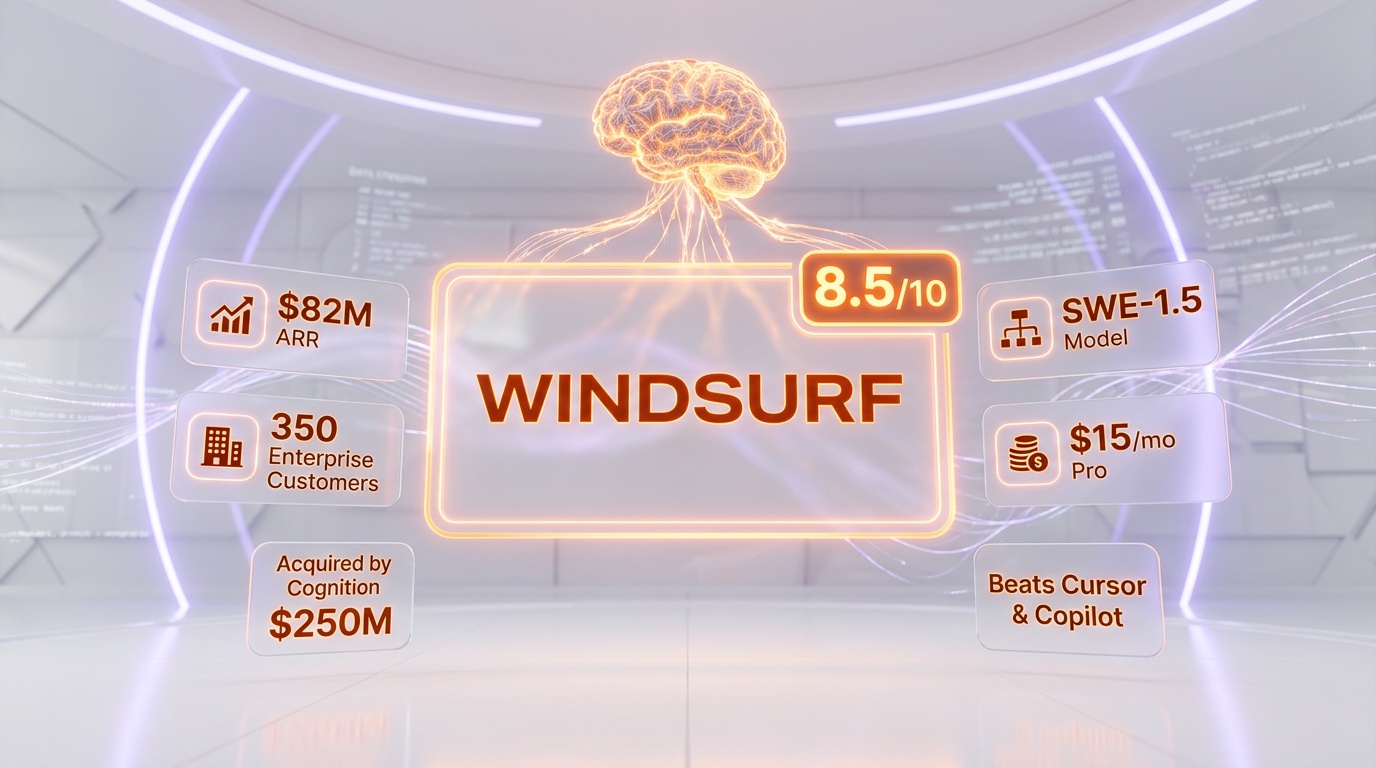
Windsurf is one of the most talked-about AI coding tools of 2026 — and not just because of its technology. Originally built by Codeium as a purpose-built AI IDE, Windsurf became the center of a dramatic three-way acquisition battle between OpenAI, Google, and Cognition in mid-2025. The dust has settled: Cognition (makers of the AI coding agent Devin) now owns Windsurf's product, brand, IP, and team, while Google hired the CEO and key R&D leaders. Despite the corporate upheaval, Windsurf continues to ship updates, maintain its user base, and compete aggressively against Cursor and GitHub Copilot. With its flow-aware Cascade AI system, proprietary SWE-1.5 model, and a $15 per month Pro plan that undercuts most competitors, Windsurf remains a compelling choice for developers who want maximum AI autonomy in their coding workflow. This review covers everything current as of March 2026.
What Is Windsurf?
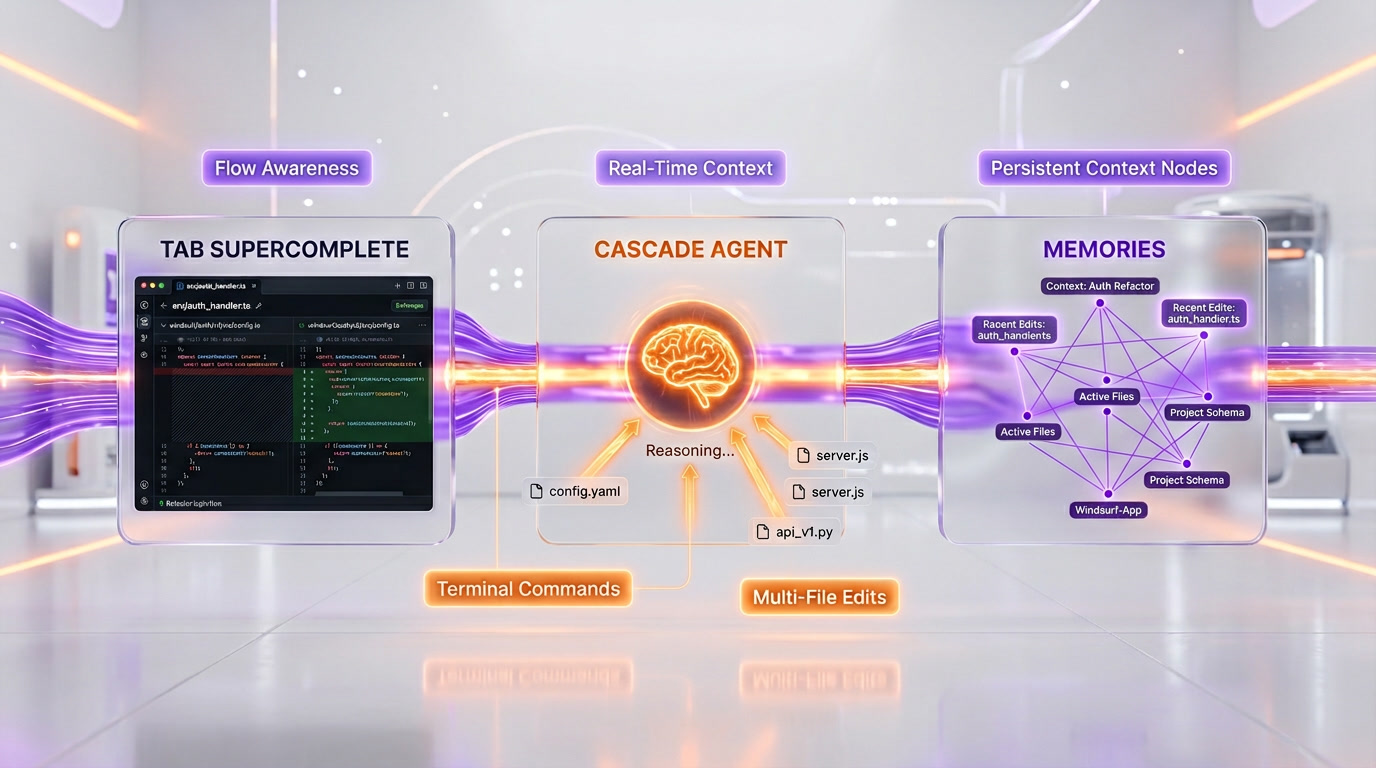
Windsurf is an AI-powered integrated development environment (IDE) built on top of Visual Studio Code. Unlike GitHub Copilot, which is an extension you add to your existing editor, Windsurf is a standalone application designed from scratch for AI-native development. Its core AI system, called Cascade, goes beyond simple code completions — it understands your entire codebase, tracks your actions in real time, suggests multi-file edits, runs terminal commands, and maintains memory of your coding patterns across sessions.
Windsurf was originally created by Codeium, a company founded by Varun Mohan and Douglas Chen that built one of the most popular free AI code completion tools. In May 2025, the team launched SWE-1, their proprietary coding model family, which introduced the concept of "flow awareness" — the ability for humans and AI to operate on a shared timeline, with the model understanding not just your code but your intent, your debugging process, and your workflow context.
In July 2025, the Windsurf saga unfolded. OpenAI attempted to acquire Windsurf for nearly $3 billion, but Microsoft reportedly blocked the deal due to exclusivity concerns. Google DeepMind then stepped in with a $2.4 billion package to license Windsurf's technology and hire CEO Varun Mohan, co-founder Douglas Chen, and key R&D staff. Finally, Cognition acquired Windsurf's remaining business — product, brand, IP, and approximately 210 employees — for roughly $250 million. At the time, Windsurf had $82 million in annual recurring revenue with enterprise revenue doubling quarter-over-quarter and over 350 enterprise customers.
Under Cognition's ownership, Windsurf continues to operate as a distinct product. Cognition pledged to maintain the team and waive vesting cliffs for all employees. The long-term roadmap may eventually see integration with Cognition's Devin agent, but as of March 2026, Windsurf remains a standalone AI IDE with active development and regular updates.
Key Features in 2026
Cascade: The AI Brain
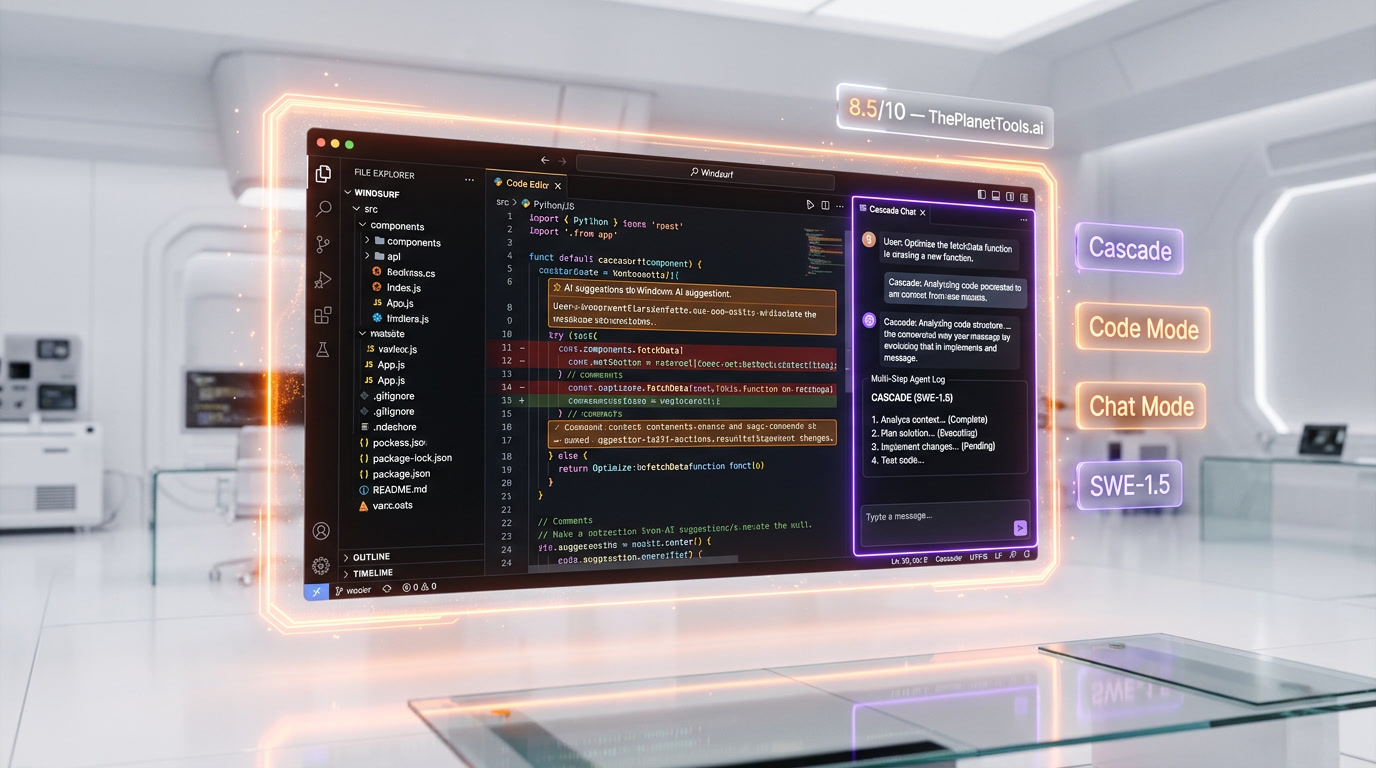
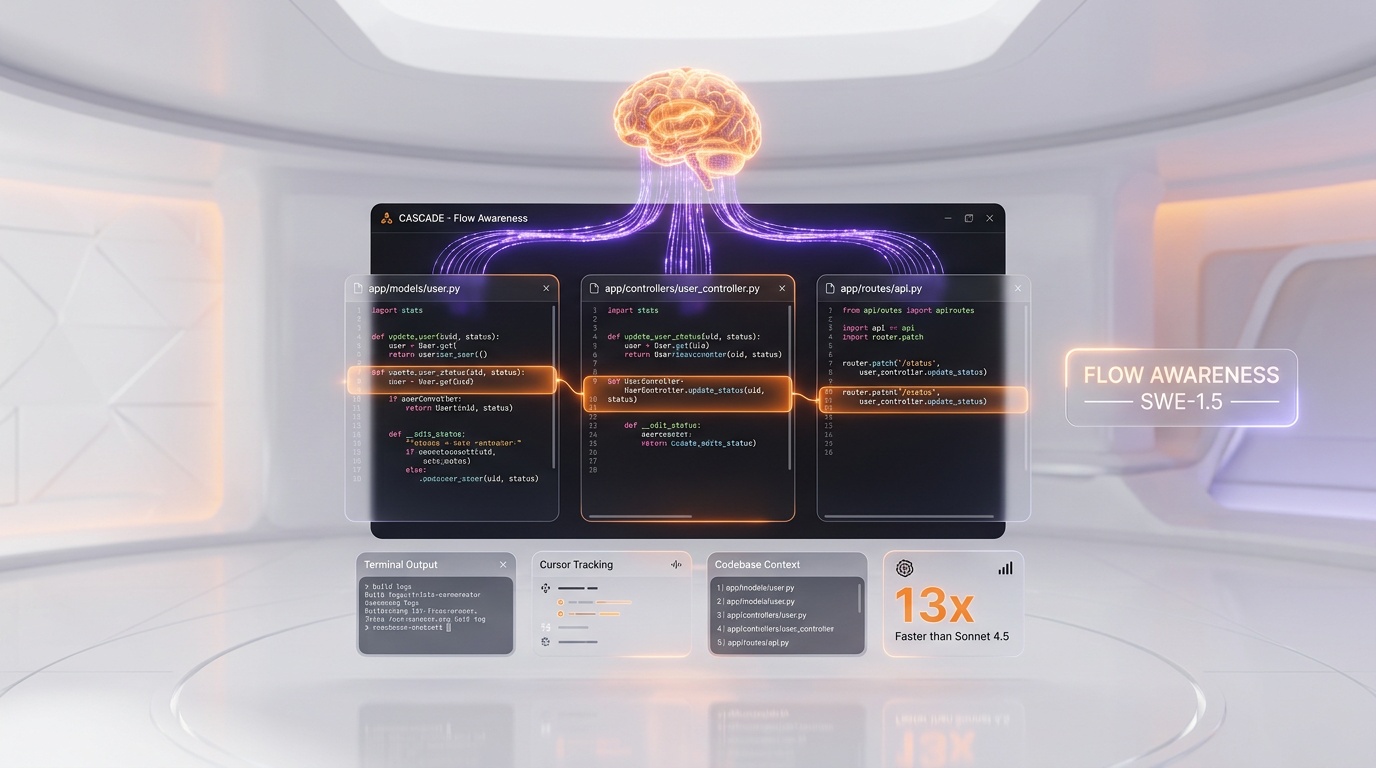
Cascade is Windsurf's agentic AI system and the core differentiator of the product. It comes in two primary modes: Code mode (also called Write mode) and Chat mode. In Code mode, Cascade can autonomously create files, modify code across multiple files, run terminal commands, install dependencies, and iterate on errors. In Chat mode, Cascade answers questions about your codebase, explains complex logic, and suggests code that you can review and manually insert. What makes Cascade unique is its real-time awareness — it tracks your cursor position, your recent edits, your terminal output, and your file navigation to maintain context without you having to explain what you are working on.
Flow Awareness and the SWE-1.5 Model
SWE-1 was Windsurf's first proprietary model, launched in May 2025. It was designed specifically for software engineering tasks and achieved Claude 3.5 Sonnet-level performance at a fraction of the cost. The key innovation is "flow awareness" — a framework that enables the model to reason over long-running, multi-surface engineering tasks with incomplete or evolving states. The model is trained on real user interactions from Windsurf's editor and incorporates contextual awareness from terminals, browsers, and user feedback loops. SWE-1.5, the current version, builds on this foundation with improved tool-call reasoning and deeper codebase understanding.
Tab: Intelligent Code Completion
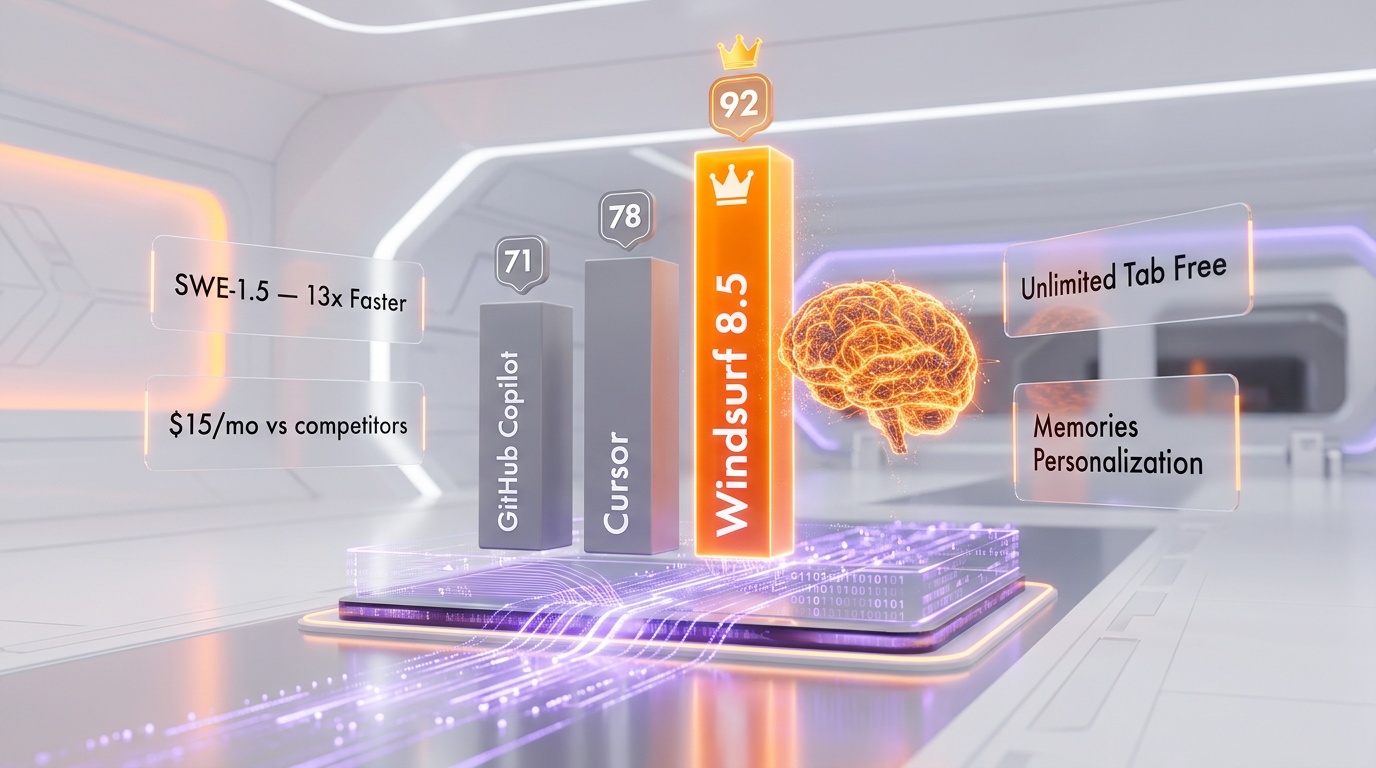
Windsurf Tab is more than traditional autocomplete. It combines code completion, navigation, and editing into a single fluid workflow. The standout feature is Supercomplete, which predicts your next moves by analyzing code context before and after your cursor and shows suggested changes in a diff box. Unlike basic autocomplete that only predicts the next few tokens, Tab understands where you are heading and can suggest multi-line edits, variable renames, and structural changes. All plans — including the free tier — include unlimited Tab completions.
Memories: Persistent Context
One of Windsurf's most underrated features is Memories. Cascade remembers important details about your codebase and workflow across sessions. Your coding patterns, project structure, preferred frameworks, naming conventions, and architectural decisions persist so the AI becomes more useful the longer you work with it. This is particularly valuable for long-running projects where context continuity matters.
Rules and Standards
You can define project-specific rules that Cascade follows during code generation. Examples include "Always use TypeScript strict mode," "Follow Next.js app router patterns," "Use Tailwind CSS utility classes instead of custom CSS," or "All API endpoints must include error handling." This ensures AI-generated code matches your team's standards and conventions without requiring manual correction.
Model Context Protocol (MCP) Support
Windsurf supports MCP, allowing you to connect external tools and services directly into your AI workflow. Supported integrations include Figma (design-to-code), Slack (team communication), Stripe (payment APIs), PostgreSQL (database queries), Playwright (browser testing), and many more. MCP turns Windsurf from a code editor into a connected development hub.
Plugin Ecosystem
While Windsurf is a standalone IDE, it also offers plugins that bring Tab/autocomplete and chat capabilities to other editors including VS Code, JetBrains IDEs, Vim/Neovim, Xcode, and others. This means you can benefit from Windsurf's AI models without switching your primary editor.
Pricing Breakdown
| Plan | Monthly Price | credits per month | Tab Completions | Key Features |
|---|---|---|---|---|
| Free | $0 | 25 | Unlimited | Cascade (limited), unlimited inline edits, community support |
| Pro | $15 per month | 500 | Unlimited | Full Cascade experience, every premium model, Memories, rules |
| Teams | $30 per user/mo | 500+/user | Unlimited | All Pro features + team management, shared rules, analytics |
| Enterprise | $60 per user/mo | Custom | Unlimited | All Teams features + ZDR defaults, SAML SSO, dedicated support, SLA |
How Credits Work
Windsurf uses a credit-based pricing system. Each prompt you send to Cascade consumes one or more credits depending on the model used. Simpler models cost fewer credits; frontier models like Claude Opus 4 or GPT-4o cost more. The SWE-1.5 model is optimized for cost efficiency, typically consuming fewer credits than third-party models for equivalent tasks. Tab completions (autocomplete) are free and unlimited on all plans, so credits only apply to Cascade interactions.
At $15 per month for 500 credits, Windsurf is cheaper than Cursor's $20 per month Pro plan and significantly cheaper than GitHub Copilot Pro+ at $39 per month, though direct credit-to-request comparisons depend on which models you use.
Pros and Cons — Our Honest Take
Pros
- Best-in-class agentic coding: Cascade's flow awareness and real-time context tracking make it arguably the most autonomous AI coding system available. It understands what you are doing without being told.
- Competitive pricing: At $15 per month, Windsurf Pro undercuts Cursor ($20) and GitHub Copilot Pro+ ($39) while providing access to all premium models and 500 credits.
- Unlimited Tab completions on all plans: Even the free tier gets unlimited autocomplete. Competitors often limit completions on free plans.
- Persistent memory across sessions: Memories eliminate the "cold start" problem where you have to re-explain your project every time you open the editor.
- Proprietary SWE-1.5 model: A model specifically trained for software engineering tasks, optimized for cost efficiency, and deeply integrated with the editor's context system.
- Strong multi-file editing: In direct comparisons, Windsurf's multi-file editing capabilities slightly edge out Cursor and significantly outperform GitHub Copilot's agent mode.
Cons
- Ownership uncertainty: The OpenAI/Google/Cognition acquisition drama raises legitimate questions about Windsurf's long-term roadmap. Cognition may eventually merge Windsurf with Devin, and Google's hiring of key founders means the original vision may diverge.
- Credit system can be opaque: Different models consume different numbers of credits, and it is not always clear how many credits a given interaction will cost before you send the prompt.
- Smaller ecosystem than VS Code: While Windsurf is built on VS Code, it does not support every VS Code extension. Some specialized extensions may not work or may require workarounds.
- No native code review: Unlike GitHub Copilot, Windsurf does not have built-in pull request review capabilities. You need a separate tool for that workflow.
- Free tier is very limited: 25 credits per month is enough for a brief evaluation, not for regular use. Competitors like GitHub Copilot offer 50 premium requests plus 2,000 completions for free.
- Enterprise pricing is steep: At $60 per user/month, Windsurf Enterprise costs more than GitHub Copilot Enterprise ($39 per user/month) and Cursor Teams ($40 per user/month).
Who Should Use Windsurf?
- Developers who want maximum AI autonomy: If you prefer an AI that takes initiative — creating files, running commands, fixing errors, and iterating without constant prompting — Cascade is designed for exactly this workflow.
- Budget-conscious individual developers: At $15 per month with 500 credits and unlimited Tab, Windsurf offers the best price-to-feature ratio among AI IDEs for individual users.
- Teams building internal tools and dashboards: Windsurf's rule enforcement and Cascade's ability to generate complete components and screens makes it particularly effective for internal tool development.
- Developers who work on long-running projects: The Memories feature means Windsurf gets better and more context-aware the longer you use it on a project, reducing repetitive explanations.
- Teams already using MCP integrations: If your workflow involves Figma, Stripe, PostgreSQL, or other MCP-connected services, Windsurf's native MCP support creates a seamless development loop.
Who Should NOT Use Windsurf?
- Teams heavily invested in the GitHub ecosystem: GitHub Copilot's coding agent, code review, and Spaces features are tightly integrated with GitHub Issues and PRs. If your entire workflow is GitHub-native, Copilot provides more value.
- Developers who need extension compatibility: If you rely on niche VS Code extensions that are not available in Windsurf, switching may break your workflow.
- Risk-averse enterprise teams: The acquisition uncertainty and potential Cognition/Devin merger may concern enterprise procurement teams who need stability guarantees.
- Developers who prefer open-source transparency: Windsurf is proprietary. If you want full visibility into how your prompts are processed and what data is retained, Cline (open source, bring your own API key) is a better fit.
- Teams that need built-in code review: If pull request review is a critical part of your workflow, Windsurf does not offer this natively. You will need GitHub Copilot or a separate tool.
Windsurf vs Competitors
| Feature | Windsurf | Cursor | GitHub Copilot | Cline |
|---|---|---|---|---|
| Type | Standalone AI IDE | Standalone AI IDE (VS Code fork) | IDE Extension + GitHub Platform | Open-Source VS Code Extension |
| Pro Price | $15 per month (500 credits) | $20 per month (credit pool) | $10 per month (300 premium requests) | Free (bring your own API key) |
| Agentic AI | Cascade (flow-aware, dual mode) | Agent mode + Composer | Agent mode + Coding agent | Multi-step agent with self-correction |
| Proprietary Model | SWE-1.5 (flow-aware) | No proprietary model | No proprietary model | No proprietary model |
| Memory/Context | Memories (persistent across sessions) | Codebase indexing, Notepad | Spaces (curated context collections) | Context from open files |
| Multi-File Editing | Excellent | Excellent | Good | Good (agent-driven) |
| Code Review | No | No | Yes (agentic, built-in) | No |
| MCP Support | Yes (native) | Yes | Yes (auto-approve in preview) | Yes |
| Open Source | No | No | No | Yes (Apache 2.0) |
| Tab/Autocomplete | Unlimited (all plans, Supercomplete) | Unlimited (paid plans) | 2,000 free, unlimited paid | Depends on API provider |
| Ownership | Cognition (since July 2025) | Anysphere (independent) | GitHub / Microsoft | Community (open source) |
Cursor is the comparison that decides most Windsurf evaluations in practice. Cursor versus Windsurf gives Cursor the overall call on code quality, parallel agent orchestration and enterprise scale, and gives Windsurf raw token throughput and IDE flexibility across JetBrains, Vim and Xcode — with the old budget advantage gone since both Pro plans settled at the same monthly rate.
What's New in March 2026
- Context management improvements: Windsurf has refined how Cascade handles context windows, with better strategies for maintaining relevant context in long coding sessions without losing track of earlier decisions.
- Continued model updates: SWE-1.5 continues to receive incremental improvements. The model is available alongside Claude, GPT-4o, and Gemini in the Cascade model picker.
- Cognition integration signals: While no formal Devin integration has been announced, Cognition's $10.2 billion valuation (raised in September 2025, two months after the Windsurf acquisition) suggests significant investment in the combined platform's future.
- Changelog updates: The Windsurf Next changelog continues to receive regular updates with bug fixes, performance improvements, and incremental feature additions.
- Enterprise momentum: Enterprise customer count continues to grow from the 350+ base at acquisition time, with ZDR (zero data retention) defaults remaining a key selling point for security-conscious organizations.
Tips for Getting the Most Out of Windsurf
- Define rules for every project: Before starting a new project, create a rules file with your coding standards, framework preferences, and architectural patterns. Cascade will follow these rules consistently, reducing manual corrections.
- Use Chat mode for exploration, Code mode for execution: When you are unsure about an approach, use Chat mode to discuss options without making changes. Switch to Code mode when you are ready to implement.
- Leverage Memories intentionally: Cascade's memory system learns from your workflow. If you notice it remembering incorrect patterns, you can reset or correct memories to keep suggestions aligned with your current approach.
- Monitor credit usage by model: SWE-1.5 is the most cost-efficient model in Cascade. For routine tasks, stick with SWE-1.5 to stretch your 500 monthly credits further. Reserve frontier models like Claude Opus 4 for complex architectural decisions.
- Set up MCP integrations early: Connect your database, design tools, and deployment pipeline via MCP before you start coding. This gives Cascade access to real data and schemas, producing more accurate code.
- Use Supercomplete for refactoring: When restructuring code, Tab's Supercomplete feature predicts multi-line changes. Let it suggest the refactoring pattern, then Tab through the changes quickly rather than typing each modification manually.
- Keep sessions focused: While Cascade maintains context across sessions through Memories, individual sessions work best when focused on a single feature or task. Start a new Cascade conversation for unrelated work to keep the context window clean.
Frequently Asked Questions
What is Windsurf?
Windsurf is an AI-powered code editor (IDE) built on Visual Studio Code. It was originally developed by Codeium and is now owned by Cognition, the company behind the Devin AI agent. Windsurf's core AI system, Cascade, provides autonomous multi-file editing, intelligent code completion, and persistent context awareness.
Is Windsurf free?
Windsurf offers a free plan with 25 prompt credits per month and unlimited Tab (autocomplete) completions. The free tier is enough for a brief evaluation but not sufficient for regular development work. The Pro plan at $15 per month with 500 credits is the minimum recommended tier for active development.
How much does Windsurf cost?
Free ($0, 25 credits), Pro ($15 per month, 500 credits), Teams ($30 per user/month), and Enterprise ($60 per user/month). All plans include unlimited Tab/autocomplete completions.
What happened to Codeium?
Codeium rebranded its IDE product as Windsurf. In July 2025, OpenAI attempted to acquire Windsurf for $3 billion but the deal fell through. Google hired CEO Varun Mohan and key R&D staff for $2.4 billion. Cognition then acquired the remaining Windsurf business — product, brand, IP, and team — for approximately $250 million.
Is Windsurf better than Cursor?
Both are excellent AI IDEs with different strengths. Windsurf excels at autonomous, flow-aware coding through Cascade and costs less ($15 per month vs $20 per month). Cursor offers more model flexibility with its credit system and has a larger user base (500,000+ paid subscribers). For maximum AI autonomy, Windsurf is often preferred. For controlled multi-file editing with model choice, Cursor edges ahead.
What is Cascade in Windsurf?
Cascade is Windsurf's AI system. It operates in two modes: Code mode (autonomous code writing, file creation, terminal commands) and Chat mode (questions, explanations, code suggestions). Cascade maintains real-time awareness of your actions and persistent memory across sessions.
What is the SWE-1.5 model?
SWE-1.5 is Windsurf's proprietary AI model specifically designed for software engineering. It uses "flow awareness" to understand long-running, multi-surface engineering tasks. It achieves performance comparable to frontier models like Claude 3.5 Sonnet while being significantly more cost-efficient to operate.
Does Windsurf support VS Code extensions?
Windsurf is built on VS Code and supports most VS Code extensions. However, not every extension is guaranteed to work. Core extensions for languages, linting, and frameworks generally work well. Highly specialized or UI-modifying extensions may require testing.
What is Windsurf's credit system?
Each Cascade prompt consumes credits based on the model used. Simpler/proprietary models (like SWE-1.5) cost fewer credits; frontier models (like Claude Opus 4) cost more. Tab completions are always free and unlimited. The Pro plan includes 500 credits per month.
Will Windsurf merge with Devin?
No formal merger has been announced as of March 2026. Cognition, which owns both Windsurf and Devin, has continued operating Windsurf as a separate product. However, the $10.2 billion valuation Cognition achieved suggests significant plans for the combined platform. The long-term roadmap likely involves some level of integration.
Is Windsurf safe for enterprise use?
The Enterprise plan ($60 per user/month) includes ZDR (zero data retention) defaults, SAML SSO, dedicated support, and SLA guarantees. However, enterprise teams should consider the ownership change and potential Cognition/Devin integration when evaluating long-term vendor stability.
How does Windsurf compare to GitHub Copilot?
Windsurf is a standalone AI IDE; Copilot is an extension for existing editors. Windsurf's Cascade provides deeper agentic capabilities within the editor, while Copilot excels at GitHub integration (coding agent from issues, code review on PRs). Windsurf Pro costs $15 per month; Copilot Pro costs $10 per month but Copilot Pro+ (comparable features) costs $39 per month.