What Is Google Imagen 4?
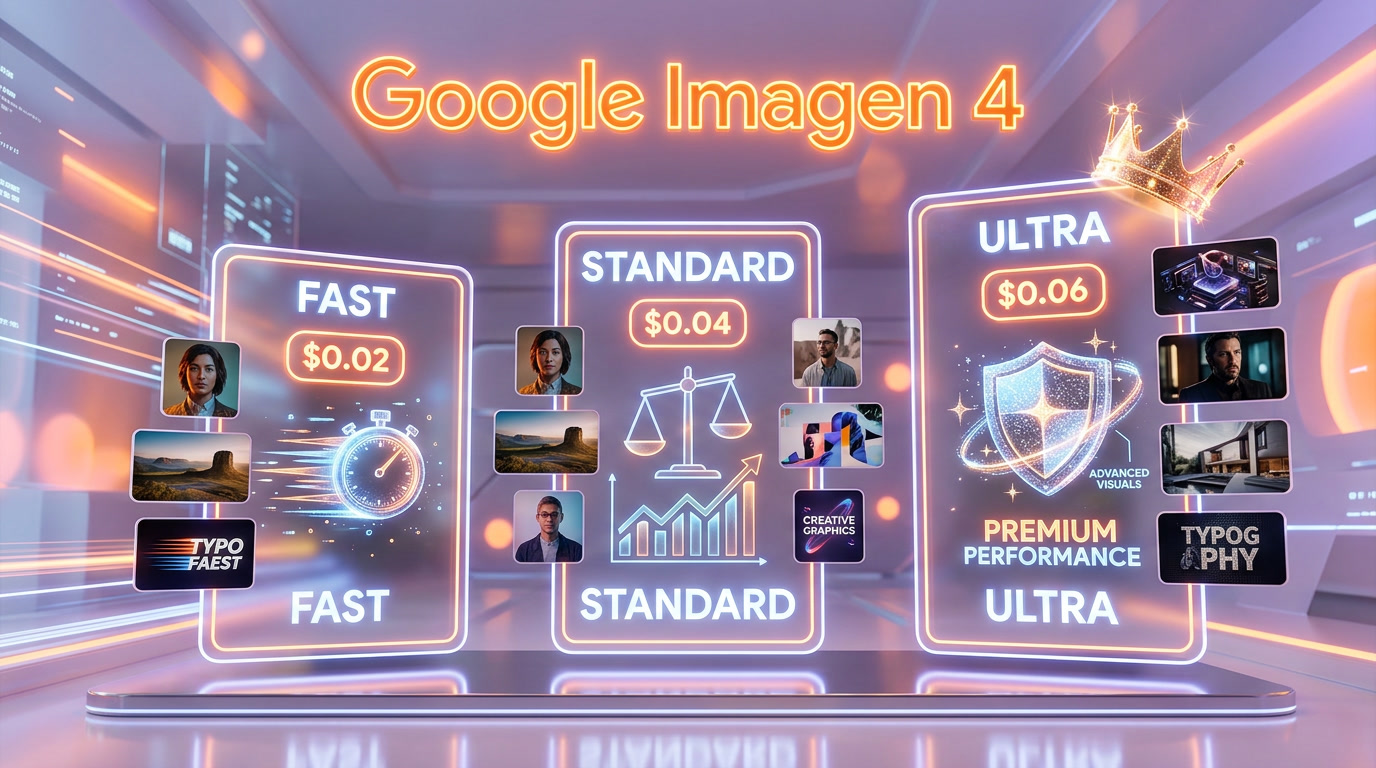
Google Imagen 4 is a family of three dedicated image generation models — Fast, Standard, and Ultra — built on a Latent Diffusion Transformer architecture by Google DeepMind. Pricing ranges from $0.02 to $0.06 per image. Imagen 4 Fast generates in approximately 2.7 seconds, Imagen 4 Ultra outputs at native 2K resolution (2048x2048), and all three models include SynthID invisible watermarking. Unlike Google's multimodal Nano Banana family, Imagen 4 is image-only output — no text understanding, no context reasoning — just raw image generation with significantly improved text rendering inside images.
Google released the Imagen 4 family through the Gemini API and Vertex AI, making all three tiers available to developers via a simple REST endpoint. The model IDs are imagen-4.0-fast-generate-001, imagen-4.0-generate-001, and imagen-4.0-ultra-generate-001. Each model shares the same core architecture but trades speed for quality as you move up the tiers.
We generated dozens of images across all three models to compare them head-to-head. The differences are real — and choosing the right tier for your use case can save you thousands of dollars at scale while maintaining the quality you need.
Pricing at a Glance
| Model | Model ID | Price/Image | Max Resolution | Speed | Best For |
|---|---|---|---|---|---|
| Imagen 4 Fast | imagen-4.0-fast-generate-001 | $0.02 | 1408x768 | ~2.7s | Prototyping, bulk generation |
| Imagen 4 Standard | imagen-4.0-generate-001 | $0.04 | 2048x2048 | ~5-8s | Production content, balanced quality |
| Imagen 4 Ultra | imagen-4.0-ultra-generate-001 | $0.06 | 2048x2048 (2K) | ~10-15s | Premium output, client-facing work |
At $0.02 per image, Imagen 4 Fast is the cheapest quality AI image generator on the market. For context: DALL-E 3 via the OpenAI API costs $0.04-$0.08 per image, Midjourney requires a $10+/month subscription, and even Stable Diffusion 3.5 via API runs $0.03-$0.065. Google undercuts every major competitor on price while delivering competitive quality.
Imagen 4 vs Competitors — Price Comparison
| Model | Price/Image | Max Resolution | Text Rendering | API Available |
|---|---|---|---|---|
| Imagen 4 Fast | $0.02 | 1408x768 | Good | Yes (Gemini API) |
| Imagen 4 Standard | $0.04 | 2048x2048 | Very Good | Yes (Gemini API) |
| Imagen 4 Ultra | $0.06 | 2048x2048 | Excellent | Yes (Gemini API) |
| DALL-E 3 (Standard) | $0.04 | 1024x1024 | Good | Yes (OpenAI API) |
| DALL-E 3 (HD) | $0.08 | 1024x1792 | Good | Yes (OpenAI API) |
| Midjourney v7 | $10+/mo sub | 2048x2048 | Poor | Limited |
| Stable Diffusion 3.5 | $0.03-$0.065 | 1024x1024 | Average | Yes (Stability API) |
| Adobe Firefly 3 | $4.99+/mo sub | 2048x2048 | Average | Yes (Adobe API) |
| Flux 1.1 Pro | $0.04 | 1024x1024 | Good | Yes (BFL API) |
| Nano Banana Pro | $0.134 | Varies | Good | Yes (Gemini API) |
Our Experience Testing All 3 Imagen 4 Models
We ran the same prompt across Imagen 4 Fast, Standard, and Ultra to see how the outputs differ in practice. The prompt asked for a portrait of a woman in a blazer with soft bokeh lighting and fairy lights in the background — a common commercial photography scenario that tests skin rendering, lighting accuracy, fabric detail, and depth of field.
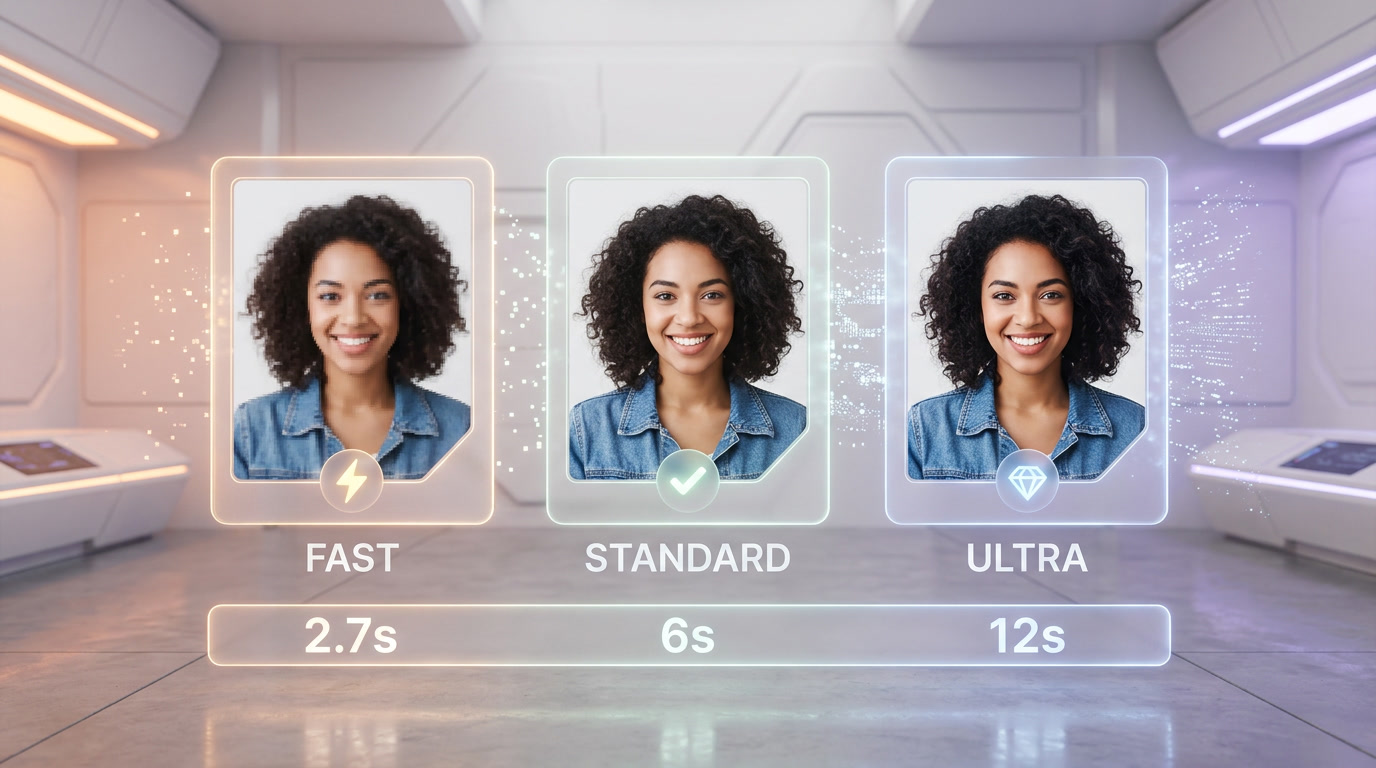
Imagen 4 Fast delivered the image in under 3 seconds — impressive speed. However, it changed the outfit from a blazer to a floral dress, demonstrating lower prompt fidelity. Colors were slightly washed out and the bokeh effect was less defined. For rapid prototyping where exact prompt adherence is not critical, this is perfectly acceptable.
Imagen 4 Standard took around 6 seconds and maintained the blazer correctly. Skin tones were natural, the bokeh was well-defined, and the overall composition was solid. This is the sweet spot for most production work.
Imagen 4 Ultra had the cleanest render of the three — natural skin texture without the waxy look common in AI images, precise fairy light bokeh with realistic light falloff, zero visible artifacts, and perfect prompt adherence. The blazer fabric had visible weave texture. This is the tier you use for client-facing deliverables.
Imagen 4 Fast — Deep Dive
Model Specifications
- Model ID:
imagen-4.0-fast-generate-001 - Price: $0.02 per image
- Max Resolution: 1408x768 pixels
- Generation Speed: ~2.7 seconds (approximately 10x faster than Imagen 3)
- Aspect Ratios: 1:1, 3:4, 4:3, 9:16, 16:9
- SynthID: Yes (invisible watermark)
When to Use Imagen 4 Fast
Imagen 4 Fast is purpose-built for high-volume, speed-sensitive workflows. At $0.02 per image, generating 1,000 images costs just $20. That makes it viable for use cases that were previously too expensive with premium models:
- A/B testing ad creatives — Generate 50 variations of a hero image in under 3 minutes for $1
- Social media content factories — Daily visual content for multiple platforms without breaking the budget
- Concept art exploration — Rapid iteration on visual ideas before committing to a premium tier for the final version
- E-commerce placeholder images — Quick product mockups during early catalog stages
- Chatbot and app integrations — Real-time image generation where latency matters more than pixel-perfect quality
Limitations We Found
During our testing, Imagen 4 Fast showed two consistent weaknesses. First, prompt fidelity drops compared to Standard and Ultra — specific clothing items, accessories, or detailed scene compositions may get reinterpreted. Second, the lower resolution cap of 1408x768 means it is unsuitable for print or large-format displays. For social media thumbnails, blog hero images, and UI mockups, these limitations rarely matter.
Imagen 4 Standard — Deep Dive
Model Specifications
- Model ID:
imagen-4.0-generate-001 - Price: $0.04 per image
- Max Resolution: 2048x2048 pixels
- Generation Speed: ~5-8 seconds
- Aspect Ratios: 1:1, 3:4, 4:3, 9:16, 16:9
- SynthID: Yes (invisible watermark)
When to Use Imagen 4 Standard
Imagen 4 Standard is the workhorse of the family. At $0.04 per image — the same price as DALL-E 3 Standard but with significantly better resolution (2048x2048 vs 1024x1024) — it delivers the best value proposition in the current market:
- Blog and website illustrations — High-quality images at 2K resolution for professional web content
- Marketing materials — Banner ads, email headers, presentation visuals with reliable prompt adherence
- Product visualization — Detailed product concept renders with accurate textures and lighting
- Text-heavy designs — Posters, invitations, and branded materials leveraging improved text rendering
- Editorial content — Article illustrations that need to look polished without premium pricing
Why Standard Is the Sweet Spot
Standard matches DALL-E 3's price while quadrupling the pixel count. Compared to Fast, it doubles the cost but unlocks 2K resolution and noticeably better detail, coherence, and prompt adherence. For teams generating 100-500 images per month, Standard keeps costs between $4-$20 while delivering production-ready quality. It is the tier we recommend for most use cases.
Imagen 4 Ultra — Deep Dive
Model Specifications
- Model ID:
imagen-4.0-ultra-generate-001 - Price: $0.06 per image
- Max Resolution: 2048x2048 pixels (native 2K)
- Generation Speed: ~10-15 seconds
- Aspect Ratios: 1:1, 3:4, 4:3, 9:16, 16:9
- SynthID: Yes (invisible watermark)
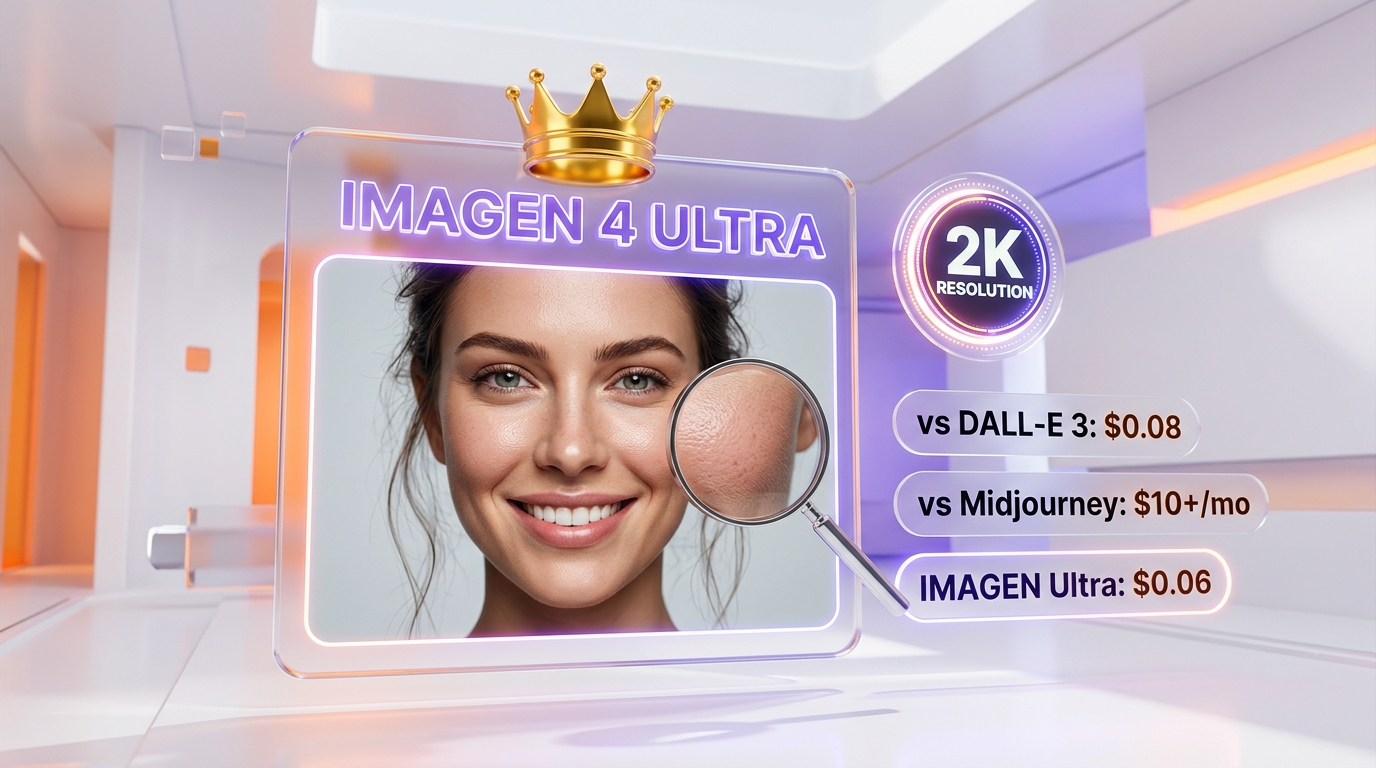
Imagen 4 Ultra is the first Google image model to deliver native 2K resolution with premium-tier detail. It is the most expensive Imagen 4 variant — but at $0.06 per image, it is still cheaper than DALL-E 3 HD ($0.08), significantly cheaper than Midjourney at scale, and dramatically cheaper than Google's own Nano Banana Pro ($0.134).
When to Use Imagen 4 Ultra
- Client deliverables — The version your client signs off on, with maximum detail and no compromises
- Print-ready assets — 2K resolution suitable for high-quality print materials
- Hero images and landing pages — First-impression visuals where quality directly impacts conversion
- Complex scenes — Multi-element compositions with accurate spatial relationships and lighting
- Photorealistic portraits — Natural skin texture, accurate lighting, and zero waxy artifacts
- Brand photography — Consistent, high-end visual identity across campaigns
Ultra vs Midjourney v7
This is the comparison everyone asks about. Midjourney v7 remains superior for artistic, stylized outputs — its distinctive aesthetic is unmatched for editorial illustrations, fantasy art, and brand campaigns that need a painterly touch. However, Imagen 4 Ultra wins on three fronts: text rendering (Midjourney still struggles with text in images), pricing transparency (pay-per-image vs subscription), and API accessibility (Midjourney's API remains limited). For photorealistic commercial photography, the two are neck and neck, with Ultra having a slight edge in skin rendering and Midjourney having a slight edge in compositional drama.
Imagen 4 vs Nano Banana — What Is the Difference?
Google now has two families of image generation models, and understanding the difference is critical before choosing one:
| Feature | Imagen 4 Family | Nano Banana Family |
|---|---|---|
| Type | Image-only generation | Multimodal (text + image) |
| Input | Text prompt only | Text + images + context |
| Output | Images only | Text + images |
| Price Range | $0.02-$0.06 per image | $0.039-$0.134 per image |
| Text Rendering | Excellent (major improvement) | Good |
| Photorealism | Very good (Ultra tier) | Best-in-class (Pro) |
| Context Understanding | None (prompt only) | Deep (understands conversations) |
| Best For | Dedicated image generation pipelines | Chat-integrated image creation |
| API Integration | Standalone image endpoint | Part of Gemini multimodal API |
The simplest way to think about it: Imagen 4 is a specialist, Nano Banana is a generalist. If your workflow is "send a text prompt, get an image back" — Imagen 4 is cheaper and has better text rendering. If your workflow involves conversational image editing, understanding context from previous messages, or generating images as part of a larger multimodal interaction — Nano Banana is the right choice.
We covered the entire Nano Banana family in depth in our Complete Guide to Google Nano Banana Models.
Text Rendering — Imagen 4's Killer Feature
One of the most significant improvements in Imagen 4 across all three tiers is text rendering inside generated images. Previous generations of AI image models (including Imagen 3, DALL-E 2, and early Midjourney versions) struggled with legible text — characters would be garbled, misspelled, or spatially incoherent.
Imagen 4 changes this dramatically. All three tiers can now:
- Render complete sentences on signs, bottles, and posters with correct spelling
- Generate legible typography at various sizes and fonts
- Place text accurately on curved surfaces and 3D objects
- Create branded materials with readable logos and taglines
Weak spots still exist — very small fonts, text that needs to wrap around complex 3D geometry, and extremely long labels can still fail. But for the vast majority of commercial use cases (posters, social media graphics, product labels, signage), Imagen 4's text rendering is production-ready.
This is particularly relevant for teams that previously relied on a two-step workflow: generate the image with AI, then add text manually in Photoshop or Figma. With Imagen 4, many of these workflows can now be single-step.
SynthID — Built-In AI Watermarking
Every image generated by any Imagen 4 model includes SynthID, Google DeepMind's invisible watermarking technology. SynthID uses two neural networks: one embeds an imperceptible watermark during generation, and another detects it later. The watermark survives common image manipulations including cropping, resizing, compression, and color adjustments.
This has real implications for enterprise users. As AI-generated content regulations evolve globally, having a built-in provenance signal means Imagen 4 outputs are already compliant with emerging transparency requirements. The EU AI Act, for example, will require disclosure of AI-generated content — SynthID provides a technical mechanism for that verification.
How to Access Imagen 4 — API Setup
Via the Gemini API
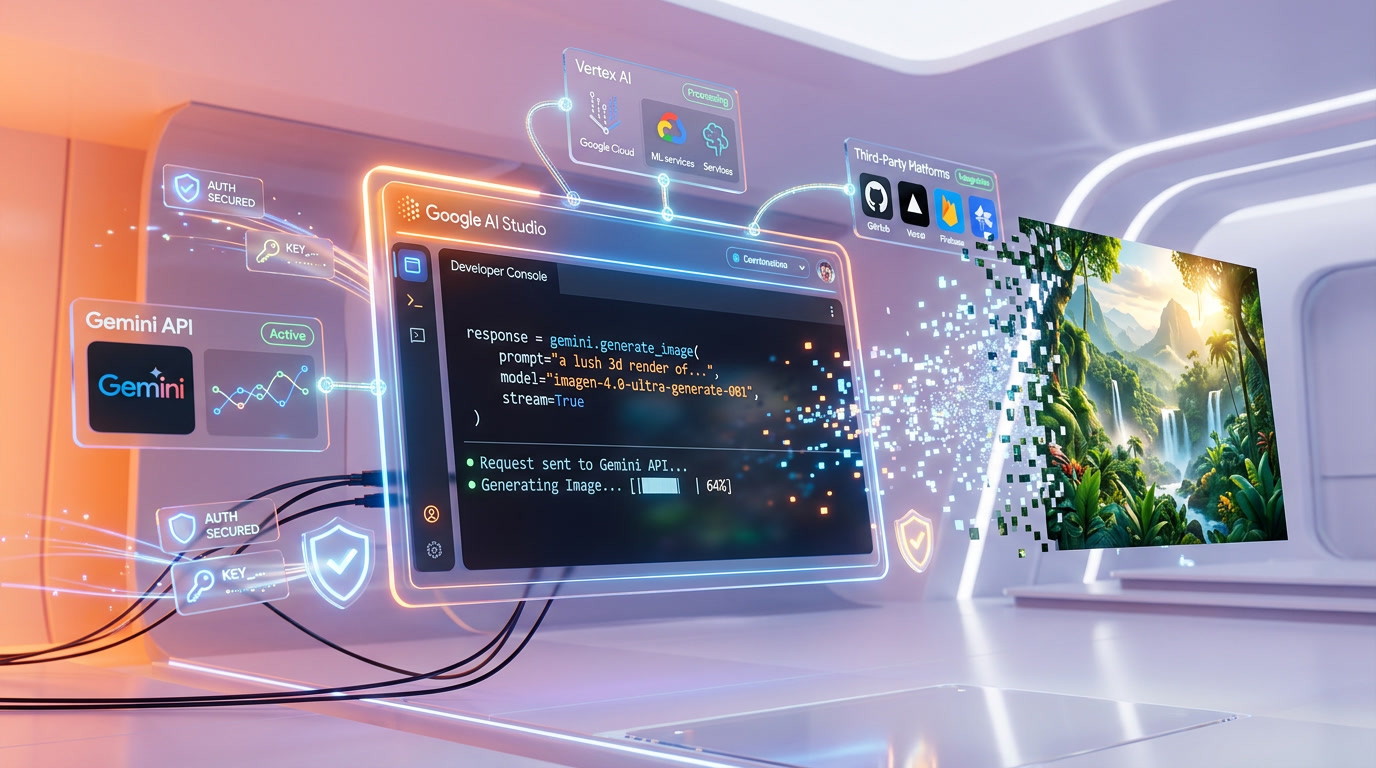
The simplest way to access all three Imagen 4 models is through the Gemini API. You need a Google AI Studio API key (free to create) and can start generating immediately:
- Go to Google AI Studio and create an API key
- Use the model ID for your chosen tier in your API call
- Specify aspect ratio (1:1, 3:4, 4:3, 9:16, or 16:9)
- Set the number of images (1-4 per request)
Via Vertex AI
For enterprise deployments with SLA requirements, data residency controls, and VPC integration, Imagen 4 is available through Google Cloud's Vertex AI platform. Pricing is identical, but you get additional governance and compliance features.
Via Third-Party Platforms
Several platforms have integrated Imagen 4 models, including fal.ai, WaveSpeed AI, and others. These platforms often add their own caching, queuing, and scaling layers on top of the base models. Leonardo.ai, which we use for our own image generation, integrates Google's image models alongside their own variants.
Cost Optimization — Choosing the Right Tier
The 80-10-10 Strategy
Based on our testing, here is the optimal cost strategy for teams using Imagen 4 at scale:
- 80% of images -> Fast ($0.02) — Drafts, concepts, internal use, social media fillers, A/B test variants
- 10% of images -> Standard ($0.04) — Blog illustrations, marketing emails, presentation assets
- 10% of images -> Ultra ($0.06) — Hero images, client deliverables, print materials, landing pages
With this strategy, generating 1,000 images per month costs approximately $24 (800 Fast + 100 Standard + 100 Ultra). Compare that to 1,000 Midjourney generations which would require at least a $30 per month Pro plan, or 1,000 DALL-E 3 Standard images at $40, or 1,000 Nano Banana Pro images at $134.
Monthly Cost Calculator
| Volume | 100% Fast | 100% Standard | 100% Ultra | 80-10-10 Mix |
|---|---|---|---|---|
| 100 images per month | $2 | $4 | $6 | $2.40 |
| 500 images per month | $10 | $20 | $30 | $12 |
| 1,000 images per month | $20 | $40 | $60 | $24 |
| 5,000 images per month | $100 | $200 | $300 | $120 |
| 10,000 images per month | $200 | $400 | $600 | $240 |
Who Should Use Imagen 4?
Ideal Users
- Developers building image generation features — Clean API, predictable pricing, no subscription overhead
- Marketing teams at scale — Generate hundreds of ad variants, social posts, and email visuals affordably
- E-commerce businesses — Product concept visualization, lifestyle imagery, seasonal campaign assets
- Content creators and publishers — Blog illustrations, newsletter headers, thumbnail generation at volume
- Agencies with variable demand — Pay-per-image means no wasted subscription fees during slow months
Who Should Look Elsewhere
- Artists seeking a specific aesthetic — Midjourney v7 still has the most distinctive artistic style
- Teams needing conversational image editing — Nano Banana models understand multi-turn context
- Open-source purists — Stable Diffusion 3.5 and Flux offer self-hosted options with no per-image fees
- Video generation needs — Look at Google Veo 3.1 or Runway Gen-4.5 instead
Imagen 4 in the Competitive Landscape (April 2026)
The AI image generation market in April 2026 looks very different from a year ago. Here is where each major player stands:
| Model | Best At | Worst At | Price Position |
|---|---|---|---|
| Imagen 4 Ultra | Text rendering, photorealism, API pricing | Artistic style variety | Budget-friendly premium |
| Midjourney v7 | Artistic style, compositional drama | Text in images, API access | Premium subscription |
| DALL-E 3 | Prompt adherence, ChatGPT integration | Resolution, artistic range | Mid-range API |
| Flux 1.1 Pro | Speed, open-source ecosystem | Photorealistic humans | Competitive API |
| Stable Diffusion 3.5 | Self-hosting, customization, LoRA support | Out-of-box quality vs top closed models | Free (self-hosted) / API |
| Adobe Firefly 3 | Commercial safety, Creative Cloud integration | Raw quality vs Imagen/Midjourney | Subscription-based |
| Nano Banana Pro | Photorealism, multimodal context | Price (2-6x more expensive) | Premium API |
Imagen 4's strategic position is clear: it is not trying to be the most artistic (Midjourney) or the most customizable (Stable Diffusion). It is positioning as the best value per pixel — production-quality images at the lowest API price with the best text rendering in the industry.
Common Issues and Troubleshooting
Prompt Fidelity on Fast Tier
If you are experiencing prompt deviations on Imagen 4 Fast (like our blazer-to-dress experience), try being more explicit and redundant in your prompts. Instead of "woman in a blazer," use "woman wearing a dark navy blazer suit jacket, NOT a dress." Negative prompting helps the Fast model stay on track.
Text Rendering Tips
- Keep text short — single words and short phrases work best
- Specify the text in quotation marks in your prompt
- Avoid placing text on complex curved surfaces
- Use Ultra tier for critical text-in-image work
- Always verify generated text — occasional character swaps still happen
Resolution and Aspect Ratio
Imagen 4 supports five aspect ratios: 1:1, 3:4, 4:3, 9:16, and 16:9. The maximum output size is capped at 10MB per image. If you need a specific pixel dimension that does not match these ratios exactly, generate at the closest ratio and resize in post-processing.
What Is Coming Next for Imagen?
Google's image generation roadmap suggests continued investment in the Imagen family. Based on public information and patterns from previous releases:
- Higher resolution tiers — 4K output is likely coming to Ultra or a future "Imagen 4 Max" tier
- Video integration — Tighter integration between Imagen and Veo 3.1 for image-to-video workflows
- Style transfer and consistency — Character and style consistency across multiple generations
- Improved editing — Inpainting and outpainting capabilities built into the Imagen API
FAQ
What is the difference between Imagen 4 Fast, Standard, and Ultra?
All three share the same Latent Diffusion Transformer architecture but differ in speed, resolution, and quality. Fast costs $0.02 per image and generates in ~2.7 seconds at up to 1408x768. Standard costs $0.04 per image with 2048x2048 resolution. Ultra costs $0.06 per image with native 2K output, the highest detail level, and the best prompt fidelity.
Is Imagen 4 cheaper than DALL-E 3 and Midjourney?
Yes. Imagen 4 Fast at $0.02 per image is 50% cheaper than DALL-E 3 Standard ($0.04) and 75% cheaper than DALL-E 3 HD ($0.08). Compared to Midjourney, which requires a $10-$60 per month subscription, Imagen 4 is significantly cheaper for teams generating fewer than ~1,500 images per month. Even Imagen 4 Ultra at $0.06 is cheaper than DALL-E 3 HD.
What is the difference between Imagen 4 and Nano Banana?
Imagen 4 is image-only output — you send a text prompt, you get an image back. Nano Banana models are multimodal — they understand text and image context together and can generate images as part of a conversation. Imagen 4 is cheaper ($0.02-$0.06 vs $0.039-$0.134) and has better text rendering. Nano Banana Pro has better photorealism and context understanding.
Can Imagen 4 render text inside images?
Yes, text rendering is one of Imagen 4's standout improvements. All three tiers can generate legible text on signs, posters, labels, and branded materials. Long sentences, very small fonts, and text wrapping around complex 3D objects are still weak spots, but short-to-medium text is production-ready across all tiers.
Does Imagen 4 have a free tier?
There is no permanent free tier for the Imagen 4 API. New Google AI Studio accounts receive trial credits that can be used for Imagen 4 generation. After credits are exhausted, all usage is billed at the standard per-image rates ($0.02/$0.04/$0.06).
Which Imagen 4 tier should I start with?
Start with Standard ($0.04 per image). It offers the best balance of quality, resolution, and price. Use Fast for high-volume prototyping and A/B testing. Reserve Ultra for final client deliverables and hero images. The 80-10-10 strategy (80% Fast, 10% Standard, 10% Ultra) optimizes cost for teams at scale.
Is Imagen 4 available through the Gemini API?
Yes. All three Imagen 4 models (Fast, Standard, Ultra) are generally available through the Gemini API. Access requires a Google AI Studio API key. Enterprise users can also access Imagen 4 through Google Cloud's Vertex AI platform with additional governance and compliance features.
Frequently Asked Questions
Is Google Imagen 4 cheaper than DALL-E 3 and Midjourney?
Yes. Imagen 4 Fast costs $0.02 per image, Standard $0.04, and Ultra $0.06. DALL-E 3 Standard costs $0.04 at only 1024x1024 resolution, DALL-E 3 HD costs $0.08, and Midjourney requires a $10+/month subscription. Imagen 4 Standard matches DALL-E 3's price while delivering 4x the pixel count (2048x2048 vs 1024x1024).
What is the difference between Imagen 4 Fast, Standard, and Ultra?
Imagen 4 Fast ($0.02, ~2.7s, max 1408x768) is built for volume and speed. Standard ($0.04, ~5-8s, 2048x2048) is the balanced workhorse with full 2K resolution. Ultra ($0.06, ~10-15s, 2048x2048 native 2K) delivers the highest detail, best prompt fidelity, photorealistic skin rendering, and zero artifacts — ideal for client deliverables.
Does Imagen 4 have better text rendering than Midjourney and Stable Diffusion?
Yes. Imagen 4 Ultra has excellent text rendering, Standard has very good text rendering, and even Fast has good text rendering. Midjourney v7 is rated poor for text rendering, and Stable Diffusion 3.5 is rated average. This makes Imagen 4 the strongest choice for text-heavy designs like posters and branded materials.
How do I access Imagen 4 via API?
All three Imagen 4 models are available through the Gemini API and Vertex AI via a simple REST endpoint. The model IDs are imagen-4.0-fast-generate-001 (Fast), imagen-4.0-generate-001 (Standard), and imagen-4.0-ultra-generate-001 (Ultra). All models support aspect ratios 1:1, 3:4, 4:3, 9:16, and 16:9.
Who should use Imagen 4 Fast vs Ultra?
Use Fast ($0.02) for A/B testing ad creatives, social media content factories, concept art exploration, and chatbot integrations where speed matters more than perfection. Use Ultra ($0.06) for client deliverables, print-ready assets, hero images, and landing pages where quality directly impacts conversions. Standard ($0.04) is the recommended default for most production workflows.
What are Imagen 4 Fast's limitations compared to Standard and Ultra?
Imagen 4 Fast has two main limitations: lower prompt fidelity (it may reinterpret specific clothing or scene details) and a resolution cap of 1408x768 instead of 2048x2048. In testing, Fast changed a requested blazer to a floral dress and produced slightly washed-out colors with less defined bokeh effects.
Is Imagen 4 Ultra worth 3x the price of Fast?
For client-facing work, absolutely. Ultra delivers photorealistic skin texture without the waxy AI look, precise bokeh with realistic light falloff, zero visible artifacts, perfect prompt adherence, and visible fabric weave textures. At $0.06 per image it is still cheaper than DALL-E 3 HD ($0.08) and dramatically cheaper than Nano Banana Pro ($0.134).
Does Imagen 4 integrate with Google Cloud and Vertex AI?
Yes. Google released the Imagen 4 family through both the Gemini API and Vertex AI. All three tiers are available to developers via standard REST endpoints. Every generated image includes SynthID invisible watermarking for AI content identification.